Last updated on 22 May 2026
The web speaks all languages. It also allows you to translate them. The web offers many online translation sites that make it possible to overcome the language barrier.
The language barrier has never been more permeable. In 2026, a teacher can in seconds translate a document in English for his students, communicate with an allophone family, or prepare a pedagogical resource in a foreign language. Without being a specialist. Translation has become accessible to everyone, free of charge, from a browser or smartphone.
But this abundance also creates a new difficulty: how to navigate it? What Online Translator choose according to the context, language level or format of the document? And beyond the choice of tool: what does it still mean to ‘know how to translate’ at the time of generative AI? It is no longer just a question of finding the right service online, but of reflecting on its impact on students’ learning, assessment and autonomy.
This article, originally published in 2021 and entirely revised for 2026, attempts to answer these questions by deliberately adopting a pedagogical point of view. Whether it is preparing courses, welcoming allophone students, enriching international exchanges or exploring translation as a full-fledged pedagogical activity, here you will find a selection as up-to-date as possible that I hope will be useful to you.
Table of Contents
How to choose your online translation tool in 2026
Before presenting the tools themselves, it is important to define some relevant selection criteria for teachers. Not all online translators are equal, and most importantly, they don't all meet the same needs.
The linguistic quality is, of course, the first criterion. It varies considerably from one tool to another depending on the language pairs considered. A high-performing translator for English-French can be disappointing for Korean-Spanish or dialectal Arabic. It is therefore useful to test several tools on your target language pair before adopting one.
The support for file formats is crucial for teachers who work with Word documents, PowerPoint presentations or PDFs on a daily basis. Some tools make it possible to upload these files directly and recover a translated version while keeping the original layout, which saves considerable time.
Themobile ergonomics has become an unavoidable criterion. In many situations: reception of an allophone student, exchange with a family at a parent-teacher meeting, or quick consultation during a course: it is the smartphone or tablet that will be at hand, not the computer.
The Confidentiality of data also deserves special attention in the school context. When dealing with documents containing information about underage students, the privacy policy of the tool used should be checked and locally hosted solutions such as LibreTranslate should be preferred for sensitive content.
Finally, the free or cost remains a real challenge for teachers who often finance their tools on their personal funds. Most of the services presented here are free in their basic version, with premium options for intensive or professional use.
The best specialized automatic translators
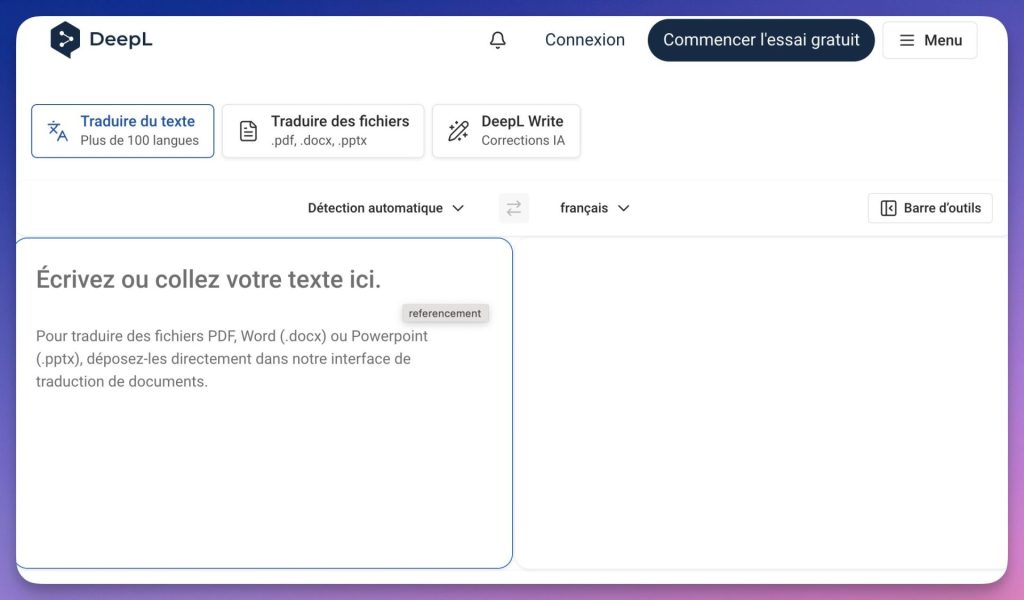
DeepL : The qualitative reference for demanding texts
DeepL is in 2026 one of the automatic translators the best performers for European languages. It is often considered a reference in terms of fluidity and stylistic precision, especially for English-French, German-French or Spanish-French translations.
Its neural model produces more fluid and accurate translations than its competitors, at least for language pairs which he takes care of.
For a teacher, the major advantage of DeepL is the ability to upload a Word, PowerPoint or PDF file directly and retrieve a translated version that retains the original layout. This is super convenient.
The option to suggest variants, which can be accessed by clicking on any word in the translated text, is also very useful for adapting the language register to the level of the pupils. DeepL supports more than 35 languages in its current version and continues to add more languages on a regular basis.
The free version is generous for individual use. The Pro version lifts volume limits and strengthens the Confidentiality of data. An asset for schools processing sensitive data.
Ideal for: translating comprehensive teaching materials, preparing foreign language resources, correcting and refining student translations.
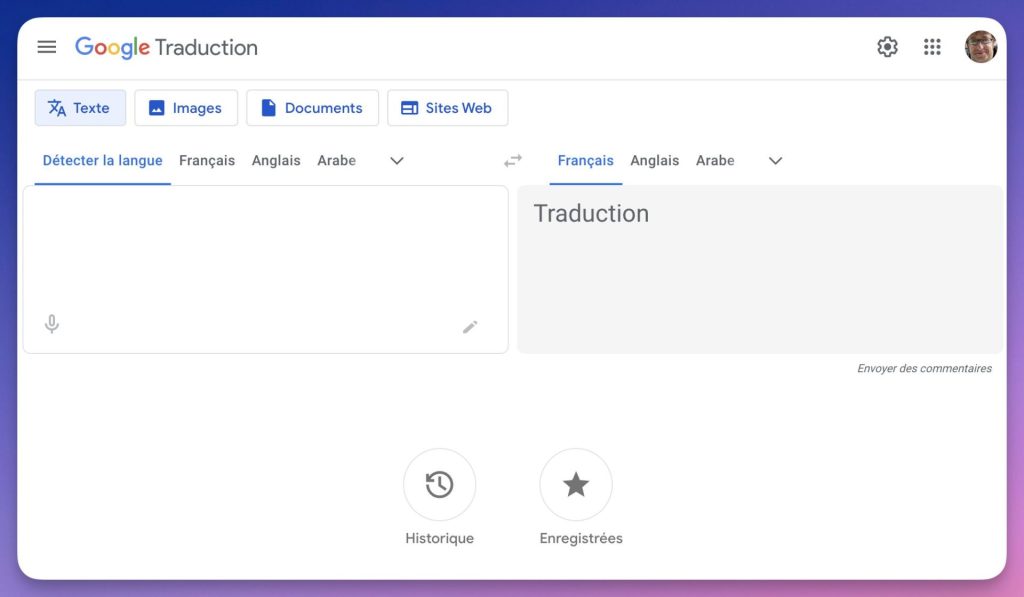
Google Translate : The most versatile and accessible tool
Google Translation remains the most widely used translation tool in the world, and this is not without reason. With more than 130 languages covered, including many African, Asian and regional languages with little representation elsewhere, it offers language coverage that no other tool has yet matched.
Its true strength lies in its Mobile Features. The speech recognition allows you to dictate a text. The camera translation gives instant translation by pointing his phone to a document. And the Conversation Mode enables real-time exchange in two languages. These three features are particularly valuable for hosting Newly arrived students (EANA) or to communicate with non-French speaking families at parent-teacher meetings.
It is also worth mentioning the translation integrated in the Google Chrome browser, which allows you to instantly translate a complete web page, as well as the automatic subtitles translated on YouTube. Ultra convenient to exploit foreign language resources without going through a copy and paste in a third-party tool.
The quality of Google Translate has improved considerably in recent years thanks to the switch to neural translation models, but it remains lower than that of DeepL for common European languages on long or stylistically complex texts. On simple sentences and widely used languages, however, the difference is minimal.
Ideal for: emergency oral communication, rapid translation of paper documents via the camera, reception of allophone students, coverage of rare languages.
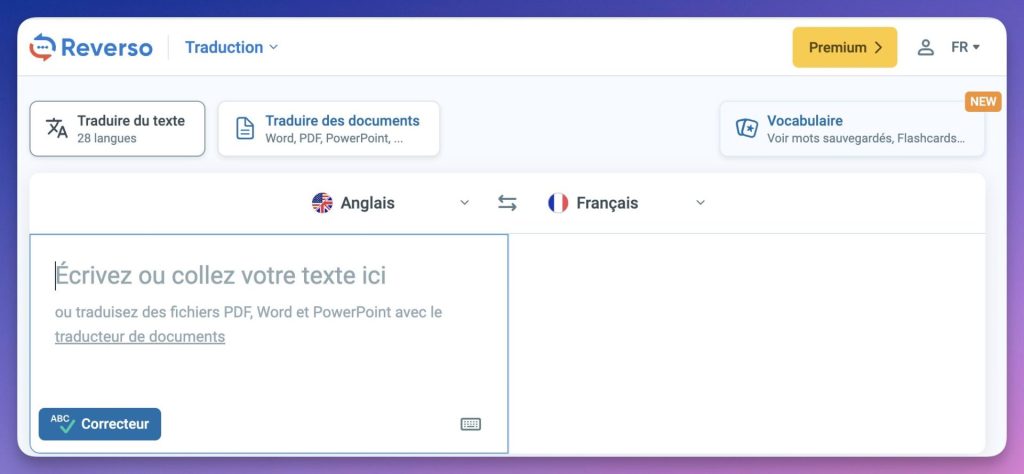
Reverso : The contextual translator par excellence
Reverso occupies a unique place in the landscape of online translation tools. Where DeepL and Google Translate focus on text translation, Reverso excels at contextualization. For each translated expression, it offers a series of examples of actual use, extracted from authentic sources (film subtitles, legal texts, literature), which makes it possible to understand how a word or expression is really used in the target language.
This contextual dimension makes it an interesting tool for language teaching. A teacher of English or Spanish can use it to show their students the diversity of contexts in which a term is used, to nuance an overly literal translation, or to enrich a vocabulary course. The web version is free, with a monthly premium option to lift usage limits.
It should be noted, however, that Reverso’s performance varies depending on the language: excellent for English, it can be disappointing for Italian or for some languages with fewer parallel resources.
Ideal for: teaching vocabulary in context, checking idiomatic expressions, preparing language courses.
Linguee : The Multilingual Reference Dictionary
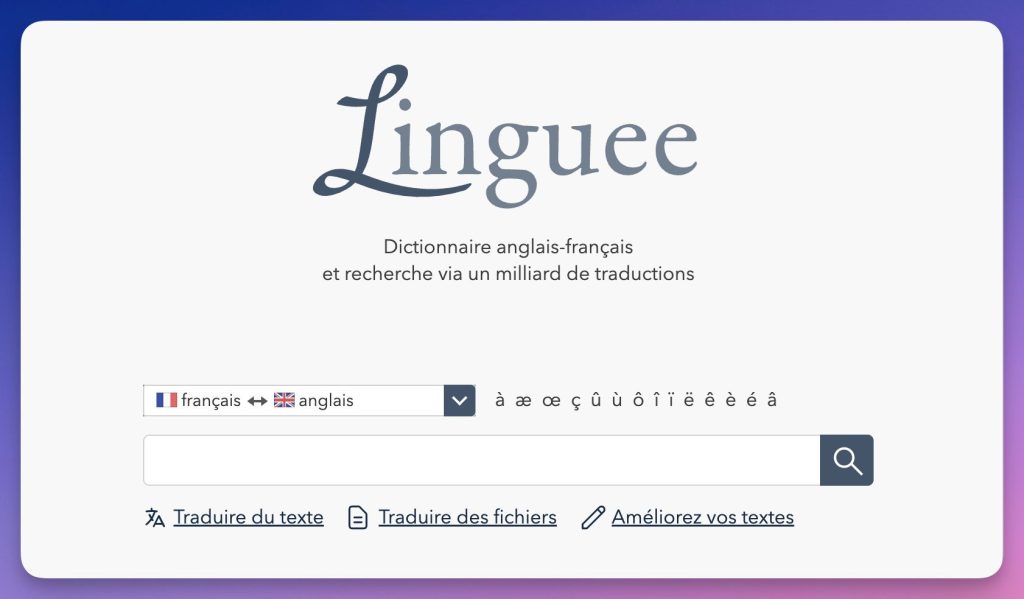
Linguee belongs to the DeepL group and is positioned not as a text translator but as a multilingual contextual dictionary. For each word searched, Linguee offers a translation and dozens of real examples. These examples are taken from reliable sources: official EU documents, institutional sites, legal texts.
For a language teacher, Linguee is an irreplaceable reference tool for checking the correct use of an expression in a specific context, or for preparing comparative translation exercises. It is available as a mobile application for iOS and Android, and can be used on both desktop and tablet.
Ideal for: check a precise translation, prepare vocabulary exercises, enrich language courses with authentic examples.
LibreTranslate : The data-friendly open source solution
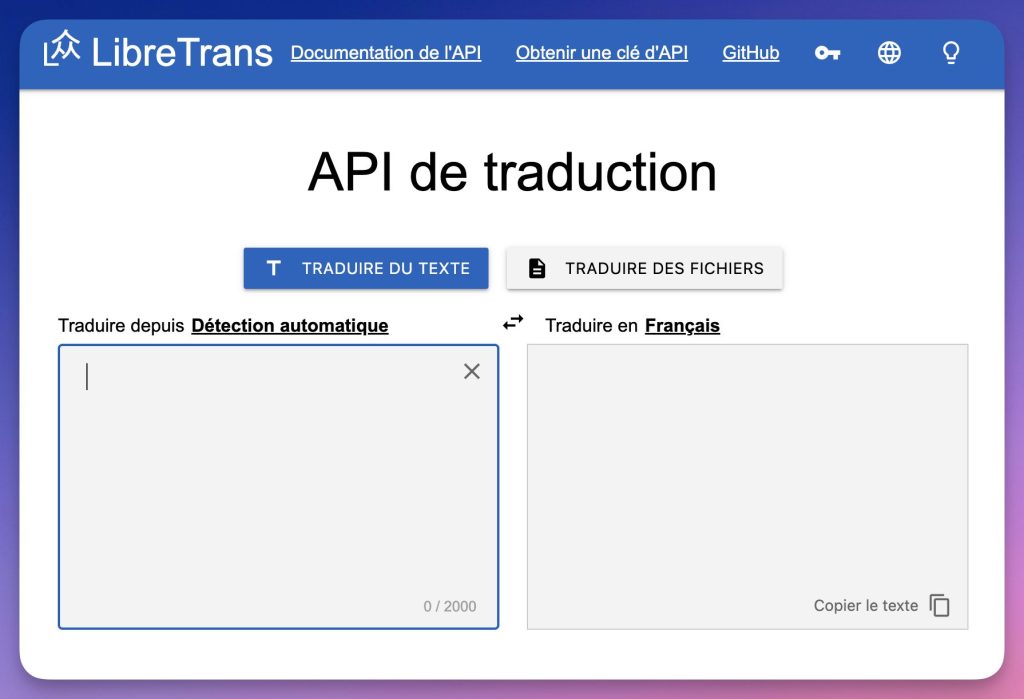
LibreTranslate is the only tool in this selection to be fully open source. This characteristic gives it a decisive advantage for schools and local authorities concerned with the Digital sovereignty and the protection of personal data. Its main interest lies in the possibility of self-hosting it on a local server, which makes it possible to keep control of the data. However, this implementation requires technical skills and institutional IT support. It is not a turnkey solution for a simple teacher.
In its online version, LibreTranslate supports around 20 languages including English, French, German, Spanish, Russian, Chinese and Arabic. The translation quality is lower than that of DeepL or Google Translate, but quite acceptable for common uses. A free API is available for developers who want to integrate translation into in-house educational tools.
Ideal for: institutions concerned about data privacy, digital projects requiring a translation API, digital sovereignty contexts.
Wordreference : The essential for English-French
Wordreference is more of a bilingual reference dictionary than an automatic translator in the strict sense. Its entries, written and verified by language experts, offer precision and reliability that automatic tools cannot match for the translation of single words or common expressions.
The Wordreference Community Forum is an exceptional resource: thousands of native speakers and specialists discuss the most subtle nuances of translation, and these discussions are often more enlightening than any dictionary. The mobile application is fluid and partly works offline.
Ideal for: English teachers, advanced students, checking the accuracy of a word-by-word translation, quality lexicographical reference.
Pons : Multilingual translator with integrated definitions
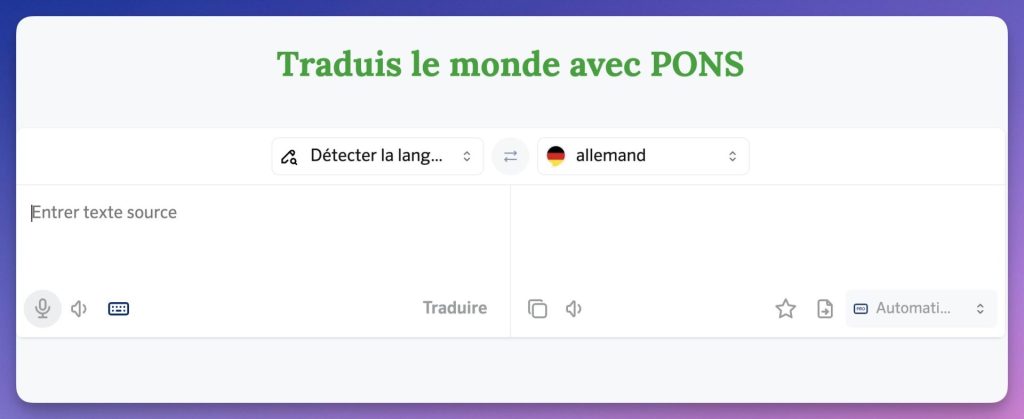
Pons is an online translator available in 38 languages, with a sleek interface and an interesting feature for teachers: clicking on any word in the translated text immediately gets its definition and synonyms in the target language. This built-in contextual dictionary feature is valuable for working directly on understanding vocabulary with students.
The platform also offers voice translation to dictate the sentences to be translated. The free version is fully functional, even if the advertising is quite present. Pons is particularly effective for common European languages such as German, Spanish or Italian.
Ideal for: European language teachers, work on vocabulary and definitions in context.
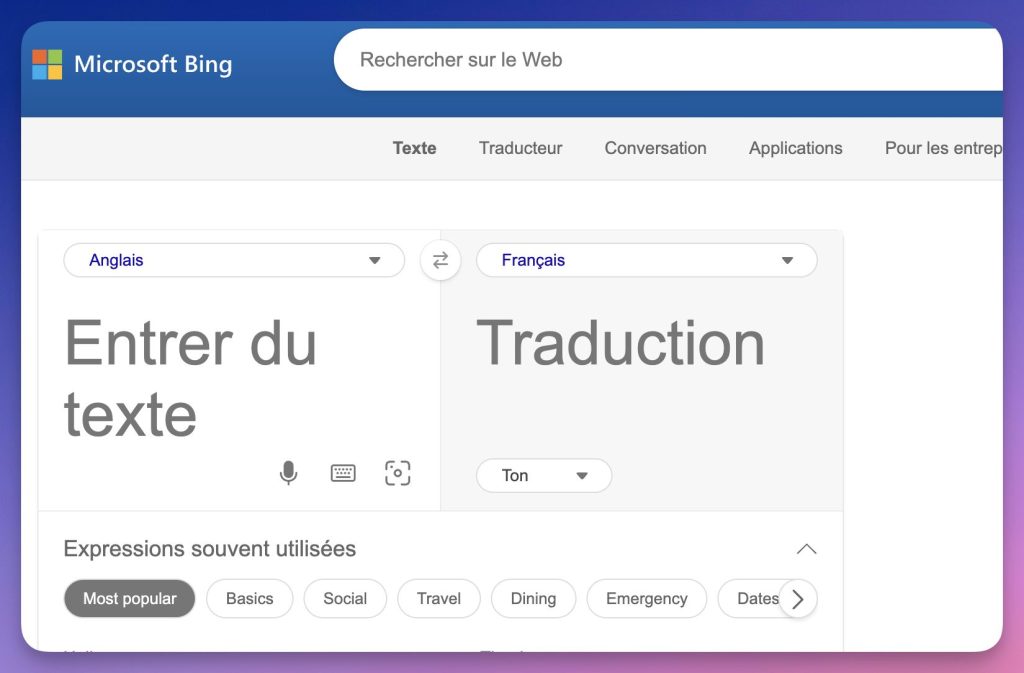
Microsoft Translator : The solution integrated with the Microsoft ecosystem
Microsoft Translator supports a large number of languages, comparable to Google Translate on major international languages and naturally integrates into the Microsoft 365 ecosystem. Its most notable feature for teachers is real-time conversational translation via the mobile app, which allows multiple participants to join a multilingual conversation from their own devices.
Its translation quality is comparable to Google Translate for most common languages, with automatic source language detection. Integration into Microsoft Teams, which has been widely used in education since the pandemic, allows for the translation of messages and subtitles from live meetings.
Ideal for: Microsoft 365-equipped facilities, multilingual videoconferencing meetings, real-time captioning.
Generative artificial intelligence tools and translation
A shift in translation practices
Since the emergence of major language models (LLMs) such as OpenAI’s GPT or Google’s Gemini, the landscape of machine translation was deeply upset. These tools don't just translate word for word. They include the overall meaning of a text, its register and its cultural references. On complex texts, their quality sometimes exceeds that of automatic translators specialised.
For teachers, this development opens up considerable opportunities, but also new pedagogical challenges that need to be tackled with clarity.
ChatGPT : Intelligent and nuanced translation
ChatGPT has quickly become one of the most used translation tools by teachers and students, and this is no coincidence. Its ability to adapt the language level, explain its translation choices, reformulate a difficult passage or translate into a specific register makes it a tool of remarkable versatility.
Where DeepL translates, ChatGPT can simultaneously translate, explain why an idiomatic expression does not translate literally, offer several variations depending on the desired language level, and adapt a text to a specific target audience. This dialogical dimension is unprecedented in the history of machine translation.
To make full use of ChatGPT as a translation tool, the drafting of the prompt is decisive. A well-formulated prompt produces a much better translation than a simple translation request. Here are some examples of prompts adapted to common pedagogical uses:
Translate this text into CECRL level B1 English, avoiding advanced vocabulary. The public is a 4th grade French college class.
Translate this document into French, keeping the formal register and legal vocabulary. Explain in square brackets the technical terms you have translated in a non-literal way.
‘Translate this instruction into Arabic and Tigrigna. Use simple vocabulary and short sentences adapted to a CP student newly arrived in France.
The main limitation of ChatGPT in school context is the question of Confidentiality of data. You should not submit documents containing personal information about underage students, except by using a locally deployed version or configuring the tool’s privacy options.
Ideal for: translation of complex texts with explanation of choices, adaptation of language level, generation of multilingual teaching resources, pedagogical exploitation of translation as a classroom activity.
Google Gemini : Translation AI embedded in the Google universe
Gemini, Google’s generative AI, offers translation capabilities comparable to those of ChatGPT, with the advantage of native integration into Google Workspace tools (Docs, Slides, Gmail) that are widespread in schools. It is possible to ask Gemini to translate a Google Docs document directly, to reformulate a passage in another language, or to create multilingual content directly in the usual working environment.
Gemini also benefits from the power of the Google search engine to access recent contextual information, which improves its ability to translate texts referring to contemporary cultural events or realities.
Ideal for: teachers working in the Google Workspace ecosystem, seamless integration into the course preparation workflow.
QuillBot : Translation coupled with intelligent reformulation
QuillBot is less well known than its competitors but deserves a special mention for language teachers. Beyond translation (available in more than 50 languages), QuillBot incorporates a high-performance paraphrasing tool that makes it possible to reformulate a translated text in a different style, simplify complex sentences, or enrich the vocabulary of a passage.
This combination of translation + reformulation is particularly useful for adapting authentic foreign language texts to the linguistic level of its students, or for creating simplified versions of complex documents. The free version is generous, with a limit of 5,000 characters per translation.
Ideal for: adaptation of authentic texts at student level, simplification of complex documents, work on language registers.
Benefits, limitations and pedagogical posture in the face of AI
The rise of generative AI tools in translation raises a fundamental question for language teachers: how to integrate these tools productively without destroying learning? This question deserves honest reflection, as the issue goes far beyond the mere choice of a digital tool.
The benefits are real. These tools allow teachers to prepare multilingual resources in a significantly reduced amount of time. Differentiate media by offering versions adapted to different levels, and to access authentic texts in languages that they do not have a perfect command of. For students, they open up the possibility of relying on contextualised help rather than mechanical translation.
The limits are just as real. Dependence on these tools can be detrimental to thelinguistic autonomy students. It all depends on how they are supervised pedagogically. Moreover, even the best AIs still produce errors: sometimes subtle, sometimes crude: which go unnoticed if the reader does not have a minimum proficiency in the target language.
Another idea is to make the tool itself a learning object. Comparing multiple translations of the same text produced by different tools, identifying errors, discussing stylistic choices, explaining why a literal translation does not work all these activities put machine translation at the service of language competence rather than as a substitute.
Impact on assessment and work at home
The use of generative AI also poses an evaluation challenge. A translation produced by an advanced model is now difficult to detect. This questions the relevance of some written assignments done outside the classroom, especially in modern languages. This clearly calls for rethinking certain assessment formats: prioritising classroom work, oral exercises, or translation commentary and comparison activities, rather than homework.
Mobile comparison: which translator on smartphone or tablet?
The mobile dimension of translation is often overlooked in general comparisons, but it is central to teachers. Welcoming an allophone student on the day of his or her return to school, communicating with a family at a meeting, or quickly consulting a translation during a course: in these situations, it is the phone or tablet that will be used, not the computer.
Here are the key criteria to be taken into account for mobile use, and the positioning of the main tools on each of them:
| Tool | iOS/Android App | Offline mode | Translation by photo | Conversation mode | Voice synthesis |
|---|---|---|---|---|---|
| Google Translate | ✅ Excellent | ✅ Yes | ✅ Yes | ✅ Yes | ✅ Yes |
| DeepL | ✅ Very good | ⚠ Partial | ❌ No | ❌ No | ✅ Yes |
| Microsoft Translator | ✅ Very good | ✅ Yes | ✅ Yes | ✅ Yes | ✅ Yes |
| Reverso | ✅ Bonne | ❌ No | ❌ No | ❌ No | ✅ Yes |
| Wordreference | ✅ Bonne | Partial ✅ | ❌ No | ❌ No | ❌ No |
| ChatGPT (app) | ✅ Excellent | ❌ No | ✅ Yes (image) | ✅ Yes | ✅ Yes |
| LibreTranslate | ⚠ Limited | ❌ No | ❌ No | ❌ No | ❌ No |
The Offline Mode is a particularly important criterion in the school context, where the internet connection may be unstable or absent. Google Translate and Microsoft Translator allow you to download language packs to work without a connection, which makes them indispensable in these situations.
The translation by photo is the most valuable mobile feature for teachers. It makes it possible to point your smartphone to a paper document, a foreign textbook, or a poster, and to obtain a translation of it superimposed on the image in real time. Google Translate excels in this function, with particularly powerful character recognition (OCR) and visual overlay.
The Conversation Mode : Available in Google Translate, Microsoft Translator and ChatGPT’s voice app: allows two interlocutors speaking in different languages to conduct a real-time exchange, each speech being automatically translated. It is the most suitable tool for emergency communication with an allophone student or family.
In addition to these mobile uses, translation integrated with browsers (Chrome, Edge), which allows you to instantly consult sites in foreign language on a tablet or computer. This function, which is often overlooked, is particularly useful.
Synthetic table: which tool for which pedagogical use?
| Pedagogical use | Recommended tool | Alternative |
|---|---|---|
| Translate a Word/PDF document keeping the layout | DeepL Pro / Systran Pro | Google Translate (files) |
| Welcoming an Allophone Student in Emergency | Google Translate (conversation mode) | Microsoft Translator |
| Communicating with a non-French-speaking family | Google Translate (vocal) | Microsoft Translator |
| Check the translation of an idiomatic expression | Reverso / Wordreference | Linguee |
| Prepare a pedagogical resource adapted to the level of students | ChatGPT (with targeted prompt) | DeepL + revision |
| Read a document in a rare language (tigrigna, dari, etc.) | Google Translate | None |
| Translate a specialized scientific or technical text | Systran (sectoral model) | DeepL |
| Using a translator without sending data to external servers | LibreTranslate (self-hosted) | DeepL Pro (confidentiality guaranteed) |
| Have students work on translation as a classroom activity | Reverso / Linguee / ChatGPT | DeepL (variant suggestions) |
| Subtitle a class video or videoconference | Microsoft Translator | Gemini (Google Meet) |
FAQ: Questions you may have as a teacher
What is the best online translator in 2026?
There is no one-size-fits-all answer to this question, as the best tool always depends on the context. For the raw linguistic quality on European languages, DeepL remains the reference. For versatility and coverage of rare languages, Google Translate is unbeatable. For complex texts requiring language level or registry adaptation, ChatGPT offers unparalleled possibilities. In practice, most experienced teachers combine two or three of these tools according to their needs.
Is DeepL really better than Google Translate?
For common European languages (English, Spanish, German, Italian, Portuguese) and long or stylistically complex texts, DeepL usually produces smoother and more accurate translations, which require less revision. On the other hand, Google Translate covers many more languages, works offline on mobile, and has features (photo, conversation) that DeepL doesn't offer. The two tools are complementary rather than competing.
How do you know if a student used an AI to translate their assignment?
It has become difficult to identify with certainty the use of generative AI. Some clues may alert: abnormally supported vocabulary, absence of typical errors of the expected level, very elaborate syntactic structures. However, no tool today allows reliable detection at 100 %. Prevention depends more on the evolution of evaluation methods than on technical surveillance.
How to use translation tools with students without impeding learning?
The key is to make the tool an object of study rather than a simple shortcut. For example, students may be asked to compare two machine translations of the same text and explain which one is better and why, identify errors in a translation produced by an AI, or use a tool like Reverso to understand the different contexts in which an expression is used. Machine translation then becomes a medium for developing language competence rather than a substitute for it.
Are there free translation tools that work offline on mobile?
Yes, yes. Both Google Translate and Microsoft Translator allow you to download language packs for offline use. The quality of the offline translation is slightly lower than the online version but remains quite satisfactory for the most common languages. This functionality is valuable in low-throughput schools or during school trips abroad.
Can ChatGPT replace DeepL for translation?
For simple and fast translations, DeepL remains more efficient: just paste the text and the translation is instantaneous. ChatGPT is superior when the translation requires an adaptation (language level, register, target audience), an explanation of choices or a cultural context. For a teacher, the two tools are complementary: DeepL for common translations, ChatGPT for more complex or pedagogical cases.
What tool should be recommended for the reception of a newly arrived pupil (EANA) who does not speak French?
Google Translate is the most suitable tool in this context, mainly thanks to its real-time conversation mode, its powerful voice recognition and its coverage of rare languages often spoken by newly arrived students (dari, tigrigna, Pashtun, etc.). The mobile application downloaded in advance with the necessary language packs is the most reliable solution, even in case of an unstable connection.
The tool does not replace the human gaze
In 2026, machine translation reached a level of maturity that makes some tasks once time-consuming almost instantaneous. A teacher can now, in just a few clicks, translate an authentic document, adapt his or her language level to the profile of his or her students, communicate with a family in a language he or she does not speak, or enrich a language course with examples from multilingual corpuses.
But this power must not make us forget two fundamental truths. The first is that all these tools, even the most sophisticated, still produce errors: sometimes invisible to those who do not know the target language. The human proofreading remains indispensable for any serious professional or pedagogical use. The second truth is that know how to translate : understand the cultural, stylistic and semantic issues of a passage: remains a valuable human competence. She continues to teach. These tools can even help, if used well.
If only one general tool were to be used, it would be DeepL for its unrivalled quality of translation into European languages. But the real recommendation for a teacher in 2026 is to take a pluralistic approach: Google Translate on mobile for emergencies and rare languages, DeepL for demanding educational materials, and ChatGPT or Gemini for uses requiring intelligent content adaptation.
What has changed is not just technology. This is the role of the teacher vis-à-vis her: no longer a simple user, but a critical smuggler, able to get the most out of it without suffering the limits.
Do you use a translation tool that deserves to be included in this list? Share it in comments, the selection is regularly updated.

 English
Deepl, on the other hand, does not translate Hebrew, but my correspondents in China are delighted with the two-way translation.
Thank you
Hello,
Thank you for this very useful article!
I would like to add a nuance that applies to Reverso, but seems to me likely to apply to other translation software: performance varies according to language. Thus, Reverso has a long and rich experience in English, and the quality of the translations is undeniable for this language. On the other hand, the results in Italian are poor to very bad.
Happy New Year to you.
It seems to me that ChatGPT surpasses all these automatic translators.
Hello, for years I have been using Glosbe, which is not a translator, but a multilingual line dictater.
Comparing with Google Translate, it is more interesting to learn a language: for example, it gives the genus of the name, the group of the verb etc.
Another asset: it offers examples of the use of the word in sentences with the parallel translation into the language of its choice. These translations are taken from the databases of human translators, which often helps to better understand the nuances and see how the word is used in context.
Link to the tool: http://www.glosbe.com
The tool is free of charge.
Hello,
I would also recommend using the European Commission’s free tool: https://translation.ec.europa.eu/tools-and-resources/ai-translation-and-language-tools_en
It can be accessed with a business address.