Last updated on February 24, 2025
How to write a text together while working on the same working document and avoid going back and forth by e-mail or juggling multiple versions?
Several online tools facilitate the collaborative writing of the same text and thus open up many uses, whether for editing or writing a text with students or colleagues.
There are several solutions. Here are the four most used. All four of them are reliable, online and completely free.
Table of Contents
Digidoc
Digidoc is a Document Collaboration Platform which draws its strength from its simplicity and flexibility. Developed on the basis of the free software Etherpad Lite, Digidoc facilitates multi-handed writing, taking notes and writing minutes of meetings, to name but a few.
A tool that is part of the great suite of digital tools , perfect for the world of education.
Digidoc is very simple to use. No account is required to create a document. The latter is made available by a simple click. The link to the document is saved simply by copying the URL from the browser address bar.
The platform also offers text formatting options, the ability to add links, and a function to comment on contributions, allowing peer review or teacher feedback.
With Digidoc, real-time collaboration on text is easy and intuitive. Participants' contributions are immediately visible, identified by a customizable color system for maximum clarity.
Link: Digidoc
Framapad
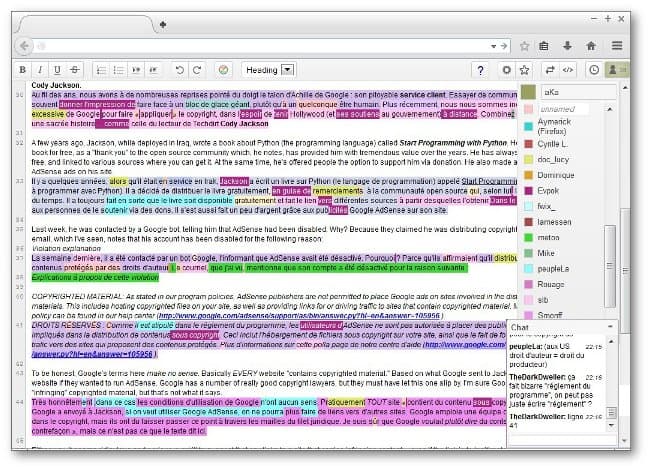
Free Collaborative Text Processing Solution by the People of Framasoft that we can never thank enough for offering free and free alternatives to the internet community.
Framapad is an online text editor for writing to multiple people. The use is ultra-simple. Just give your pad a name and share the link provided with the people you want to collaborate with.
Everyone's contributions appear in real time in the document shared by everyone. Each user has a different colour, making it easy to identify each user’s additions. The shared document is saved in real time. Once completed, it can be downloaded in Word or Pdf format.
Link: Framapad
Google Docs

The text editor offered in the Google Drive office suite is a must for collaborative work. Google Docs offers all the functions necessary for a collaborative writing exercise.
Real-time backup, unlimited number of co-authors, tracking changes, chat and even videoconferencing, working in mobility … Google Drive allows the passage to store all your documents and share them easily by email if you use Gmail.
However, the solution offered by Google remains less simple to implement with students if you are not used to working with the world of the internet search giant.
Link: Google Docs
Word Online
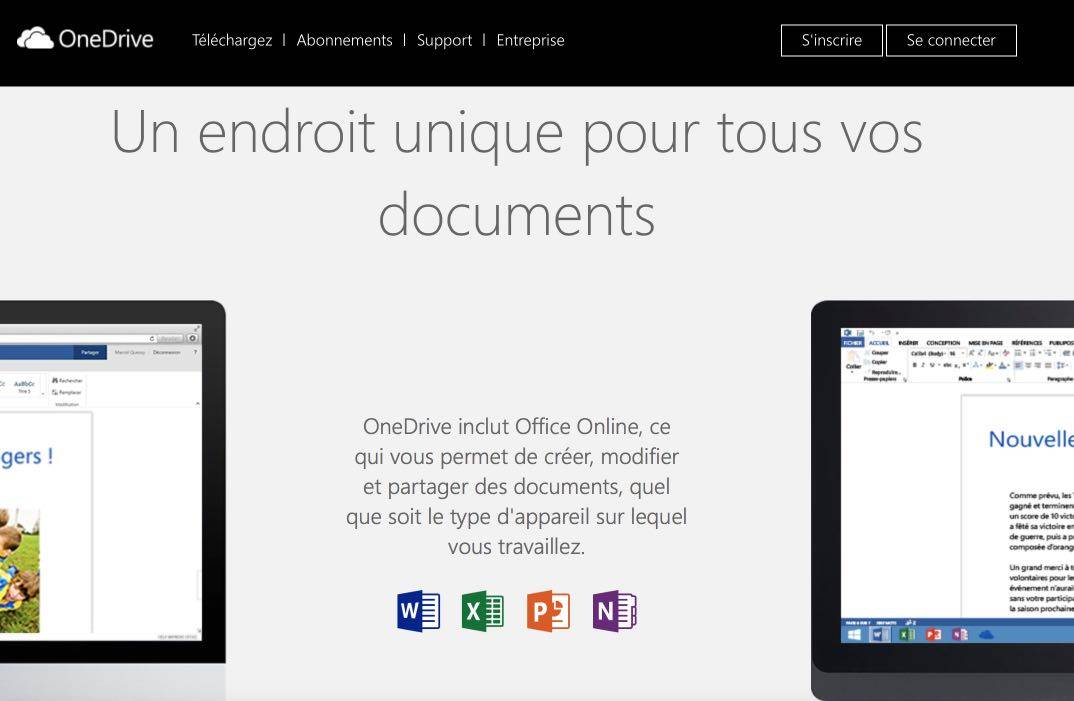
Following in Google's footsteps, Microsoft offers much the same features as its competitor with OneDrive. Microsoft has learned to put its leader morgue aside and offers an open and very comprehensive working environment.
Online tools are effective and without real flaws. This solution will interest all those who are used to working for many years with Word word processing since the online solution offers the same working environment and ergonomics.
Link: Word online
Practical tools to work together on important texts, such as writing a CV, for example.
 English
Framapad and Titanpad both use Etherpad which is a great open source tool that can be installed in your institution.
http://etherpad.org
It is also included in the OAE open academic environment project: http://www.oaeproject.org
Hello,
Thank you for all this advice, it’s great!
I also use WikiPen.
It is an online publishing platform to read, write and interact with articles you like.
You can also share articles from your blog.
It is free, accessible to all and without ads! ✅
Ideal to make yourself known …
You will find all the information here:
https://wikipen.fr/@contact/2-wikipen-quest-ce-que-cest-informations-pratiques
The Facebook page:
https://www.facebook.com/wikipen/
Digidoc de la suite de la Digitale is also based on etherpad, which is very easy to use without an account and free.