Last updated on 12 May 2026
How to simply share one or more digital files with students, students or colleagues?
Know how to share files via the web with one or more learners. This is not the most difficult. Many services exist. Here is a small selection. Free online tools for trouble-free file sharing.
Table of Contents
Google Drive.
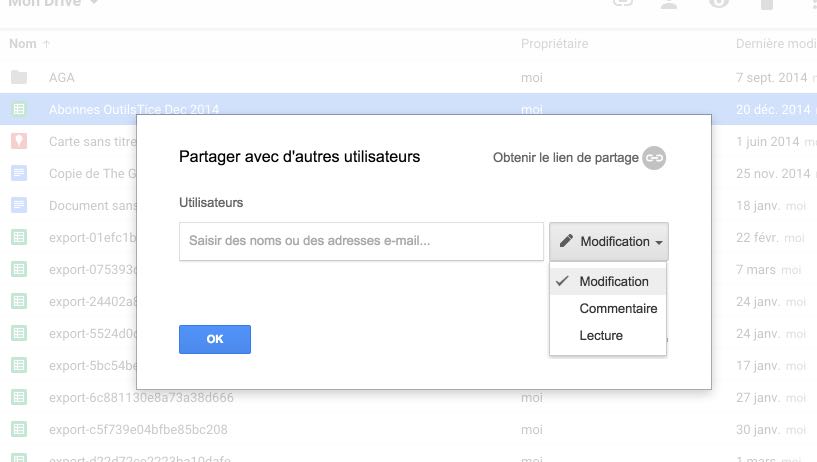
Google’s service is a must-have for storing and sharing your documents, whatever they may be, on the web. 15 GB free and even unlimited space if you have a Google Apps for Education account. Everything is done by dragging and dropping on the window of your browser. The sharing functions are very simple. With one click you get a link and even a QR code to send to the people you want to share the file with. Google Drive makes it easy to manage permissions. Recipients will be able if you only want to read the document or then modify or comment on it and of course download it.
Link: Google Drive
DropBox.
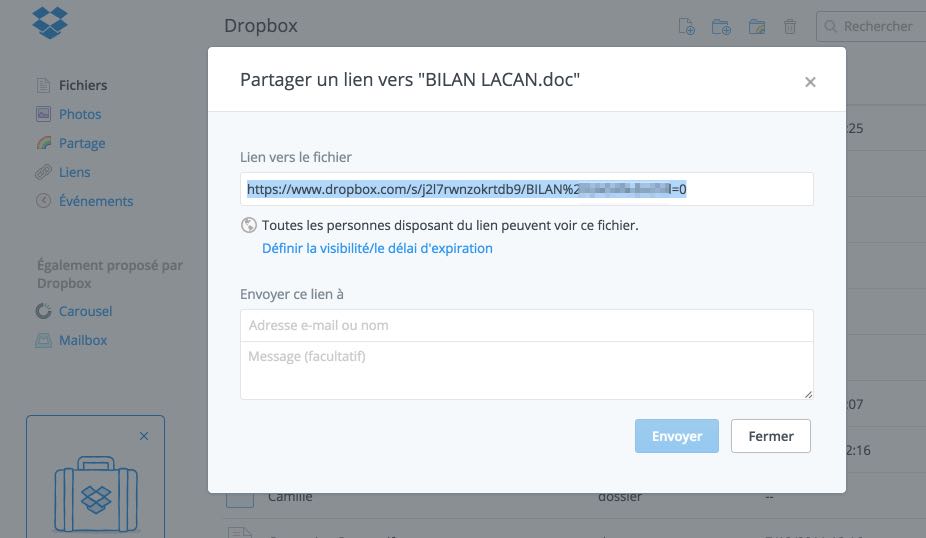
This is the other service that cannot be ignored in the area of online file storage and sharing. DropBox offers 2GB free to get started but you can very easily upgrade to 16GB free via a fairly simple bonus system. DropBox is quite simple to use and synchronizes all your files on all fixed or mobile devices. With one click you can share a complete file or folder via a single url. Dropbox allows you to easily manage sharing permissions. You can also protect a file with a password and set an expiration time.
Link: DropBox
WeTransfer
This is the third larron on the podium of the services most used to share files online. Its WeTransfer success is due to its ease of use and download speed. WeTransfer in its free version does not offer to store your documents. It simply allows uploading one or more files to share with one or more people. You can upload files up to 2 GB. WeTransfer will offer you either a link or the possibility to send an email directly via the platform to the recipients.
Link: WeTransfer

JustBeamIt
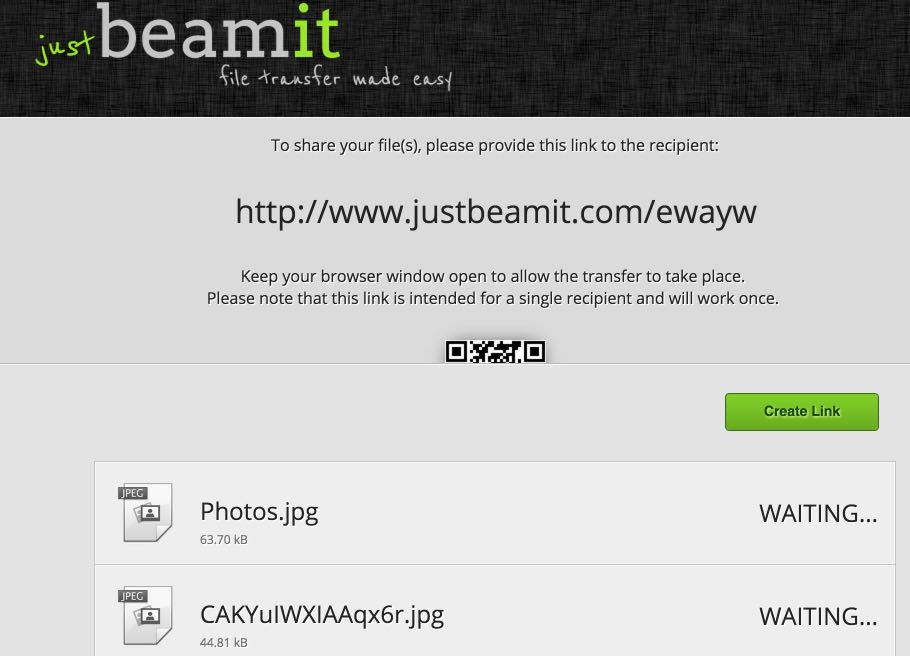
I like this last little service. JustBeamIt makes it as easy as possible to share a file. Just drag it to the service homepage. The site offers to secure your shipment. It provides you with a link but this link can be used only once with a single user. You must also keep your browser window open for the recipient to recover the file. If you want to share the same file with another recipient, you will need to request a new link to JustBeamit. once your browser is closed, the files are no longer available.
Link: JustBeamIt
And you what online services you use to share files with your students or your colleagues?

 English
Thank you for all these links.
For my class, we use GOOGLE DRIVE and DROPBOX, but it is mostly me who files documents and the students who consult them.
There are also https://infinit.io/
which is free and unlimited (as the name suggests!)
Thank you for all this fabulous watch!
And what online services do you use to share files with your students or colleagues?
I use http://www.pearltrees.com to share files with my students.
Super-practice!
Much more versatile (but less easy at first) than the Symbaloo I used before.
http://www.symbaloo.com/janmertenslafay
Here is my Pearltrees-collection: http://www.pearltrees.com/janmertenslafay
Good to you
Jan Mertens-Lafay
Well, this series of articles. I'll follow that.
For my part, in a context other than that of the classroom, but which could surely be done in this context, I use Mediafire. Registration is free and even if it is in English, it is easy to use. Finally, it is more to submit a document that students and other colleagues will be able to pick up and download.
Hello, There are a lot of teachers who know how to install a small website in an OVH style hosting. The J-Doc solution, a free open source solution that can be installed on its own, should be added to the list. It is already used for high school classes but also officially by universities such as Dijon.
The free downloadable version is 3.2.8 go on http://www.j-doc.com
To upload a file to Google Drive, Dropbox, OneDrive, Box (I have not tested the others), you must have a … account I am looking for an online space where it would be enough to have a link given by the owner to be able to upload files, without registration.
Does it exist?