Last updated on 12 May 2026
How to create an online bulletin board to paste or pin virtual repositionable notes?
Simple to use, collaborative, online services that allow you to share small notes in the form of repositionable notes are numerous. Whether for brainstorming or to share information simply between colleagues or with students, they are part of the teacher’s basic digital toolkit.
I am continuing the series of articles on the skills needed by the connected teacher. After the tools to share files, Here are 5 online tools to create and share virtual repositionable notes.
Table of Contents
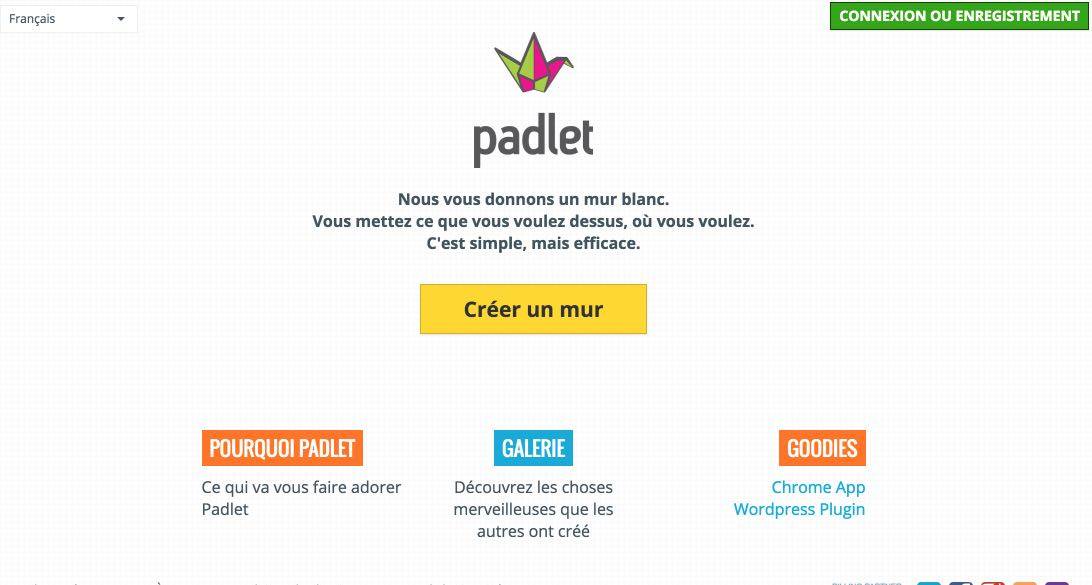
Padlet
It is one of my favourites. I dedicated to him a full article right here some time ago. Padlet provides you with a white wall. It’s up to you to stick what you want on it and where you want it. Text, images, video … Your wall will be private or public, you may or may not allow readers to edit or complete your display wall. Padlet works on your computer or tablet. A must.
Link: Padlet
Lino
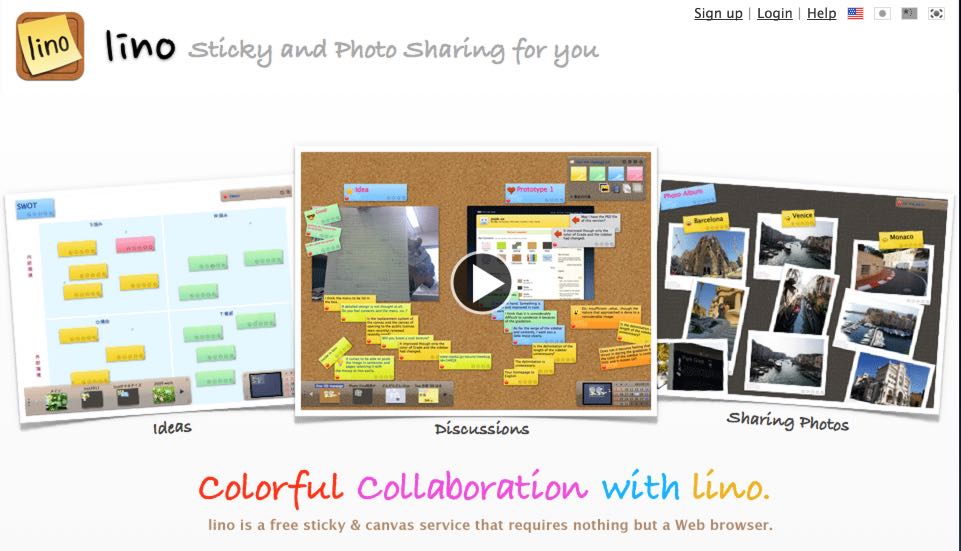
Lino will show you all the colors. The colors of the repositionable notes that you will be able to stick to them. We are very close here to the use of small sticky self-adhesive papers that we stick here and there to take a note or not forget something. Lino faithfully reproduces its use but online. You can even add alarms so that Lino reminds you of something on time. Another good online rating service that also offers versions adapted for your smartphones or tablets, whether they are on iOs or Android.
Link: Lino
PrimaryWall
Here is an online grades service on a virtual cork board suitable for young students. Even if the interface is in English, the use is simple and intuitive. Playful also with colourful wallpapers that can be personalised. You can also play with fonts. Kids should love it. This service is paid for but you can use it free of charge for six months. Largely sufficient for use on a class project.
Link: PrimaryWall

LisThings
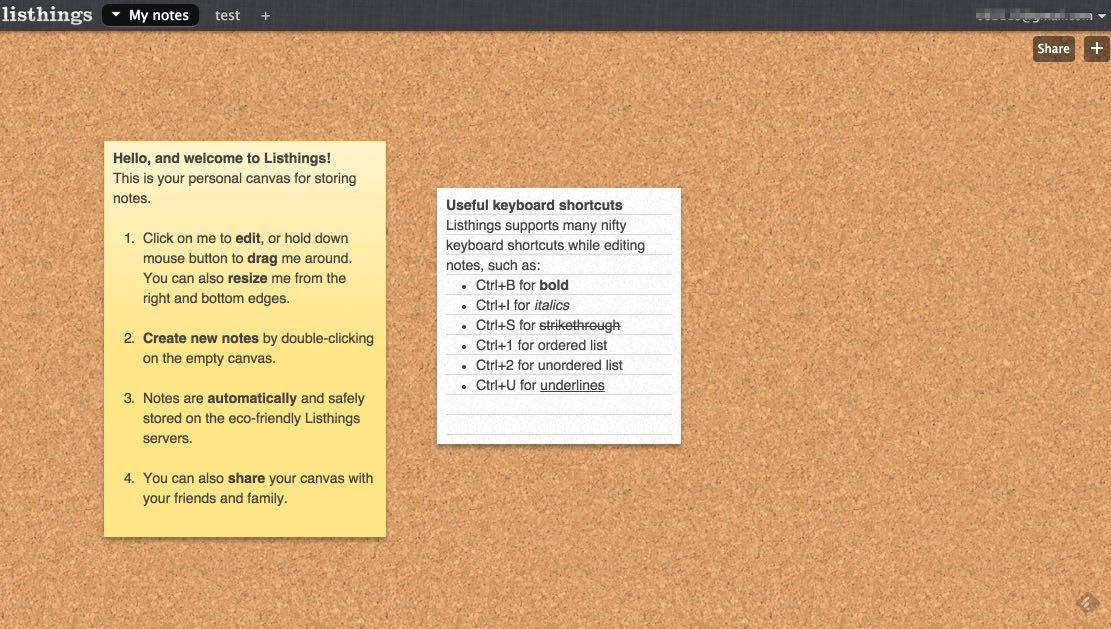
This service provides you with a real cork board for your computer. You will be able to display as many notes as you want. You can also create several tables and switch between them via a classic but convenient system of tabs. If you wish, you can share one of them with one or more people. Simple and efficient service. LisThings offers a series of easy-to-remember keyboard shortcuts that will allow you to use it even more efficiently.
Link: LisThings
Scrumblr
I had a little crush on this last little online service. Scrumblr reproduces on the screen a whiteboard of class. You know these paintings on which you write with a veleda felt and you never manage to erase them well. Scrumblr has fun with a wallpaper or there are traces of notes. For the rest the service plays simplicity. You will be able to paste on this whiteboard small notes repositionable in color and position them where you want with the end of the mouse. Scrumblr provides a unique url to share your board.
Link: Scrumblr

What about you? Do you use such services? Do you know any others? In what context and pure what kind of uses? Looking forward to reading you in the comments.
If you are interested in this article, please share it.

 English
I use two tools in French in high school:
Groupzap to take reading notes and classify them
Realtimeboard which is also a presentation tool and constitutes a much more advanced collaborative space
Hello,
Thank you for the discovery of Lino that I will try directly.
But with Padlet, whom I like, I have a big problem when my students work from a tablet rather than a computer. This is because it is almost impossible to edit correctly as soon as more than three people are connected at the same time.
Thank you for these resources! We are talking about this article and your site in Agitox, the zapping of FLE teachers and the world of education: http://agi.to/agitox-actualite-fle-edu-30/
Thank you for discovering Scrumblr. Great work
For my students I prefer Padlet (to Lino), as it offers the possibility to moderate publications.
Publications must be approved by the owner before they appear publicly on the wall if this option is checked in the settings. This avoids a lot of classroom management for testing it with 14-year-olds.
Thank you for these good addresses. This site is a wealth of valuable information for collaborative work.
I used Scrumblr which was perfectly suited to a specific need. On the other hand, I have the impression that you cannot delete the table once you have used it (the address is still active even if you have emptied the table).
Would anyone know how to do it or is each table deleted after a defined lifetime?
Hello
Thank you for your very interesting article on interactive writing.
I am looking for a tool to interact with an assembly as part of a conference and connect via PIN code? a bit like Kahoot.it
Thank you for your reply
Séverine CHARLON
for the last Scrumblr, the link has changed: Framemo: https://framemo.org/
Hello,
Stormz is ideal for interacting an assembly. From simple Q&A to brainstorming and other more complex creativity processes.
Participants join the discussion with a 9-digit code or we can provide a wifi box that will automatically group all participants.
-> stormz.me