Last updated on 12 May 2026
A drawing is better than long speeches. The chorus is known. The development of the use of infographics in the , press in the media, in publishing in recent years, is a major trend in new ways of informing.
We are fed with information every day. A chronic ‘infobesity’ that is difficult to escape. To better memorize, better understand information, in particular statistical or geographical information, there is nothing better than a diagram, a cartography or an explanatory diagram. Nothing better than a good infographic.
To create a beautiful infographic nowadays no need to dive into Photoshop or be an Illustrator virtuoso. The net offers many online tools that make it possible to create beautiful infographics in a few minutes. Here is a list of 10 of them. 10 online tools to create infographics.
Table of Contents
Venngage
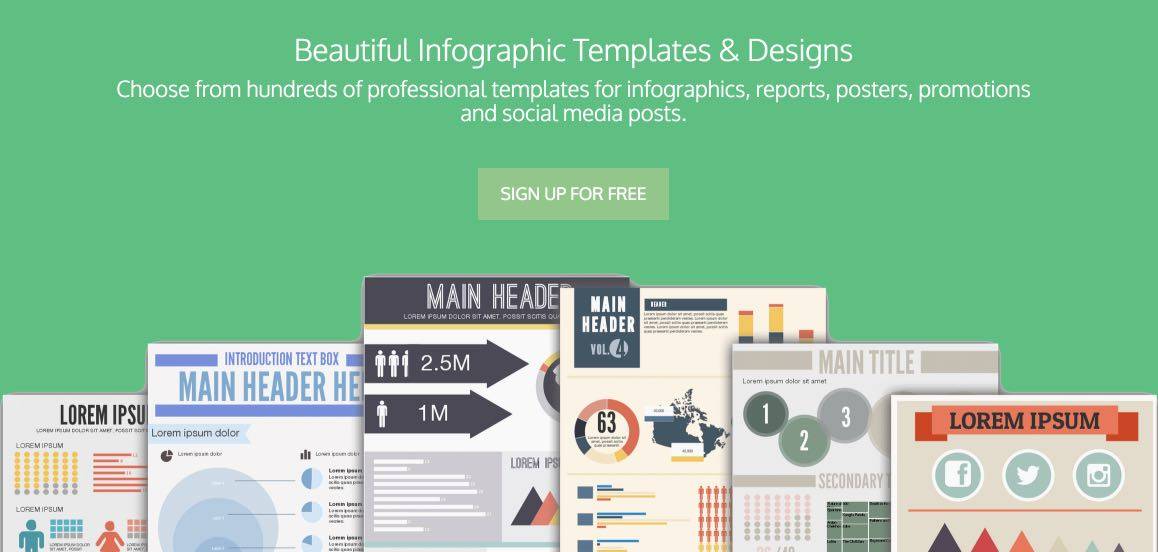
Venngage is a great tool to get you started creating your first infographic. It offers hundreds of templates ready to be used to insert your data. You will get quality visuals to download in different formats or share on a site or on social networks.
Link: Venngage
Infogr.am
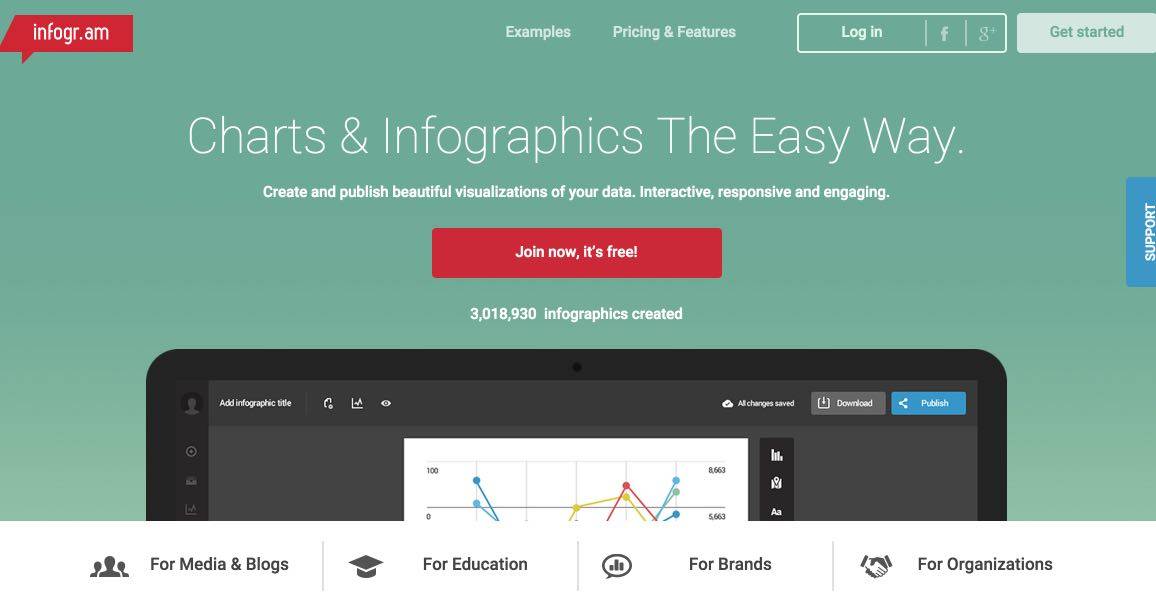
Infogram has been able to take care of one of the first places in this very crowded market of tools to create infographics. It is no coincidence. The tool offers quality models and immediate handling. More than 2 million infographics created with Infogram and prestigious users such as EuroNews or the Huffington Post.
Link: Infogram
Visme.co
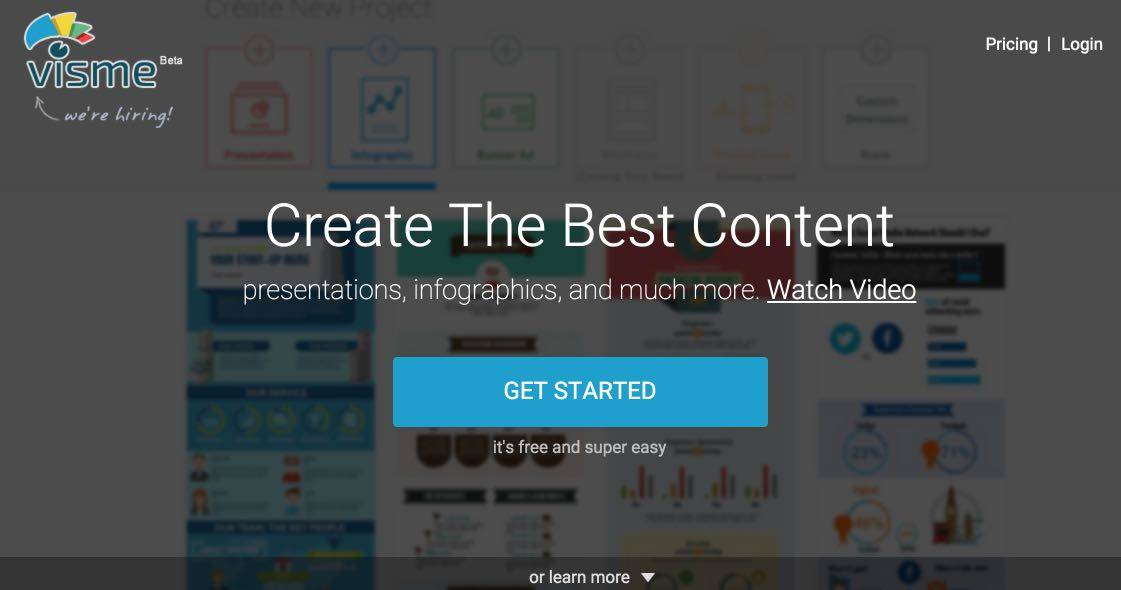
Another well-thought-out tool that will allow you to make brilliant graphic creations without the need to be a virtuoso of graphic tools. Visme allows you to create infographics, but also animations, interactive presentations, a CV or banners.
Link: Visme
Canva
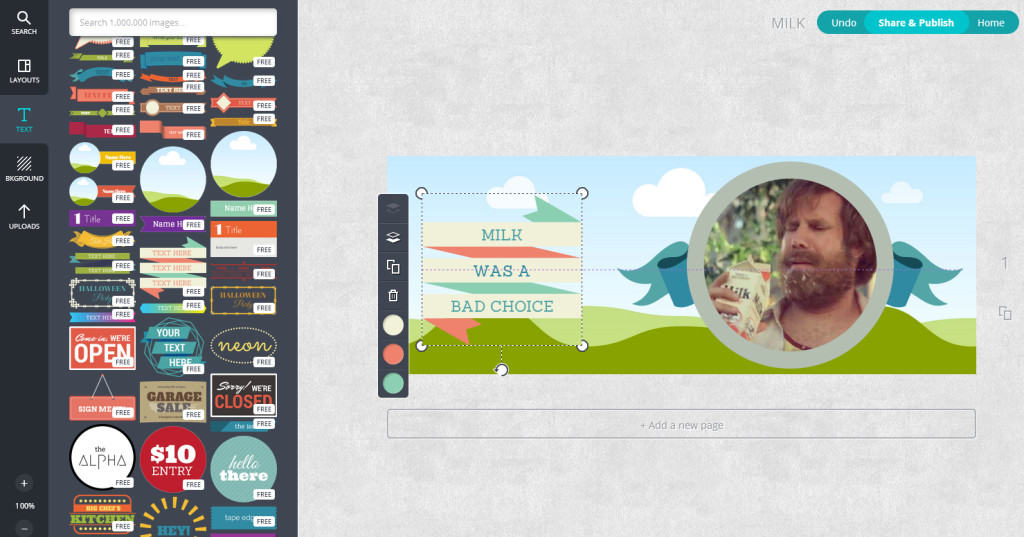
Canva is one of the must-sees on this list. I also wrote a full article on ToolsTice some time ago. Canva is a graphic studio accessible to all. Canva can be used in many situations, for Create a CV with Canva or a class poster. It can and is important to put in the hands of your students. Useful and playful.
Link: Canva
Easelly
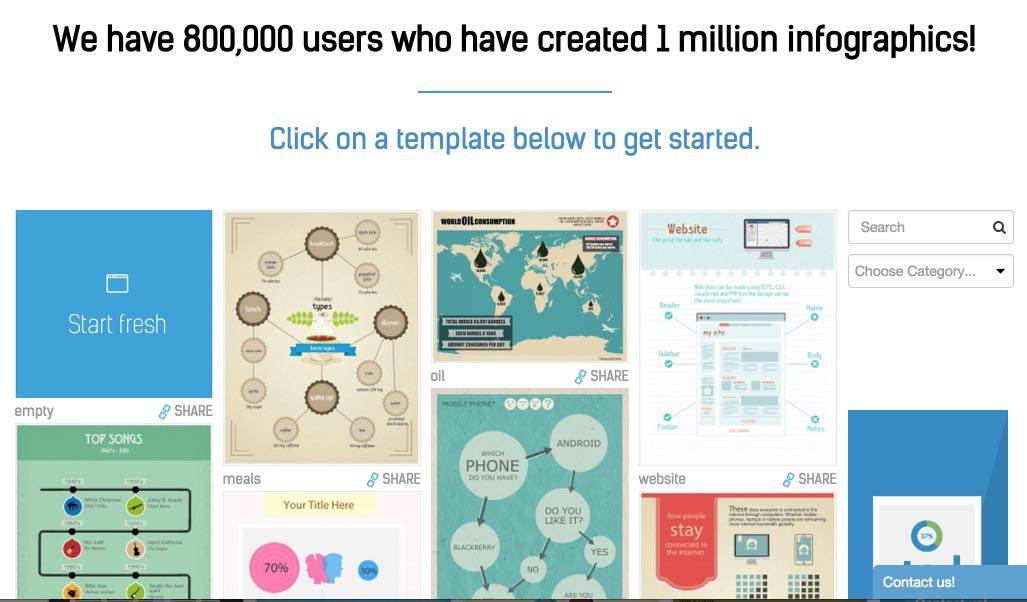
I really like Easelly. Like most other tools, it offers ready-to-use templates. They are here of quality and a particularly useful search engine will allow you to choose the best suited to your project. Each template is then customizable at will and you can add backgrounds, pictos, text, diagrams etc.
Link: Easelly
Table
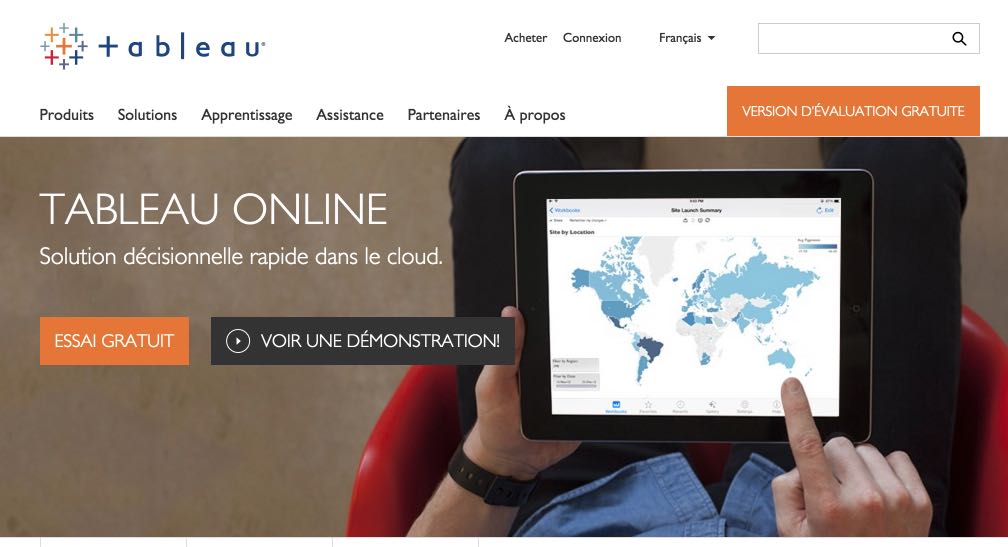
Formerly InfoActive, Tableau is more delicate to handle. It is interesting, however, that it offers the possibility to dynamically connect your infographic to the data source. As data evolves, so does online infographics in real time.
Link: Table
PikToChart
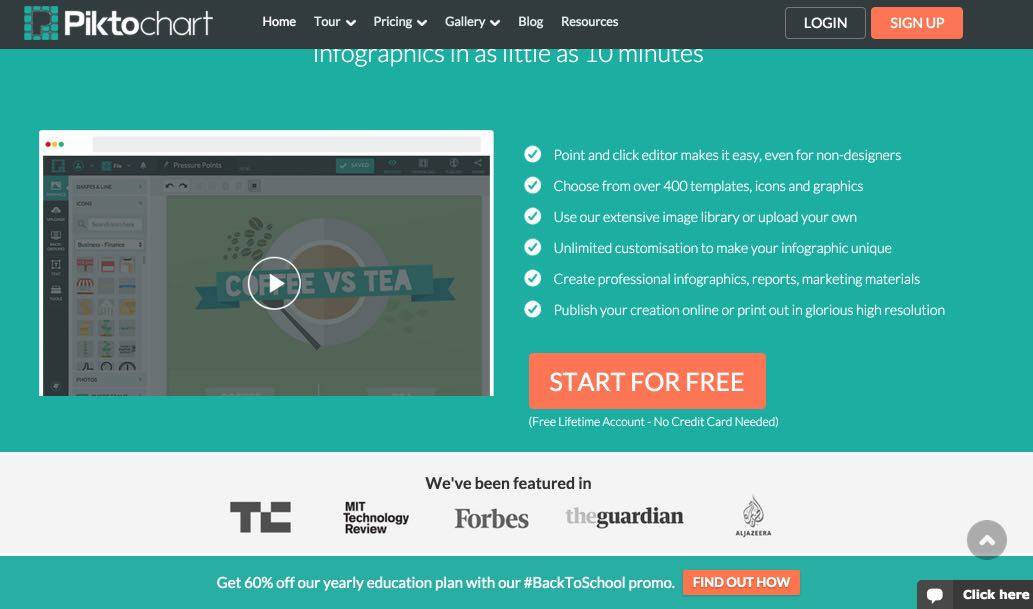
PikToChart had also been entitled in the past to a full article on Tice Tools. The tool had won me over by its ease of use and the very pro rendering of the infographics generated. I re-visited it on the occasion of this new article and I did not change my mind. It is an excellent tool that will free the publisher from the technical constraints and allow him to focus on the essentials: the collection and the meaning to be given to the information.
Link: PikToChart
Creately
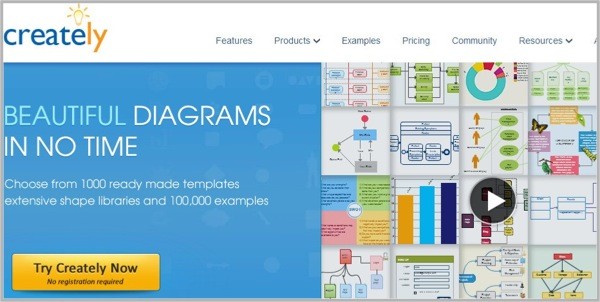
Creately is an online tool that makes it very easy to create charts and diagrams. It is unbeatable for the realization of mental maps and has a great asset: it allows to work in collaborative mode. Creately offers more than 10,000 templates or templates that you can rely on for your own creations.
Link: Creately
Google Charts

You can also turn to the must-see Google. If you need to create a data visualization for your site or blog, Google Charts is a simple solution to create a dynamic infographic. Many models are presented and reusable easily.
Link: Google Charts
Knoema
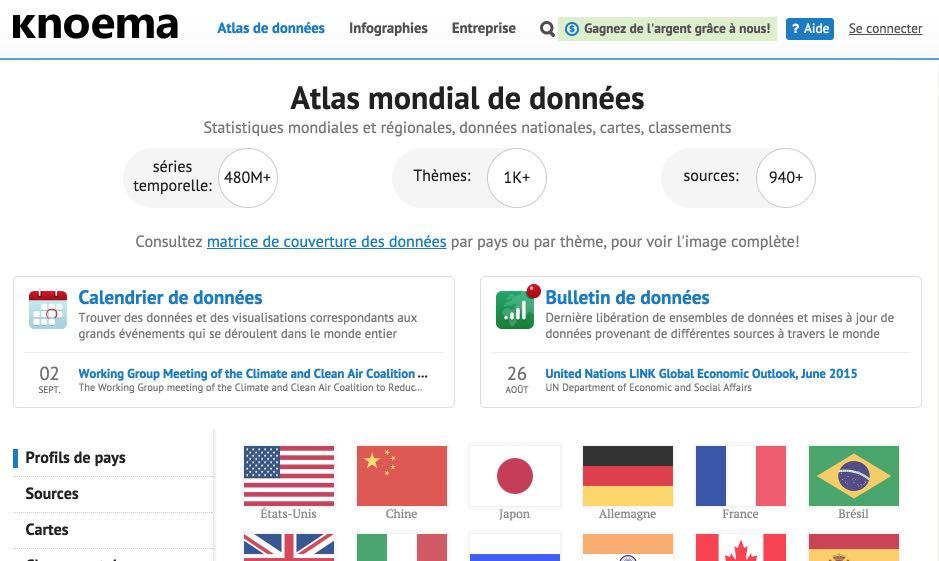
Knoema is not strictly speaking a tool for creating infographics. However, this site is a good starting point for anyone who wants to explore the world of data visualisation. Knoema, which I have presented here, compiles thousands of public data from hundreds of sources in most countries of the world to provide interactive graphical representations.
Link: Knoema
 English
You can also add spritesapp.com. Simple and visually interesting.
On the other hand , it seems that we remain captive of the application for the distribution in the free version.
I tested Canva and slide, because I find that the templates and the way to build it is quick and simple as much for the details of text layout and photo the choice of changes is less easy to access. e.g. hijacking a photo in order to put it on a background without the white edge.
really this tools helps a lot to do fantastic things, CV business cards, etc …..