Last updated on 16 February 2025
InkleWriter is an online tool forwrite interactive stories where the reader regularly chooses the continuation of the plot between several options.
A very simple tool to use alone or with your students to create for example books where the reader is the hero. Nostalgia.
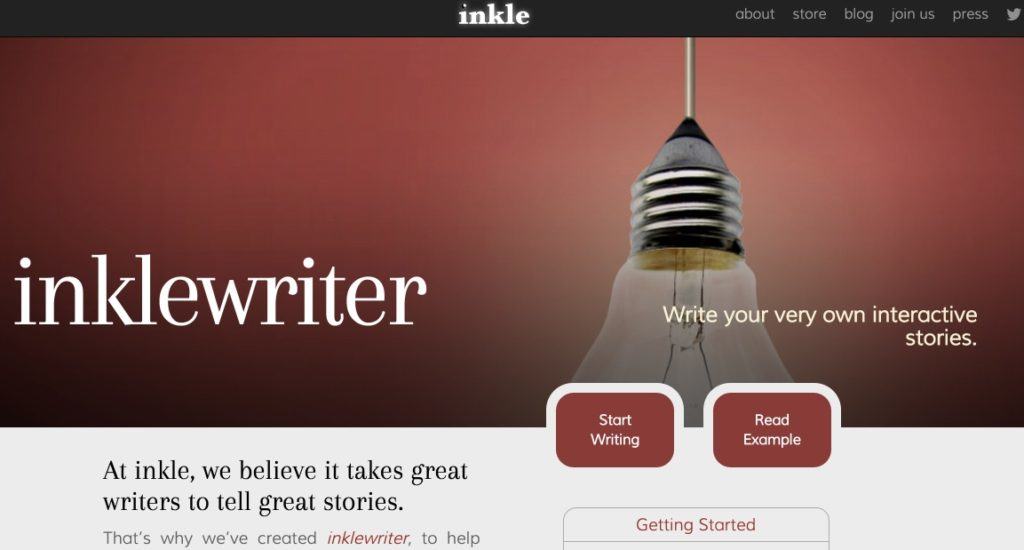
InkleWriter allows you to work on creative writing, French, reading, of course, logic. To create a story, simply give it a title and indicate the name of the author. Then there is the imagination. You have at your disposal a simple but complete word processor with the possibility to add images (however they need to be online on a site somewhere). At any time you can interrupt your story and offer your readers two options to continue the story.
The rest will therefore depend on the choice of the reader, it’s up to you to imagine and write different sequels. You will thus realize a story cut out of kinds of cartridges that you can then and at any time link between them to create different narrative paths. Malin.
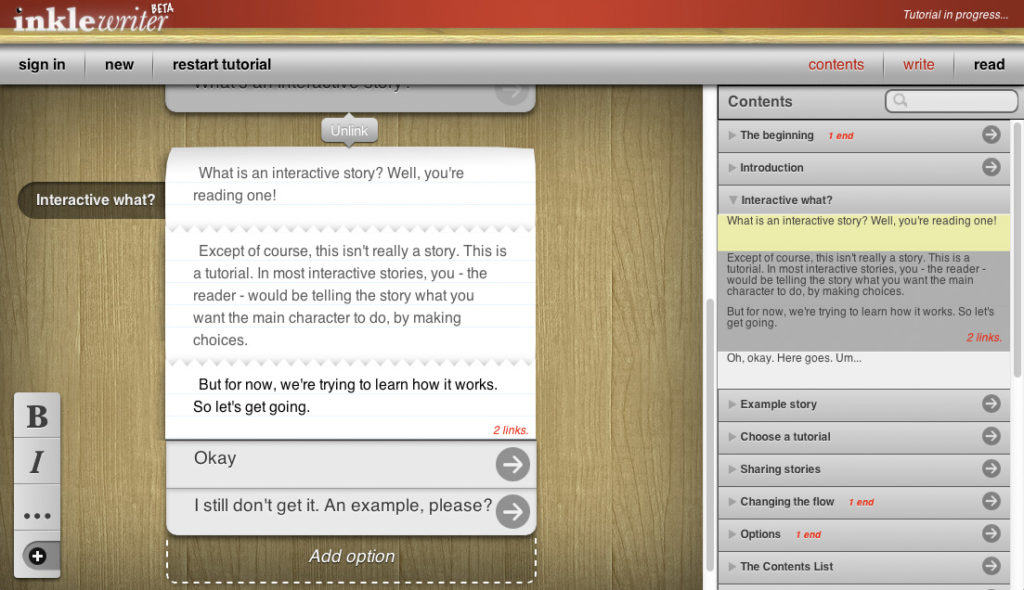
InkleWriter surprises with its ease of use. You can switch at any time from editing mode, which allows you to write the story, to reading mode, where you will become a simple reader. Once your story is finished, you will of course be able to share it by email and on social networks. For the most beautiful creations, you can even publish your book in electronic format.
You can use InkleWriter without registration, but your book will not be saved. By registering via an email, you will be able to return at any time to the stories created via the platform. For students it is possible to register them without the need to provide an email. Good look.
You will be able to offer them a multiple-choice story or better yet ask them to participate in the writing of a collaborative story or in small groups they can deal with a possible scenario.
To be tested. InkleWriter offers an interface in English, but the tool is completely free. A beautiful discovery.
Link: InkleWriter
 English
You're awesome! Thank you!!! Since I discovered it, I love your page, I discover it and learn a lot, it is a cave of Ali Baba for a curious person like me! Thank you for your work!