Last updated on 12 May 2026
PDF Viewer is a free application that allows to manipulate your PDF on a tablet or smartphone. It is arguably one of the best utilities in its class. In order not to be jealous, the authors had the good idea to propose one version for iOS and another for Android with almost identical functions.
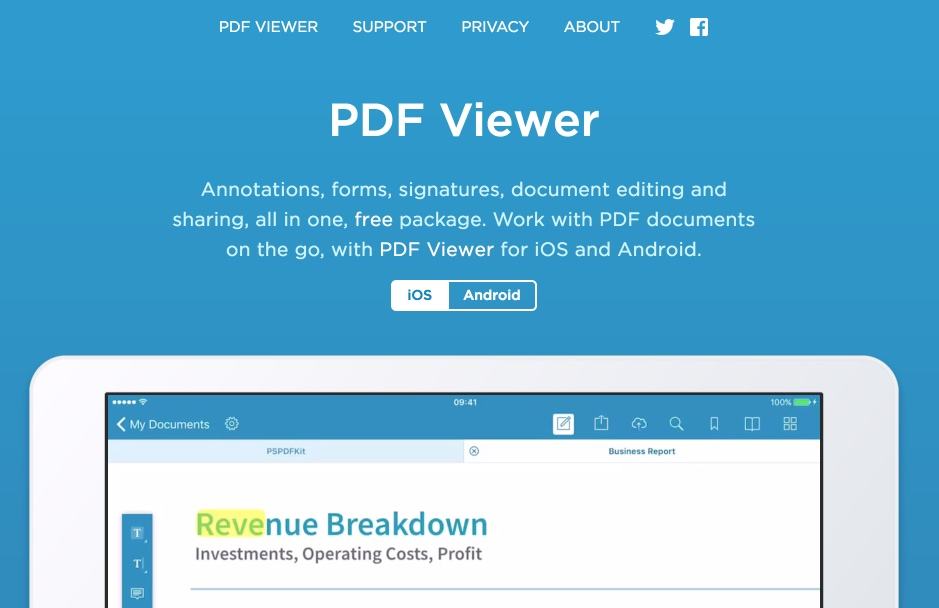
Make a small place to PDF Viewer in the utility folder of your tablet, you will not regret it. This small application will allow you to read, annotate, comment, classify and share your PDF files. A real Swiss knife.
The tool also offers a powerful full-text search engine that allows you to efficiently search for an item in the content of all your PDF files.
PDF Viewer is able to import your PDF files from most cloud storage services like DropBox, iCloud, Box, etc. You can also open a PDF file directly from your browser.
Once your PDF on your tablet or smartphone, you will be able to read it, but also annotate it. The application allows you to highlight a passage in colour or draw with your fingertip directly on the PDF. Practical. Another very practical function is the possibility to add a note or comment in the form of a sort of repositionable note anywhere in the document.

You see it PDF Viewer offers all the tools and options you need to work in mobility on a PDF from your tablet. There are too many functions to be reviewed here. For example, you can insert an image, sign a PDF or rearrange the order of pages in a long PDF file.
Once you have finished editing, PDF viewer allows you to save the document directly in the application or export it to your usual cloud backup service. You can also share your files on social networks or by email.
Almost a no-fault for this application, which also has the particularity of being completely free.
Link: PDF Viewer

 English
Thank you for the info!
I usually use Foxit Reader (on tablet and on computer) but the one is more complete.
It will therefore be very useful to my DYS students who do some of their exercises on digital media.