Last updated on 14 May 2026
How to annotate a video? The web is full of videos that can be useful to enrich or complete a course. In both education and online information, video becomes the dominant medium. In order to memorise, point out the essential passages or complete them, it is sometimes useful to annotate a video online.
Table of Contents
Annotate a video: what benefits?
Annotating a video can be incredibly beneficial. It allows you to take notes on the video while you watch it, which can be useful for later viewing. In addition, annotating a video can help you better understand the content and follow the speaker.
You want to annotate a video but you still hesitate which program to use? Here are the best online tools for annotating and sharing videos.
VideoNotes. Simply annotate a video
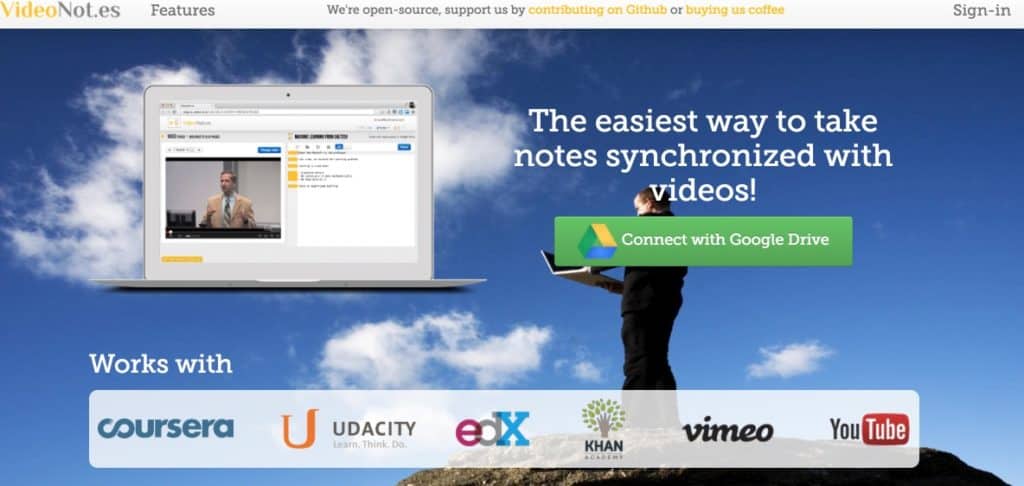
Videonotes I have presented here on ToolsTice, allows you to annotate a YouTube video. You have at your disposal a reader that will divide your screen in two. On the left you can watch the video, on the right you can take related notes. VideoNotes will remember the different passages of the video with which your different annotations are associated. The tool synchronizes and allows the result to be uploaded to its Google Drive account. It also provides a unique URL to share that will allow anyone who follows the link to read or even complete your initial notes.
Link: VideoNotes
Vibby. Another good video annotation tool
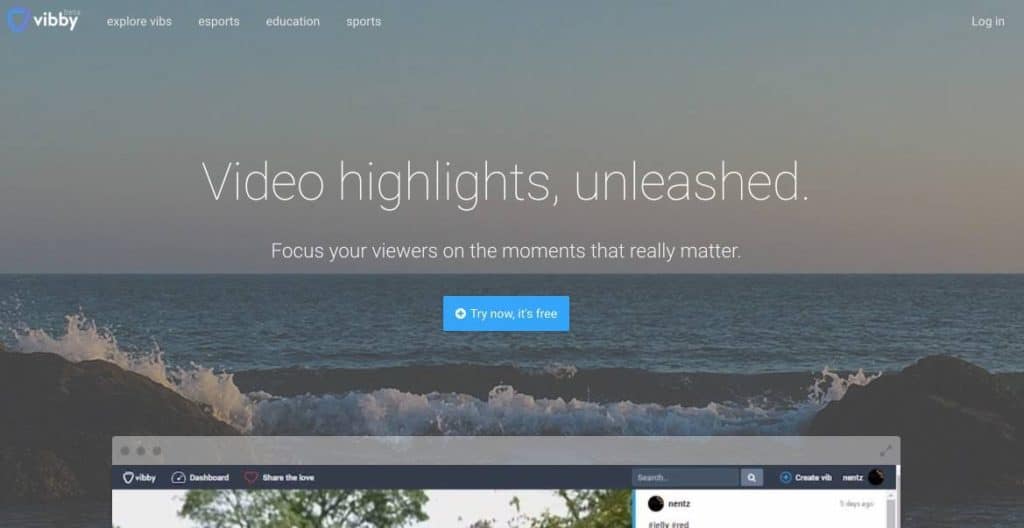
Vibby is a complete tool for using and integrating video into your courses. I had talked about it right here some time ago. It is distinguished by the ease with which you will be able to select and extract passages from a video so that you can then share them with your learners. In the Vibby passage, you can annotate, comment on or insert questions to the chosen extract. An interesting feature, viewers will be able to respond and comment in turn. You will be notified by email of any new comments. Nice tool.
Link: Vibby
VideoAnt. How to Annotate a Video to Multiples
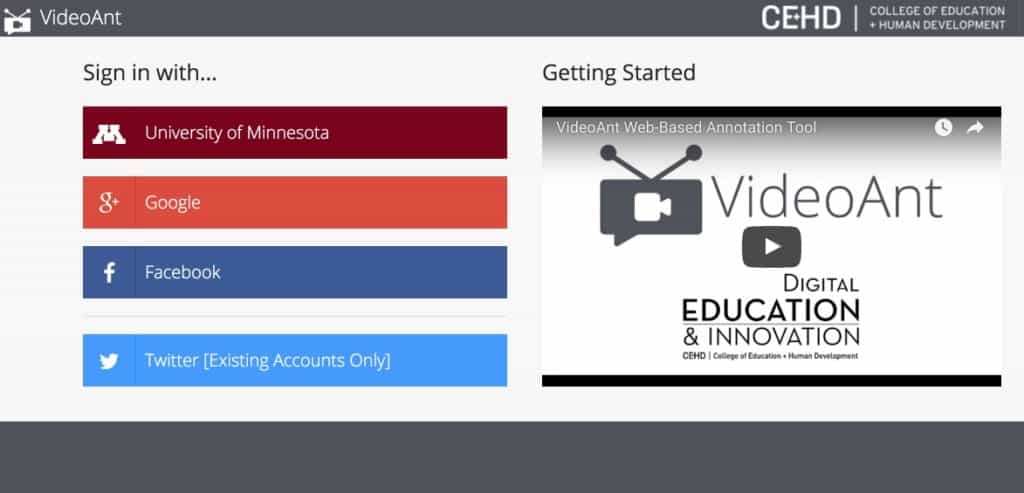
VideoAnt is a tool that makes it simple and offers a kind of virtual projection room to watch and comment on a video together. VideoAnt has also been featured on the website here. After a quick recording, you will be able to import a video from YouTube, give a name to your session and invite whoever you want, via a unique URL, to watch the program. A text window next to the video allows comments and exchanges around the video. What's more, your guests can participate without the need to open an account or register for the service. At the end of the screening, you can ask VideoAnt to send you annotations and a transcript of the exchanges by email.
Link: VideoAnt
RocketNote. Take notes on a YouTube video
RocketNote is an application that comes in the form of an extension for the Chrome browser. It is particularly practical. Whether you're on Mac or Windows, a simple Chrome browser is enough. Click on the button at the top of the browser to start annotating a YouTube video while it is being viewed. Among other things, you will be able to rthen click at any point in the video where you took a note. You will not lose any more important elements. An extension that you can use for free for educational use. For professional use and without limits count a little less than five euros per month.
I recently wrote an article with a list of the best tools for taking notes when watching a video on YouTube.
Link: RocketNote
FastReel. Write on a video

If you are wondering how to write on a video? FastReel may be the free and easy tool for you. This small video editor will do wonders for small simple projects. It is a specific software to write on a video. You will be able to add text in the video itself. Just upload your file and then add your text with the built-in editor wherever you want. You will have the choice of the font, its size, its color.
A simple alternative to Adobe Express It offers almost the same solution for adding text to a video.
Link: FastReel
FilmoraGo. Add text to a video on iPhone
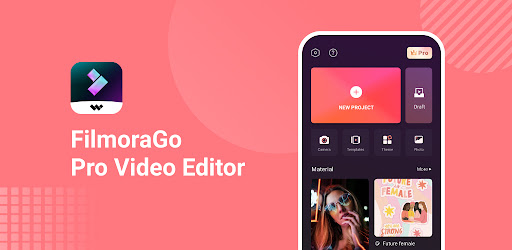
Filmora Go is an app that allows you to add text to a video on your iPhone. This can be useful for adding captions or subtitles to a video, or for creating a video meme. You can adjust the font, size, color and spacing of the text you add. You can also add shadows and contours to the text, rotate your text, or add movement tracks to the text. It is an excellent iOs application that also serves as editing software.
Link: FilmoraGo
If you are looking specific tools to take notes while watching a YouTube video, you can try one of these tools presented on the site a few months ago.

 English
Hello,
Thank you for these 3 softwares.
Are there video annotation software that annotates downloaded videos and not online videos? Thank you
Hello,
I personally very often use ‘Active Presenter’, which is free for capturing, editing, transitions and annotations of all kinds (texts, drawings, videos in the video, sounds, etc. …).
It requires a time to take charge, but we can do almost anything with it!