Last updated on 12 May 2026
Virtual pins, badges and stickers are not lacking opportunities to use these images that adapt to many situations in the classroom. They make it possible to mark a progression, to mark an evaluation or to reward an effort.

Several tools make it possible to create personalized online badges. I have already said here, for example, all the good I thought of Canva or Desygner which facilitate the graphic creation of any type of documents. Alongside these real graphic studios, there are also much simpler tools for creating badges. Here are three of them. 3 free tools to create virtual badges in no time.
Table of Contents
3D Badge Maker
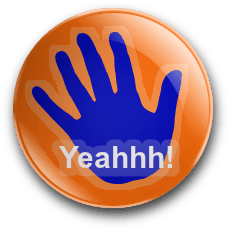
Simple and without frills. 3D Badge Maker only allows you to create pin-like round badges. They are however more true than nature with a three-dimensional aspect of the best effect. It is up to you to choose the image of the pins, the color, a text to add. Once you are satisfied with the visual result, all you have to do is download your creation.
Link: 3D Badge Maker
Make Badges
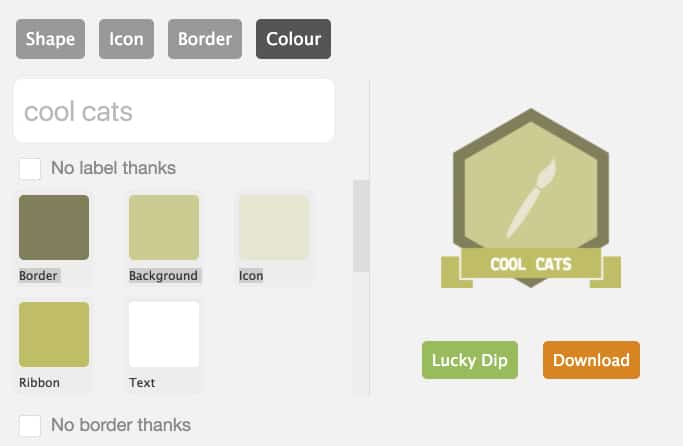
Make Badges also stands out for its ease of use. You will not have to register to use this small service that will allow you to create a badge in two clicks three movements. All you have to do is select the shape, the edge, the colours, the illustration, add a text to it and you're done. Your badge is ready to print and download.
Link: Make Badges
Classic Badge Designer
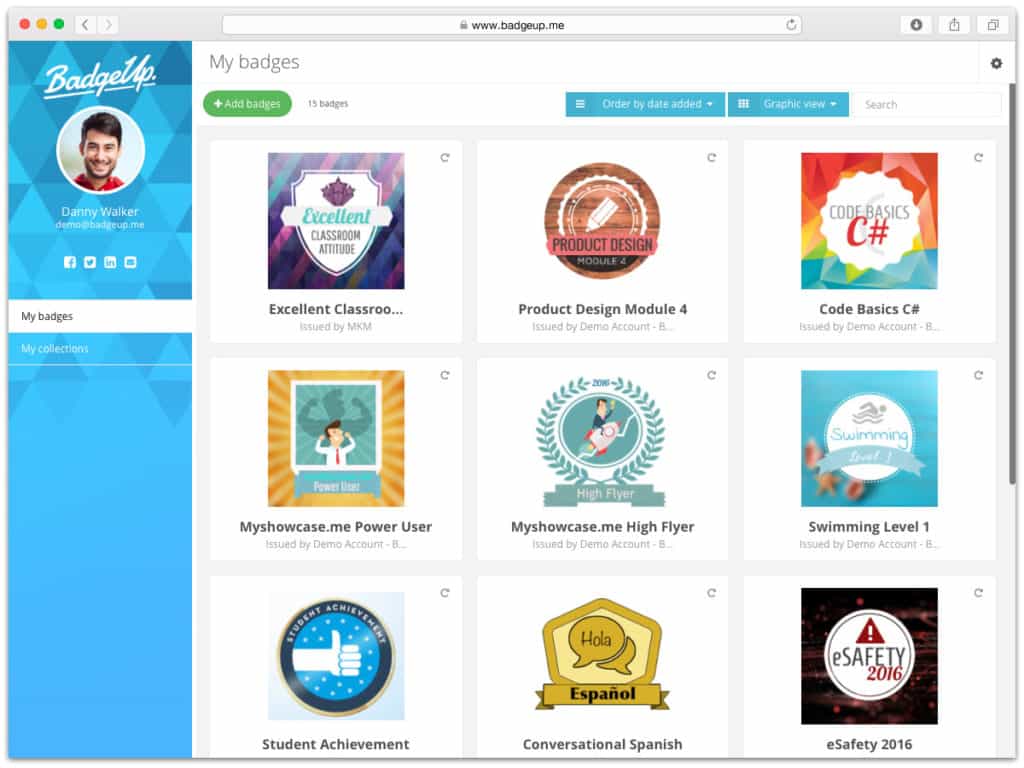
It is the most austere of this small list, but it is also arguably the most complete of the three. Classic Badge Designer offers many settings and options to customize your creation. The interface is in English, but the real-time preview of your creation allows you to enjoy all the functions at your disposal live. Classic Badge designer is also free.
Link: Classic Badge Designer

 English