Last updated on 12 May 2026
What is the best software for taking photo or video screenshots? The answer is probably Snagit.. In any case, it is the most powerful and comprehensive tool in this area. It works on both Mac and PC and allows you to create photo or video screenshots.
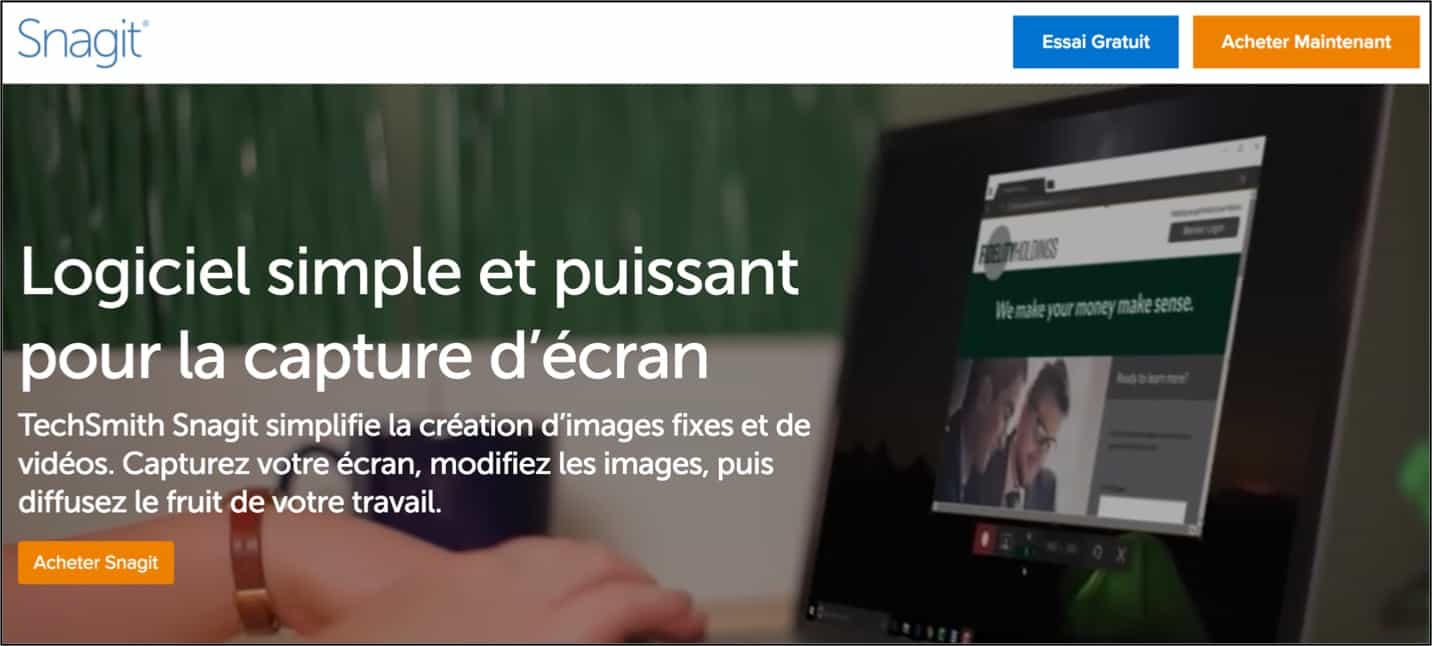
An essential for all those who need to illustrate a document, a lesson, a tutorial with pro software that can be easily tamed. The small effort to take charge is worth it. You will then have at your disposal an ultra practical Swiss knife in many situations.
Table of Contents
Various capture options
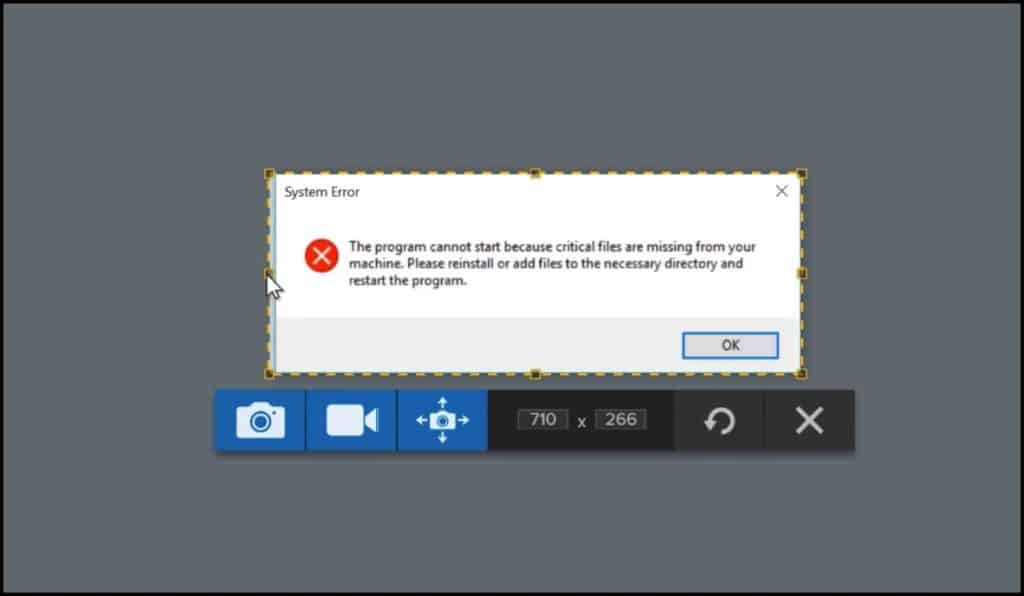
Snagit offers a number of options for making impressive catches. Once installed on your machine, you will be able to capture your entire screen or only part of it. In the browser you can retrieve the visible part of the site page or the entire page. Snagit also allows you to directly capture images, text and even videos. That's great.
All these screenshots will help guide users or explain step by step and if necessary you can also record on-screen manipulations in video.
An extension will allow you to launch the capture tool with a single click. You will then be able to configure a whole series of keyboard shortcuts for each type of capture and thus from custom profiles increase even more the speed of implementation.
Particularly powerful editing tools
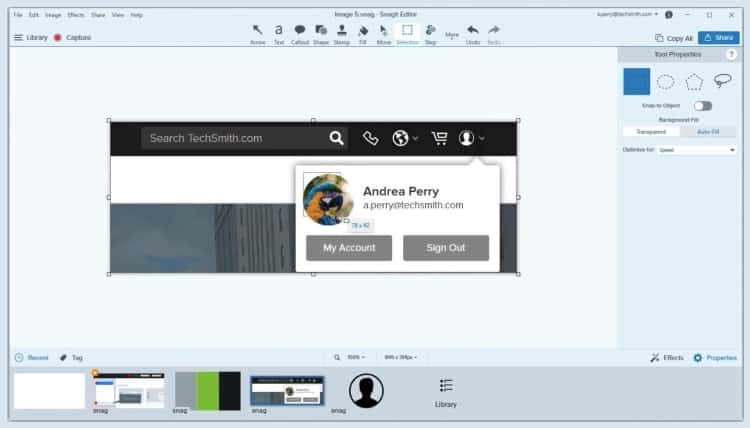
Beyond the capture Snagit is distinguished above all by its editing tools. In addition to the usual annotations with text, signs, arrows and other icons, Snagit goes much further by allowing you to edit the very content of your screenshot. After converting it into different blocks, Snagit gives you the option to move or even hide or delete them. This in-depth analysis of the nature of your captures makes it possible, for example, when you capture a text block, to retrieve the content of the text from the image so that it can be edited.
Easily export all your screenshots

Snagit offers many connectors built into the software to make it easier to save and share your artwork. They will also be saved automatically on the platform itself for possible future use. The software offers many export formats: JPG, PNG, GIF… for video you can create files in MP4 format optimized for use on the Internet.
The ultimate tool to make all your screenshots a success.
An excellent tool for many uses. Relatively easy to handle. Complete and powerful.
Snagit offers a trial period of 15 days. There is no purchase: around 50 euros (30 for teachers), but quality is at the rendezvous.
Link: Snagit
 English
4 Responses
[…] Snagit provides an easy way to create and edit screenshots or record videos to show a complex process or provide detailed feedback. Capture an image or video of what you see on your computer screen. You can also record Skype calls with sound. […]
[…] Snagit provides an easy way to create and edit screenshots or record videos to show a complex process or provide detailed feedback. Capture an image or video of what you see on your computer screen. You can also record Skype calls with sound. […]
[…] the difference through particularly powerful capture editing tools. I have already said here on Tools TICE all the good I thought of Snagit which remains in my opinion one of the best software in its […]
[…]: Snagit is a screenshot tool that also makes it possible to extract text from images. You can select […]