Last updated on 12 May 2026
Adobe Spark is a great online tool that allows to very easily create impactful visuals for the class. A real graphic studio at the reach of all mixing graphics, animation, web pages and video.
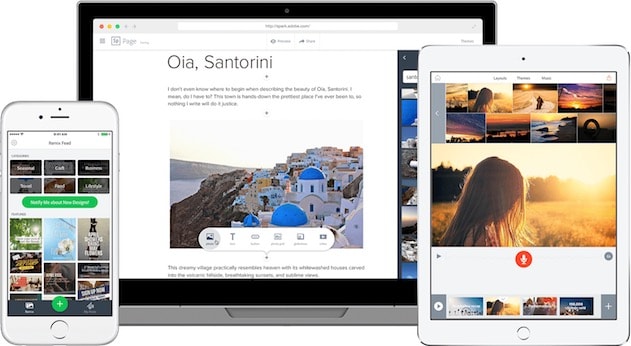
Spark gives free rein to your creativity or that of your students. Whether it is to illustrate a lesson or to succeed in a graphic presentation that you will not have to blush, this Ali Baba cave designed by adobe will make it much easier for you to create multimedia educational content.
adobe Spark is a kind of Swiss knife offering three applications in one for all your creative desires.
1 – Adobe Spark Post. Have fun creating cards, images, posters you will be proud of.
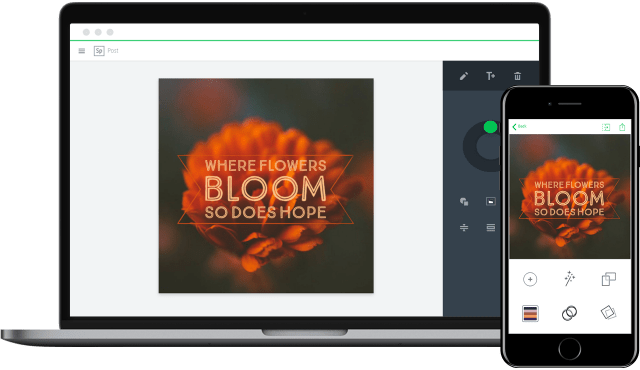
Initially, this first tool in the Spark suite was designed to create impactful visuals for social networks. But you can also use it to create a poster to hang on the classroom walls, make an invitation for a fair or a cover for a logbook.
Spark Post makes it possible to associate text with images with disconcerting ease and in a playful way. Everything is done to simplify the task for you. You can start from a blank sheet or choose one of the many models offered by Spark that you just have to adapt. For your illustration needs, you have access to a free image bank to which you can apply filters of any kind.
Dozens of fonts are also at your disposal. Everything is done online by simply dragging and dropping. Once you are satisfied with the result, all you have to do is download the final image.
2 – Adobe Spark Page. Create a multimedia story on the web without taking care of the technique.

This application of the Spark suite is a real gem. Spark Page allows you to create a stand-alone web page to tell a story by combining text, images, videos … Whether you want to create a real online lesson or offer your students to make a presentation themselves, the tool allows you to build a real long multimedia format step by step in just a few clicks. Forget the technique and focus on the essentials: the content.
The grip, even if it is still in English, is immediate. You give a title, then a subtitle and finally you choose a photo to illustrate. You have created a spectacular opening! Spark will then suggest adding pre-formatted content. It's up to you to choose: text, image, video, gallery, … button and so on. Real child’s play.
The backup is automatic and you will get a unique link to share to spread your story. Ideal for example to create a report of a school trip.
3 – Adobe Spark Video. Make video capsules or slideshows like a pro.
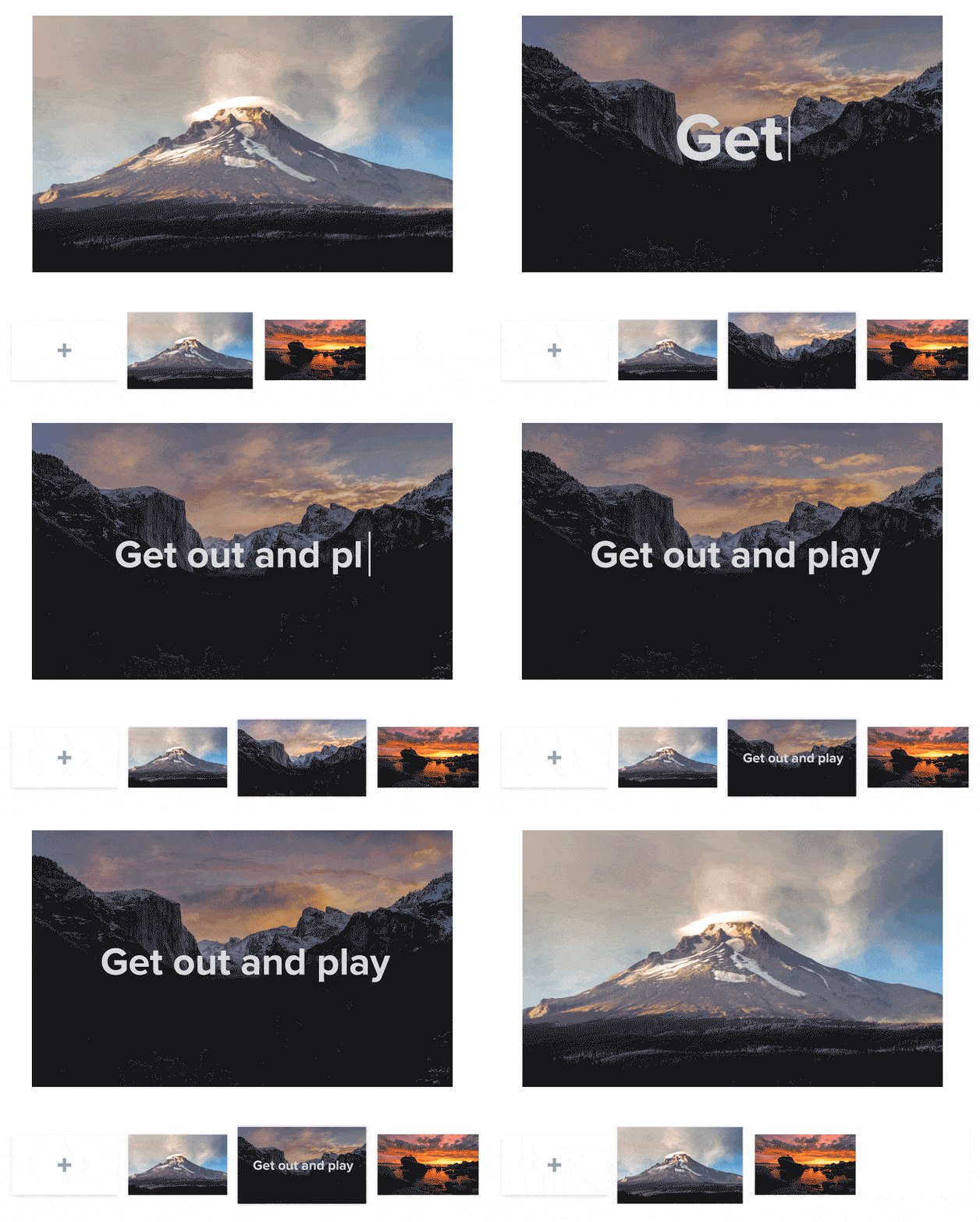
Last tool at your disposal, Spark Video makes it easy to create video capsules or slideshows for your courses. The recipe is always the same. Ready-to-use models, an image bank at your disposal, and ergonomics designed to make you forget the technique. Spark Video is a kind of virtual editing table in which you will be able to add photos, video clips, icons, text, music and above all you will be able to record … your own voice. What to make real courses in video.
In the end, a series of creative tools that you will enjoy using on a daily basis and that will give a boost to all your media.
adobe Spark has its place in your digital toolkit. You can use it for free. (A premium version* offers some additional features.) Spark can be used directly on the web via your browser, but you can also download and use it via dedicated apps on your smartphone or tablet.
This article is the first in a series that I will be devoting over the next few weeks to the following tools: Adobe Creative Cloud that I am discovering and testing.
Link: Adobe Spark
WebApp web, tablet, smartphone — simple English — free
*Adobe offers education rates for teachers, students and schools on the Creative Cloud adobe suite, which includes most of the publisher’s major graphic design software. For more information, you can write to educ@adobe.com
 English
Great for valuing students' work. The text cannot be justified, it is a pity.
The link is not personalised with the title and therefore not referenced.
Here is a page created for an artistic and cultural education course:
https://spark.adobe.com/page/XHap1kOdXfSwH/