Last updated on 22 June 2026
Nothing is more recognisable than the noise ofa classroom full of children talking to each other and working. A sound atmosphere that sometimes literally takes off to become noise, harmful to concentration and working together.
Some figures to situate the problem. The World Health Organisation, The WHO recommends not to exceed 35 dB(A) in a classroom. Reality? A busy class revolves around 48 dBA in quiet moments and happily exceeds 60 dBA during activities. Almost double the recommendation. With the key to a degraded understanding, less effective memorization, stress for students. And for you, fatigue and skull aches at the end of the day.
How to measure this noise level and especially how to make your students aware of the volume of their exchanges, so that they try to self-regulate themselves?
In short, rather than raising your voice once more, you might as well make the noise visible. Here are seven tools that transform the microphone of your computer, tablet or smartphone as a real sonometer for the class. Most are free and can be used in two minutes on your TNI or projector.
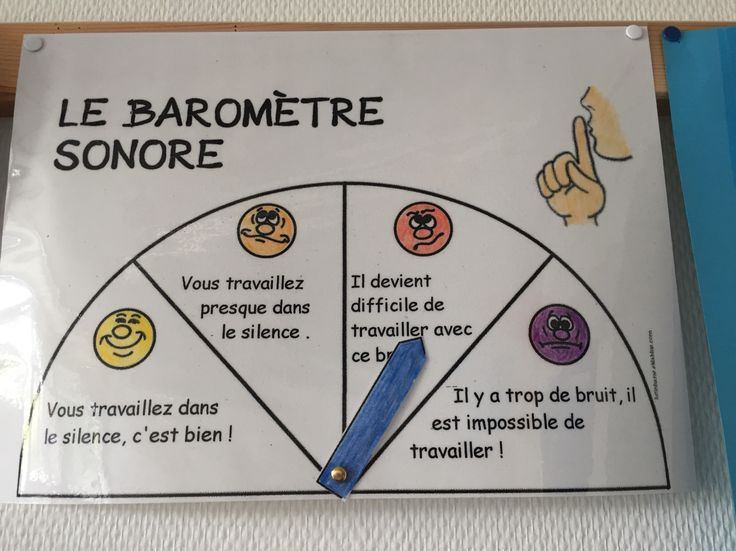
Free online sound meters, without registration
We start with the simplest solutions: four online tools, free of charge, with no account to create and no software to install. You open the page, you allow access to the microphone, let's go.
Bouncy Balls. Dynamic visualization of the sound level
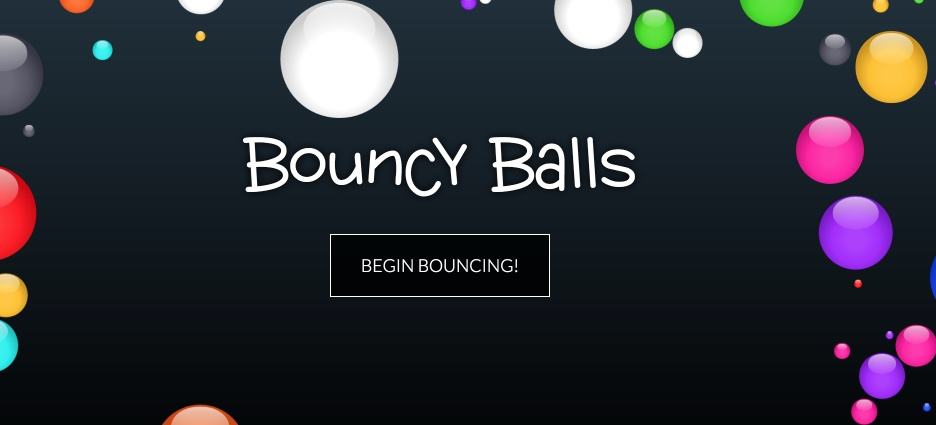
Here is one of the most well-known noise measurers. I even dedicated it to him. a full-fledged article some time ago. The principle is simple: the higher the noise level, the more balls stir and bounce on the screen. When calm comes back, they fall slowly. This immediate visualization allows students to become aware of the noise they generate and to self-regulate naturally.
The app offers several welcome settings:
- Choice of visual themes (plastic balls, emojis, numbers, bubbles, eyes)
- Adjusting Microphone Sensitivity
- Customizable audible alerts (silence, beep, "chut")
- Checking the number of items displayed
The tool is particularly suitable for use on large screens or digital boards. Free, no account, no advertising (the service lives on donations from its users). A recent browser is enough, Chrome or Firefox preferably. Still, a small warning: Some students will find it very fun to make noise on purpose to shake the balls. It's up to you to turn this into a reverse game.
Link: Bouncy Balls
Classroom Noise O Meter. A simple and immediate sonometer
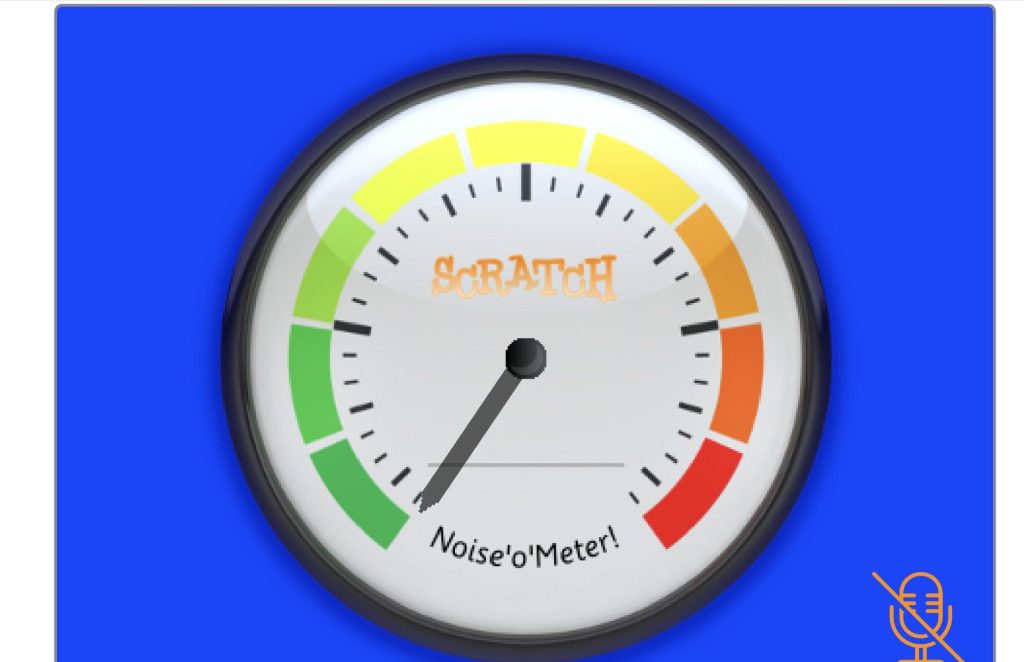
Developed on the Scratch platform, Classroom Noise O Meter is a minimalist tool to visualize the sound level in your classroom. A coloured indicator reacts in real time to variations in noise in the room.
The colour code is clear: green when all is well, yellow when the level starts to rise, red when it is necessary to intervene. That is all, and that is enough. You open the page, you authorize the microphone, the sound meter is operational. Its clear and visible display from afar makes it easy for students to self-regulate.
Totally free, without registration or installation. Perfect for first use, or for classes that do not need fireworks.
Link: Classroom Noise O Meter
Shhht. The sound level meter that values calm
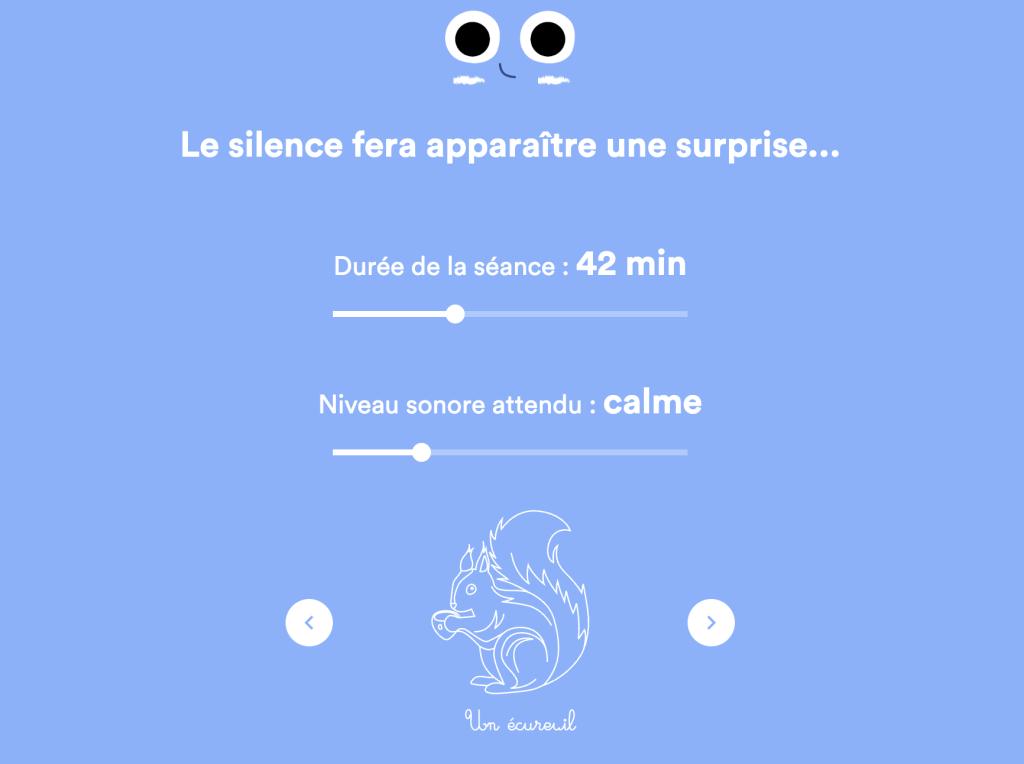
Unlike conventional sound meters, Shhht (developed by Lalilo) proposes an original and positive approach to noise management in the classroom. This free web application turns sound control into a motivating activity thanks to a visual reward system.
Its principle is simple, but effective: the more students respect the defined sound level, the more a drawing is gradually revealed on the screen. If the volume exceeds the set threshold, the drawing pauses, naturally prompting students to return to an appropriate sound level.
The tool offers real flexibility of use with:
- 5 preset sound levels (very quiet, calm, relaxed, friendly or dynamic)
- An integrated timer to set the duration of the activity
- A choice of varied drawings that are gradually revealed
Ideal for the first stage, this application is suitable for both collective use, via a computer connected to a projector, and group work on a tablet. Shhht’s major advantage lies in its non-punitive approach: rather than alerting when exceedances occur, it rewards appropriate behaviour. Free, no account.
Link: Shhht
The Classroomscreen Sound Level Widget
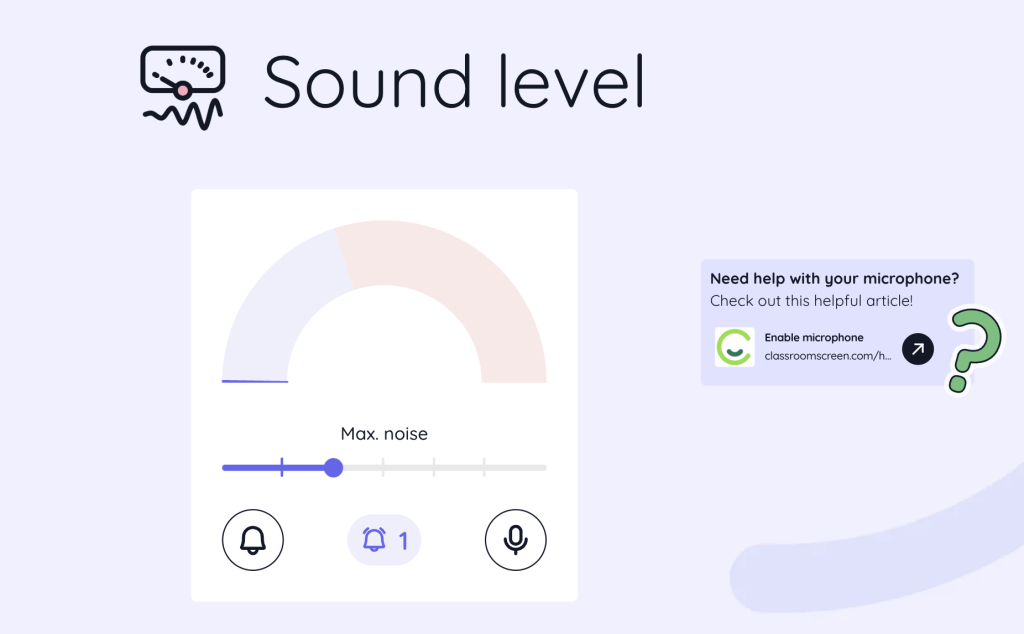
You may already be using Classroomscreen, this wallpaper for the class I presented to you here, to project your instructions, a timer or a light tricolor. Good news: Among its 25 free widgets is a completely correct sound level meter.
A gauge is displayed on the screen, you set the maximum threshold with a simple slider, and an optional ringtone sounds when the class exceeds the limit. No account needed, everything happens in the browser, and the processing of the sound remains local: nothing is sent to the service’s servers. A good point on the privacy side.
If you are already projecting Classroomscreen on a daily basis, this is arguably the simplest solution on this list. The Pro account (EUR 36 per year) is only used to save its screens, the sound level meter is included in the free version.
Link: Classroomscreen Sound Level
Sonometers with account, extension or mobile application
The following tools require a small additional effort: create an account, install an extension or go through a mobile application. Nothing insurmountable, but as much to know before clicking.
ClassDojo Noise Meter, for those who already use ClassDojo
ClassDojo offers its own sound level meter in its toolbox (the "Toolkit"). The principle is classic: a gauge reacts to the ambient noise, students visualize the level and adjust.
The tool is free, but you need a ClassDojo teacher account to access it. And that is where I put a downside: Creating an account on an American behavior management platform just to measure noise, frankly, that's not justified. On the other hand, if ClassDojo is already part of your daily class, the Noise Meter is just a click away and students love to see the gauge come down.
Link: ClassDojo Noise Meter
Too Noisy, the sonometer with smiley
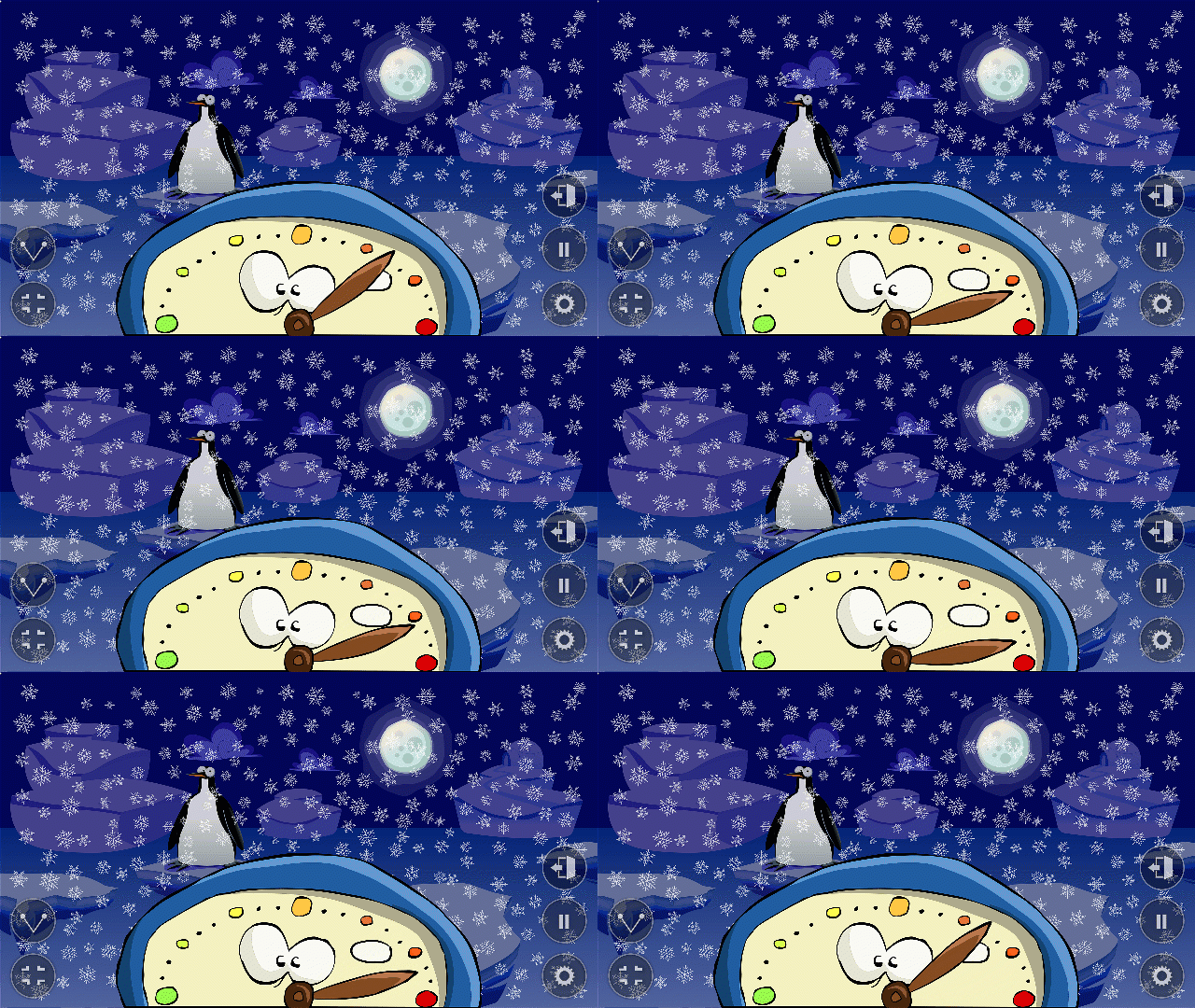
Too Noisy puts everything on a character: A smiley who smiles when calm reigns, then frowns and ends up clogging his ears when the volume climbs. The sky in the background darkens at the same time. Very talkative for the youngest.
The tool is available in web version and in iOS and Android applications. And that’s where it gets a little complicated. The free web version now requires registration on the publisher’s website. The Starter app, which is free of charge, mainly serves as a showcase for the Pro version (approximately EUR 4, single purchase on mobile). It is this Pro version that provides the really useful functions: fine-tuning of the sensitivity, damper to ignore a slamming door or sneeze, configurable alarm and star system to be won. The interface is in English, but the pictograms speak for themselves.
On paper, nothing very new. But when used, the smiley works remarkably well in kindergarten and elementary school. It is a pity that the economic model has become so unreadable. And that, frankly, is a lack.
Link: Too Noisy
Zero Noise Classroom, chrono and sonometer in one
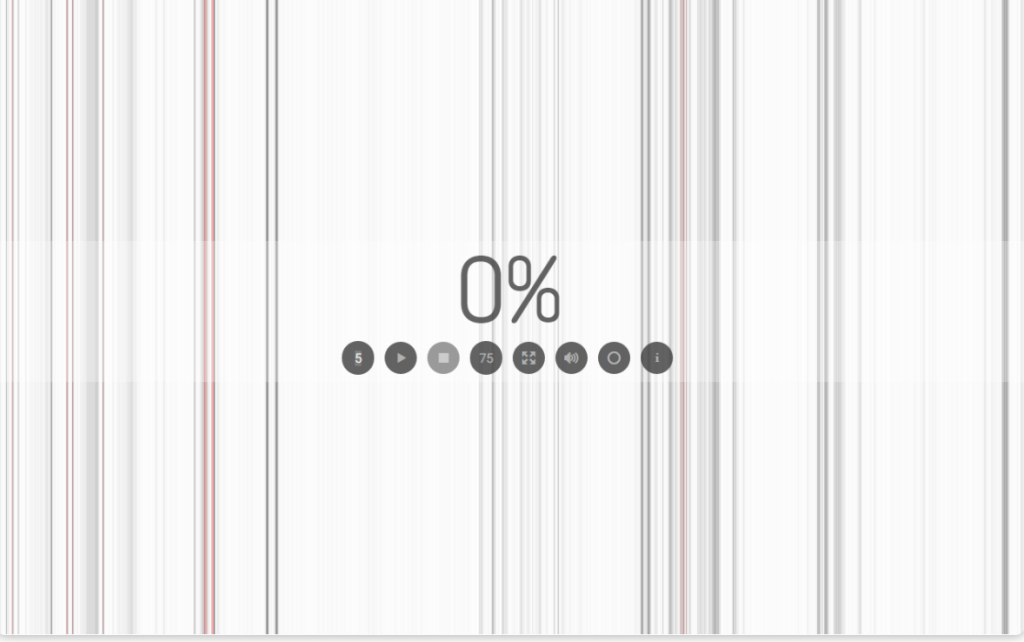
I presented this Chrome extension a few years ago already, And she's still here. His interest has not changed: it combines a countdown timer and a noise measurer on the same screen. You start a working time, you set a sound threshold, and at the end the extension shows the percentage of time spent above the limit. A concrete figure whose class can make a challenge: Last week, 12 %. Are we doing better today? »
It is free, without an account, created by a teacher, and the extension works even offline. The only constraint: you need the Chrome browser and the right to install an extension, which is not always earned on an establishment post.
Link: Zero Noise Classroom (Chrome Web Store)
Measuring decibels with your smartphone
Let's add to these sound meters designed for the class their equivalents for mobiles and tablets. Rather, they are for personal use: measure occasionally the actual sound level, in decibels, of your room, canteen or meadow.
You can use applications like Sonometer - dB Decibel Meter for iOS or Sound Meter for Android. These applications provide a quick measurement of the sound level. The accuracy is not that of a professional sound level meter, but it is more than enough to objectively assess an impression.
Which noise measurer to choose? The comparative table
| Tool | Type | Free of charge? | Account required? | Ideal for |
|---|---|---|---|---|
| Bouncy Balls | web | Yes | No | Dynamic classes, immediate visual effect |
| Classroom Noise O Meter | web | Yes | No | First use, simple reading |
| Shhht | web | Yes | No | Kindergarten and elementary, positive reinforcement |
| Classroomscreen | Web (widget) | Yes | No | Those who are already projecting Classroomscreen |
| ClassDojo Noise Meter | Web + apps | Yes | Yes (ClassDojo) | Classes already on ClassDojo |
| Too Noisy | Web + apps | Limited version | Yes (web) / Pro approx. 4 € | Kindergarten, very talking visual landmark |
| Zero Noise Classroom | Chrome extension | Yes | No (installation) | Timed working time, class challenges |
My advice to get started: Shhht if you are in primary school, Bouncy Balls for immediate effect, Classroomscreen if you are already using it. The others will vary the pleasures during the year.
Playful tools to empower your students
Managing noise in the classroom is a real daily challenge. These digital tools offer playful solutions to empower students. Beyond their sound measurement function, they can be used as teaching aids to develop the group’s autonomy and collective awareness. They also combine very well with a good timer for the class : time framed and volume controlled, the winning duo of group work.
Ideally, their use should be adapted as needed. I advise you to alternate between the tools during the year to maintain the interest of the students.
Feel free to share in the comments your experiences with these different tools or your other tips for managing noise levels in the classroom!
To go further: interpreting decibels in a classroom
The tools presented here, including mobile apps, are not professionally accurate, but they give useful insights into what is happening in your classroom. Are there official standards? What levels should not be exceeded? Here are some landmarks.
The World Health Organisation (WHO) recommends a maximum noise level of 35 dB(A) in classrooms. This threshold is considered optimal for:
- Ensuring good speech intelligibility
- Facilitate information retrieval
- Fostering effective communication
But unsurprisingly, the actual sound levels in our schools are often higher. A busy class can reach 48 dBA in quiet periods and exceed 60 dBA in activities. Not to mention school canteens, where the average noise level is around 78 decibels, which can exceed 89 decibels at times.
 English
Hello,
I'm looking for a stopwatch that advances when the ambient noise is less than a chosen value, so that students see their cumulative quiet time …