Last updated on 12 May 2026
EduCandy is an online platform that allows almost automatically generate and create a whole series of interactive games from one or more word lists.
The site is in English. It can be very easily used for vocabulary courses for beginners in English, but you can also offer it for small games in French. The games generated by the site are rather aimed at the youngest.
Table of Contents
EduCandy turns your word lists into interactive games
With Educandy, you can create interactive learning games in minutes. Simply register for free on the platform. All you need then is to enter the vocabulary you want to study.
The platform offers you to create three types of lists. Lists of words, lists of words in pairs and finally quiz-style questions. Once your lists are re-entered, Educandy will transform your content into interactive activities Multiple Choices, Hanged, Crosswords … You will be able to choose from a dozen games. I recommend the Memory, very easy to create and always as effective.
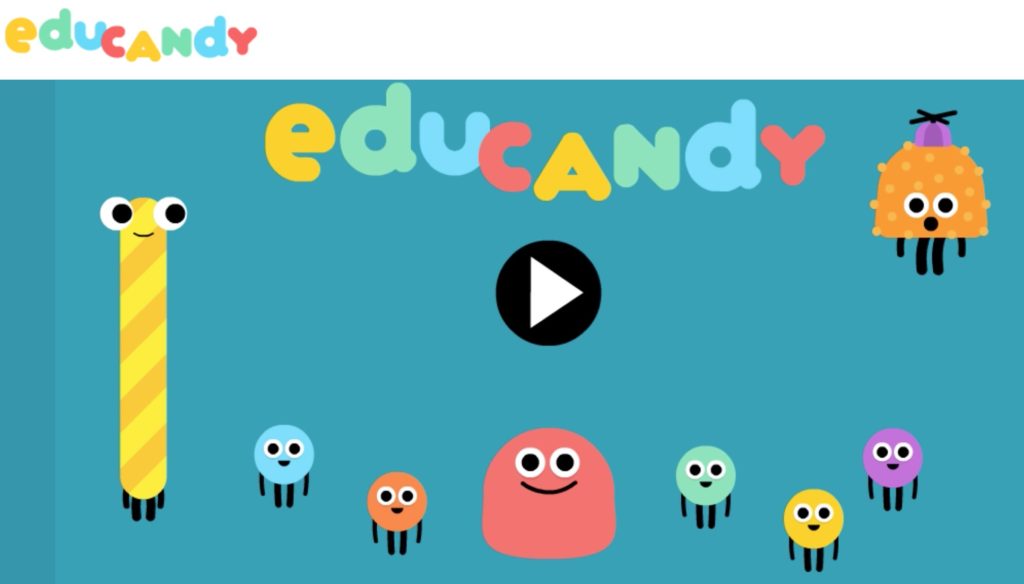
The interface is animated by a small character who reacts with humor to the answers introduced by the student and dedramatizes the errors. We play against the computer, against the clock or against other participants. A real success.

Personalized games to share with your students
Once your games are created you always have the opportunity to edit and renew them online in your teaching area. For each of them, EduCandy provides you with a unique code. Your students will have to use it to access the games from the homepage of the site without the need to register or identify themselves. You also have the option to retrieve html code so that you can insert a game into a class site or blog. Nice to meet you.
EduCandy also offers dedicated apps for Mac and PC that will allow your students to play on their own device.
A very successful playful and colorful interface
Do not doubt that for a second your students will love the small dozen games that you can offer them. They can access it on a computer, but also on a tablet and smartphone from dedicated applications. The graphic interface is very successful with a comic atmosphere and cheerful and reassuring colours.
To be tested. EduCandy is completely free and without any advertising.
Link: EduCandy

 English
Thank you very much,
a supersympa app.
Hello, thank you for the app that replaces Quizlet in a friendly way. On the other hand, when a student enters the code, he has access, for example, to 5 peer activities, he chooses one, but when he has completed it, to find the 5 he must click on Educandy and hand over the code. The button with the arrow going back only allows to reset the activity in question, not to return to the choice of activities.