Last updated on 12 May 2026
Droplr is a professional tool for making screenshots and screencasts very easily. Still or animated images in the form of video that will allow you to illustrate your courses, tutorials or presentations and set aside illustrations for later use. An excellent tool that caught my attention in the long list of services and tools that make it possible to take screenshots in just a few clicks.
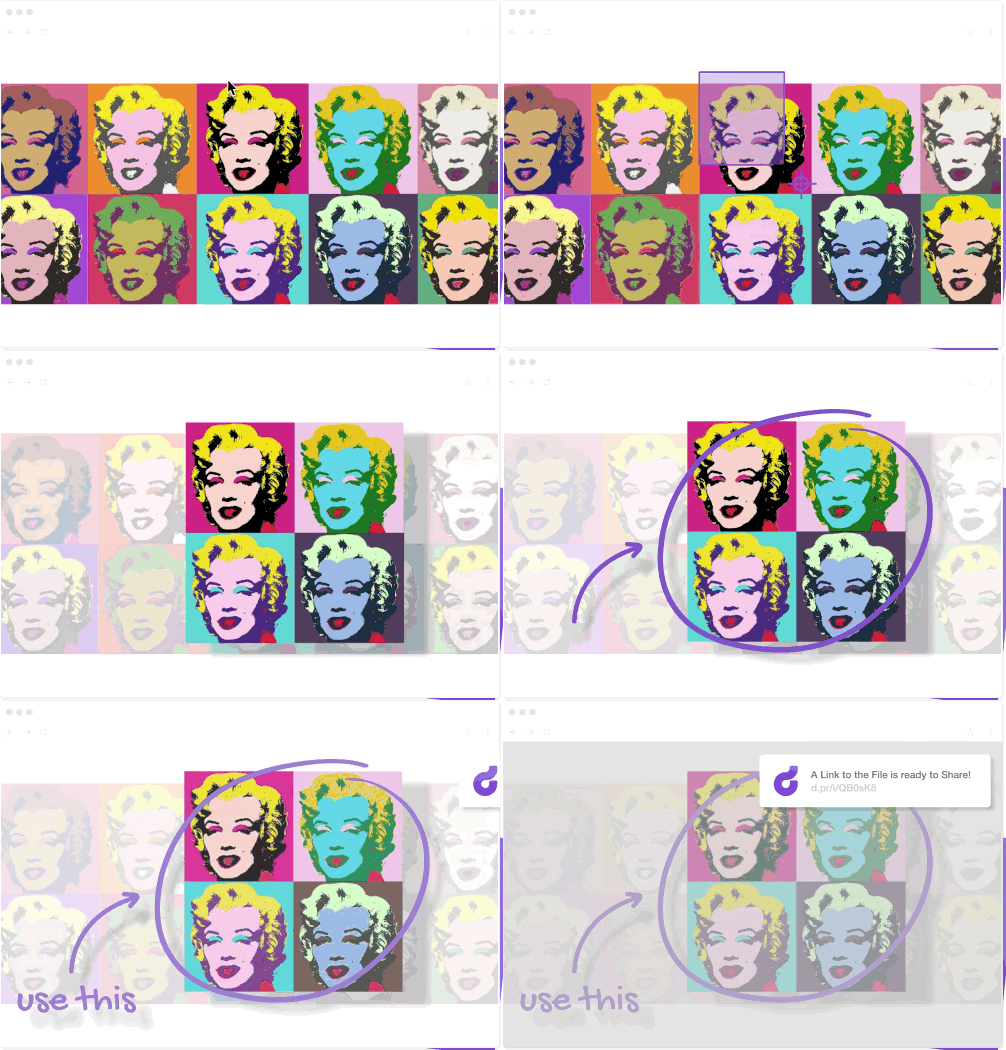
A complete tool to take your screenshots
Droplr reunites all the functions you need to make your screenshots a success. Whether it is to take a snapshot of all or part of your computer screen or to make a complete video tutorial, the tool once installed on your machine can be easily used with just a few mouse clicks.
Droplr comes as an extension for your browser and with a multi-platform application that covers all operating systems. With a click, or via a keyboard shortcut, you launch the Capture Tool.
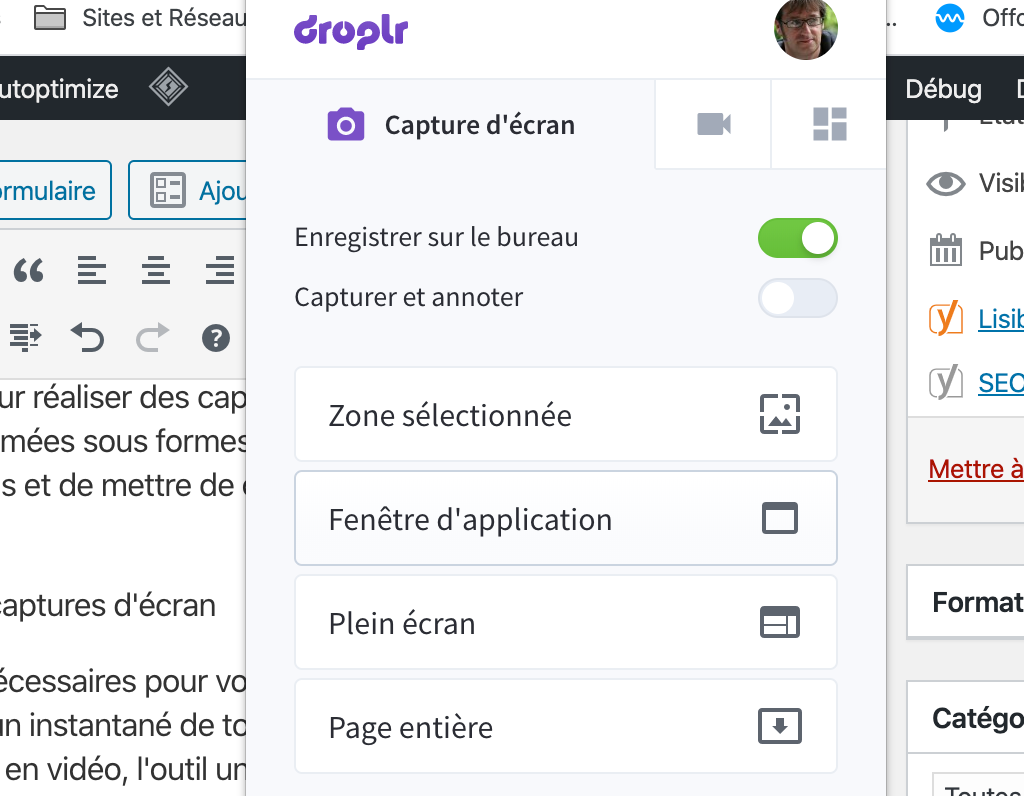
You can choose between drawing the area you want to capture on the screen, or you can take a picture of your entire screen, the open application window or the entire page of a browser. The image of your screenshot can then be edited, annotated with arrows, strokes, drawing, … text
Same ease of implementation for video and for making a screencast. You choose the recording area, the quality of the file, and then if you want to appear as a thumbnail on the video. We start the recording and we're done.
Organise and share your screenshots
Droplr’s other strength is that it makes it possible to save and organise in a private and personal space all photo or video captures made. When you take a screenshot, it is automatically uploaded to your personal online space. You get a link that allows you to share the file.
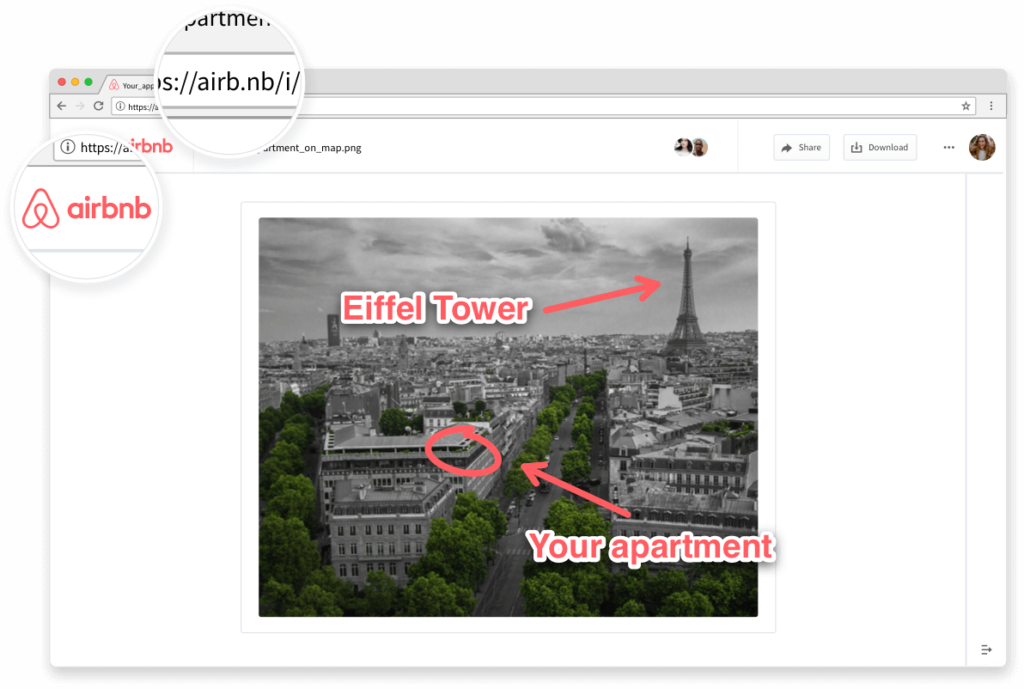
All your captures are thus grouped in a space accessible from everywhere. You can also organise your files by folders or projects. This online storage space also makes it possible to save images other than those made by the integrated capture tool. You will be able to use the sharing functions to make them available to other people.
Droplr offers you a kind of personal image bank for all your illustrations.
You can try Droplr for free for a few days. Unfortunately, you will then have to go through a subscription to be able to use it. Allow around 30 Euros to use the service for a whole year.
Link: Droplr
 English