Last updated on 12 May 2026
How to save the computer screen simply? Many tools and software make it possible to record the computer screen. Some are paid, sometimes heavy and complicated …
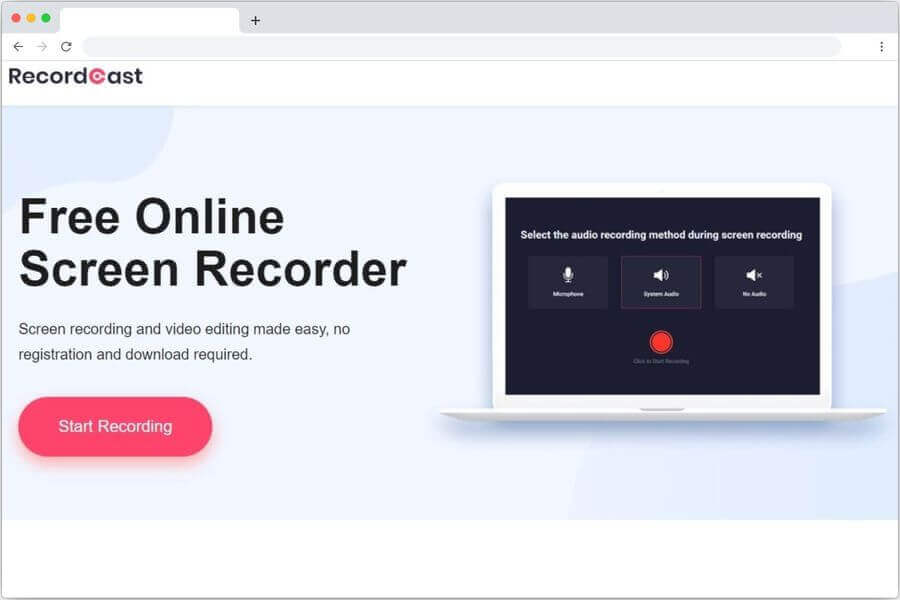
Recordcast is a new online service that allows you to record a video of what is happening on your computer screen with one click. It has many advantages and in the first place it is completely free of charge and does not require any particular installation.
Save the computer screen for free and without installing programs
In terms of simplicity, Recordcast beats most of its competitors. It is difficult to make it simpler. You have nothing to install on your computer. Just go to the application website and click on the ‘Start Recording’ button. The application works directly from your browser.
The app then offers you to choose the input source for the audio. Microphone or system integrated into your machine. You can also choose the option to record the computer screen without sound.
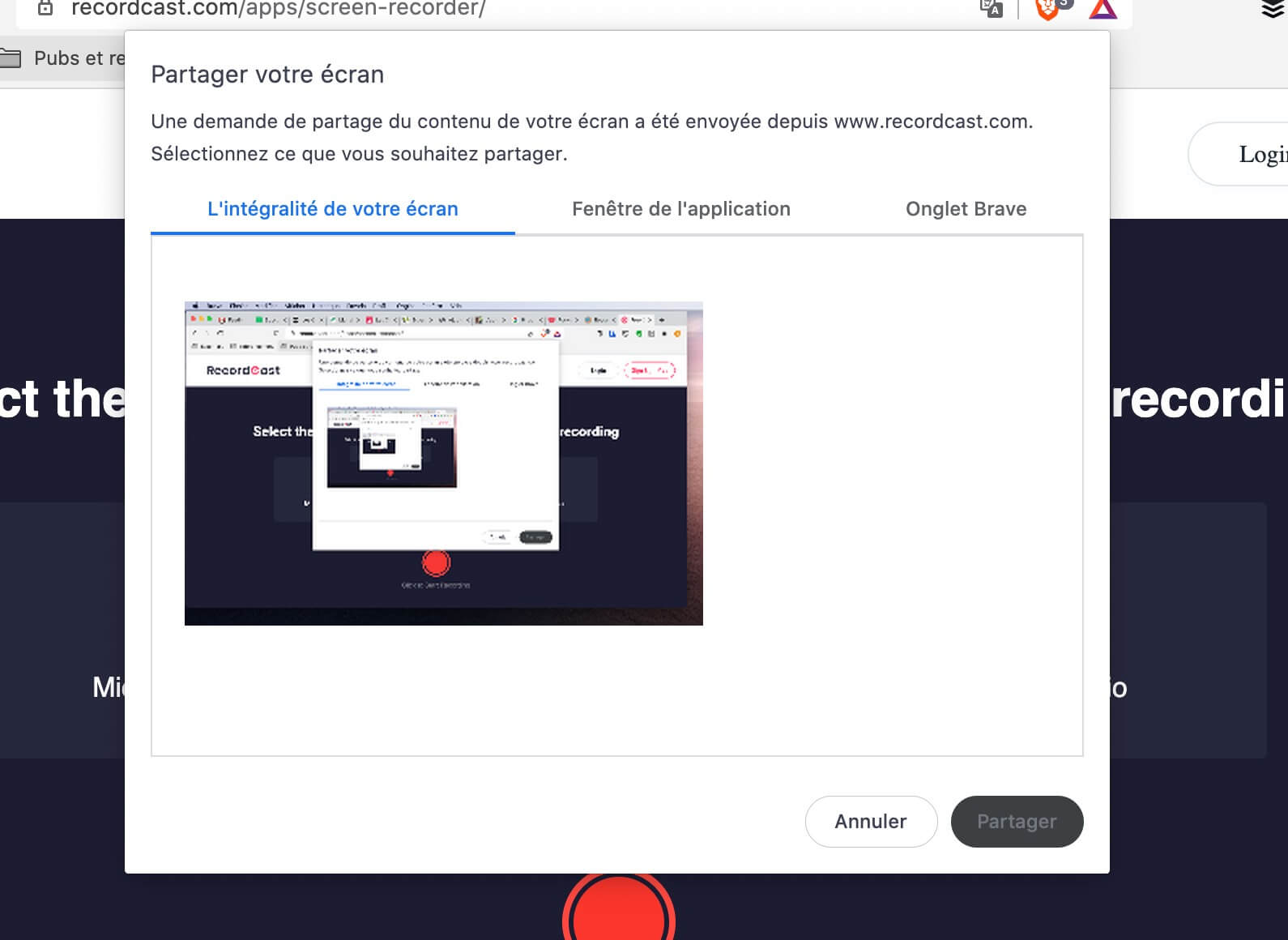
You can then choose what RecordCast should record. You can save the all-enter screen, the screen of one of the open applications or a tab of your browser. One last click and …Silence, engine, it turns!
Another click to stop the recording and immediately you can download the video produced. Simple and fast.
A useful video capture tool for the school
RecordCast lends itself well to use by a teacher to record a tutorial or demonstration for his students. It can also be useful for a student who would like to record a conference on their screen.
Note that RecordCast also includes a simple video editing tool to edit your video in broad strokes and possibly add text, music and some transitions of the best effect.
A good free screenshot tool to keep in a corner for everyday needs.
See also: Screencastify allows you to capture the screen of your computer in video
 English