Last updated on 12 May 2026
How to save your computer screen to make a small tutorial? There are many solutions. Here is one more that does not lack assets. These are: Screen and webcam Recorder proposed by the video editor Veed.
A free tool that can be used from the publisher’s website or even more simply from a Chrome extension to be installed on your browser.
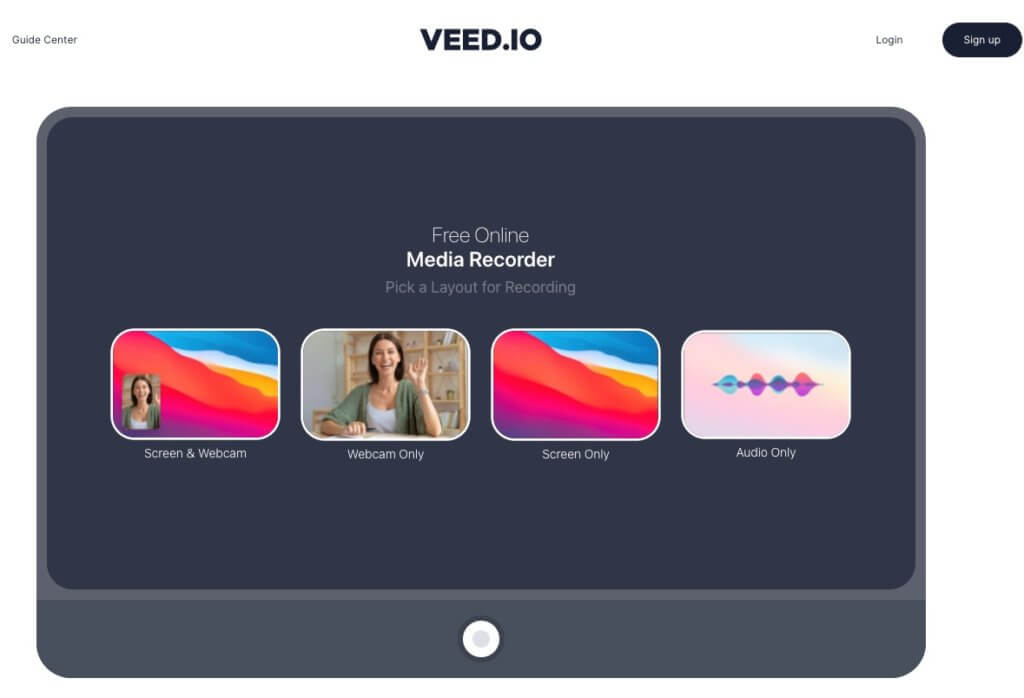
A free, easy-to-use screen recorder
Screen and Webcam Recorder has for him a real simplicity in its use. You will not need to read any instructions for use.
If you opt for the Chrome browser extension, registration is done in just a few clicks. Once installed, simply click on the extension icon to start recording. A window will open. You will be able to choose what you want to record. You have a choice:
- Record only the webcam of your computer.
- save the screen (whole screen or only one application or your browser window).
- record the screen and image of your webcam simultaneously.
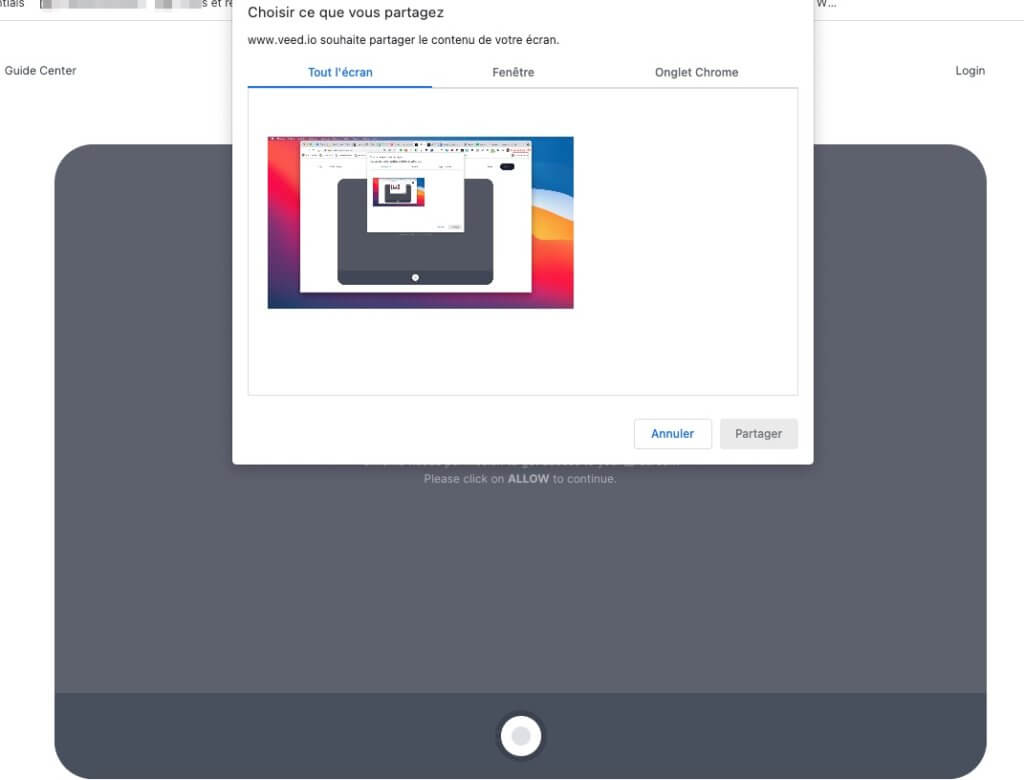
You can also use it to record only the sound of your microphone.
Before you start recording a 3-second timer will appear to allow you to prepare. Smile you're filmed 😉
Easily save and share your recording
The tool also makes it easier to share your video with the screen recorder. Once again, the video is stopped with a single click and a few seconds after the extension, you can share it directly by email or on social networks. You can especially download it directly to your computer in mp4 format.
It is then up to you to edit it, if necessary, in a video editing software, you can also send it with one click to the editor of Veed, which offers this free screen recorder service.
See also: The list of the best tools to create screenshots for your courses
Screen and Webcam recorder is said to be free and ad-free. To use the application from its website appointment there.

 English
Hello Fidel and thank you for the pearls you will pick us …
As far as screen recording tools are concerned, I tried everyone you talked about, but I finally found my happiness with OBS. A technique can be taken in hand but then it is a real pleasure! And it is 100% free of charge, without advertising or limitation s