Last updated on 12 May 2026
Which service to choose to make a cloud backup of all your files and work documents for the class?
To avoid cluttering the desktop of your computer and juggling USB keys and other hard drives, Backing up to the "cloud" or cloud has many advantages.
- You can access it from any computer or device connected to the internet, including mobile and tablet.
- You benefit from a search engine specific to the online service, which is often extremely effective.
- You can easily share a file or folder with students or colleagues.
- You can mostly use the online editors provided by the services and work directly online on your documents.
Many advantages and … some disadvantages. e.g. entrusting your documents to servers located mostly in the United States and managed by internet giants.
Choosing reliable backup services to avoid unpleasant surprises
There are many cloud backup services and new services still appear every day. Be careful, however, to choose serious tools that are not likely to disappear overnight and that regularly offer new functions to make it easier for you to use them.
Here is a list of 5. The five best online services to back up and share your files.
Table of Contents
Google Drive
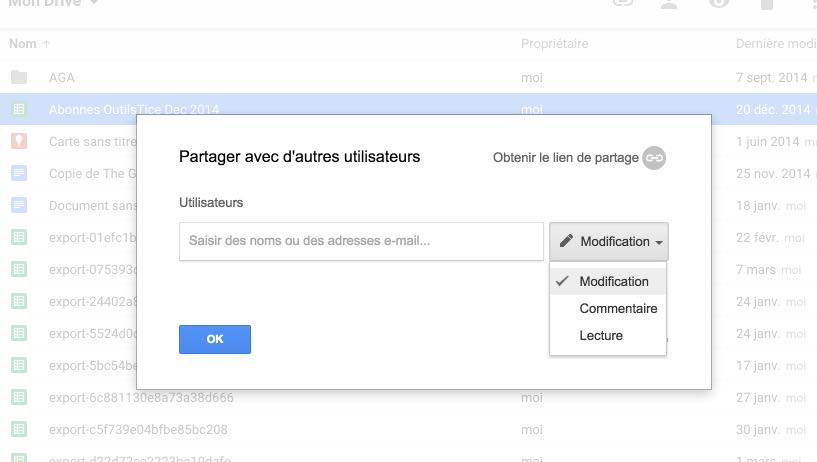
This is arguably one of the best services at your disposal provided you are not Googlephobic of course. It was already part of the list of services I had proposed to you for file sharing. Google Drive gives you 15GB free and even unlimited storage if you have a Google Apps for Education account. You drag and drop your files into this virtual hard drive integrated with other Google services such as Gmail or Google Apps. File sharing and very simple. Management of permissions as well. You can store everything without any size limit: Photos, videos, documents, archives …Drive offers a convenient system for previewing and even editing your files online.
Link: Google Drive
DropBox

This is the other must. To my knowledge, DropBox does not have a specific offer for the world of education, but a free version of the service allows you to benefit from 2GB free of charge. It offers the same type of functions as Drive. Collaborative work, online file editor, consultation on mobile. More original, you can create a drop box on a website for your students to drop files directly into your storage space. You can also protect a file with a password and set an expiration time.
Link: DropBox
Box
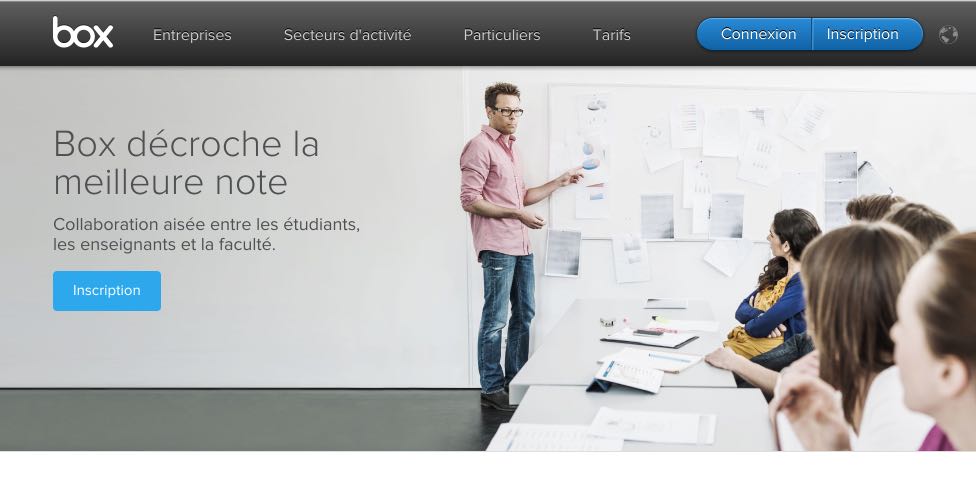
This backup service has evolved over time and remains one of the leaders in the sector. It offers a specific offer for the world of training in which it highlights its functions of teamwork and automatic backup of your important documents. Like most of the other services presented here, Box offers an extension to define a folder that will be permanently synchronized with your storage space. Any file you are going to drag into it is immediately saved online. Box and its competitors will even keep the different versions of the same file. Box offers a free storage space of 10 Gigas.
Link: Box
OneDrive

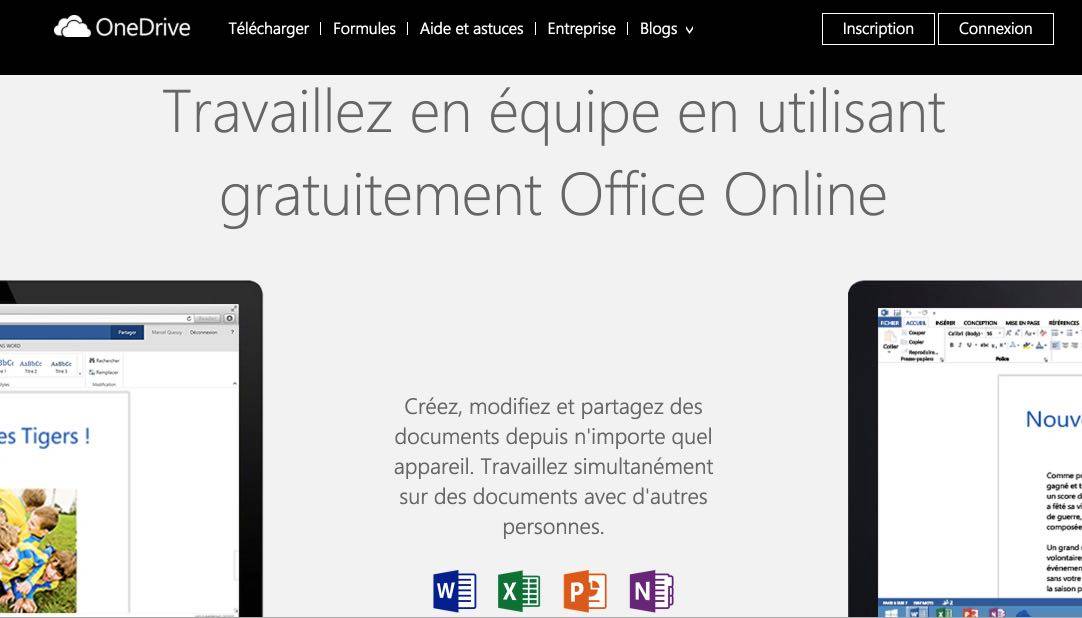
OneDrive is Microsoft's storage service. Like Google’s Drive, it will guarantee you excellent integration with the company’s products and, in particular, with users of the Office suite. With the new Office Online offer, you will be able to create, edit and share documents from any device, computer or mobile. One Drive is particularly fast for heavy files like photos or videos. 15 free Gigas are offered upon registration.
Link: OneDrive
MediaFire

The last service in this list of five is a small thumb in this waltz of storage giants. Nevertheless, it remains a robust and reliable service for simple storage and sharing needs. Mediafire accepts more than 200 file formats that most of you will be able to view online before you even download them. The interface is simple and clear. You will be able to use the service on the web or from dedicated applications to download to your computer or laptop. MediaFire offers you 50 10 Gigas of free space. The most generous offer on the list.
Link: MediaFire
[clickToTweet tweet= »The Top5 best cloud backup and sharing services. #cloud » quote= »The Top5 best cloud backup and sharing services. #cloud »]
That's for this list of the top five backup services. Despite the marketing of these companies and all their insurance, do not entrust them with sensitive material. Caution. Last but not least, don’t forget to regularly do a local backup on a hard drive or USB key. What about you? Do you use these types of online services for your work files?
Saving is helpful. It also allows you to share files. Less obvious, on the other hand, create a repository box to recover files. Are you interested in this? Follow the guide.

 English
And not hubic?
(the only serious French)
Hello,
I just read 50 GB at Mediafire and no this site only offers 10 GB free
It is really great and very creative as a working tool in this world where writing is prominent in all walks of life.