Last updated on 12 May 2026
Online whiteboards can allow your students to communicate in real time together on a point in a lesson, a presentation or in a creative process. Here are three online tools that are very simple to use and completely free.
Table of Contents
WebWhiteBoard
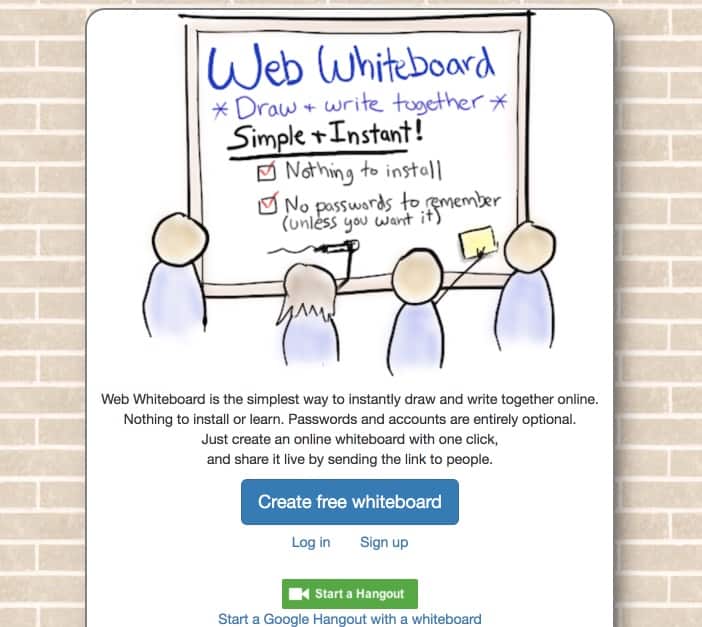
As the name suggests in English, here is a whiteboard on the web. You do not need to register to create your virtual white sheet. You can draw with colors of any kind, you can insert text and repositionable notes to paste wherever you want on the page. Simply share the single URL to allow anyone who clicks on it to collaborate live and in real time. The whiteboard will remain online 21 days before being automatically deleted. By registering for the service, you will be able to make your paintings private and limit them to reading. Practical you can integrate it with a click to a video conference via Google Hangouts.
Link: WebWhiteBoard
NoteBookCast
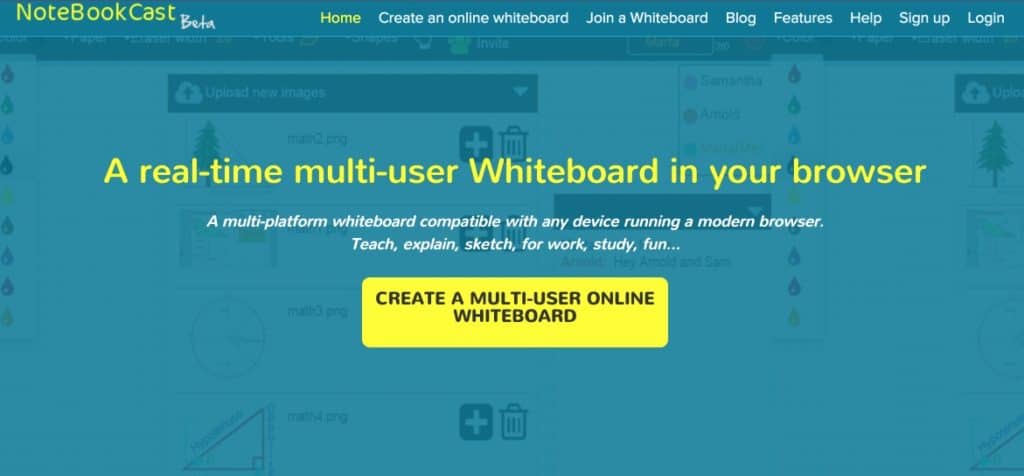
Here is a tool I have already mentioned here on ToolsTice. It is a modern and easy-to-use solution. You can write, draw and edit photos or videos. Sharing is also done via a single url that does not apply for registration. There is also no need to install anything on your machine. One of the strengths of NoteBookCast is its compatibility with most devices. It works on all browsers and on iOS or Android tablets.
Link: NoteBookCast
Stoodle

Another solution that has been honoured byan article in the past on ToolsTice. Stoodle deserves it. It offers an interface that simplifies handling. It also offers an online chat system to interact with other participants. The teacher can also connect his/her microphone and comment with his/her voice on a demonstration or item on the shared board. Stoodle allows you to create a virtual class in which you will classify all the whiteboards you want. Like the other two solutions mentioned above, Stoodle is free and ad-free.
Link: Stoodle

 English
2 Responses
[…] be exported in PDF format. Another good news is that Whiteboard Chat is completely free.Find more collaborative whiteboards for the class in this […]
[…] to the software you are already using to deliver your courses. However, if this is not the case, various free tools are available on the internet. In addition to illustrating your courses, the whiteboard can be used in “collaborative” mode […]