Last updated on 12 May 2026
Slido is a truly amazing tool for Introduce a good dose of interactivity in its courses or conferences. It is arguably one of the best tools of its kind.
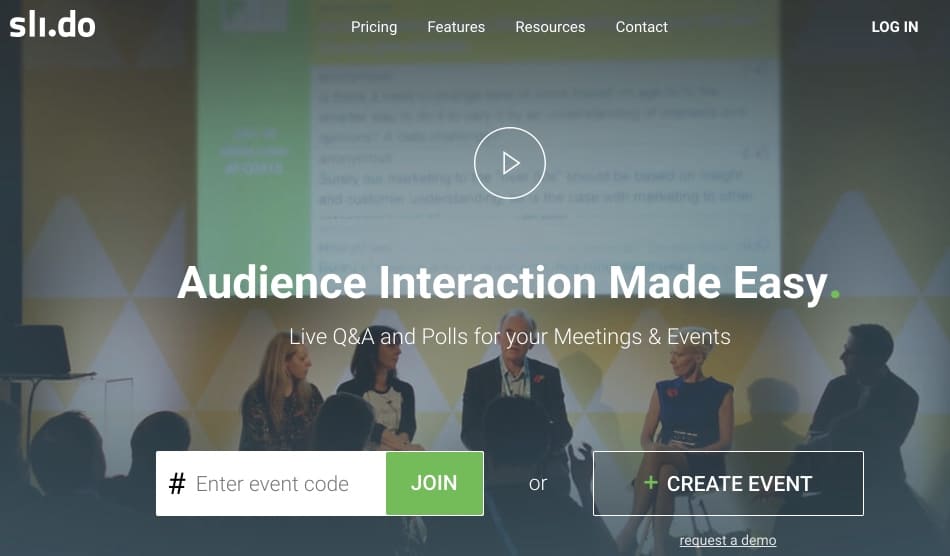
Slido targets the corporate market, but also the wider world of education and training. This platform makes it possible tointeract with your students or conference participants by asking them to ask questions or answer live surveys.
If you have to make an intervention in front of a large group, here is a tool that will allow everyone to ask questions without fear of speaking. It also avoids that not always the most interesting questions are asked by the same people. It will be enough for the participants to connect with their smartphone, tablet or computer to the Slido site with a keyword that you will provide them.
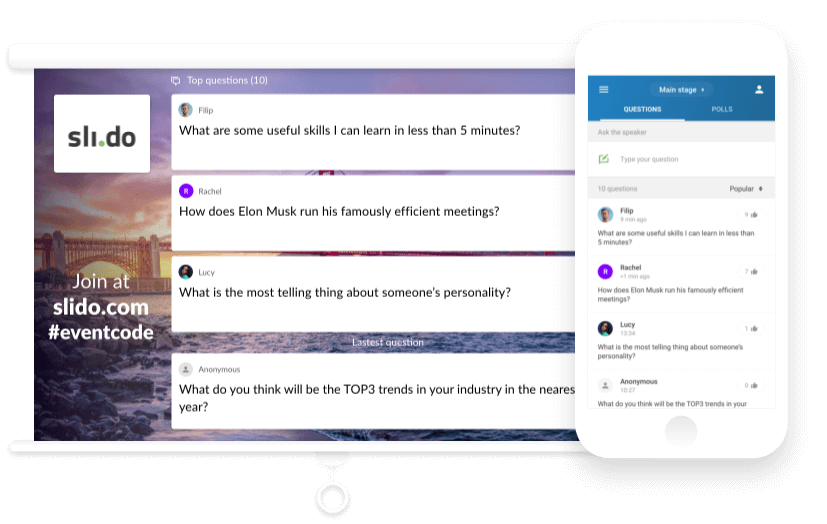
Everyone will be able to ask questions during your speech. You will be able to answer it live. Slido even had the good idea to allow participants besides asking questions to vote for those that they think are the most interesting. Ideal to facilitate moderation on your side. You will be able to display on the one-click screen the most voted questions as well as those you consider most relevant.
This live question function will allow you to increase the involvement of your students by giving them a voice in the proceedings of your presentation.
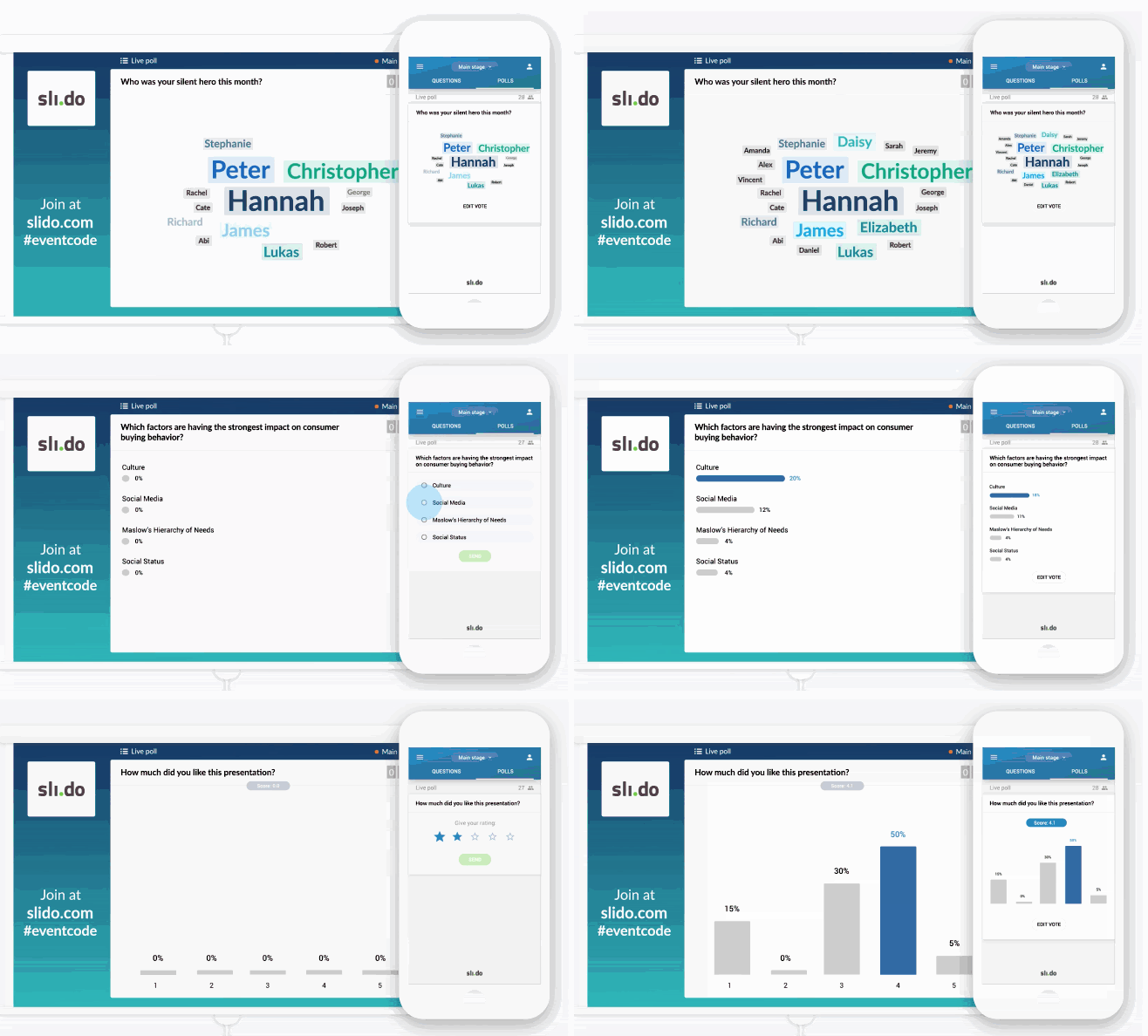
Slido also offers the possibility to offer live and real-time surveys. This time you will be inviting the participants to your conference. You ask one or more questions and invite participants to answer directly from their devices. By displaying the question on a large screen, everyone will see the results of the vote or poll gradually displayed in real time. A good way to check that everyone understands a concept or to introduce a new chapter in your presentation. You can prepare your questions upstream, but the tool is very easy to use and you can create a live survey with a few clicks.
Slido had the good idea to introduce the possibility to keep all the questions asked by your audience or the results of the surveys after each use. Slido also offers a remarkable reporting tool that will include indicators that are always very useful. The most voted questions, keywords or participants who made the most of a conference.
A pro tool for anyone who needs to speak at a conference or amphitheatre in front of a large audience. But it can also be used more modestly in front of a class.
Slido interfaces with your usual presentation tools such as Prezi, PowerPoint and other Keynotes. For this purpose, Slido offers a small, lightweight ‘Switcher’ application that allows you to switch from a click on the screen of your presentation to Slido.
Slido offers a free plan, but with limited functions. The paid plans were built for the company, but the creators made special plans that were very beneficial for the world of education.
Link: Slido

 English
3 Responses
[…] ergonomics. Far from much more professional tools like Peardeck or Slido to name but a few. Bored or attempted to meet a real need for […]
[…] Quick and easy creation of interactive lesson plans […]
[…] Quick and easy creation of interactive lesson plans […]