Last updated on 12 May 2026
How can the quality of an online image or photo be improved? Images too pixelated, photos blurred, zoom too important … Sometimes after having trouble finding the right image to illustrate a course or presentation, we end up with a file whose quality leaves something to be desired.
Before you pester and start a new search, you can test one of the tools on this list. Through processing by complicated algorithms, these utilities will try to improve sharpness, masking their loss of quality. It doesn’t work every time, but when it works, it’s magical.
A few years ago, we were dependent on expensive and complex photo editing software to improve our images. But today, the world of online tools is full of solutions to optimise the quality and sharpness of our photos.
The arrival of artificial intelligence will further facilitate photo editing for non-specialists.
The tools I present below are specially designed to increase the resolution of photos and their quality by adjusting contrast and saturation, ideal for illustrations, photos or posters.
It's up to you to select the one that best suits your photo editing needs. They all work in automatic mode with a click or two. Most have nothing to envy to a professional tool.
Table of Contents
Tools to improve the quality of a photo you may not know
Let’s Enhance
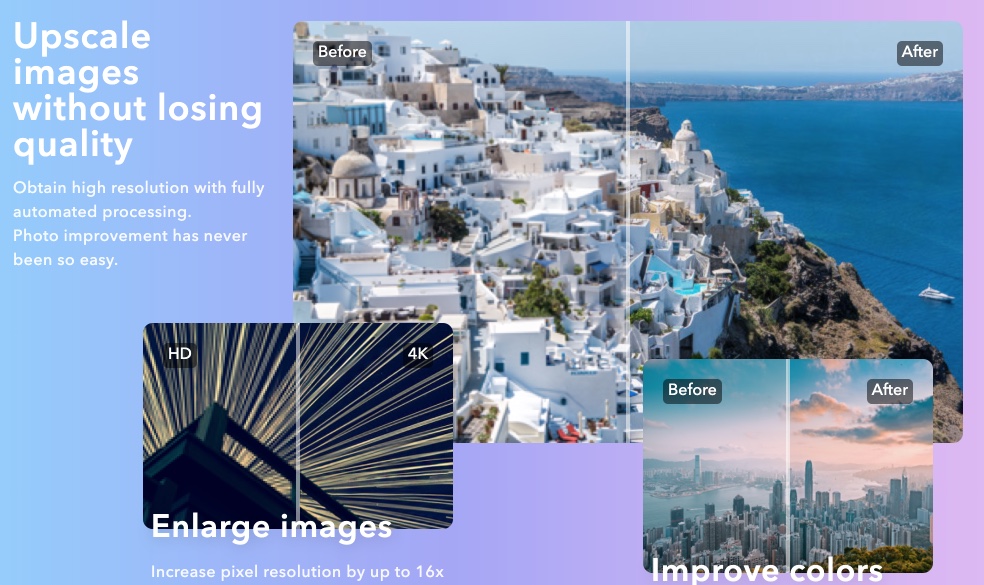
How increasing the resolution of an image ? Try Let’s Enhace. This amazing tool uses revolutionary technology based on neural networks to improve the quality of your images. It will make it possible, for example, to increase the size of a photo with a new, improved image.
The tool uses image data to learn the typical features of physical objects such as wall bricks, hair, and skin, to extrapolate pixels from the source file. The utility is used free of charge for most of the options offered, including to improve the quality of product photos and logos.
Link: Let’s Enhance
Image Upscaler
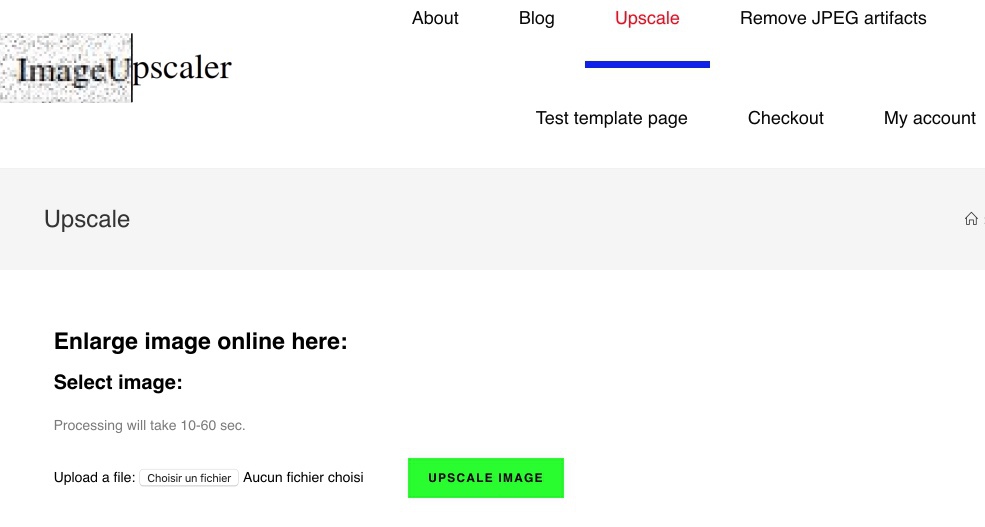
Simpler than the previous tool, but very effective at depixelating an image, Image Upscaler will allow you to enlarge an image by reducing the usual loss of quality of this type of operation. This image optimisation tool uses an AI algorithm that enlarges loaded images and then reconstructs details by eliminating stains, noises and distortions caused by their loss of quality. For example, it can make blurred text readable online. Image Upscaler works with JPG and PNG files and is able to quadruple the resolution of an image. It supports files up to 5 MB and its enhancements can be exported at sizes up to 2500 pixels in width and height.
Link: Image Upscaler
ImgOnline
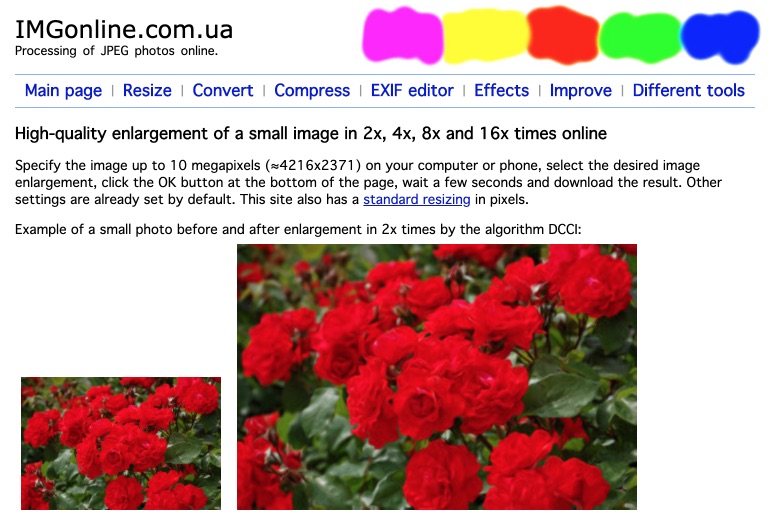
This older utility deserves a small place in this list as it does not demean when it comes to improving an old image that is too degraded to make an image of better quality. ImgOnline makes it possible to optimise your images in seconds. It supports BMP, GIF, JPEG, PNG and TIFF formats. Images can be enlarged by applying one of the five available algorithms, which are described and illustrated by photographs on the website. You can customize their optimization size and then export them to JPG or PNG. Here no artificial intelligence or complex algorithms to automatically correct errors and losses, but the tool offers to work on the details using an integrated optimisation tool.
Link: ImgOnline
Photo Refiner
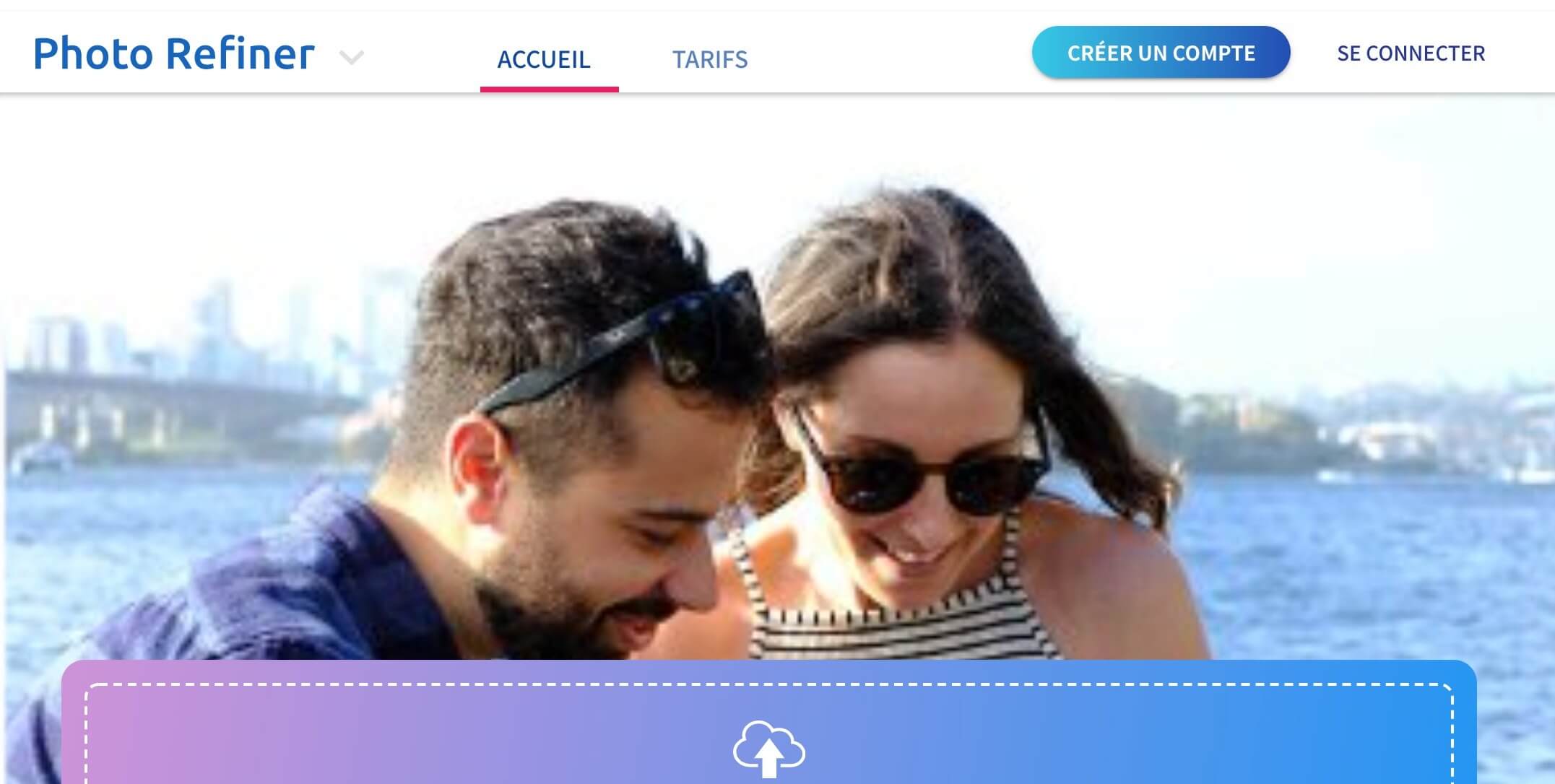
Photo Refiner presents itself as an image enlarger without loss of quality. The algorithm at work for this tool can work wonders. You can enlarge your images by 16x in seconds. If you have small images that you want to scale before printing them, this tool is worth a try. Like most other tools on this list, this online image converter uses artificial intelligence to increase the resolution of your images without degrading their quality and turning them into large posters. In addition, it can be downloaded as a plugin on Photoshop, making it a handy tool for users of this software.
Link: Photo Refiner
Zyro
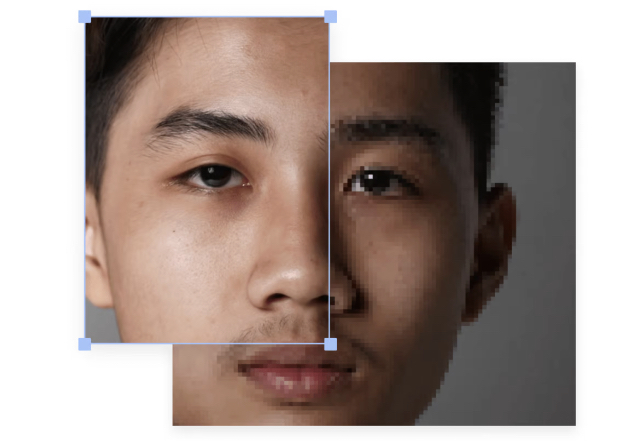
Zyro is offered by a well-known web hosting company. The idea is to help webmasters improve the quality of the images they upload to their sites. The tool is free and available to everyone to increase the resolution of a photo without wasting time. How to make a clear blur photo online? Try Zyro, which is his speciality. The site offers an image enhancer that relies on artificial intelligence to increase the resolution of an image without loss of quality. To resize them is more complicated, we know the less an image has informative pixels, the more difficult it is to change its dimensions. This AI-powered image resizer works well with detailed images.
Link: Zyro
Improving image quality with artificial intelligence
The emergence of AI in the digital world could not miss the tools that improve the quality of an image, a photo and even a video.
The iA appears in the historical tools that have just been mentioned, such as Let’s Enhance. It is also the basis for all the new tools that can do wonders when it comes to sharpening photos or improving resolution.
On the other hand, in this category no room for free. After one or two test images, you will have to go through the purchase or subscription box.
DeepImageAi
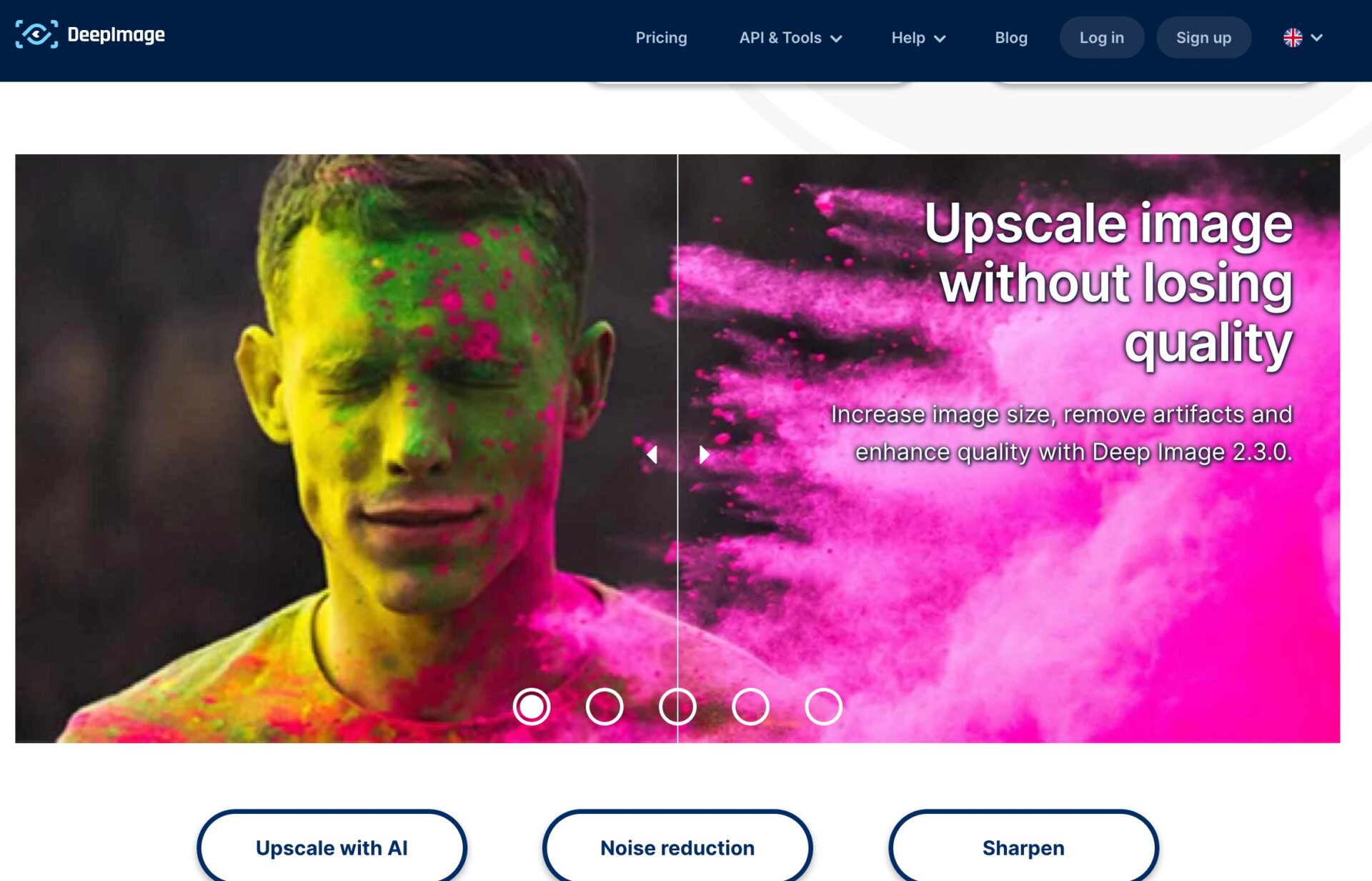
Deepimage has been one of the tools present for some time in this market for online photo enhancers that has switched to iA. Fast and powerful, with one click it can enlarge the resolution, reduce noise, remove blur from a photo, and even use special filters like PicWish to improve the quality of your images with the help of the DeepImageAi amplifier. Test it you will be amazed at the quality of the results.
Quality at a price, here we pay per image processed between è and 10 cents.
Link: DeepImage AI
AI Image enlarge
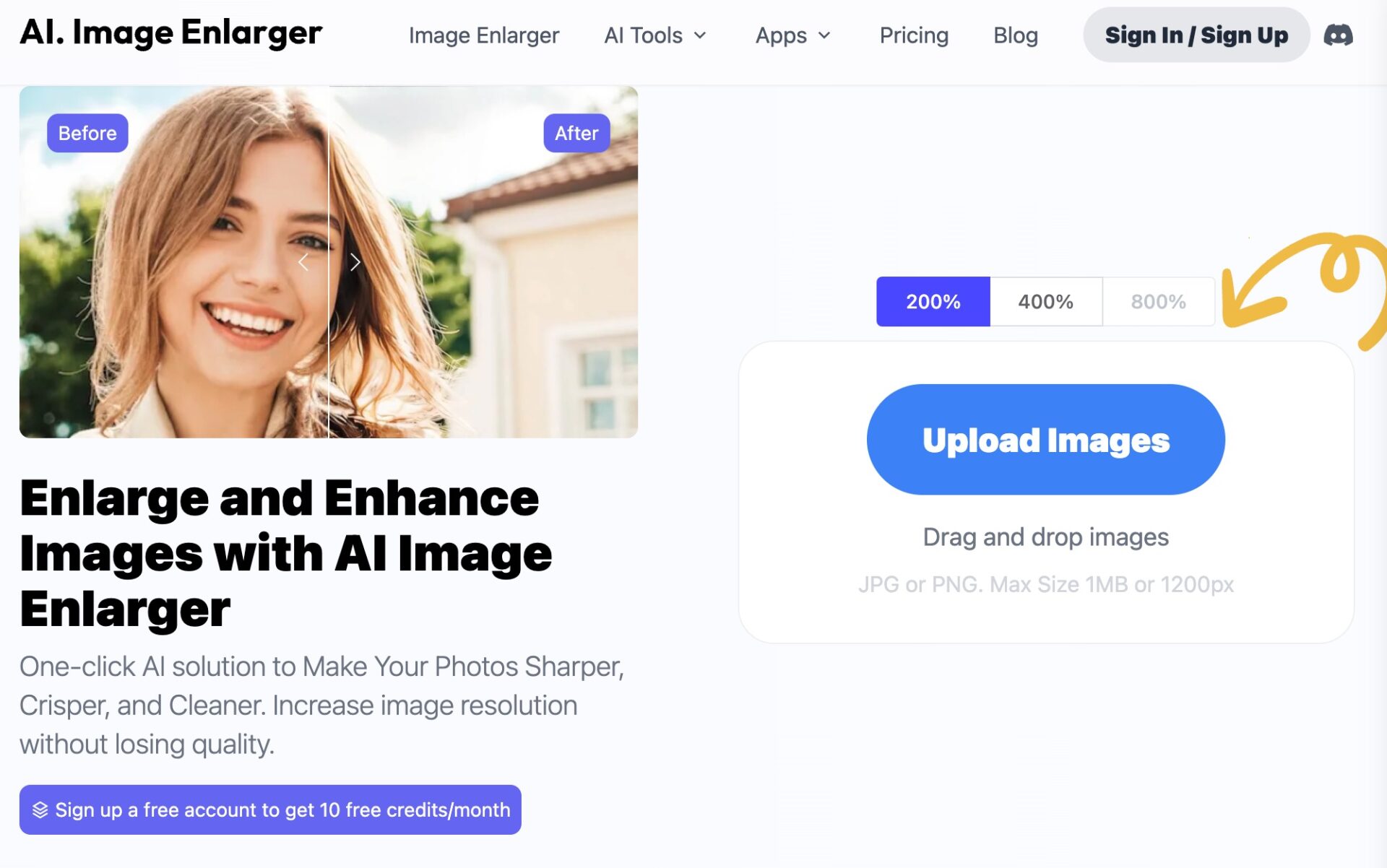
Ai Image enlarger can also use iA to improve the rendering of your photos. As for all these tools presented here, the use is simple, the site offers you to upload your image and with a single click and in a few seconds you will be able to recover a new file.
AI Image enlarger is an AI solution that knows in one click how to make your photos sharper, clearer and cleaner thanks to its customization options such as the Shadow and Brightness sliders. You will be able to increase the resolution of the image without losing quality by improving the blurred images. The first ten images are free, then you will have to buy credits to be able to continue using it or enjoy the free version with a watermark added to the modified images.
Link: AI Image enlarge
BigMP4
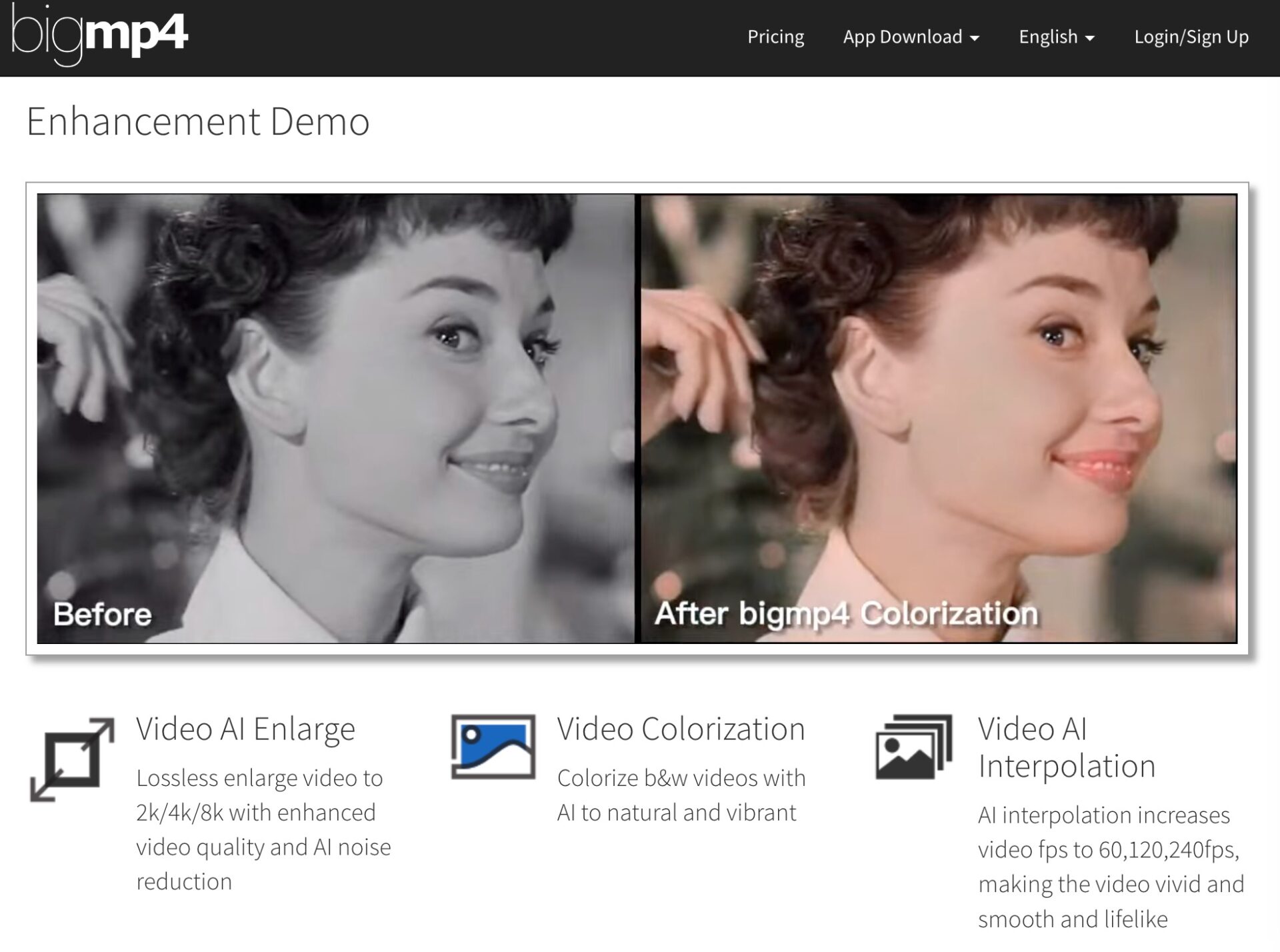
BigMP4 is an example of the power of artificial intelligence applied this time to improving the quality of a video. The tool makes it possible to improve the quality of the video, to obtain a better resolution too and a few other creative functions, including the ability to colour images on the fly. Spectacular to switch from a black and white film to the colour of a single click. Mobile application available for convenient and easy use.
Link: BgMP4
Other more traditional tools to improve the quality of an image
We must also add to this list more well-known tools that are more focused on photo editing but which also make it possible to work on the quality of an image with, in particular, intelligent filter systems.
GIMP
GIMP is an open source photo editing software that offers many advanced features. It is compatible with many file formats. More difficult to handle, it allows complex touch-ups.
Adobe Photoshop Express
Photoshop Express is a free online software offered by Adobe to allow you to improve your images on iPhone or Android. Thanks to this tool, you will be able to do basic touch-ups such as removing red eyes or cropping photos.
PicMonkey
PicMonkey is one of the tools that allow you to make photo edits and create photo montages. It offers many filters and effects to give a new look to your photos.
Fotor
Fotor is a free online tool that allows you to edit your photos and share them on social networks. I talked about it here a few days ago. It offers various effects and filters to edit your photos, including quality-enhancing features, such as focus and artistic styles. Among them, several make it possible to improve the quality of an image in no time.
What are the best classic software to improve the quality of a photo?
The best free software to improve the quality of an online photo are Adobe Photoshop Express, GIMP, Pixlr, and Fotor. These softwares offer advanced image editing features such as brightness correction, removal of imperfections and color retouching.
Useful also for Free OCR tools to extract text present in a photo.
Help me complete this list with the tools you use. Please help me to complete this list of photo tools with your suggestions. Thank you very much!

 English
Hello,
Thank you for your work.
Small shell on ‘Let’s enhace’ -> enhance
Thank you for your very interesting article.
I tested the 5 sites with 2 photos (Black/Banc and colour). Here are my ratings:
1.Let’s enhace 19/20
2.Image Upscaler 13/20
3.ImgOnline 7/20
4.Deep Image 13/20
the last site is paid
Thank you for this little review.
I just used LETS ENHANCE to enlarge a small image from a video. As the enlargement was blurred. By passing the small image to the Lets Enhance reel, it goes from 33 KB to about 400, it is weighed down but the enlargement is clear, it is bluffing.
Thanks to this tool, you will be able to do basic touch-ups such as removing red eyes or cropping photos.