Last updated on 29 June 2026
You come across a 40-minute YouTube video. A conference, a tutorial, a replay of a webinar. Three ideas really interest you for your course, but they are drowned somewhere in the middle. And you will not revise everything to find them.
It's probably already happened to you. Before, you had to juggle the progress bar, note the minutes by hand, go back and forth. Poor.
In short, in recent years the landscape has changed. In addition to the classic extensions that time your notes during viewing, a new family of tools has arrived: those who automatically transcribe the video and give you a summary. No need to look at everything to find out what's in it.
I've sorted. Here's what's still working, what's gone, and the AI tools that are worth a look.
Take time-stamped notes: extensions that still hold
The principle is simple. A window opens next to the video, you write, and each note is automatically linked to the exact moment you took it. One click on the note, and the video jumps to the right place.
YiNote
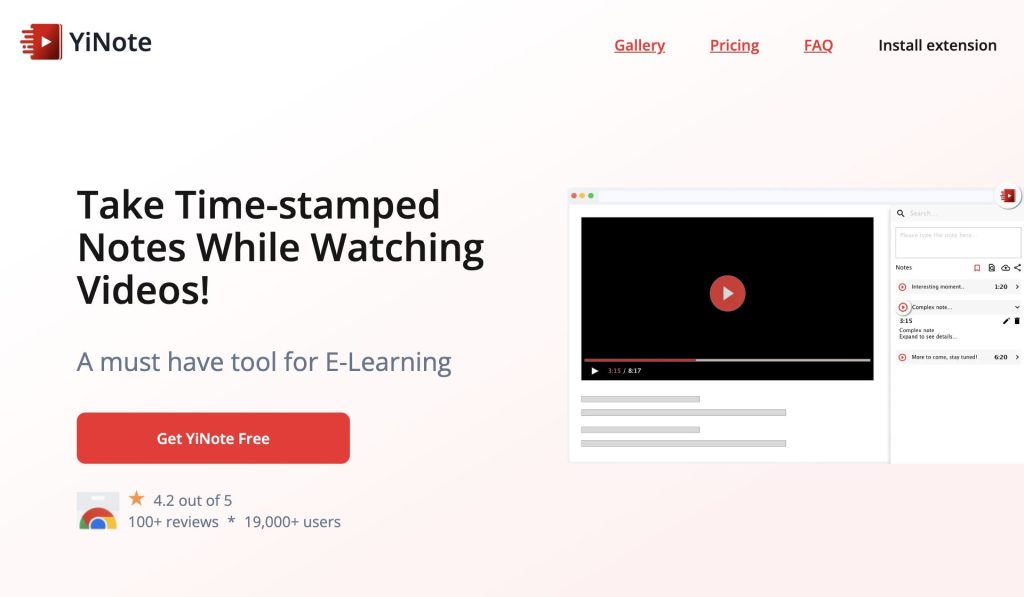
YiNote is a free extension for Chrome, Firefox and Edge. It supports YouTube, but also Vimeo and embedded videos on other sites. Each note is time stamped. Exports are in PDF, Markdown or Evernote. No AI, no automatic summary: it is a notebook, nothing more. And for many classroom uses, that is exactly what it takes.
What I like: free, simple, without overlay. Exporting Markdown is handy if you store your notes in tools like Notion or Obsidian.
What I like less: no AI function, and the ecosystem remains smaller than that of big competitors.
ReClipped
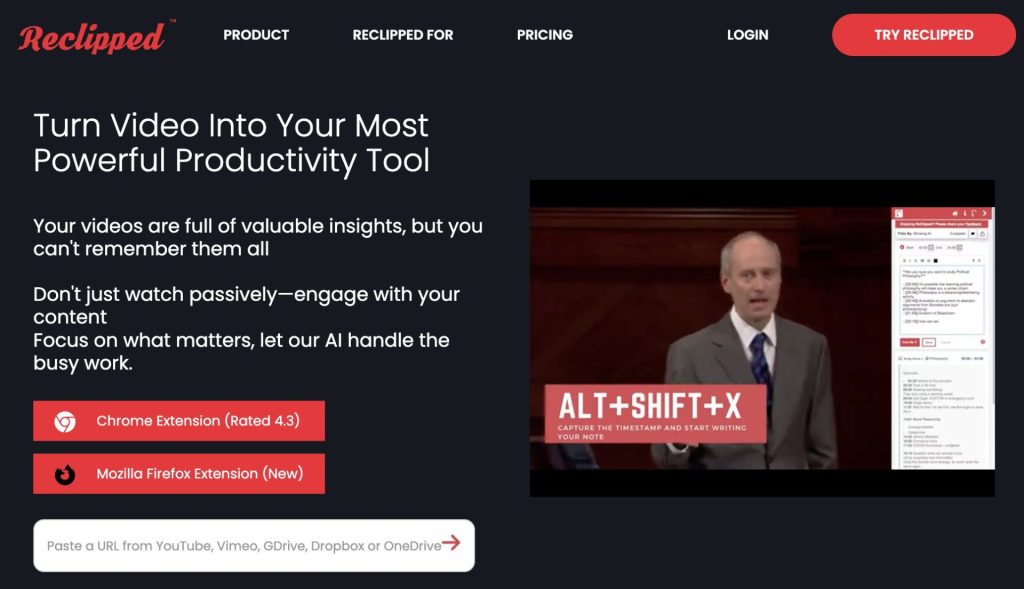
More complete, but more demanding. ReClipped works beyond YouTube, on Coursera, Udemy or LinkedIn Learning. You can capture time-stamped notes, screenshots and even short video clips. The notes are organised on private or shared boards, which can be used for a class. Export to PDF, Markdown, Notion, Readwise or Evernote.
An honest warning anyway. Several users have been reporting problems connecting to the extension for months. To be tested on a simple case before investing too much time in it.
What I like: the richness of the tool, between text, captures and extracts. And sharing boards to work with others.
What I like less: no dedicated mobile app, some key functions depend on the extension or a paid plan. And those connection bugs hanging around.
A quick word on the other tools in the old version of this article. BeastNotes still exists, as a Chrome extension backed by a site, but remains a notch below the previous two. Sidenote, BookmarkIt and RocketNote have disappeared or are no longer reliably maintained. There is no need to dwell on this.
Automatically transcribe and summarise: the New Generation
Now we're changing the logic. You no longer take notes during viewing. The tool transcribes the entire video, and often offers you a summary. Convenient when you just want to know if a video is worth it, or retrieve text from a conference to rework it.
Tactiq
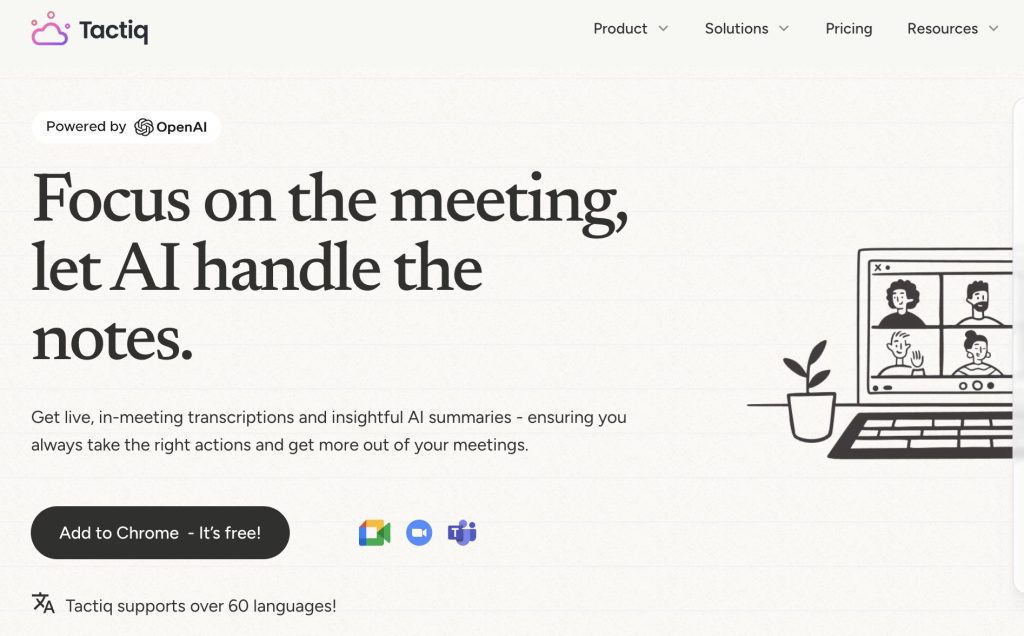
Tactiq offers a free YouTube transcription generator. You paste the URL, you retrieve the text, without even entering your email. Originally, it was mainly a tool for transcribing meetings on Google Meet, Zoom or Teams, but its YouTube function was a good example.
Let's be precise about the limits. The free YouTube generator currently only transcribes in English, and one video at a time. The free plan gives 10 transcripts per month and some AI credits for abstracts. Beyond that, the Pro plan starts around 8 $ per user and per month in annual billing. For French, the free tool on the YouTube side quickly shows its limits. VideoMark
VideoMark is a simple Chrome extension for taking notes on YouTube, Coursera and Udemy, which incorporates a summary layer (assisted by ChatGPT). Lighter, more thought for use online course. Interface available in French. Free, but limited to 50 notes: Beyond that, you have to switch to the paid version.
All-in-one tools
A quick mention, because the category explodes. Several extensions now combine transcription, AI summary, flashcards and export to Notion. NoteGPT, for example, summarises YouTube videos and turns transcription into notes. Its free version caps around 15 AI shares per month, mandatory account. It also offers a free education account. Snipo, Sends your YouTube notes directly to Notion and generates flashcards.
On paper, nothing extraordinary. But to use, for a teacher who prepares a chapter from several videos, winning the summary without watching everything is real time saved. Be careful though. Most operate in freemium, with quotas quickly reached and a mandatory account. Also check what they do with your data before uploading the content of your courses. On this point, I have detailed elsewhere More privacy-friendly AI alternatives.
If your need is more for audio from your own courses or a file to transcribe, take a look at my comparison of audio transcription tools for teachers. And HappyScribe knows how to summarise a YouTube video directly from its URL, an interface in French to support it.
Comparative table
| Tool | Type | Free | AI (summary / transcript) | Account required | French | Export |
|---|---|---|---|---|---|---|
| YiNote | Time stamped notes | Yes | No | No | Interface in English | PDF, Markdown, Evernote |
| ReClipped | Notes, Catches, Extracts | Limited free version | No | Yes (free and then paid) | Interface in English | PDF, Markdown, Notion, Readwise, Evernote |
| VideoMark | Notes, annotations, catches | Yes (50 notes max) | ChatGPT Assisted Summary | Yes | Yes | PDF, TXT, Word, Google Docs |
| Tactiq | Transcript | Yes (10/month) | Transcript + summary | Yes (Google connection) | Free YouTube tool in English | TXT |
| NoteGPT | Summary, transcription, flashcards | Yes (approx. 15 shares/month) | Transcript + summary + flashcards | Yes | Yes (according to video) | Notes, mind maps |
| Snipo | Notes to Notion, flashcards | Limited free version | Flashcards AI | Yes | Interface in English | Concept |
| BeastNotes | Notes for online courses | Yes (3 courses max) | No | Yes | Interface in English | Organization by course |
So which one to choose?
Basically, it all depends on what you're looking for. If you want to write your own notes by following the video, YiNote is more than enough. Free, without complications. If you work on a lot of online courses, ReClipped goes further, as long as you accept its take-over phase.
And if your real need is to save time without watching everything, look at the AI transcription side. With a reservation for the French-speaking public: Most of these tools remain better in English. To test, therefore, according to your videos and your working language.

 English
4 Responses
[…] Detailed presentation of the application. […]
[…] How to take notes on a YouTube video? November 9, 2021 […]
[…] you are looking for specific tools to take notes by watching a YouTube video, you can try one of these tools presented on the site a few months ago from […]
[…] Discover here other tools for taking bots from a video […]