Last updated on 15 June 2026
You have a computer room, an hour in front of you, and half of your students are still typing at two fingers looking at the keyboard between each letter. The result: A five-line dictation takes twenty minutes, the slowest students drop out, and frustration mounts on both sides.
Learn to type correctly on the keyboard, it is one of those skills that is underestimated until the day when it becomes truly blocking. In class, in middle school, in high school, in training. No need to make it an ambitious project: a few regular sessions are enough, provided you have the right tool.
In short, here is a selection updated in 2026 of the best online tools to work typing with your students or independently. Some are completely free, without account and without advertising. Others offer modes specifically designed for DYS students. You will also find a comparative table at the end of the article to choose quickly.
Table of Contents
Importance of typing for children
Typing is an important skill for children to acquire from an early age. Indeed, with the advent of technology, the ability to type quickly and accurately on a keyboard has become an essential skill for many everyday jobs and activities.
In addition, typing improves hand-eye coordination and concentration of children, which can be beneficial for their learning in other areas.
For DYS students, the question is even more crucial. The keyboard can become a valuable help to bypass graphic difficulties, provided that the keystroke is fluid enough not to become an additional obstacle.
Good news: training pays off quickly. A few weeks of regular practice is enough to permanently change habits.
Complete tools to learn the method with 10 fingers
Learning typing is essential for children who use computers for their studies or daily lives. Here are online apps or tools to learn how to type well on the keyboard other than with two fingers.
Typing Club. Free typing exercises
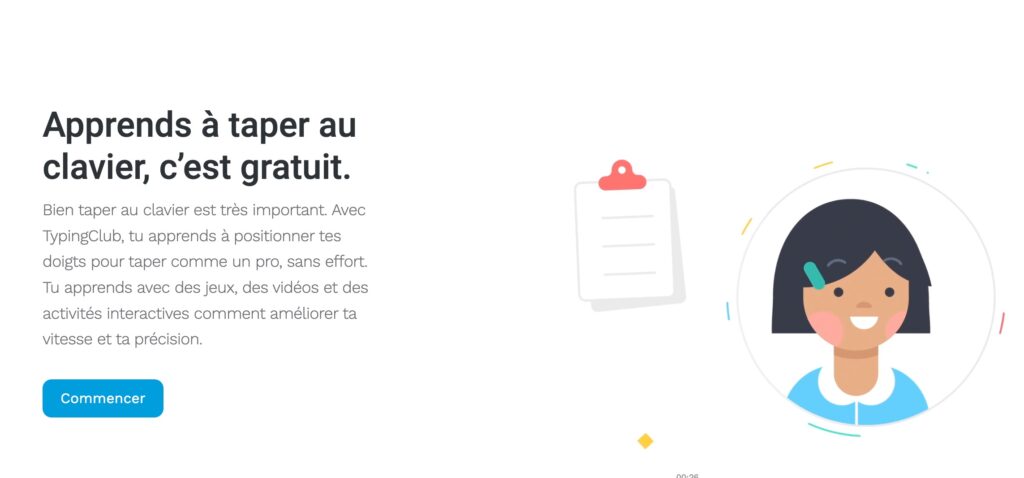
Typing Club is one of the most popular tools for learning to type on the keyboard. A colorful interface and an immediate control in autonomy are part of the strengths of this free solution. The app offers games, videos and interactive activities to improve the speed and accuracy of keyboard input and thus improve the typing technique. I highly recommend trying Typing Club to learn how to type quickly and efficiently with its 10 fingers.
Levels, badges and other stars are on the programme to motivate the student. You do not need to register to do the first exercises, but you will have to do it to save progress. Some advertisements are present in the free version. The site announces a version for schools, but it is currently only in English.
Ratatype. Work the positioning of hands on the keyboard
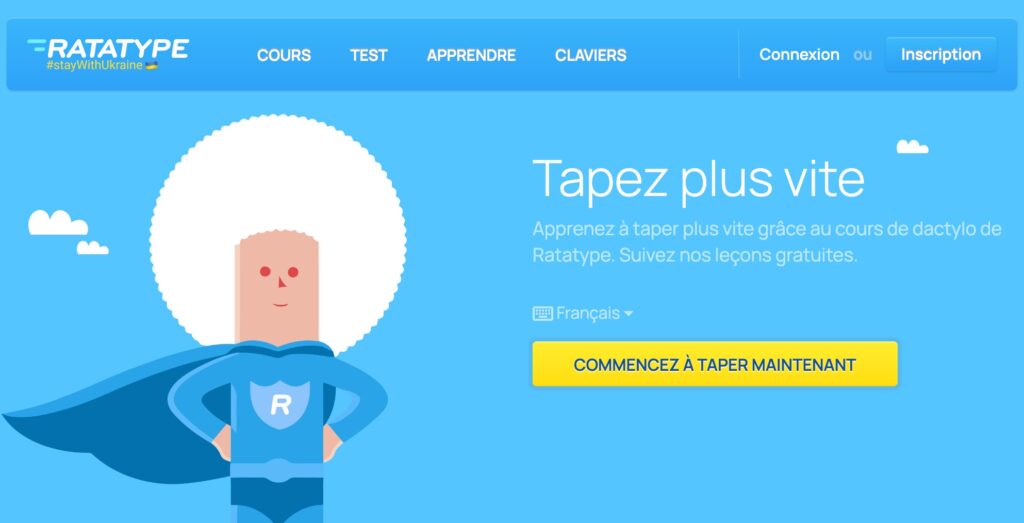
Ratatype offers about twenty lessons for learn how to position your hands properly, then to chain the strikes with regularity. The graphic atmosphere in a superhero way should appeal to the youngest. A free speed test allows you to be on site as soon as you arrive.
Apart from progressive lessons, the site offers challenges between users and the ability to create group-classes to track progress.
Two things to know before sending your students on: the free version displays advertisements, sometimes annoying depending on the age of the public. And an account is required to save the progresses. If you want to delete the advertisement, you will have to switch to Ratatype Plus: EUR 36 per year (EUR 3/month with the annual subscription), or EUR 7/month without commitment. It’s not nothing.
Agile Fingers. Tap on the keyboard quickly and accurately
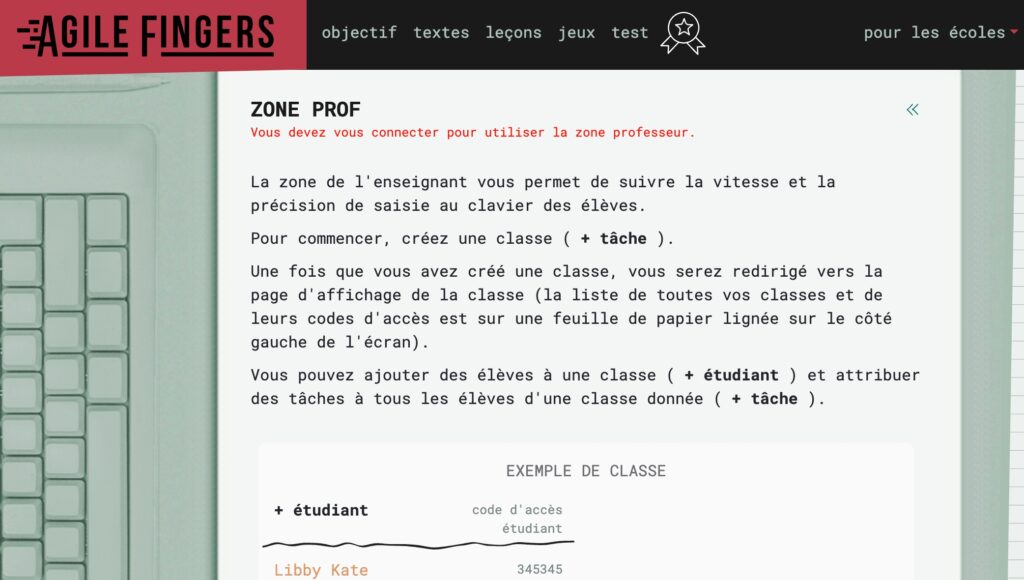
Agile Fingers keeps its promises if it is persevered in its efforts. Agile fingers through exercises, games and challenges to inspire you to improve. The online application, AgileFingers, is a course that allows you to set speed and accuracy goals by teaching yourself the typing technique every day through exercises, lessons and games.
The tool offers a dedicated area for teachers: you create a class, students sign up with a code, and you can track their progress. It is one of the few tools on this list to offer this feature for free.
Tap’Touche. A complete method to develop a solid typing technique

The Tap’Touche solution is an effective online method proposed by the same publisher who developed the Antidote Correction Software.
The programme includes nearly 100 progressive exercises, regular tests, and an algorithm that analyses the user’s performance to offer targeted activities on their weak points.
Tap’Touche is compatible with Windows, Chromebook, Mac and iPad. A school edition with account management features is offered to teachers, with detailed follow-up of students. For the subscription, count around 30 Euros per year.
Easy typist. One of the best applications for learning to write on the keyboard
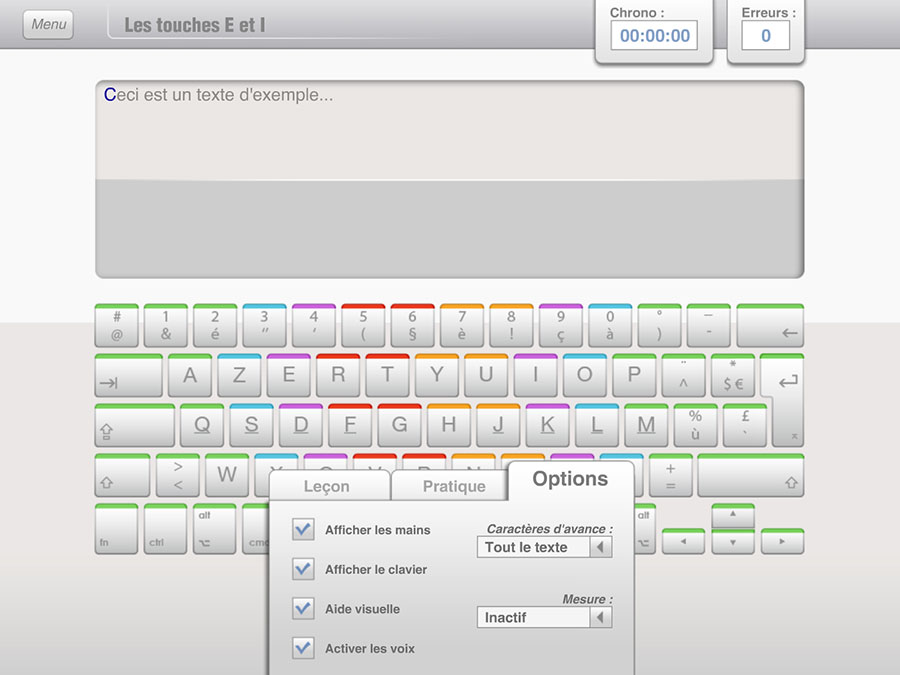
It is arguably one of the most serious and comprehensive resources on this list.. Easy typing - Learn the keyboard! is a software from the Generation 5 publisher that offers lessons and training activities for improve its striking speed Azerty keyboard and be more efficient on his computer.
A comprehensive methodology built around some 30 very comprehensive lessons. Several levels of difficulty are proposed to adapt to learners of all ages. Another strong point of this method is that the screen displays either the keyboard and hands (colour markers) or the keyboard alone.
With Dactylo Facile, one of the best applications for learning to write on the keyboard, you can improve speed and accuracy in just a few hours of training.
The software Easy Dactylo - Learn the keyboard is cross-platform Mac or PC. Count around 30 Euros to be able to buy it.
Tyyp. A French-speaking method with a validation diploma
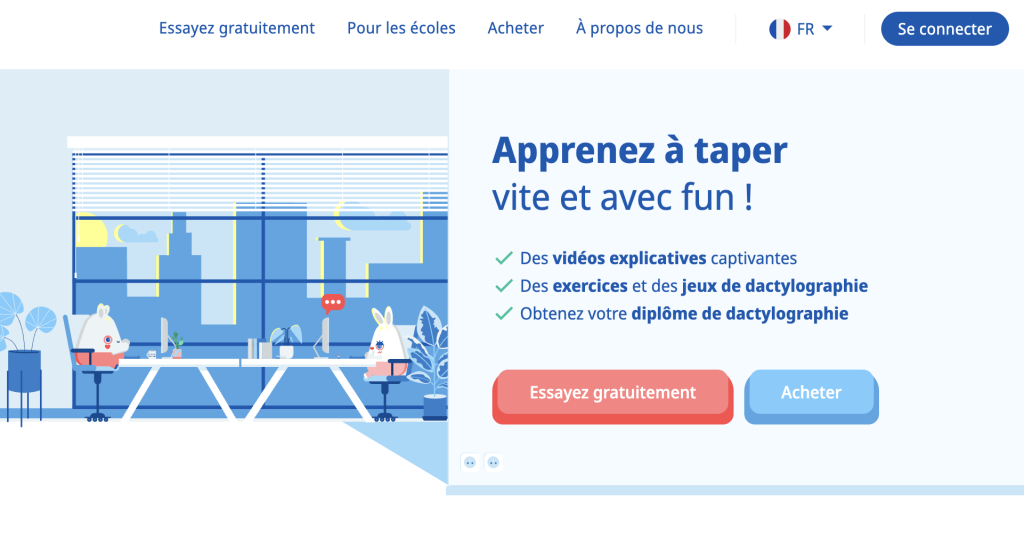
Tyyp follows a structured training logic: explanatory videos, progressive exercises, typing games, and at the end of the course, an online exam. If the student succeeds, he/she obtains a typing diploma. It is the only platform on this list to offer an official validation of competence.
The content is designed for the AZERTY keyboard, with a focus on the French language. The mentoring platform is free for teachers, allowing groups to be tracked at no additional cost. Students have unlimited access to the course for 12 months.
What I like: The degree can be a real motivator for students who lack perseverance. And the free school version for teachers is a more concrete one. What I like less is the price. (approximately 35 euros per pupil)
Tapotons. Training where you really fish
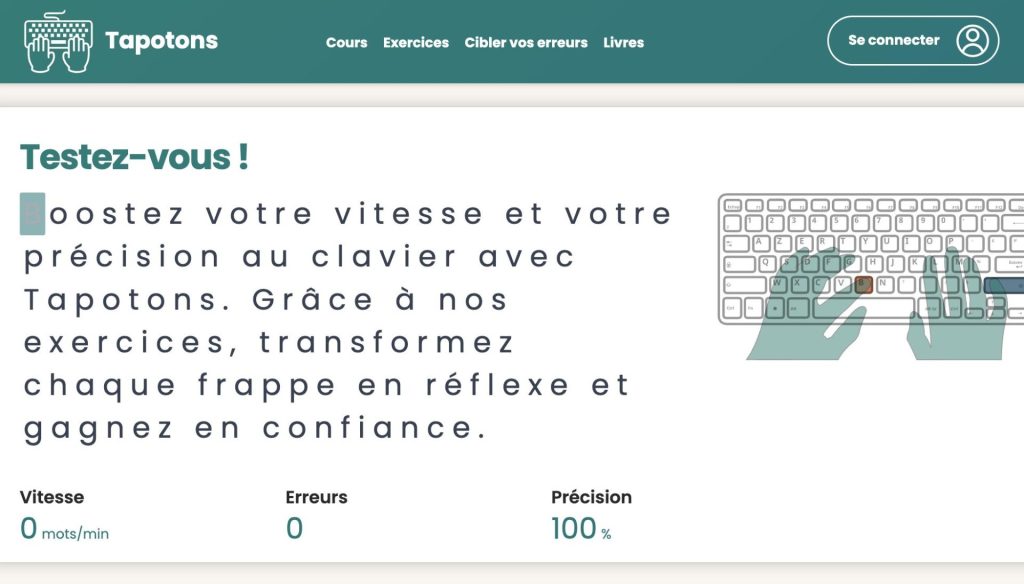
Tapotons is a sober and well-built French platform, for those who really want to progress: progressive courses on AZERTY keyboard, various exercises, typing statistics. The objective is clear: type faster, with fewer errors, in a sustainable way.
What distinguishes Tapotons from the other tools on this list is its ‘Target your mistakes’ function. The site analyzes the last 200 typos and automatically generates targeted exercises on the keys that are problematic. The student does not waste time on what he or she already masters.
Free access gives access to the first 10 courses and the first 30 exercises, enough to start making serious progress. Then the price is 30 Euros for a year.
Games to train while having fun
Orthoclavier. Improve keyboard input and spelling by playing
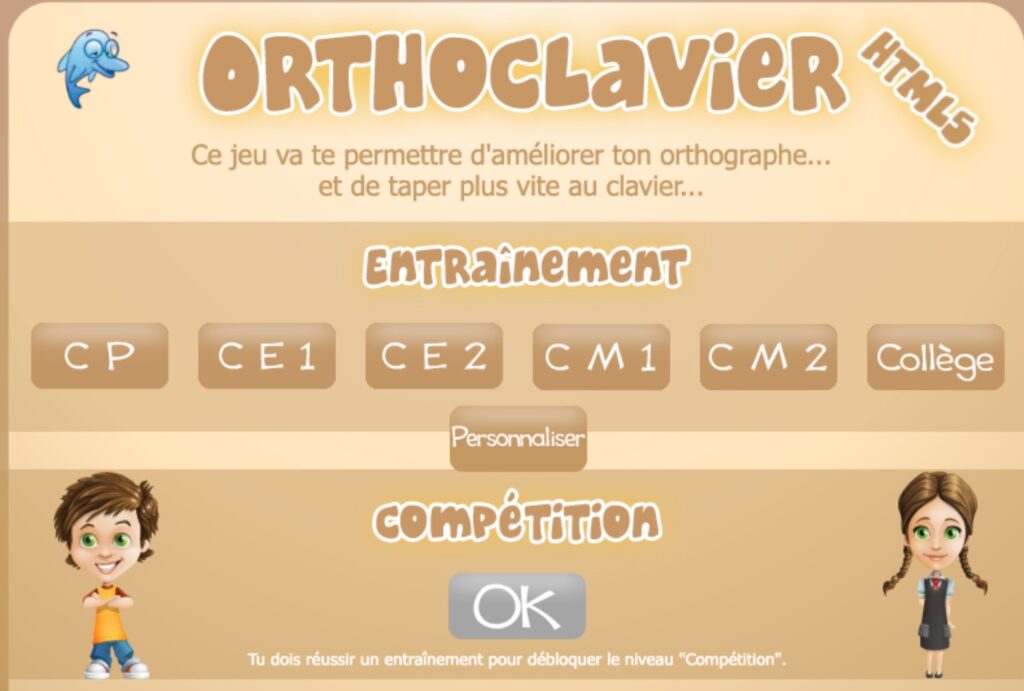
Orthoclavier is in the form ofa nice little game to write quickly on the keyboard which I found on the website of my friends of the educational software .fr. The game mixes speed with keyboard and spelling. Words appear at the top of the screen and begin to descend downwards. The player must have written the word on the keyboard without spelling errors before the word touches the ground. Simple but effective.
The small plus of this free application, the possibility to define a level of difficulty from CP to College. Free, without registration, directly in the browser. It is one of the simplest tools to offer young students or those who are uncomfortable with digital tools.
Fort Dactylo. A free game, without ads, designed for DYS students
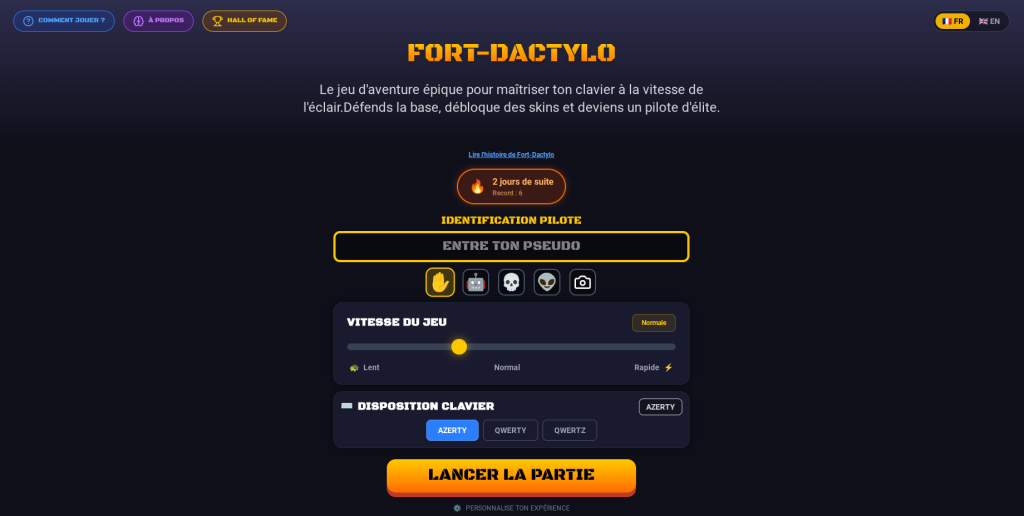
Fort Dactylo Takes a different direction than most of the tools on this list. This shoot’em up typing game, released in 2026, was designed by a father whose son is dyslexic. Enemies advance towards the player; to eliminate them, the words displayed on the screen must be typed correctly. I was rather won over by this method to learn typing while having fun.
What distinguishes Fort Dactylo: the speed adapts in real time to the level of the student, accessibility modes are integrated for DYS students, and the game works offline once the Chrome extension is installed. It automatically detects the keyboard type (AZERTY, QWERTY, QWERTZ). Several profiles can coexist, practical in computer room.
What I like: it is completely free of charge, without advertising, without an account, without data collection. A PDF progress report can be generated, especially useful for speech therapists.
Learn to type on the keyboard when you are DYS: two tools to remember
For dyslexic, dyspraxic or dysorthographic students, the keyboard can become a valuable aid, provided that it is really fluid to use. Most typing tools don't think about these profiles. Two exceptions in this list.
Fort Dactylo was designed from the start with accessibility modes for DYS students. No account, no advertising, no data collection. It is the easiest tool to deploy in the classroom with students who are digitally reluctant. The dedicated article on Tice Tools gives all the details.
Orthoclavier, present in the list since the first version of this article, combines keystroke and spelling. Its difficulty levels cover from CP to college. Free, without registration, directly in the browser.
Comparative table: choose at first glance
Here is a summary of the 9 tools presented in this article to quickly choose according to your constraints.
| Tool | Free | Account required | Advertising | DYS mode | Target audience | Language |
|---|---|---|---|---|---|---|
| TypingClub | Yes (pub) | Yes (to save) | Yes | No | All levels | FR/EN |
| Ratatype | Yes (pub) | Yes | Yes (free version) | No | College, high school | FR |
| Agile Fingers | Yes | Yes (for class follow-up) | Not mentioned | No | All levels | FR |
| Orthoclavier | Yes | No | No | Partial | College Staff Note | FR |
| Tap’Touche | No (~30€/year) | Yes | No | No | All levels | FR |
| Dactylo Easy | No | Yes | No | No | Primary, College | FR |
| Fort Dactylo | Yes | No | No | Yes | Primary, College | FR/EN |
| Tapotons | Partial (10 free courses) | To be checked | No | No | College, adults | FR |
| Tyyp | No (~35€/student) | Yes | No | No | College, high school | FR |
Which one to choose?
All these tools have the same objective: help students stop searching for their keys and finally focus on what they are writing.
But they don't all meet the same needs.
For simple and immediate use in the classroom, Fort Dactylo and TypingClub seem to me today to be among the easiest to set up.
For younger students or those who need a very progressive setting, Tapotons and Tyyp are interesting.
And if you work with DYS students, Fort Dactylo and Orthoclavier are clearly worth a detour.
There is no need to look for the perfect tool. The right choice is often the one that students will agree to use on a regular basis.

 English
A little more than 20 years ago I used a Tap’Touche CD-ROM, I see that there is an online version that is not tested but that seems nice to me.
https://www.taptouche.com/fr/
Tape key offers the Qwerty keyboard. It would have been interesting to clarify whether the software offered both types of keyboard: azerty and qwerty.
Dactylorun is nice too. Application developed by young parents during confinement.
The Metalo keyboard is a free assistant that helps children learn spelling in the classroom and at home. Thanks to a visual phonetic keyboard, the keyboard guides the user to the correct spelling of the word, to write it correctly from the first time! https://www.metalo.fr/appli-orthographe-enseignants/
Taptouche, metalo, dactylorun are paid. I specify, it saves time for teachers who want free solutions.
Taptouche is used by many occupational therapists. It pays off but for students who have to switch to the keyboard because of a disability (dys, … neurovisual disorders) it is really good. Important to remember that for these students an ergo accompaniment is essential for a global handling adapted to their troubles (knowing how to organize the files, find them, layout your course, get it reread ….)