Last updated on February 24, 2025
This article was updated in March 2018 –
>> See the new version of Canva's presentation.
Canva is an online graphic studio that allows to easily create a whole series of documents of all kinds. From the banner to the poster to the newspaper or the simple illustrated quote, Canva is the Swiss graphic knife for everything …bien does and does.
Canva is the kind of online tool that deserves its place in your digital toolbox. Particularly powerful this service is intended for a very large audience from beginner to expert and from 7 to 77 years old.
Everything is easy in Canva and yet the result is equal to a professional creation. Everything here is done by dragging down in a very intuitive way and assisted by an online help never taken in default. The service offers hundreds of models that will serve as your starting point. You can create social media posts, newspapers, posters, banners, … newsletters, of course you can also start from a blank sheet with custom dimensions.
A very practical function, among other things, the possibility ofEdit PDF online directly in Canva.

You choose the format, you choose the background, the images and of course the fonts or typographies. Canva offers you an integrated search engine to find illustrations related to your theme.
The easiest way is to start from one of the proposed templates and adapt its components or draw inspiration from the creations of other users presented in a constantly updated feed.
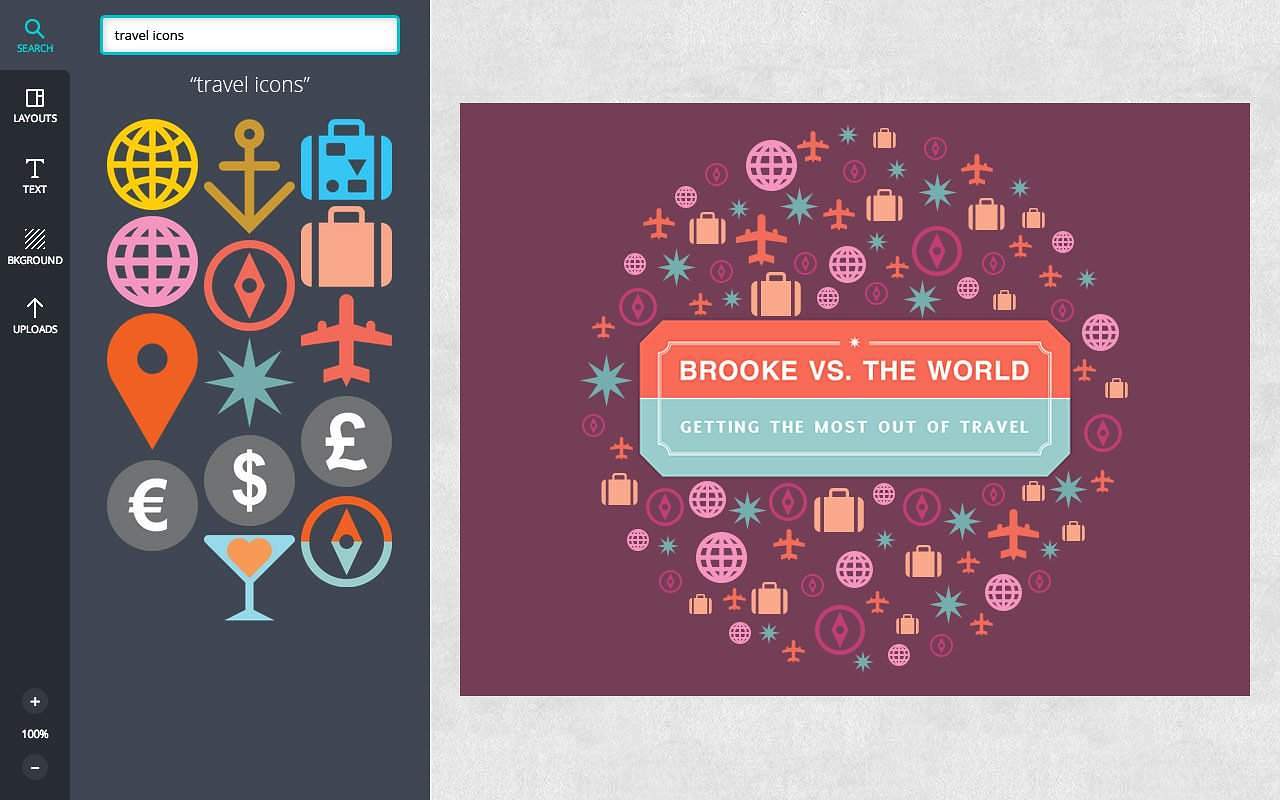
Once you are satisfied with the result, all you have to do is save it in a personal file. download in image or Pdf format or share it on social networks. What happiness on this site that dresses in some functions in a social network way. This will allow you to follow and like other users and be followed by a battalion of fans.
Best for last, Canva is a free online tool. The economic model of the site is nestled in the image bank proposed for your creations. Images that are of irreproachable professional quality are not royalty-free. You will have to pay a user fee of 1$ per image. This remains very reasonable. And then you always have the option to use your own images for free.
Useful and playful to put in all hands.
Link: Canva
 English
Hello,
I went to see, yes it looks interesting and not too complicated. The only downside is that you should not be too lousy in English, but maybe someone will one day have the good idea to do a mini-tutorial in French. Apart from that, the image bank is not very easy to use (postage stamp format, impossibility of using the lift as soon as you go down a little but for 1 $ the photo is far from the prices of Fotolia … To test so, thank you for washing make known;
AP
Indeed, it seems to be a good online tool! Combining graphic design + social is a very good idea 🙂
I have been using this tool (intensively!) since yesterday and I am very enthusiastic! I created a Christmas card for my clients without any problems and have just finished my first e-book.
Canva is very intuitive, very well thought out. It takes me a long time to understand how to use this kind of tool, so it’s a real pleasure! I highly recommend Canva
Canva is an essential tool whose use is multiple , it is genial and spectaculous .Thanks Canva .
The premium version and the images that go with it are free for teachers