Last updated on 12 May 2026
The online teacher’s or trainer’s toolkit includes, of course, interactive questionnaires or online tests. There are many services on the web that allow you to build a test in a few minutes to offer it to your students or learners.
Here is a small, non-exhaustive list of 5 tools to create online tests.

Google is of course part of this list. Google Drive offers a form service that will allow you to create an online questionnaire or test in seconds. You can share it by email or insert it in a blog or classroom site. If you add the Floobaroo script to your Google spreadsheet, you'll even be able to automatically write down and correct the tests. Magical. Video explanations with a nice Canadian accent of this last function here.
Quizbean

A free online tool that allows you to create beautiful tests in a modern and attractive interface. You can generate simple questionnaires by including images before sharing them. Quizbean just closed its doors.
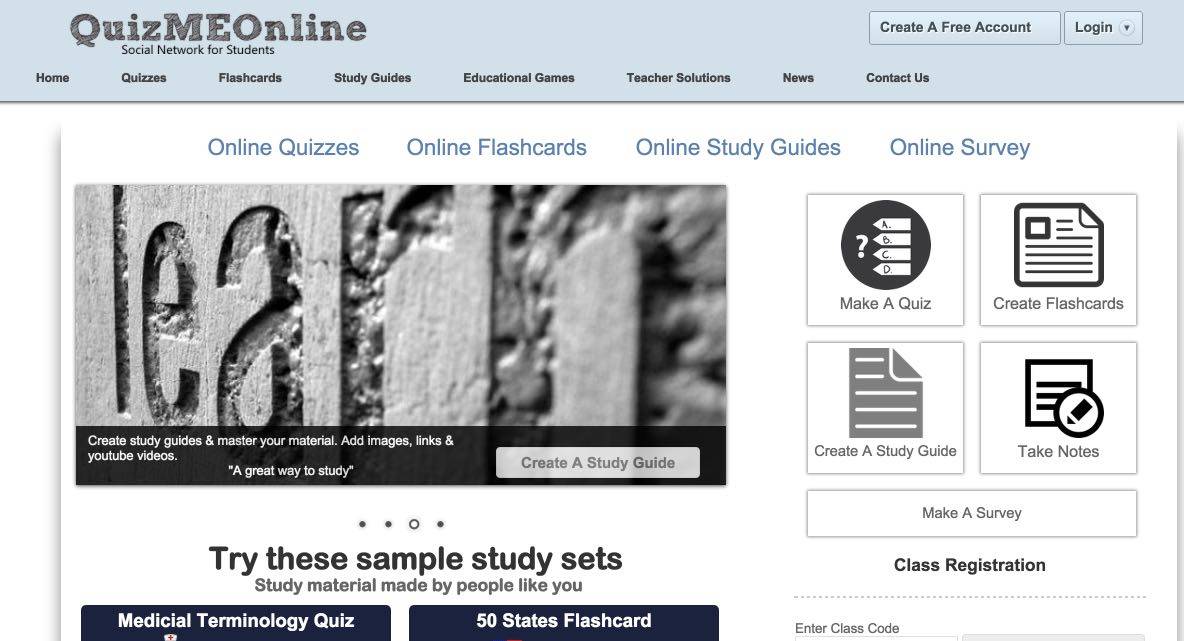
This resource presents itself as a Social Exchange Network for Teachers and students. The site offers the possibility to create forms and tests but also flashcards or shared notes. The site is a bit rough but does not lack interest.

Like Quiz me Online, GoConqr, previously known as ExamTime, is not limited to offering a quiz editor. You will find, after registering, many tools for the class including an excellent generator of online tests.
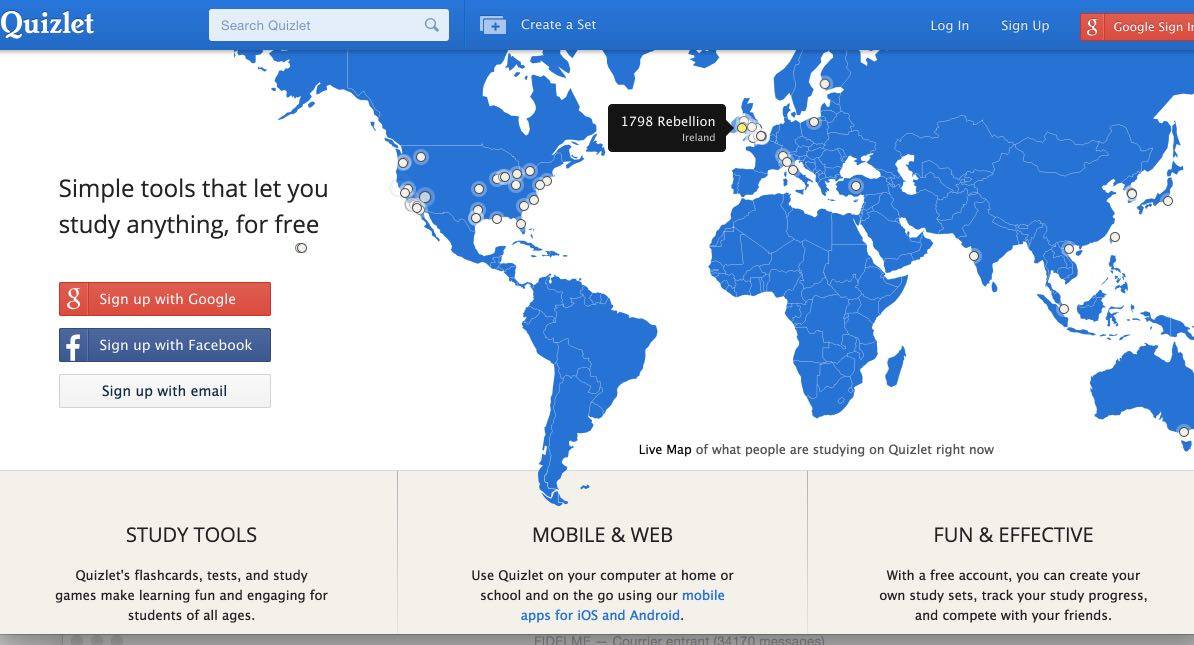 Quizlet is a good online tool that allows you to create interactive tests very easily. It offers a whole system of options to allow a student to memorise a lesson and test himself. The site also offers a large amount of tests created by other users. Quizlet is particularly well suited for learning foreign languages and allows you to insert both images and sounds.
And what tools and services do you use?

 English
Socrative of course!
With a scientific and collaborative approach (sharing) there are also: http://www.scientific-evolution.com/qcm/fr/index.html