Last updated on 12 May 2026
A photo, an infographic, a quote in the form of an image, some ideas to improve the impact of your class blogs or social media posts. Creating an impactful image is now available to everyone through easy-to-use online editors. Here is a selection of ten of them. Ten good tools to create images online for the web or … to display in class or insert in your courses.
Table of Contents
Canva
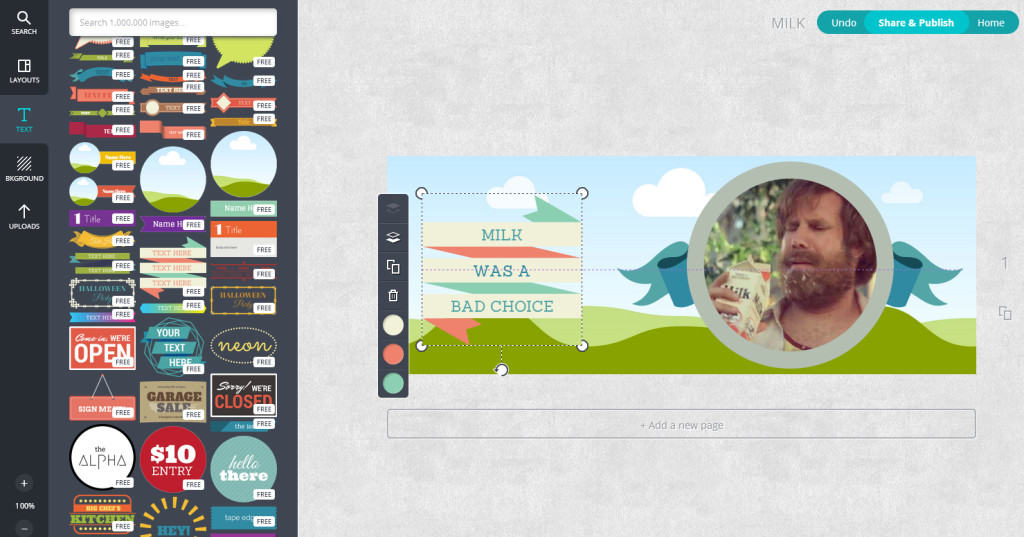
I have already presented Canva right here. It is one of the best current options for creating any kind of images and infographics online. A real Swiss knife very easy to use and take in hand that offers a multitude of formats and models to adapt to your own needs. Canva is free if you use royalty-free images or upload your own images.
Link: Canva
PicMonkey
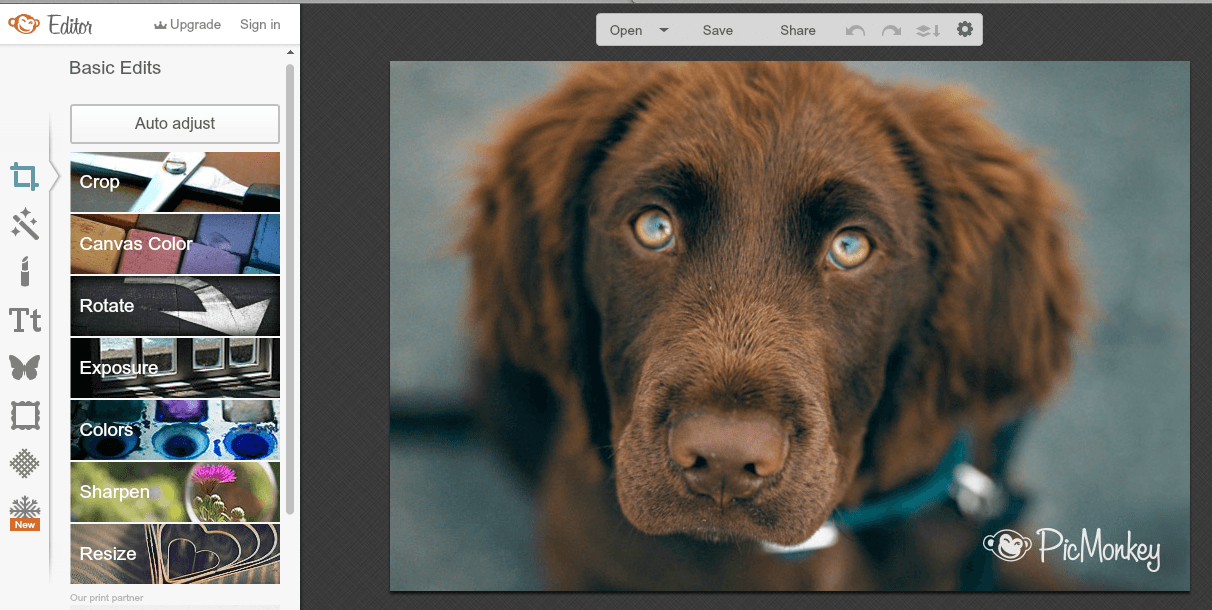
PicMonkey offers you a real photo studio. This online service will allow you to do wonders with your images and photos. PicMonkey allows you to edit your photos, improve them but also to make montages and collages of any kind. The tool offers many templates optimised for the images you want to use on social media.
Link: PicMonkey
Pablo
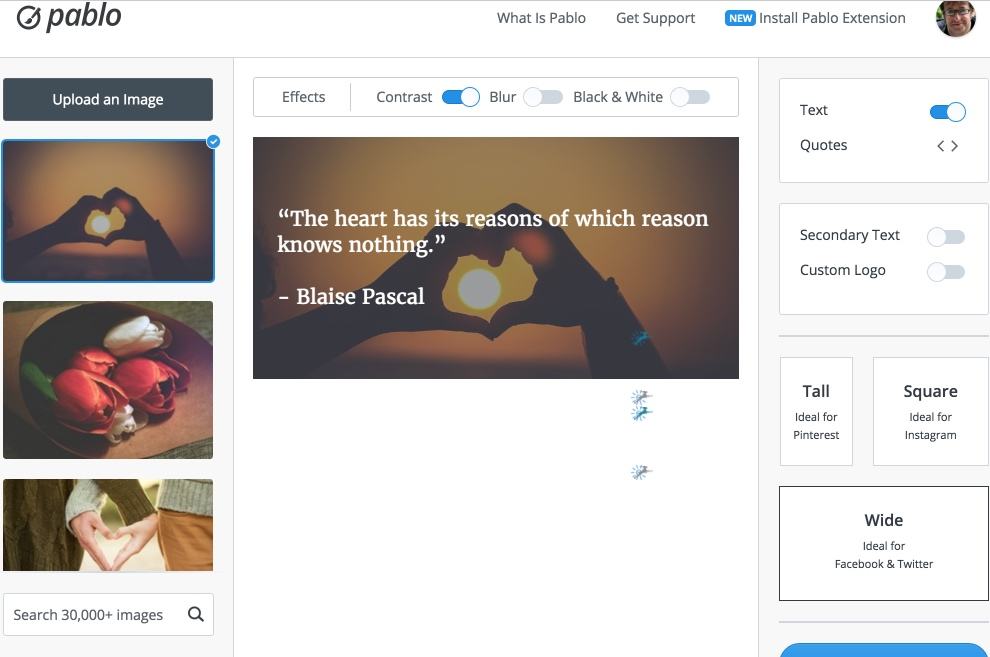
If you want to create images or illustrations for social media, you need Pablo. This small online utility offered by the people behind Buffer makes it possible to create quotes on images to share on the network or print at a glance. Pablo offers hundreds of free images that you can use freely but you can also upload your own images.
Link: Pablo
PhotoVisi
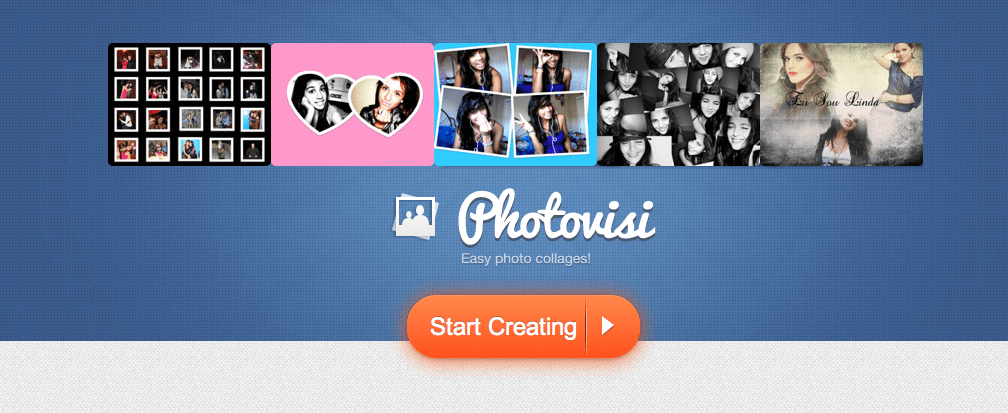
Photovisi is a rather playful tool that allows you to juggle with your photos and make collages or montages. Place to create with this site that guides you step by step and offers you a whole series of models to get started. Your edits once finalized can be shared online and on social networks. You can also download and print them for more traditional use.
Link: PhotoVisi
BeFunky
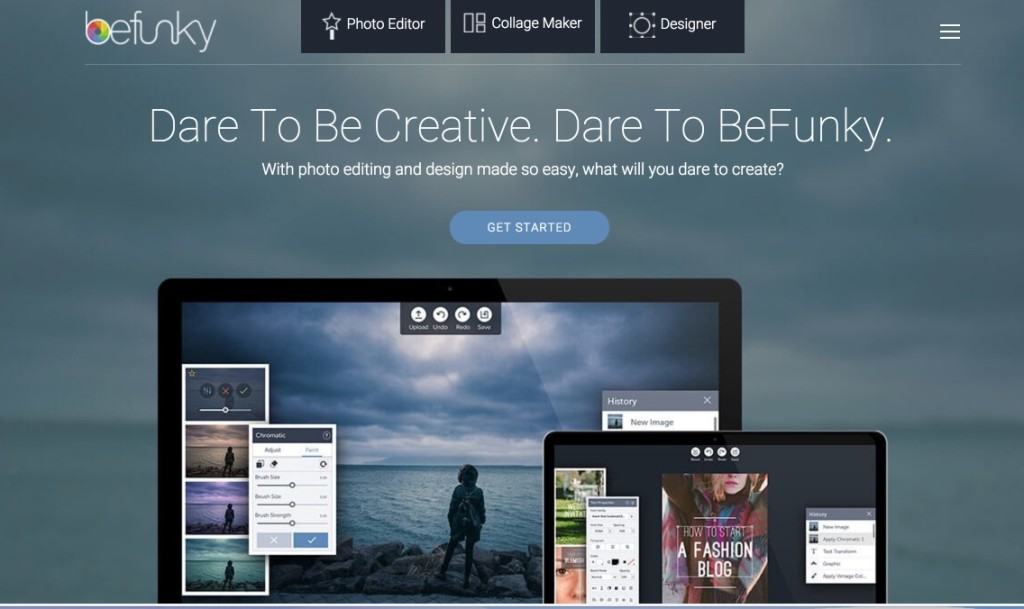
Interface and ergonomics particularly neat with BeFunky. Another great tool to put in all hands. BeFunky makes it possible to precisely edit your photos, it also offers a whole series of creative options including great filters ready to be used on your images. BeFunky also invites you to create and share formatted quotes in beautiful images.
Link: BeFunky
Infogram
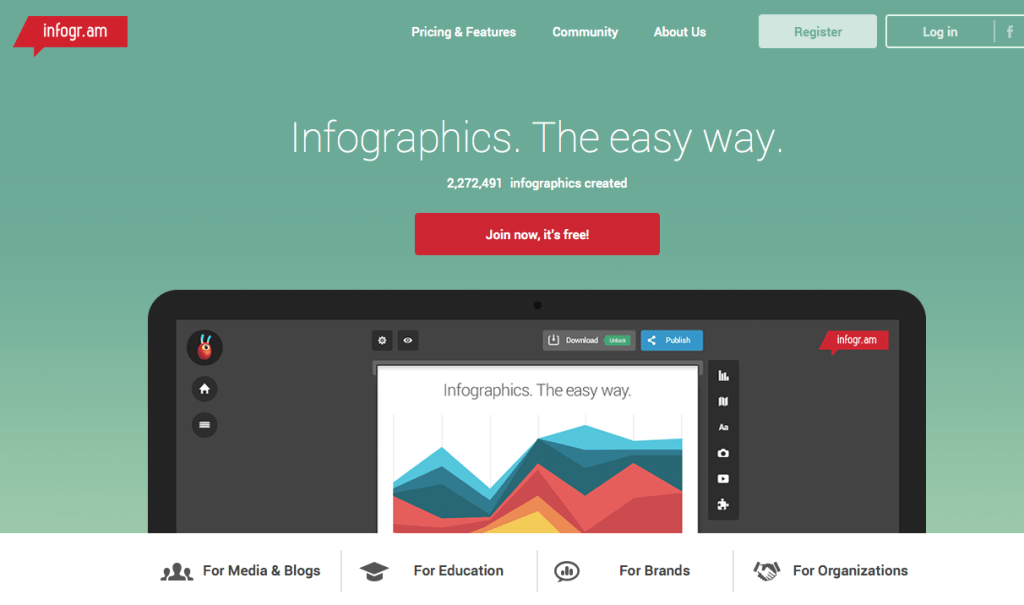
We forget the picture for a moment to take an interest in Infogram, which I have already had the pleasure of present here and that I use regularly for my own needs. Infogram makes it relatively easy to create infographics from data. It is even a must for this type of needs. Data visualization within the reach of almost everyone. Bluffing.
Link: Infogram
Piktochart

I already have you Also talked about Piktochart. It is an amazing tool which makes it easy to create infographics without the need to master complicated software. In Piktochart the main thing is to group together the information you want to graphically stage. As with most of the tools on this list, getting started is really simple.
Link: Piktochart
Quozio

With Quozio you will be able to stage your quotes by inserting them into an image of your choice. The creation of a pictorial quotation is done step by step. You write your quote and then the name of the author and the trick is played. Quozio will show you a whole series of models to allow you to choose the one that best suits you. You can upload the final image or share it directly on social media.
Link: Quozio
Recite
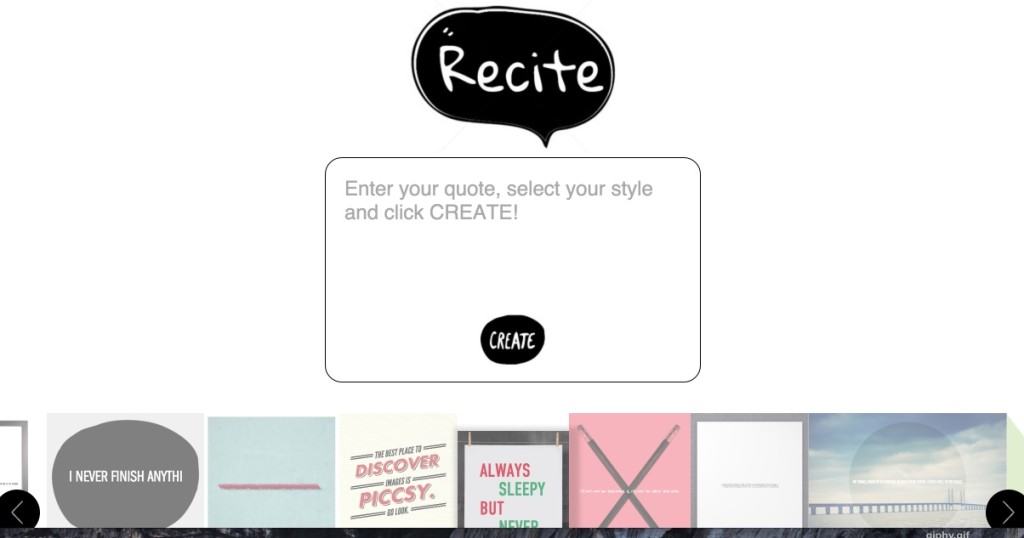
Recite does pretty much the same thing as the previous one. Recite still offers a few more templates to stage your quote. More choices and also more creative images. Like its predecessor in the list, Recite is free and does not require instructions for use.
Link: Recite
Social Image Resizer
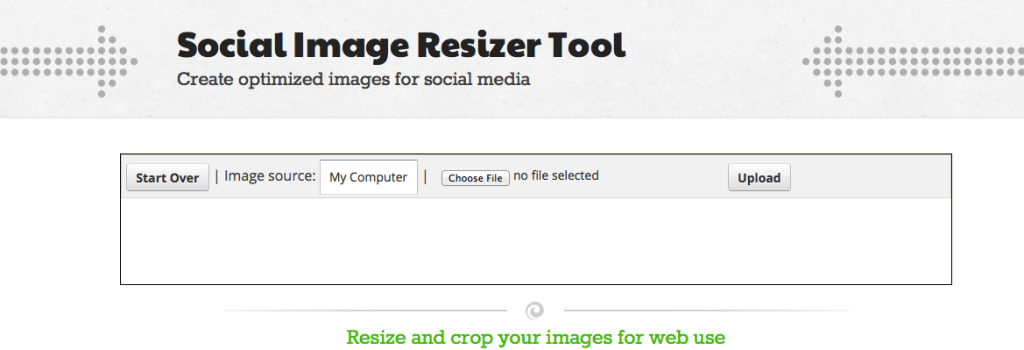
We end this list of ten with a much targeted tool. Social Image resizer, as its name suggests, makes it possible to optimise images for use on social networks. The tool has in mind all the useful formats on most social networks. Simply upload your image and Social Image Resizer will adapt it to the right size.
Link: Social Image resizer
So much for this list. You can also read another article I wrote a while ago about 10 tools to create infographics.
Another classic need when it comes to optimising images for social networks is to erase the background of a photo. Here is a list of the best free tools for delete the background of an image.
 English
And practical and feature-rich image editing software such as IrfanView or Microsoft ICE?
Nice compilation!
Caneva remains I think the simplest and most functional of these 16 sites.
@Emmanuel Barth: Infranview does not present the simplicity of these sites
For my part I am rather a fan of Pizap or Photofunia. Thanks for this article anyway 😉