Last updated on 24 June 2023
How to bring an image to life? How to inject a good dose of interactivity into a photograph? Several online tools and services offer to create interactive images with relative simplicity for use in the classroom.
Here is a small selection of five of them I have already had the opportunity to talk about it here on CTBT Tools.
Table of Contents
1 — Thinglink
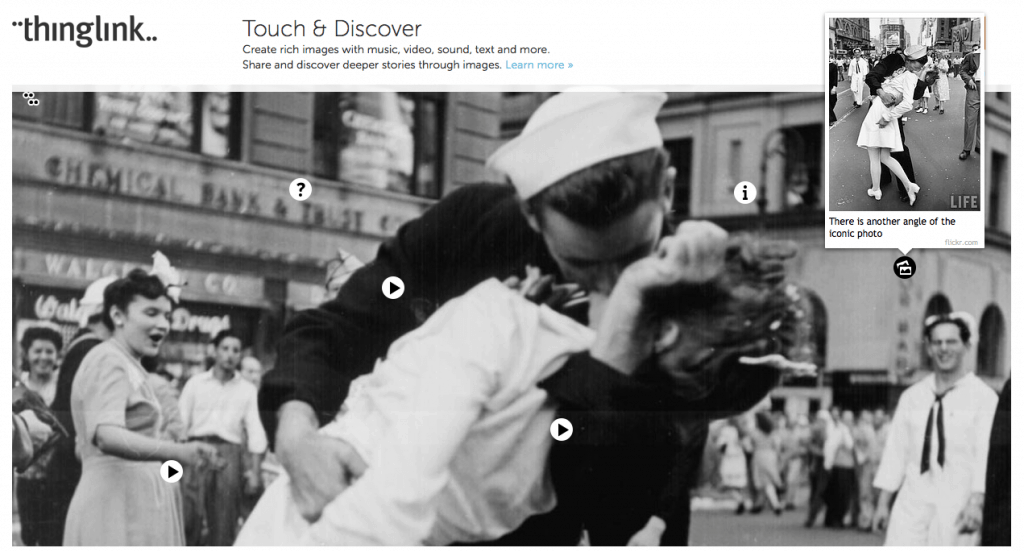
If only one is left, Thinglink remains the benchmark. I presented it here on ToolsTice. Thinglink’s handling and ergonomics are exemplary. The principle is simple, you know it. You upload an image of your choice and then insert insertion points where you can paste additional content of any kind. Text, links, images in the image, videos, sounds, maps, social media posts …when the reader hoveres over the insertion point, the multimedia content you have inserted will be displayed. Thinglink also allows you to do the same type of processing on videos.
Link: Thinglink
2 — Genially
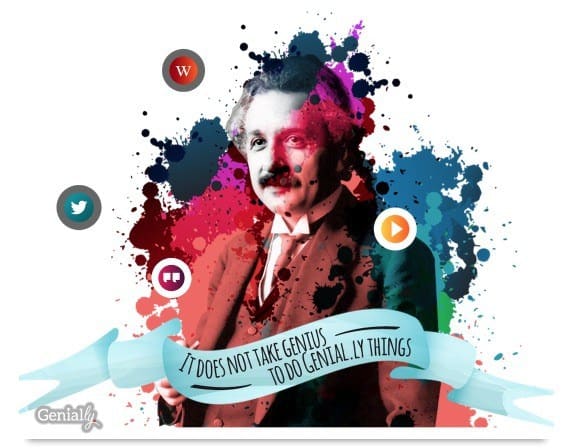
In the radius of the challengers, make room for Genially. With its fake Canva tunes, Genially offers a real graphic design studio, multimedia effects in addition. I introduced Genially right here A few weeks ago. Genially allows you to start creating images, posters, maps or presentations containing multimedia content such as text, links, photos, sound and of course videos. Genially offers a rich and colorful interface that transforms the creation of rich images into a real game.
Link: Genially
3 – Crello
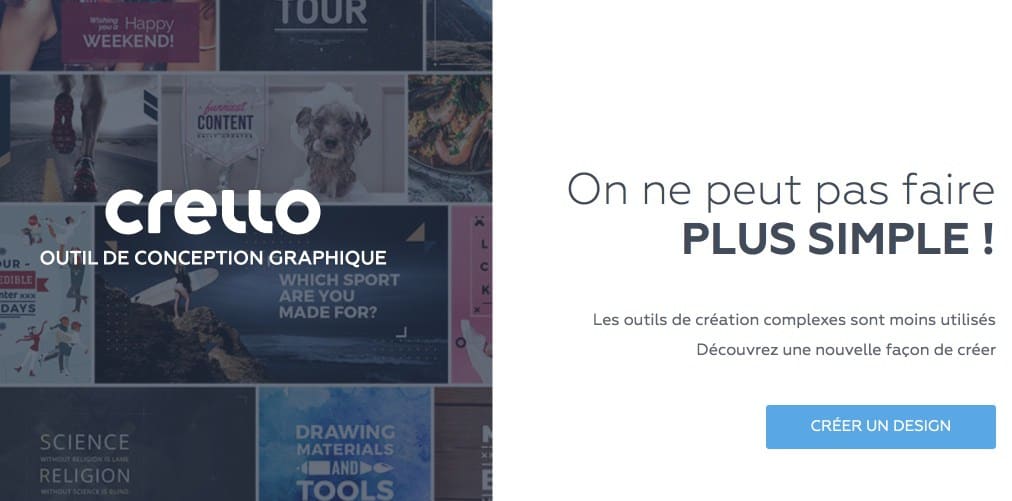
Crello is another online graphic design platform that will allow you to easily create any type of visuals for your classes, for the class or for yourself. I talked about it here. Posters, newsletters or maps to print, etc. But Crello also offers the possibility of creating visuals for social networks such as Twitter or Facebook. Small originality compared to tools of the same kind, it allows you to insert a whole series of animations into your images.
Link: Crello
4 — UTellStory
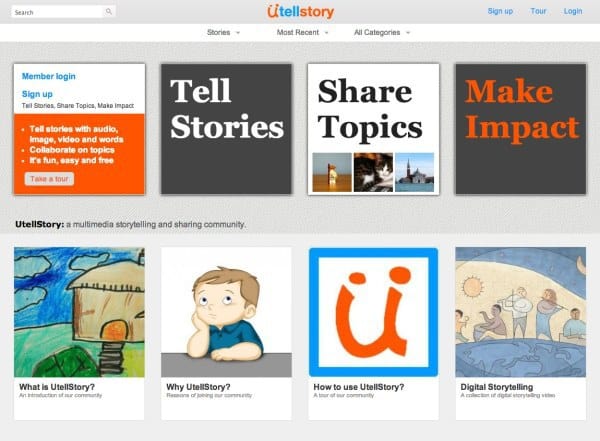
Utellstory presented here a long time ago already is much less ambitious than the previous tools in this short list. The service allows you to create sound slideshows that can mix text, image and even video by adding your voice. Photos are highlighted with the possibility of importing them directly from a Flickr account. On each slide, a small microphone icon allows you to start recording your voice using the microphone on your computer. You will be able to explain or comment on each photo presented.
Link: UTellStory
5 — Fotobabble
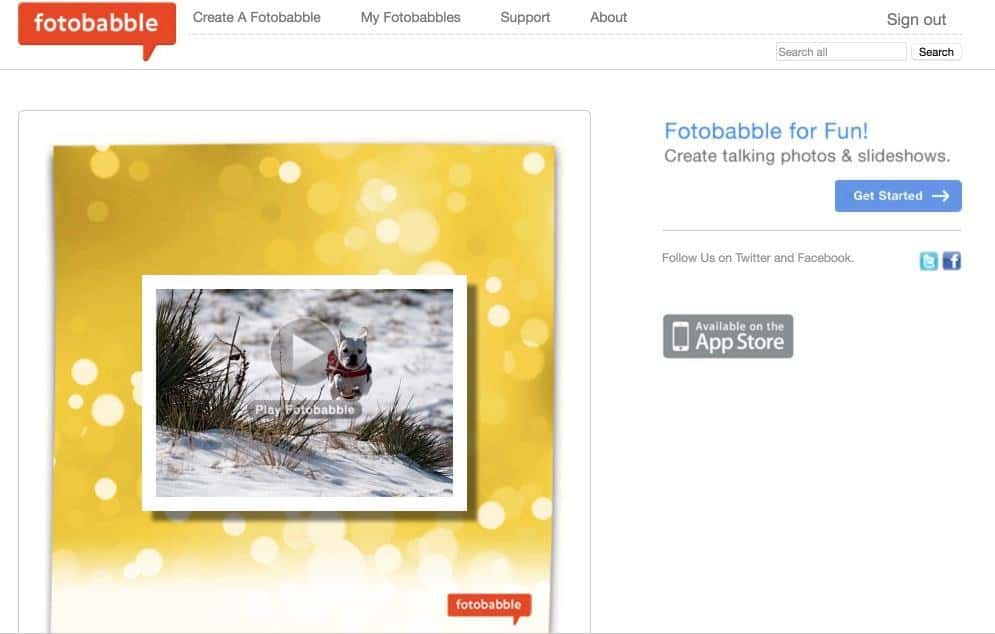
Even simpler, Fotobabble makes it possible to make a photo speak. I was interested in the idea and I talked about it here on the blog. Already quite old, Fotobabble has for him the advantage of simplicity. We're uploading an image. We then add description and tags and you give access to your microphone and it is up to you to talk. Registration is limited to one minute. All you have to do is share your image via email on social media or insert it on a website or blog.
Link: Fotobabble
 English
Thank you Fidel for this selection.
In its free version, Thinklink has become too limited.
Genially offers many possibilities but can scare some.
On the other hand, interactive-img, as its name suggests, allows in a simple way to design an interactive image with pointers and other elements whose appearance can be delayed.