Last updated on 12 May 2026
Adobe Scan is a free application offered by the Adobe publisher that will allow you to always have at your fingertips at the bottom of your pocket an excellent scanner with character recognition. An excellent tool very practical for teachers, researchers or for your students. The app works on both iOS and Android.
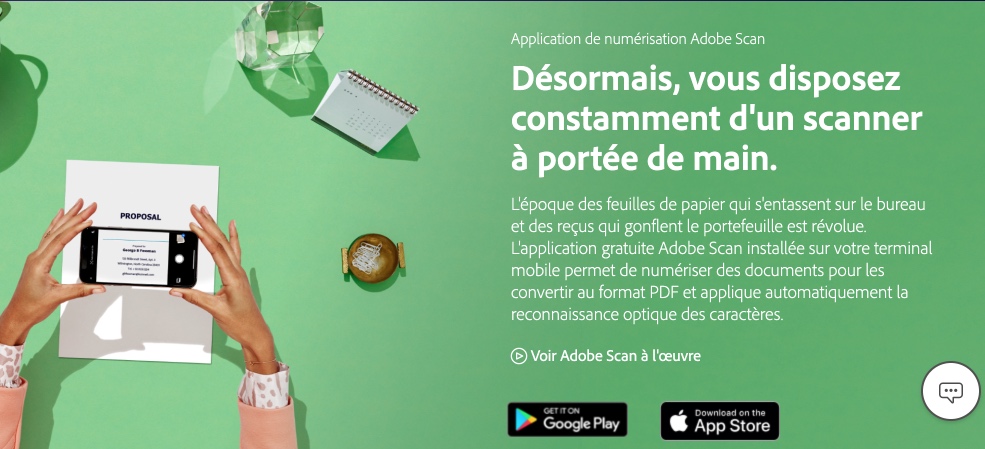
High school students and students were born with digital technology, and mobile phones have always been part of their daily lives. With adobe Scan they will benefit from a handheld scanner always at hand.
Now, with adobe Scan, students can improve their working methods by simply scanning homework, polycopies, books. Everything in textbook excerpts, whiteboard sketches, handouts, and homework can be digitized, stored, and shared.
Quality scans in seconds
adobe Scan enables fast scanning with excellent results if you are in a bright enough environment. Just hold your smartphone above the document you want to scan. The application alone recognises the area to be entered and automatically triggers the shooting. Scanning several pages of a document is done at lightning speed. If you are not well positioned to take your view, AdobeScan will also restore a good angle. adobe Scan automatically detects borders, removes shadows, and converts printed text in seconds. The software works fast and well and the final image obtained is flawless. The know-how of digital image specialists at home is recognised adobe. Your files are converted to PDF. They can be downloaded and shared easily by email.
Optical character recognition in addition
The application works very well as a pocket scanner, but the real added value is its automatic optical character recognition function. adobe Scan will indeed transform all your scans into editable text and convert everything into a PDF copy in which you will be able to freely intervene on the content. This is very practical.
This OCR function will then allow you to do for example full-text searches in a scanned document.

The other great advantage is of course the perfect integration with the other products in the range adobe. You can open your scans with the free app adobe Reader, but if you are subscribed to adobe Creative Cloud*, you will be able to recover your scanned files in Acrobat Pro and both the images and texts of your scans will be completely editable on your computer, tablet or smartphone. In addition, all your files created with adobe Scans are stored in the cloud and accessible from any location.
Quality scans, character recognition at the top, in the end an excellent utility to easily capture any type of document for your work or studies with a click.
Adobe Scan is a free app.
Link: Adobe Scan for iOs and Android
*Adobe Creative Cloud is a suite comprising more than 20 software packages dedicated to the creation proposed and sold in Education version at preferential rates to teachers, students, schools and training centres. For more information, please write to: educ@adobe.com
If this article interested you, I advise you to read the one I just devoted to free mobile applications for obtaining scans of quality.
Read also this selection of applications to extract text from a photo.

 English
We would like the result of the OCR to be available in a word-processing format rather than in PDF …