Last updated on 14 May 2026
Drawing a class plan is probably one of the many tasks that thousands of teachers will have to carry out for this new school year.. Some will choose to make a class plan on Word, others will use Excel or another spreadsheet.
Whether you have to make a classroom plan for elementary school or a classroom plan in college, there are free online tools that will allow you to generate an easily editable classroom plan.
We saw some time ago how to save time for create a school structure, here is a way to save time and optimise the organisation of your room from the start of the school year, I offer you an updated overview of the free tools and freemium to quickly generate a professional, interactive and scalable class plan. If you know of others that are not in this list, please feel free to add them as a comment.
Table of Contents
Classroom. A free and free plan generator
Classroom is a class plan generator that we have already had an opportunity to speak here. It is a free and open source application, running on Windows, Linux and OsX, to help teachers manage their classrooms. Functions have been well thought out. The software makes it easy to create and manage class plans.
It also makes it possible to set up and manage groups of pupils for island work. Written in Python, the installation is a bit tricky but within everyone’s reach if you carefully follow the tutorials proposed by the author.
Class plan. Arrange your class for each of your groups
Class plan is another very good free and online solution for all teachers who want to make a class plan for each of their groups in middle school or high school. The result here is quality.
You can add photos of your students. Ideal to help you memorise all the students you will have to manage during the year. Class plan allows you to print your class diagram in black or colour with or without photos.

XPerprof. Create an automatic class plan
Xperprof offers a somewhat austere interface but this class plan generator offers some interesting functions that are not found in other tools. It can easily generate an automatic plan by randomly placing a list of students in the available places.
But you can also choose to position a student in a specific place, while ensuring that there is no one next to them. Using the "random" function, only other students will be placed in the remaining available places.

Gynzy. Drawing a class plan online like an architect
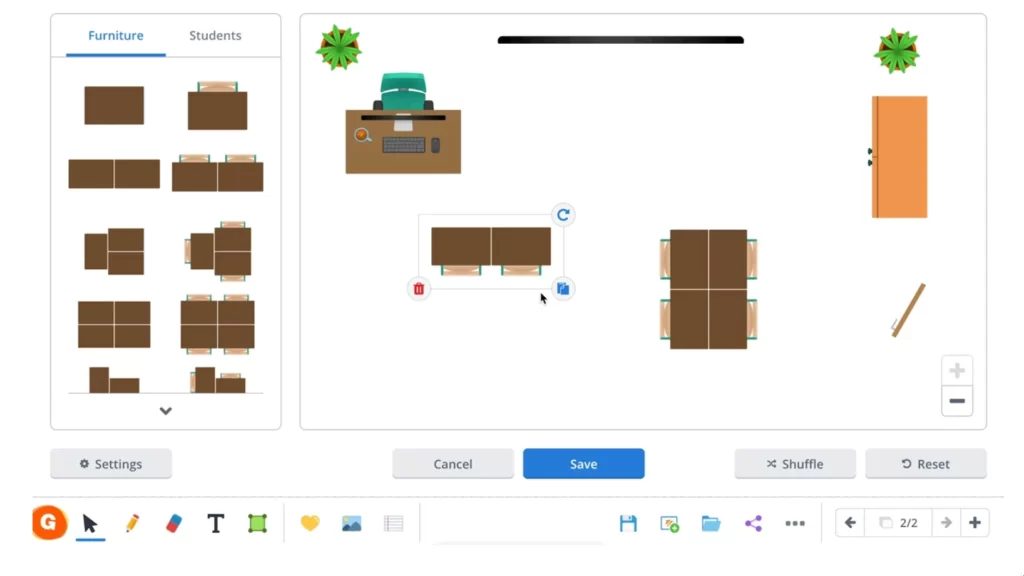
Gynzy is a software for TBI that can also be used on your computer. It offers new models including a very successful interactive classroom layout module.
You will be able to move, rotate and adjust the size of your furniture easily until you find the layout that suits you.
Ginzy is not free but offers a two-month non-binding trial period.
Ubisit. Another free and free application to draw the class plan and place your students
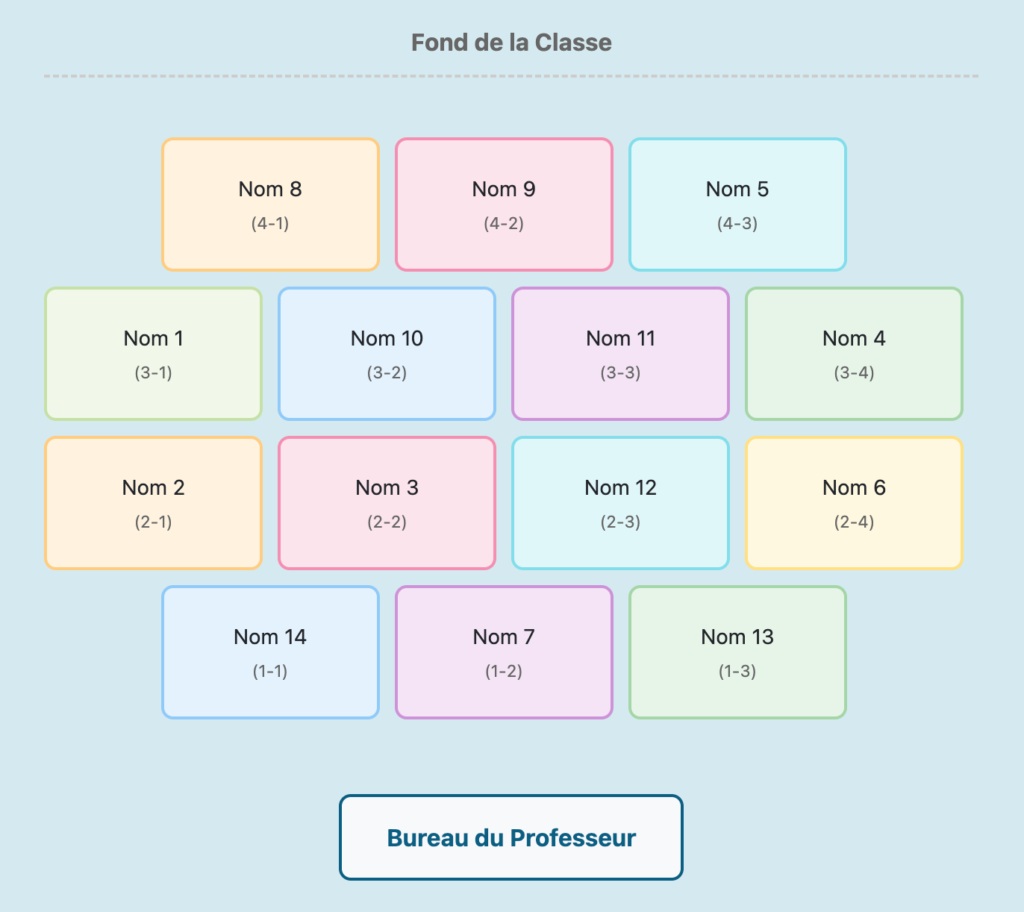
The Ubisit application has been designed by a teacher and is hosted by The Forge of Digital Commons. In other words, a Free app that can do the job by helping you create the plan for your new class. The tool offers the classic basic functions needed to create your schema.
After installing the necessary number of desks, you can import a list of students from a text file. You will then be able to place them manually or let the software do it randomly.

Educatarea. Free Class Plan Generator
Here is a much newer and very easy to use web application. Educatarea works by simple drag-and-drop, manual or automatic placement, advanced management (areas, groups, separation of pupils, etc.). The interface is modern and customizable.
Seating Chart Maker. Classroom or training room plans
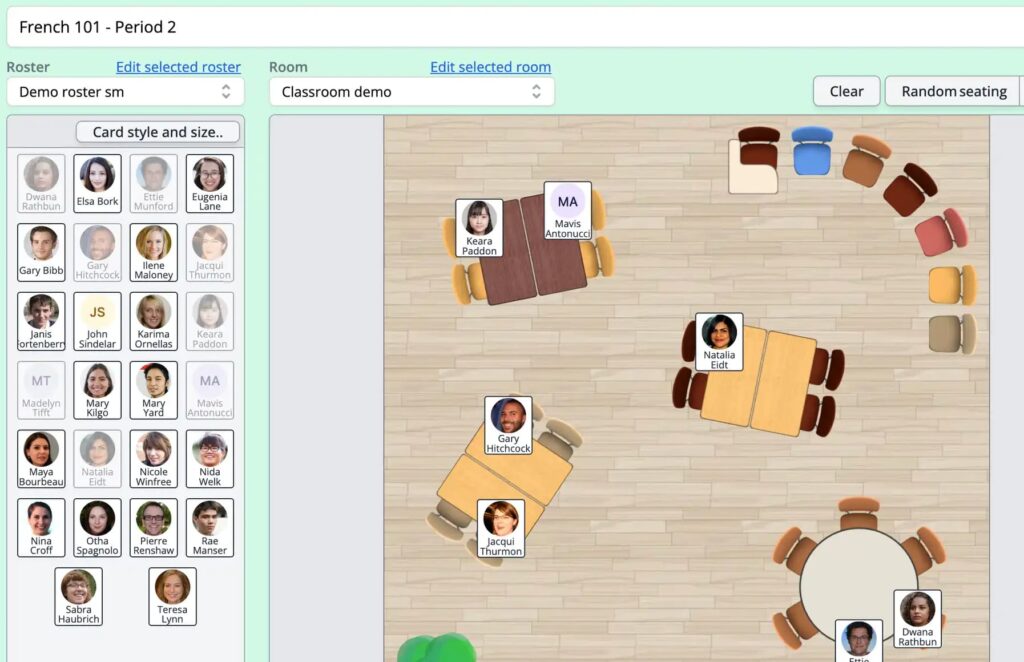
Another very intuitive recent web application. Seating Chart Maker allows you to import a CSV file or directly copy and paste the list of students You can customize room models and furniture styles, manage student separation or grouping, add photos and share everything via a link very easily.
The application is paid but the free test version allows you to create and manage an entire class.
Whether for primary, middle or high school, these tools offer flexibility and customization that should meet all needs.You can also call on these other excellent tools that make it possible to make an online diagram.
 English
Hello ,, I recently coded a tool that complements these , tools called classOptimize and can be found in opensource here: https://github.com/jeromefavrou/ClassOptimize