Last updated on 12 May 2026
How to remove the background from a video? How can the wallpaper be erased or replaced easily? There is no need to use complicated video post-production tools. There are tools on the web to do everything. We were talking recently about tools to remove the background of a photo, as far as the video is concerned. If you need to remove the clip from a video, you can test BgRem.
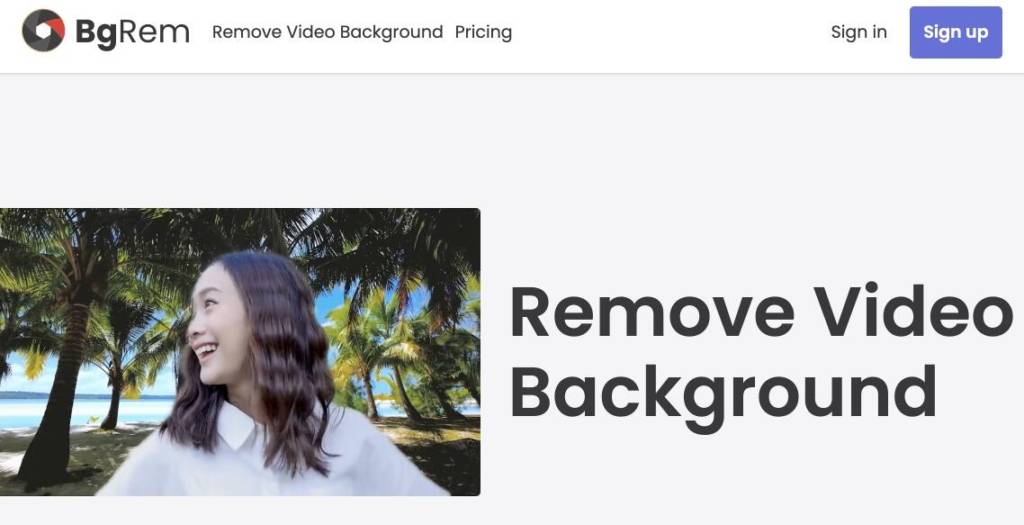
Automatically delete the background of a video
BgRem is a free online tool that you can use to automatically delete the background of videos. Its operation depends on the type of video, it will mostly do wonders if you have a video that has a character or main element clearly visible in the foreground.
BgRem supports most common video file formats and among them: .mp4, .mov, .ts, .avi, .mkv, .webm, .mpg. It can be easier to use, simply drag and drop your file on the service’s homepage. A click later you will be able to recover a new file in MP4 format. Magical.

Change the background to a video
BgRem provides some sort of virtual green background to your video. In other words, not only will you be able to completely remove the back pan from a video, but you will also be able to play about changing the background to your video. Once your video has been uploaded, the tool allows you to remove the background completely or replace it with a custom background. You can choose a video, an image or a solid color. You have the special effects in two mouse clicks.
BgRem is used free of charge for very small videos. It is not at all suitable for juggling long video files. The platform offers two modes of free use, with some limitations. Beyond that, it will be necessary to go through the cash register and this is not given. Count almost 2 Eur per minute.
For the free mode you can delete the background of the videos for free and without registration, provided that the videos do not exceed 10 MB in weight and 10 seconds in duration. The other free mode is "Creator", in which case you will need to register on the site. You will then be able to remove the background of the videos up to 30 seconds in length and 30 MB in weight. These two free modes allow you to edit a maximum of two videos per day.

 English
1 Response
[…] just uploaded your new image. We have seen here very recently tools to change the background of a photo or video, with CleanUp pictures it is the character or object on the front of the stage that […]