Last updated on 12 May 2026
It’s back to school. Important period for setting up rules and routines for the whole year. This period is accompanied by a whole series of tasks for which there are small digital utilities to make your life easier.
Here is a short list of articles published here in recent weeks to help you garnish your back-to-school digital toolkit.
Table of Contents
Make the class plan
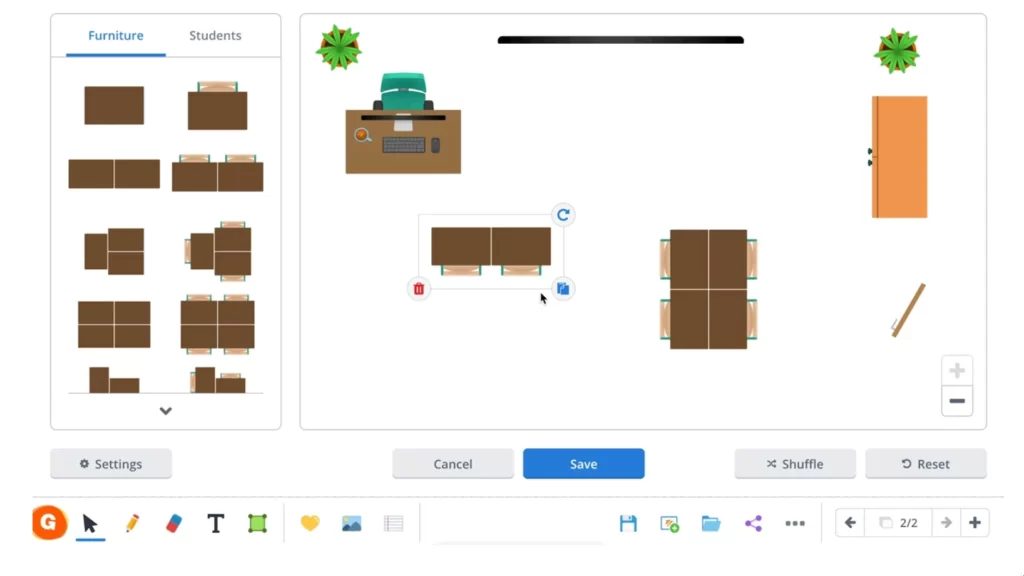
In this article I present to you four utilities to create a class plan on your computer. Drawing a class plan is probably one of the many tasks that many teachers will have to carry out for this new school year.
Whether you have to make a classroom plan for elementary school or a classroom plan in college, there are free online tools that will allow you to generate an easily editable classroom plan. It's up to you to choose the best tool to create your class plan.
Creating a schedule for the whole school year
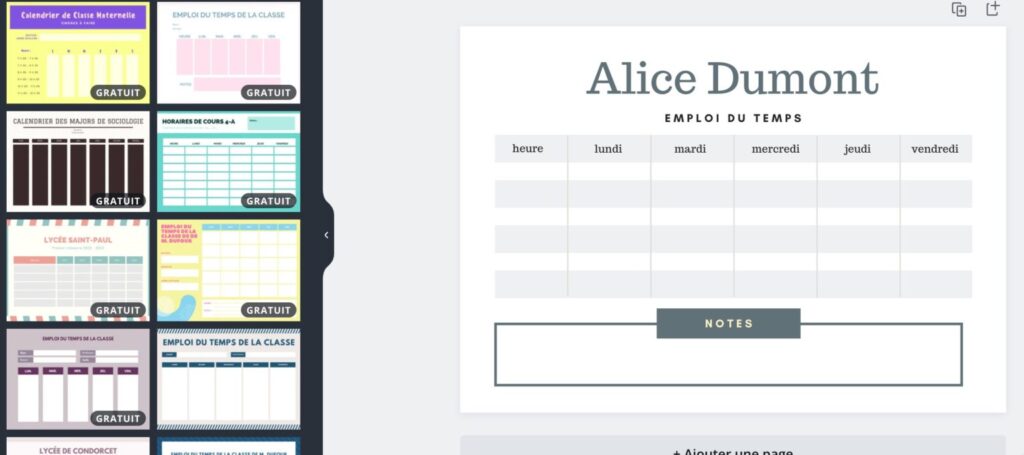
This is another must-see for the start of the school year. Create a school schedule. Which tool to use that is easy to take in hand and easily editable afterwards. There is of course Excel or another spreadsheet or Word, but it is still necessary to master them to obtain an impeccable result. A list of four free tools to allow you to create a school schedule very easily.
Use school-appropriate typographies
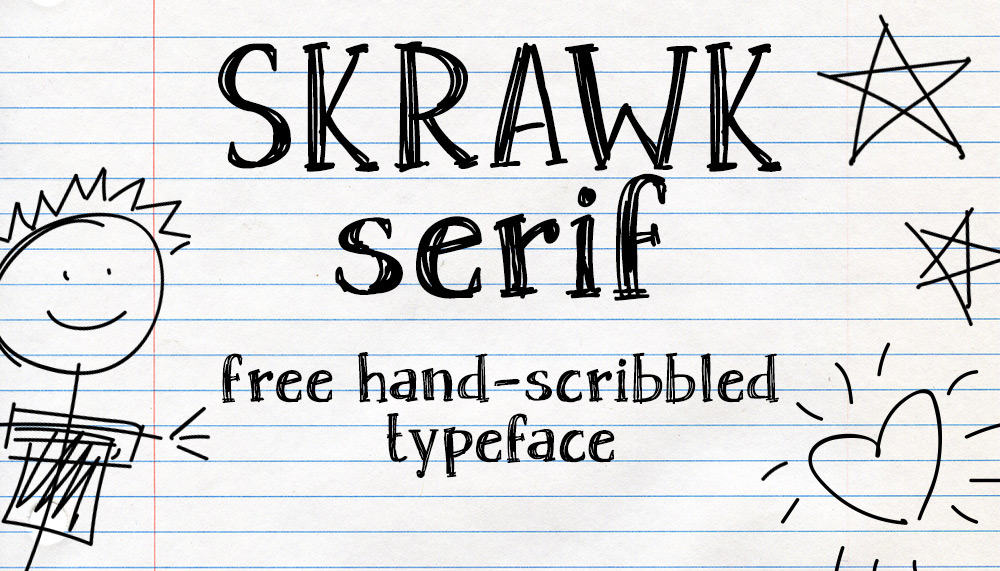
The use of school-appropriate fonts can significantly help students in their learning. Whether for learning to write or reading, these fonts have been specifically designed for the school context. Here is a list of free resources to download tschool-adapted ypographies.
If you want to use a font that mimics handwriting, you can look at this list of five free typos to write beautifully as by hand your cards or posters.
You can even Create your font from your handwriting using a service called Calligraph.
As far as a good cursive font is concerned, my first choice is the police Beautiful Allure. Probably the best cursive school writing font, suitable for all levels of the major section from kindergarten to CM.
Learn to type fast and well on the keyboard

Keyboarding is a valuable skill for students to learn. It promotes the development of computer skills, improves typing speed and accuracy, as well as familiarization with technological tools.
This article lists five apps to learn how to type on the keyboard other than with two fingers.
Organise student assessment with quizzes and qcm
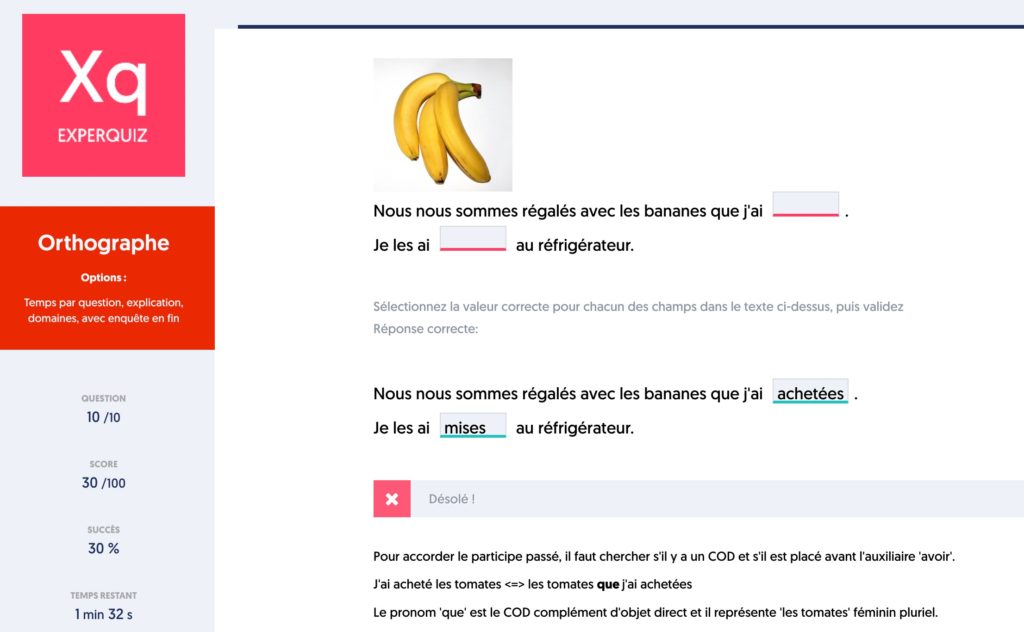
On the assessment side for your students, the choice of online tools is wide. From The Quiziniere, the very good tool developed by the Canopé network for the simplest needs atExcellent Experquiz. The latter can meet even the most advanced needs from school to university or vocational training.
Find them in this list of six tools to create an Online Quiz or an interactive test.
Convert files to different formats

Digitalisation has become much easier. But it can also sometimes still cause good skull aches. One of the main annoyances is in file formats and the need to juggle from one format to another.
How convert files? Check out this list of fourteen free online file converters. They can help you move from one format to another quickly and easily, so you can continue your work.
Watch YouTube videos without ads or distractions
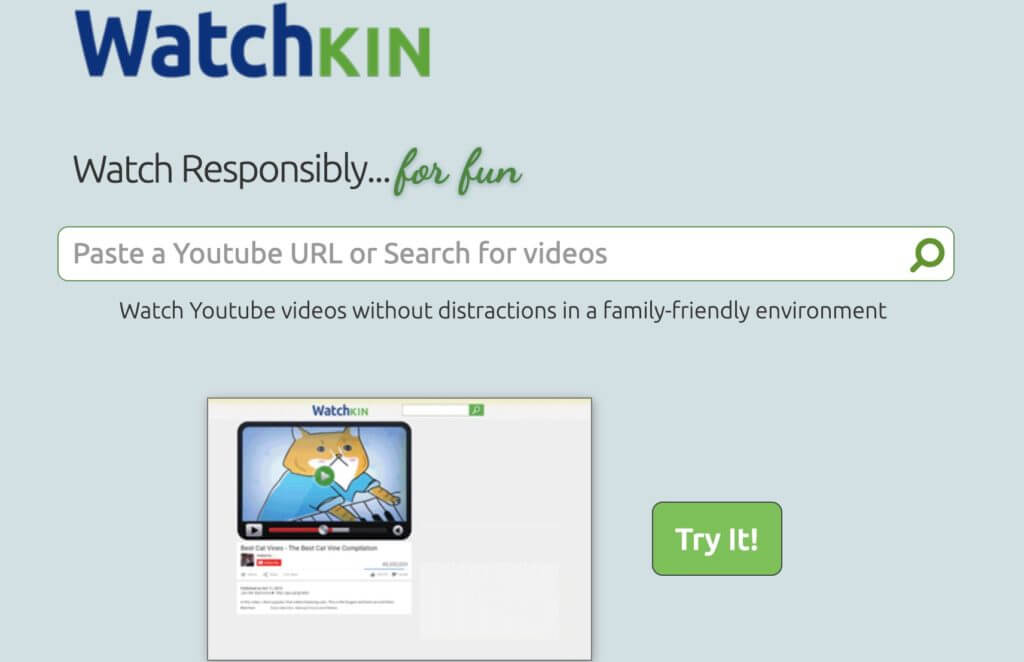
Video has taken a central place in educational resources to enrich or illustrate a course or lesson. Most of them are on YouTube, the interface of which is not suitable for classroom use.
There are ad blockers, but you can also use one of these six free tools to watch videos on YouTube without ads nor sources of distractions.
Find interactive tools for your BIT or projector
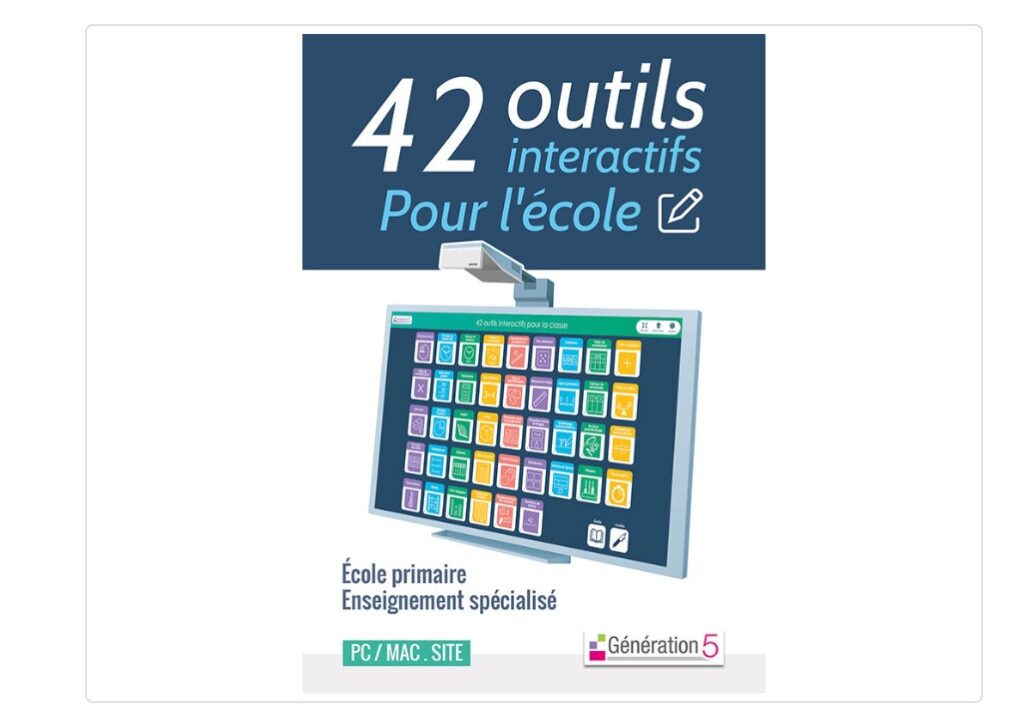
Christophe Gilger Reference Teacher for Digital Uses and Project Manager offers you no less than 42 interactive tools for the school in a single software package marketed by the publisher Generation5.
They can be used in all disciplines with an interactive screen, a digital board or even with a simple video projector. An excellent resource mainly for primary and special education teachers.
Using responsible digital tools in the classroom

It is the credo of the wealthy digital toolbox proposed by La Digitale. Digital tools free and free to accompany the processes ofteaching and dlearning in the presence and at a distance.
The work of Emmanuel Zimmert in leading this project is absolutely remarkable. No less than 26 applications are online and the collection is growing steadily.
Monitoring the evolution of the arrival of artificial intelligence in education

Artificial intelligence is not a passing fad. It is gradually becoming established in all areas of activity. If you still have doubts, take a look at the MagicSchool service. A good overview of the first steps in iA education with one of the very first services to position itself clearly as an artificial intelligence tool for teachers.
To follow the evolution, subscribe to my Weekly letter on new iA tools. It’s every Wednesday in your mailbox and it’s free.
Counting the days before the opening of the Paris 2024 Olympic Games
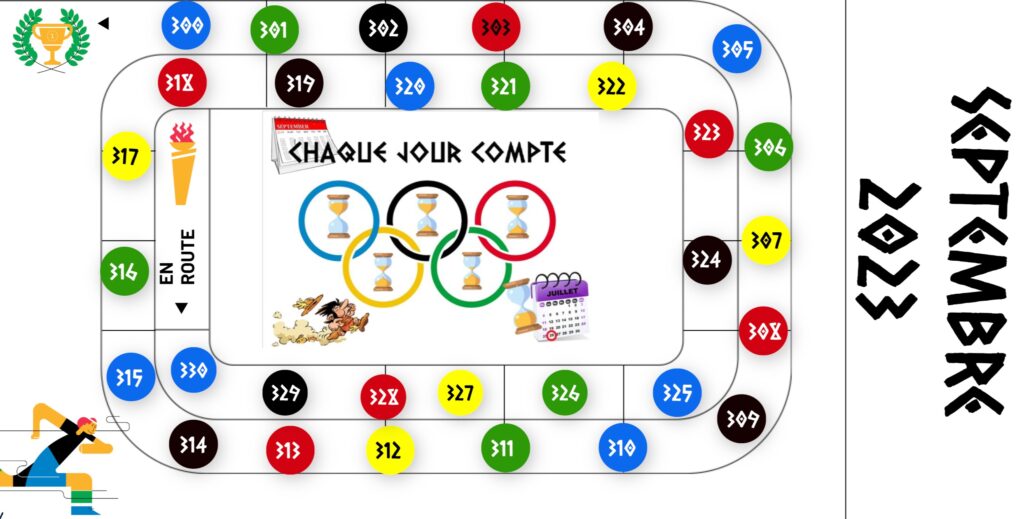
The global event will mark the school year. Every day counts, This is what more than 100 teachers in schools have said, who have volunteered to set up an interactive countdown to wait with your students for the 2024 Olympics to open.
Here is a selection of 45 Essential Digital Tools to Help You Start a New Year school smoothly. We talked about creating class plans, developing schedules, using school-friendly fonts, assessment tools, converting files, viewing ad-free YouTube videos, tools for BITs or projectors, responsible digital tools and the arrival of artificial intelligence in education. Not to mention the exciting countdown to the Olympic Games Paris 2024.
But it is only a small selection. By digging a little deeper on our site, you will discover many other educational resources that could be useful to you on a daily basis.
Do not hesitate to explore our site in more detail to equip yourself with the best tools for this new school year. To receive regular updates, reflections on education and information on the new tools, don’t forget about . Good luck to everyone, and good return!

 English
2 Responses
[…] Paris 2024. JO2024 education. The planetary event will mark the school year. Source link: https://outilstice.com/2023/09/50-outils-numeriques-pour-la-rentree-scolaire/ Author: Publish date: 2023-09-03 18:18:47 Copyright for syndicated content belongs to the linked […]
[…] on board, timetable, class plan, etc., find lists of tools and tips on Les Outils Tice and its ‘50 useful digital tools for the start of the school year’. Teachers 2.0 […]