Last updated on 12 May 2026
How to make free screencasts from any computer? Here are five tools in the form of extensions for your Chrome browser that allow you to capture video footage from your computer screen, the so-called screencasts.
Ideal for simply making a video tutorial, a presentation of an online resource or a video sticker for distance learning or reverse classroom. A selection of 5 tools to make free screencasts. Several have already given rise to articles in the category Video tools for the class. Feel free to complete the list in the comments.
Table of Contents
Soapbox
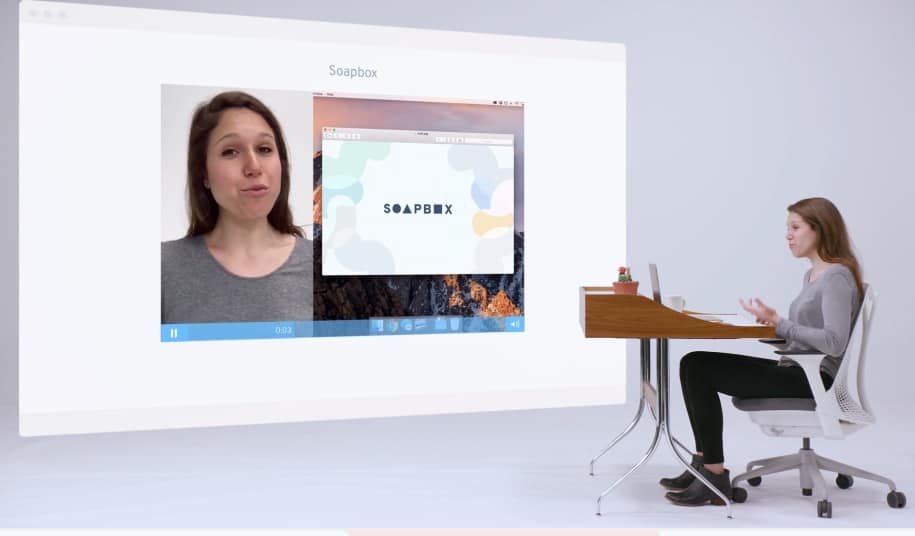
A first extension for the Chrome browser that allows to make beautiful videos very easily screencast. Recording starts with a simple click. Soapbox offers some interesting options, including the possibility to easily switch from recording your screen to recording your webcam, or even to display both at the same time. Soapbox also offers editing tools to zoom in on an area of your screen to draw attention to specific parts of your screen.
Link: SoapBox
Loom
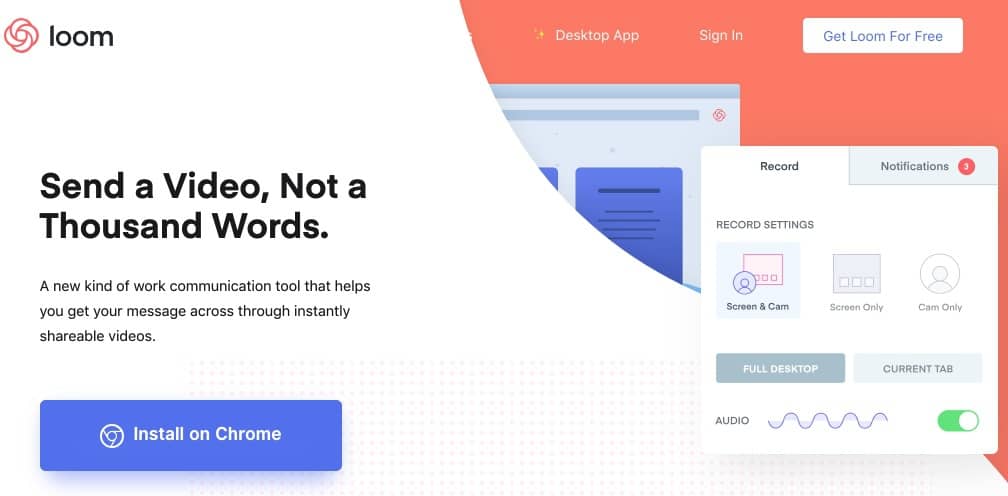
Loom also makes it easy to make screencasts for free on a Mac or PC as it is an extension to install on your browser. I had already presented it to you here some time ago. to create video tutorials. With Loom installed, you can save the entire desktop of your computer or just a tab of your browser and/or webcam. You will be able to display either one or both. Recordings can last up to 10 minutes. Once the registration is complete, you can immediately share it via social media or email. You can also recover your videos as MP4 files.
Link: Loom
Nimbus Capture

Nimbus is very easy to install and configure on your browser. The tool allows you to take screenshots, but also screencasts in video. You will be able to choose between different video qualities. Attention some are paid. Your video footage can be downloaded to your computer and/or saved to a personal online space. In the small pluses of this solution the presence of a countdown timer when you start a recording to allow you to focus and prepare.
Link: Nimbus Capture
Vidyard Go Video

A complete extension to simply make video recordings of your screen. Vidyard Go Video offers everything you need to make quality screencasts. You can save the entire screen or only the active tab of your browser. You can of course overlay your reel filmed via your webcam. One of the strengths of this extension is the ability to find out who watched your video. You can also be alerted when someone starts viewing it.
Link: Vidyard Go Video
Screencastify
Last extension for Chrome of this small list: Screencastify. A pro tool for quality videos already presented here. Captures are limited to 10 minutes in the free version, but this is mostly largely sufficient. Screencastify integrates an easy-to-use video editor for simple editing. You can then upload your finalised video directly to YouTube or Google Drive.
Link: Screencastify

 English
Thank you …génial …I believe that I will find my happiness!!!
Have a good week.
Greetings from Switzerland.
Thanks to you. Drowned by all the news, this is what will help me
Thank you for all these tips! For my part, I also use Screencastomatic, a tool that you also presented some time ago 😉.
OBS is free and great! With this tutorial, it helped me a lot, even if the online version is more recent:
https://www.youtube.com/watch?v=-GgMLd4vf88