Last updated on 12 May 2026
How to recover and download a video spotted on a web page, from YouTube or on a social network such as Facebook? How to download videos from the web with just one click so that they can be reused in a course or presentation?
You can use comprehensive software that ensures you quality results and downloads without hassle and without unwanted advertisements. This is the case, for example, with 4K Video Downloader. A good option. This free software is available for all platforms to download videos, playlists, channels and subtitles from YouTube, Facebook, Vimeo and other video sites in high quality.
If you have less frequent needs you can then turn to extensions for your browser. Here are five extensions for the Chrome browser that will simplify the task and allow you to download videos very easily from a web page.
Table of Contents
Flash Video Downloader

It is one of the most popular extensions. Few pages or formats resist it with a success rate close to 100%. The extension allows you to choose the compression quality of the video you want to download. Flash Video Downloader detects most mp4, mpeg, flv, avi and other mov video formats.
Link: Flash Video Downloader
Video Downloader Plus

This extension for Chrome has focused its efforts on the social network Facebook. Facebook is loading more and more videos into its daily feed. However, there is no provision for saving or downloading them. Video Downloader Plus will take care of it. Once installed on your browser, this extension will allow you to download any video posted on Facebook. You can even choose the quality of the downloaded video.
Link: Video Downloader Plus
Savieo
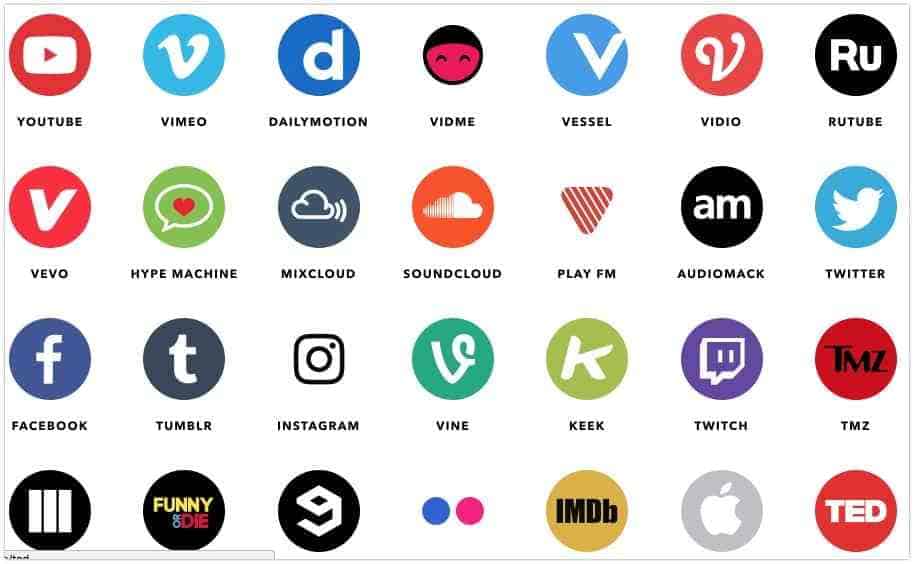
Savieo, which I had the opportunity to present on the website, retrieve a video presented online. It does not come in the form of a chrome extension, but via a dropplet to be installed on your browser. Very practical, the tool can locally suck up a video from more than 30 online services, including the most popular video platforms or social networks. An excellent tool. Please note that the homepage shows the latest videos retrieved by users. Often they are not suitable for a young audience.
Link: Savieo
SaveFromNet

As the name suggests, Savefromnet makes it possible to save multimedia elements present on the net. Once installed in your browser, the tool can recover files from the main video sharing services. YouTube, DailyMotion and other Vimeo are in its list as well as the main social networks. Note that Savefromnet also knows how to recognize Mp3 sound files and download them locally.
Link: Savefromnet
Social Video Downloader

This extension has made it a speciality to recover videos on social networks and more specifically on Facebook. Once installed on your browser, the download buttons will appear under the videos. Another way to do this without having to install the extension, you can go to the website: fbdownloader.info and paste your Facebook video URL to download the video. Simple and effective.
Link: Social Video Downloader

 English
Thank you Fidel. Too bad it's only for Chrome/Google! What about Firefox for example? On the occasion of a future letter?
Hello Fidel and thank you for these good deals. I will add to the Fluvore list which I use frequently and works perfectly. http://www.fluvore.com/
Good continuation