Last updated on 12 May 2026
RecordScreen is an online video screenshot that wins the prize of the world’s simplest tool for capturing screenshots in video. It is even difficult to make it simpler.
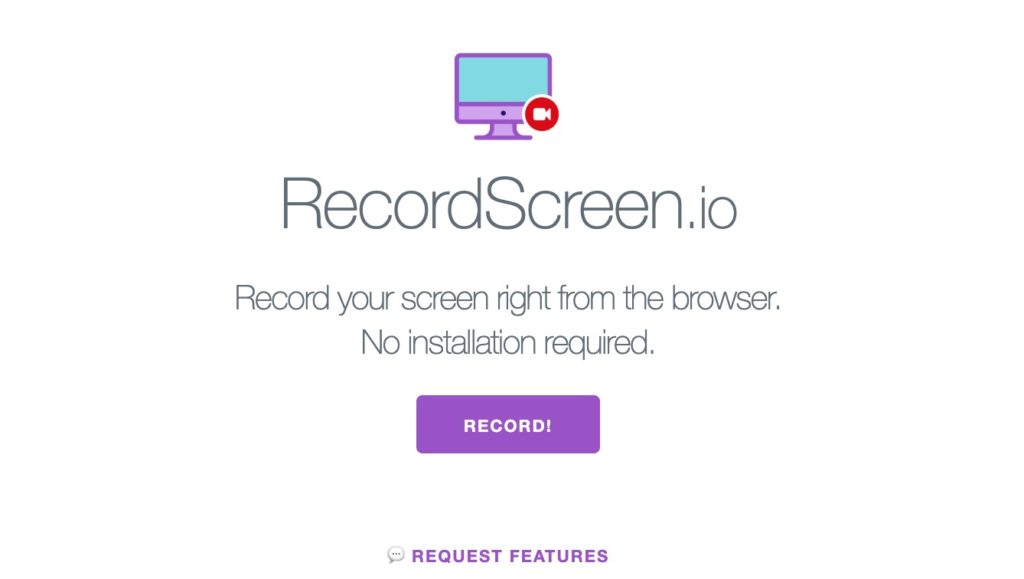
If you need to show your students or a colleague a manipulation on your screen, you will love this tool which has the advantage of being very simple, in addition to being free, to take a screenshot in a few seconds in video.
They're not screenshots who are missing. In the form of software, in the form of online applications, more or less complicated, more or less expensive …RecordScreen may not be suitable for large eLearning projects for example, but it will meet a large number of simple needs by allowing you to film your screen.
A free, installation-free online screenshot.
RecordScreen does not require any installation to be used. The better he doesn't store anything on his servers. Everything happens in your browser (Tested on Chrome). You also do not need to use an extension.
Just go to the tool’s homepage and click on the Record button! The tool then gives you the choice to film only the screen or in a classic way in this area to insert your reel as a small video thumbnail at the bottom of the screen to comment on the capture.
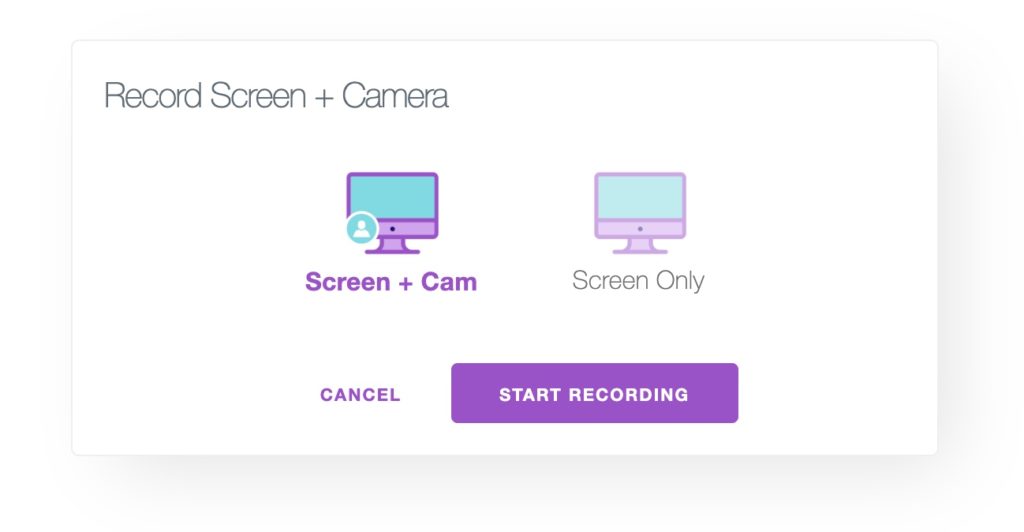
Once you've made your choice, RecordScreen asks you to tell them what you want to capture in video. You can film the entire screen, the application window or one of the open Chrome tabs. In this third option you can also choose which tab you want to save. Practical.

Videos saved directly in your browser
With one click you start the video recording. It is done directly in your browser. Once you have finished your short video, simply go to the app tab to view your video. A small button allows you to download it to your computer. Warning once you close the Screen Recorder tab your video is erased from the browser memory. If you have not downloaded it, it will be lost.
You get your movie in free WebM format. You will have to use one of the many free players to read it, FreeMedia Player, VLC, or your Chrome browser.
RecordScreen is still in development. Additional functions should be added to the tool in the near future.
A nice surprise. As we like them: simple, practical and free.
Link: RecordScreen
 English
Tested! so simple, very nice find, thank you!