You have 10 minutes before you go to class. You want the students to work on the fractions, but the cookware is at the bottom of the cabinet. Or you are looking for something to start the writing workshop without having to prepare 50 sheets. In short, you need something that works, now, without installation, without account, and without taking your head off.
Try Pikado. It is not a platform with a dashboard to configure. One site, one homepage, twelve tools accessible in one click. Everything runs in the browser, works as well on a TNI as on a tablet, and remains 100 % free of charge. Not bad, right? I liked it and I tell you why.
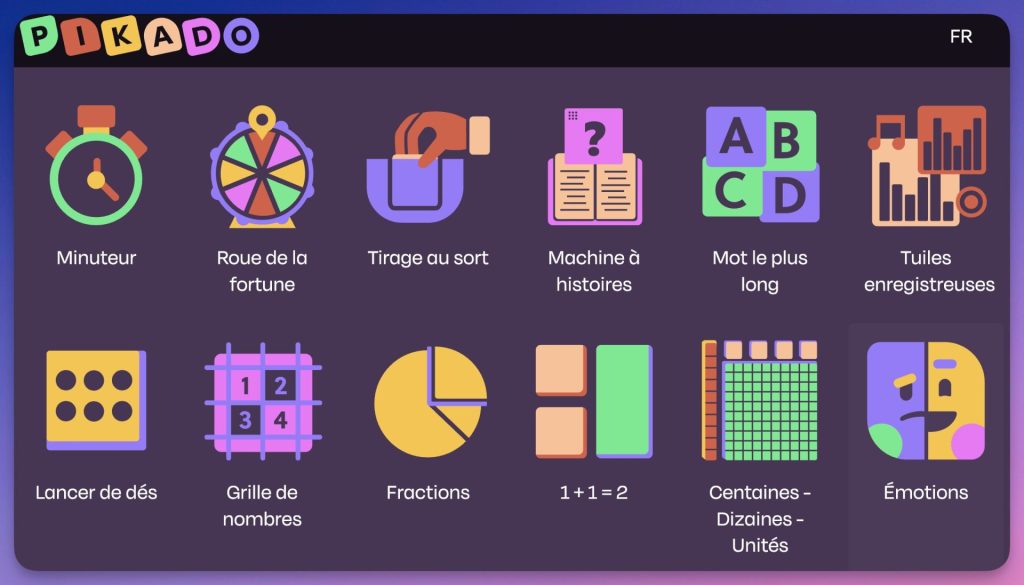
Table of Contents
Pikado, a collection of free interactive tools for primary education
Pikado is a collection of web applications developed by EduMedia, a French-Canadian company specialising in digital educational resources for more than 25 years, to which we also owe EduMedia Sciences, an interactive scientific encyclopedia used in 80 countries and 10 000 schools (for a fee).
Concretely, the Pikado platform brings together twelve mini-tools designed for the primary, organised into two main families: classroom management tools and disciplinary activities in French and mathematics.
No account is required. The interface is available in English, French and Spanish. Without advertising.
The 12 Pikado tools: timer, wheel, fractions, base 10, etc.
Class management tools (timer, wheel, draw, dice)
Timer. A visual countdown to display on the board. Useful for self-employment rituals, rotating workshops, evaluations. Sober, legible from the back of the class.
Wheel of fortune. A customizable draw wheel. You enter first names or notions, you turn. Simple to designate a student, choose a topic for discussion or animate a review.
Draw (Student Draw). The tool dedicated to group building or random querying. You set up your student list once, the wheel does the rest.
Throw dice. Several types of dice available (6 faces, 10 faces, 20 faces, color dice, dots dice). Useful for numbering games, mental calculation activities, random instructions in EPS or arts.
Emotions. A tool for identifying and naming emotions from a visual picture. Practical for wellness rituals, CME sessions or times of collective regulation.
French tools (writing, vocabulary, audio)
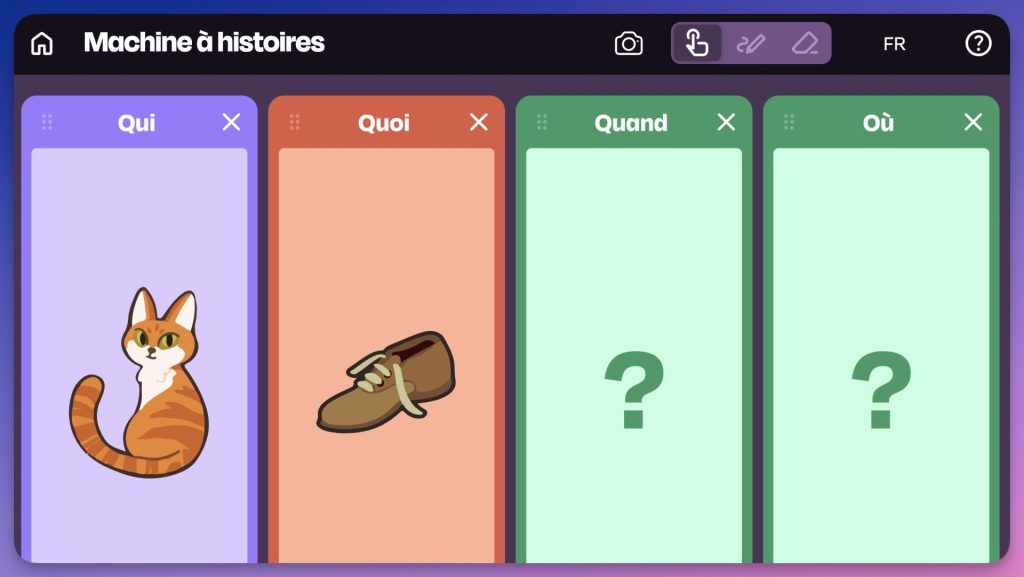
Story machine. A roulette wheel that draws lots of images representing a who, one what, one where and one when. It is used to generate Writers or to improvise oral stories: Exquisite corpse, collective narration, trigger of free productions.
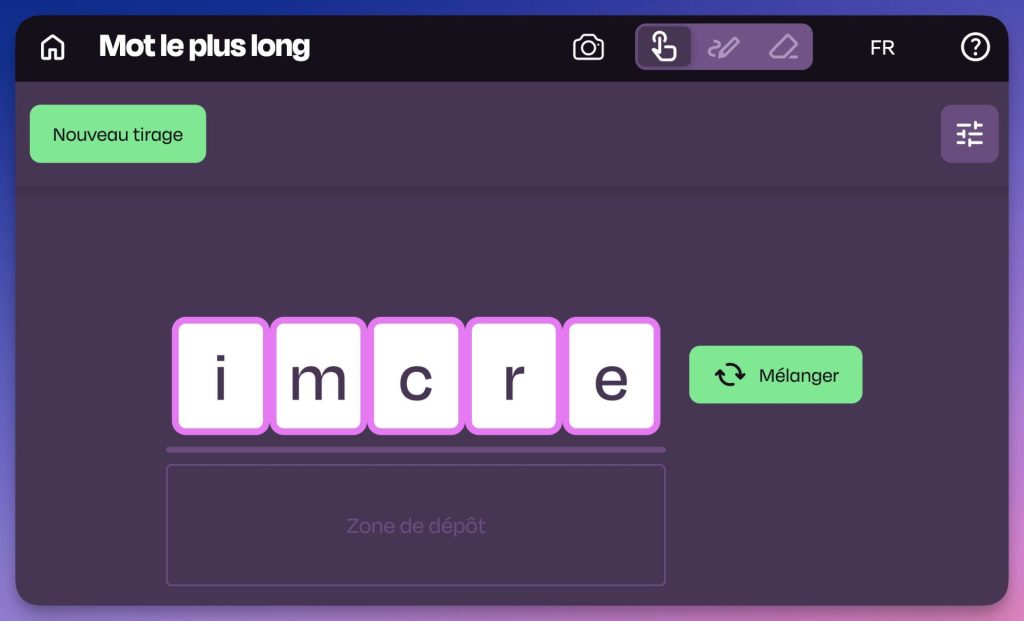
The longest word. A set of letters to reconstitute words from 5 to 7 letters. Ideal for ritual, group work or five minutes of transition with something useful.
Recording tiles. The most original tool in the collection. It allows you to create multimedia labels combining text, image and audio recording. Differentiated reading labels, visual aids with voice instructions, or supports for students who need oral support can be imagined.
Math tools (fractions, count, base 10)
Grid of numbers. An interactive numbering table. The teacher can highlight cells, hide numbers, color columns. Designed to accompany tabulation sessions collectively.
Fractions. A visual manipulation tool for composing and breaking down fractions. Several modes of representation are available: disc, rectangle, digital line. It responds to a real friction: show the fractions otherwise than with a fixed diagram in the table.
1 + 1 = 2. A tool for calculating from cube towers. The teacher constructs visual representations of operations, useful for the first approaches to addition and subtraction in CP-CE1.
Hundreds, Dizaines, Units. A basic 10 digital material. The bars and units can be moved to the screen, allowing exchanges and decompositions to be worked on without having to take out the physical equipment.
The best Pikado tools to get started: Stories and Emotions Machine
Among the list, two tools seemed particularly relevant to me after having tried them in a situation:
The story machine (generator of ideas)
It is arguably the most visually successful tool. It is presented in the form of rolls (slot machine) which display pictograms: a character, an action, a place, an object.
- Why does it work? It is an excellent trigger for writing jogging or for an oral language ritual.
- The small plus: The design is sober and the illustrations are evocative enough for cycle 2 students to take it over right away.
The "Emotions" module
There are many tools for weathering emotions, but it is well calibrated. It makes it possible to display different states (joy, anger, sadness, etc.) very clearly.
- Concrete use: I found it useful for closing a session or for a return to calm after recess. It’s simple, but it allows you to create a visual frame to help students verbalise their feelings without overdoing it.
In class, on TNI or tablet: What really works with Pikado
These tools are designed for the TNI, and it shows. The visuals are wide, the contrasts neat, the interactions fast. On an interactive board, the Wheel of Fortune or the Dice Thrower pass well to the collective oral. The Number Grid and Fractions are clearly designed to be manipulated by the teacher in front of the class.
However, several tools also work well independently on tablets: Recording tiles, the longest word, or counting exercises can fit into worktops. In the same spirit of sobriety and assumed gratuity, The Lama Class offers a comparable logic, with well-thought-out educational games that can usefully complement Pikado.
The interface is clear, without pop-ups, without onboarding. You arrive, you choose your tool, you use it. A restful sobriety.
Pikado limits: no tracking, no backup, limited customization
A few limitations despite everything has this little free toolkit.
The tools are independent of each other. There is no dashboard, no student tracking, no possibility to save a session. If you close the Wheel of Fortune After customizing the list, you have to start all over again. This is the price of simplicity and non-tracing.
The Story Machine generates random images, but you cannot import your own pictograms. If you work with specific albums or class universes, it limits.
Mathematics tools cover cycle 2 and the beginning of cycle 3. Beyond that (geometry, proportionality, calculation), we will have to look elsewhere. MiCetF, for example, proposes a much wider trunk to complete the work of counting and mental calculation.
Finally, the Recording Tiles have significant potential for students with special needs (DYS, allophones, difficulties in accessing written text). But the tool would benefit from being better documented for these uses. If you are looking to go further on supporting dys students, DysFacile remains a complementary resource to keep on hand.
My opinion of Pikado
Which struck me when I tested: graphic quality. The icons are well drawn, the animations are fluid, the colors are consistent. It’s pretty, it’s modern, it’s well done. For a free tool, the care given to the interface is real.
To be tested now, without account, by simply opening pikado.education. Start with the Wheel of Fortune or the Timer, which is where adoption will be fastest. Mathematical manipulation tools (Fractions, CDU) deserve a look if you are in Cycle 2.
You'll tell me what you think.
Pikado is available on pikado.education. Browser only. No account required. Free, without advertising. Developed by EduMedia (France/Canada).
 English