Last updated on 12 May 2026
Photoshop CC is a software that allows the editing and creating digital images. It is the best known and most used in the world. It is only justice, launched in 1990 Adobe Photoshop invented image editing and revolutionised photography.
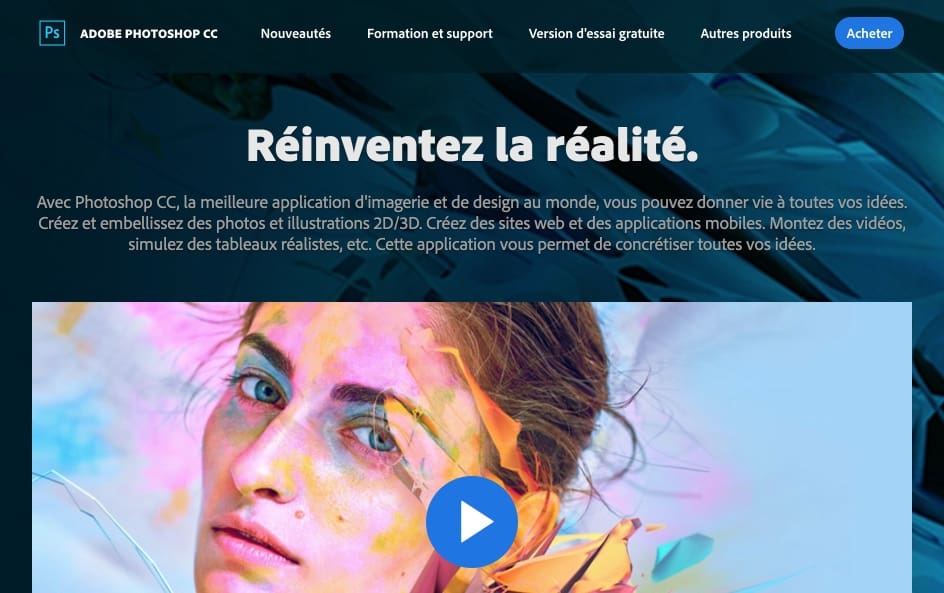
Photoshop CC is part of the Creative Cloud Suite that I've been discovering with you right here for several weeks. After Spark, Lightroom and First, with Photoshop CC we touch the heavyweights of graphic design. A must for all teachers and students in schools of art, photography, graphic design, multimedia, architecture, fashion, decoration … Beyond these classic playgrounds, Photoshop is also one of the basic tools taught in several BTS, business school, journalism school or communication school.
Photoshop CC suffers from a long-standing reputation for expensive and complex software. However, it has evolved well. Integrated into the Adobe Education pack, it has become much more affordable. Its ergonomics also changed a lot and gained in simplicity without losing its power. Today, you don’t need to be an expert to use the basic functions of Photoshop.
Table of Contents
Photoshop CC is everywhere.
Wherever you look in the press, on the street, on the Internet, your eyes will be drawn to visuals created or worked with Photoshop CC. The software is used by millions of people for personal or professional use. Photoshop is used to optimise photos published in travel magazines, to create a poster for a major exhibition or to create a visual for inclusion in a publication on social media.
The professions where Photoshop is part of the basic skills are very numerous. Knowing how to use the software is an indisputable plus on a CV. And since we are talking about CVs, a beautiful CV made with Photoshop will allow your students to stand out and be noticed.
Photoshop CC was designed for creation.
This software has been said to be at the heart of most digital creation projects. It of course allows you to juggle digital images and allows you to improve, retouch and manipulate them as you see fit.

But he will also be able to create posters, banners, logos, mock-ups of websites, plans, sets, characters in 3D …, making it difficult to cite all the possibilities and to go around them.
The functions offered by the software are innumerable including the famous layer system that made Photoshop sucked. Layers allow settings to be applied per layer, as if you were using different layered sheets of paper stacked on top of each other. Among other things, they allow settings to be applied only to part of the image or to Localized retouching.
Photoshop CC is less difficult to handle than it seems. (or so-called )
Photoshop CC may require unavoidable learning time for advanced uses. But it is also a tool that can be used quickly for basic uses. You don’t have to be a pro to use Photoshop on a daily basis. You don’t have to be a crack to create a CV, a flyer, an invitation, face-to-face paper, … business cards, especially since Photoshop also has a huge community of users and an endless list of online resources and tutorials. Between the step-by-steps proposed by the adobe publisher itself and the thousands of amateur and user blogs you will always find someone to help you or show you …
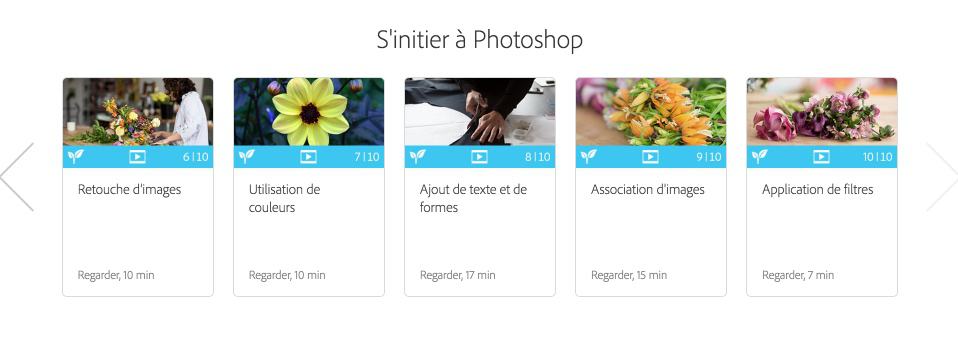
Photoshop CC is not the only alternative to process the digital image. There are a few others. It is, however, undeniably the most powerful and comprehensive. What's more, she's perfectly integrated with the adobe ecosystem and can thus interact and dialogue with the other applications in the suite.
You can test Photoshop CC for free, you will then have to switch to a subscription. Photoshop CC is part of the suite Adobe Creative Cloud for Education*.
Link: Photoshop CC
Through this Education program, adobe offers its creative applications Creative Cloud for pupils and their teachers in primary, secondary and higher education establishments at preferential rates. For more information, you can write to educ@adobe.com
 English
5 Responses
[…] to take out the heavy artillery with the large Photoshop-type digital image processing software. Just go to the Redacted homepage. […]
[…] of mock-ups, brochures, etc. Alongside the essentials InDesign for layout, Photoshop for editing and composing images and Illustrator for vector drawing you will go […]
[…] those who are proficient in professional digital image processing software such as Photohop for example. But what about all the others? Thanks to intelligence […]
[…] still presenting Photoshop? He knows how to do everything. Create posters, banners, logos, mock-ups of websites, […]
[…] Photoshop, import the desired photo from “File” and “Open”. In the proposed tools […]