Last updated on 12 May 2026
How to easily save the content of all or part of a web page so that it can be read soon? How can you set aside sites with a click without cluttering up your permanent favourites? How to have a digital notebook always available? Here are five essential services for taking notes and saving web pages.
There are tools and services that have become so indispensable to me on a daily basis that I even forget to tell you about them. This is the case for these five. Five essential tools to save web pages and help you set aside your curation.
Table of Contents
Evernote. An elephant memory to save web pages and help you remember everything

Should we still present Evernote? After a period of doubt, this great tool dedicated to our digital memory returns with a brand new version and a new interface very successful. Evernote is a great app for backing up web pages and beyond anything you want. Notes, links, images, docs, files, nothing scares Evernote’s elephant memory. The tool, which highlights its note-taking function, offers a very remarkable extension for your browser, allowing you to save an extract of an article, the full article or even the entire page with one click. The platform also offers a search engine that does wonders. It is able to find text anywhere, including inside images. That's great.
Link: Evernote
Pocket. A digital notebook to note everything, find everything

pocket is a real little wonder. The tool also offers a handy extension to save an extract from a web page by simply highlighting the text you want to set aside. You can also keep a full page by setting aside the destination link. Like Evernote, Pocket allows you to classify your content via folders or notebooks and insert hashtags in your notes to help you find them. Pocket offers an ultra powerful search engine to allow you to find everything in a split second.
Link: pocket
Raindrop. Save web pages and any type of digital content.

I recently discovered Raindrop. This platform deserves a place in its own right in this list. Its brand new version, which has just been released, offers a beautiful interface with impeccable ergonomics. Raindrop allows you to capture everything on the web while browsing or searching. The tool offers automatic classification based on the saved item. You can create custom collections to classify and especially find all your content.
Link: Raindrop
Google Keep. The bookmark signed Google to save your notes
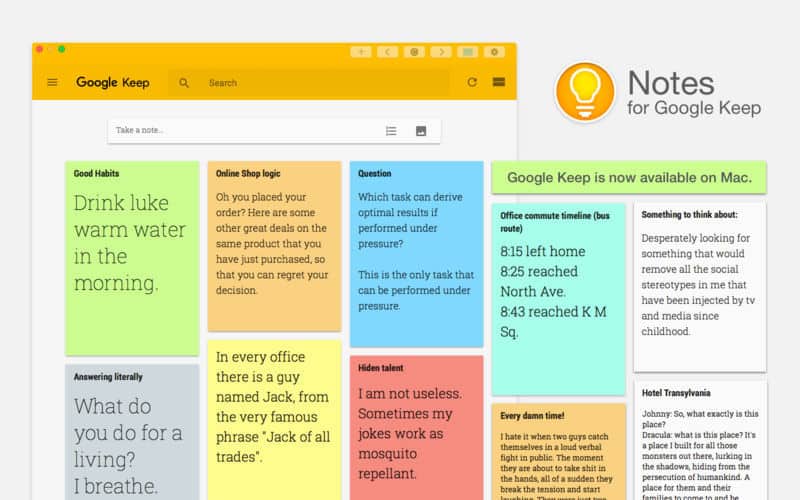
Since we are talking about a search engine, let’s make a place in this list of tools to save web pages to Google Keep. Google offers a nice and colourful notebook so you can set aside notes on the fly or save a link or extract from a website. Simple and easy to use for all your memos.
Link: Google Keep
One Note. Taking notes and backing up web pages by Microsoft
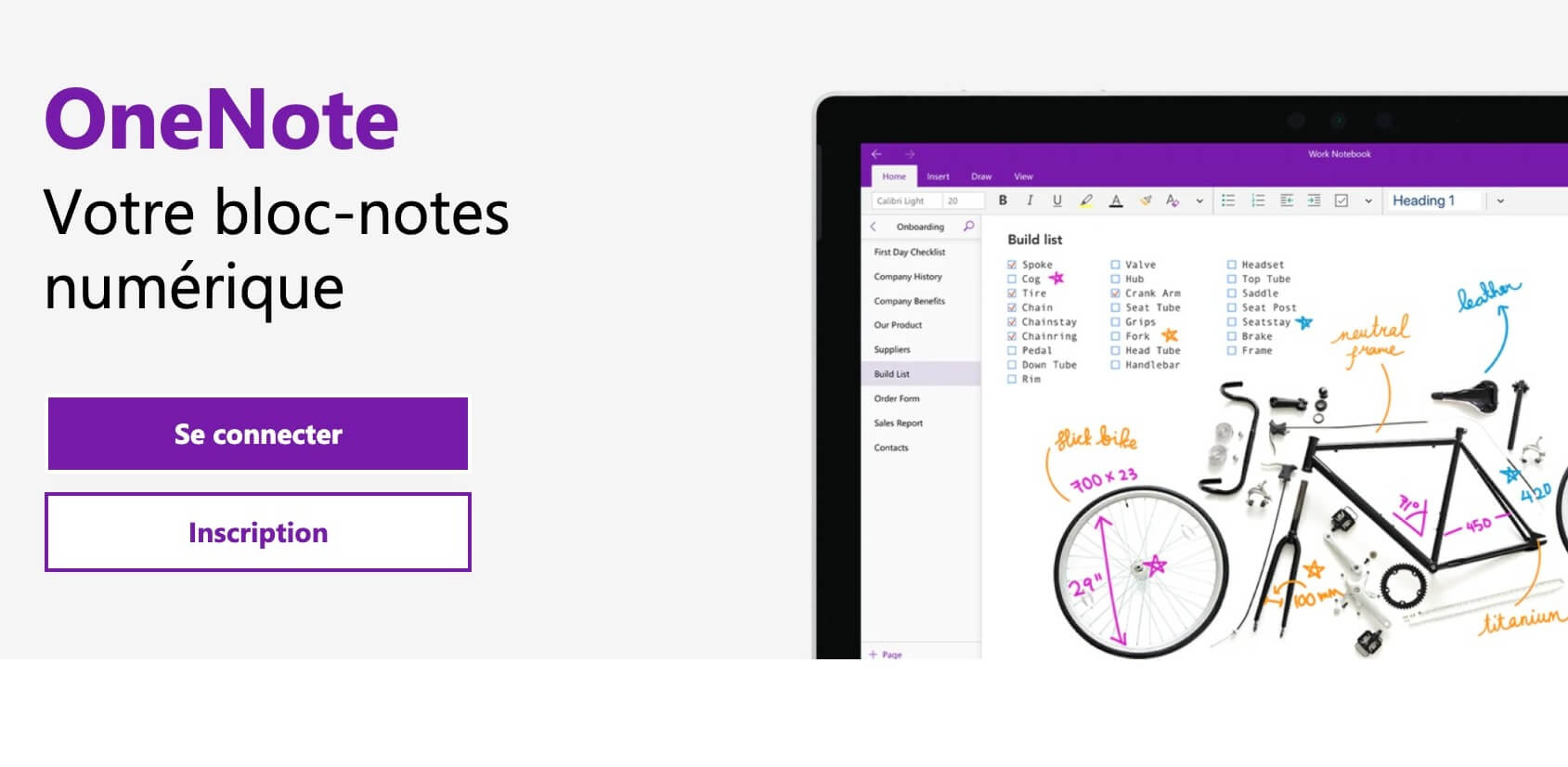
Microsoft could not be absent from this list. The company offers an app that deserves attention. This is One Note. A little forgotten by users of the Richmond firm's office tools, One Note is a complete and easy-to-use digital notepad. In addition to the advantage of seamlessly integrating with other Microsoft tools, One Note offers options similar to the other tools in this small list. OneNote Web Clipper is an extension that saves content from a web page with a single click and rather convenient sharing functions.
Link: Microsoft One Note
These are the five services that make it easy to save web pages and find them in the blink of an eye. They all have the advantage of offering free versions, although some have limited functions, and of offering mobile versions for smartphones and tablets. Ideal to always have all your notes in your pocket.

 English
bjr
I use the onenote clipper option of Onenote to save either the link or the message and this is returned directly to the onenote page I want.