Last updated on 12 May 2026
How to turn your paper documents into digital files? In the past, it was necessary to have a scanner and juggle with somewhat obscure expert settings for non-specialists. Home printers often incorporate a scanner function, but the maneuver is sometimes long and the recovered files are far too heavy.
How to Scan Your Documents Quickly and Well then? Using the scanner you have at the bottom of your pocket or bag: your smartphone. Smartphones all have a high-quality camera that can take pictures of any document and thus get a digital file.
Photos can be enough for simple uses, but you can also use dedicated apps that will turn your iPhone or Android phone’s camera into a real professional scanner. Here are five free applications to properly scan your paper documents and convert them into digital files. Ideal for storing or transmitting all your important documents.
Table of Contents
Adobe Scan. A great free handheld scanner app with built-in OCR
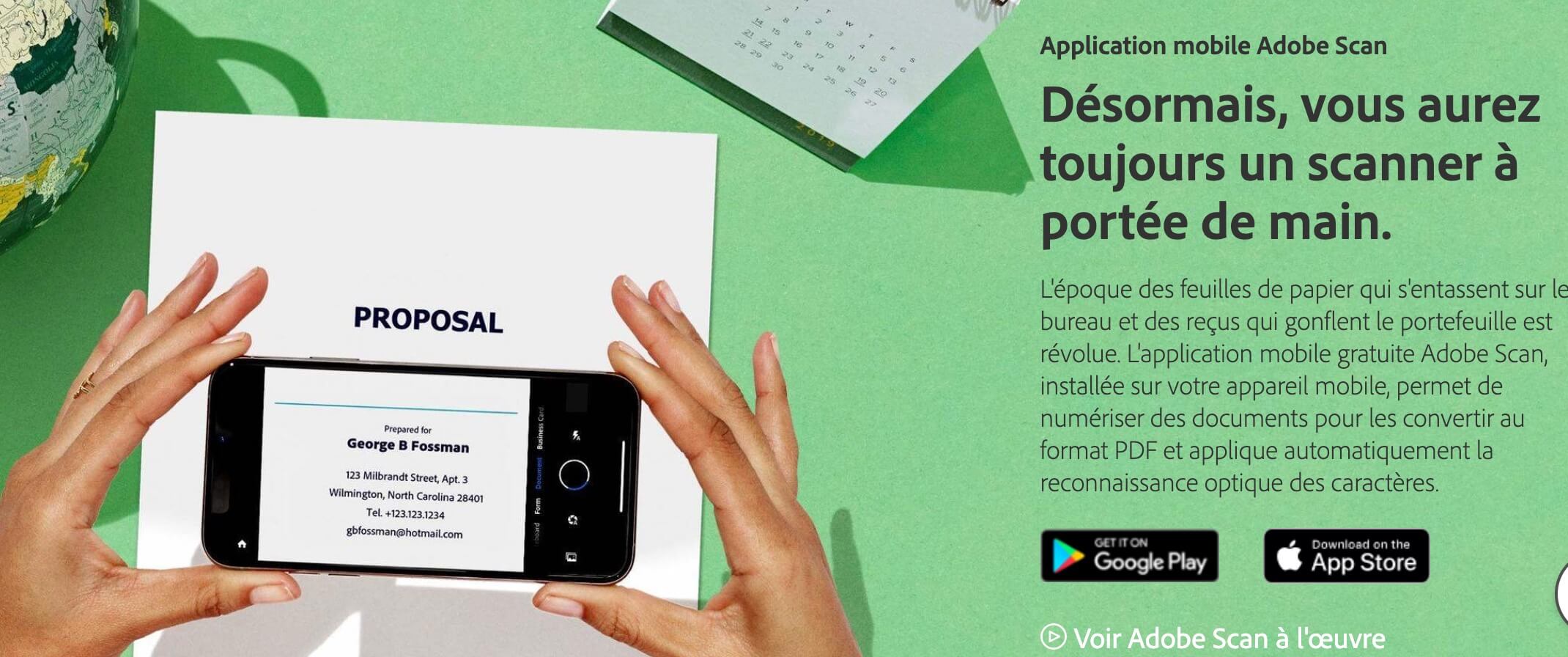
Adobe Scan this is all the know-how of the giant Adobe in your smartphone. The creators of Photoshop and PDF format offer Adobe Scan already presented here, an app for iPhone and Android to photograph documents and get a PDF that you can share or store wherever you want.
In addition to digitalisation, it has tools to improve the quality of digitalisation by removing shadows, highlighting text, straightening the document, removing … borders Very complete and easy to use by everyone.
Microsoft Office Lens for those working on Office
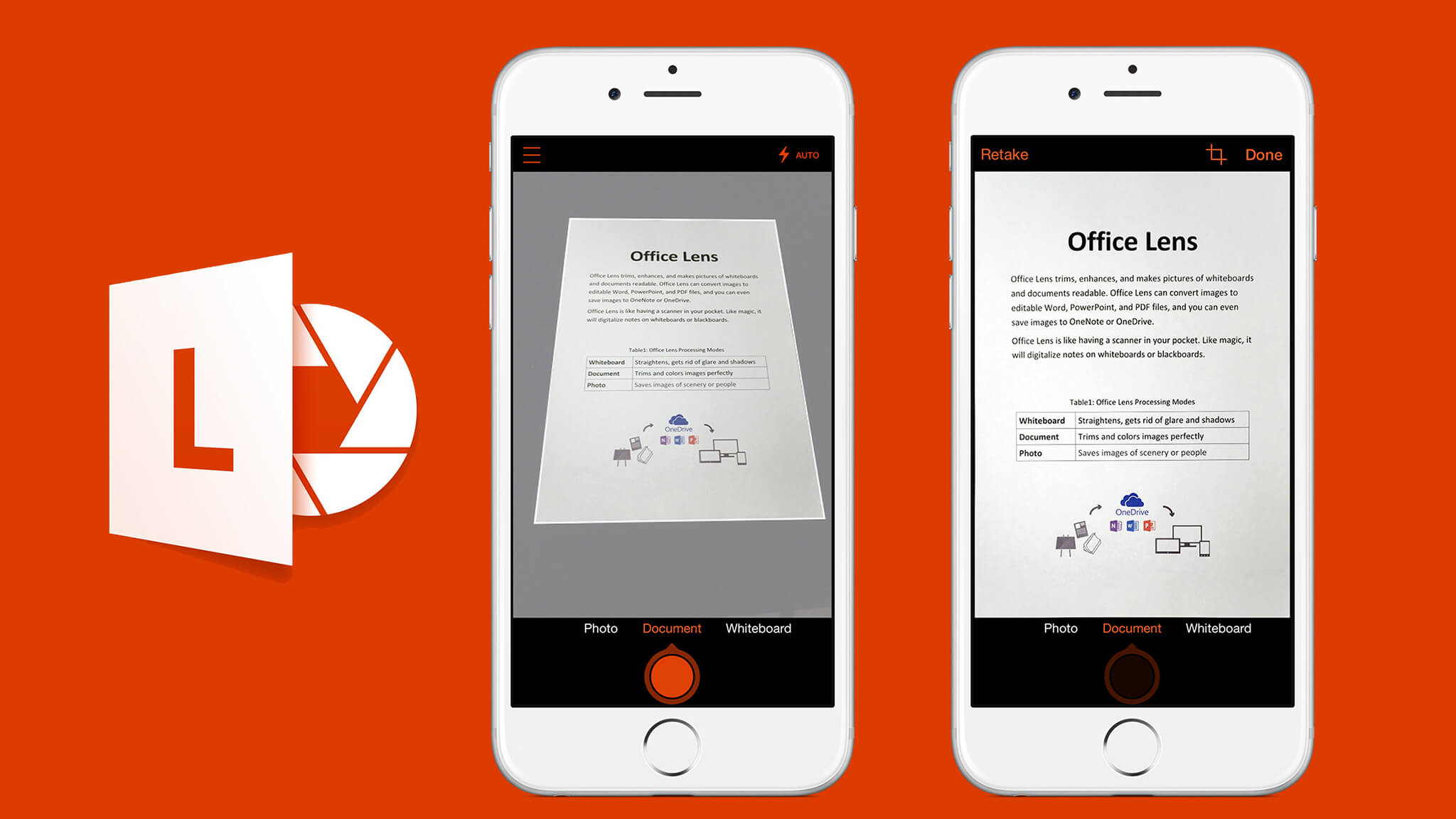
The major player in office automation software also had to offer a solution that lived up to its reputation. Microsoft Office Lens Don't disappoint. The app is available for iPhone, iPad, Android and also for Windows 10. It allows scanning documents and converting them into images.
Microsoft’s app can also recognise texts and documents and save them in different formats. Its strength lies in its excellent integration with the Office suite's tools. From a classic PDF, you can create a Word document, a PowerPoint presentation or embed the scanned document into OneNote.
CamScanner. A good alternative to scan all your documents

CamScanner is a serious alternative to the giants of the sector. Many users are praised. They're deserved. A scan app, which runs on iOs and Android, knows how to recognize, straighten and scan with great efficiency any type of document with impeccable results. The free version of the application does not offer optical character recognition for extracting and exporting text from an image. This is a pity, even if its free version is still more than enough for most common needs.
Scannable. The Pocket Scan by Evernote

Scannable is an application created by Evernote, the great service that helps you keep and memorize everything.To power Evernote’s elephant memory, a simple, flexible and fast application was needed. A successful bet with Scannable that will scan your documents at lightning speed. Just point your smartphone at the document and Scannable will automatically identify the landmarks and start scanning. When you have a large set of documents to scan, it is very effective. Once scanned, the documents can be saved in Evernote, which will launch the OCR. You can also save your scans locally or on other online services. On iOs and Android
ScannerPro. The best Scan app for iPhone and iPad
Readdle is the place to be Scanner Pro, which is arguably one of the best scanner apps for iPhone and Android. The scans are of high quality. This scan app knows how to recognize the edges of the document to be scanned. You do not need to crop the image every time you scan. ScannerPro backup in all useful formats. You can use it for character recognition. Your scans can be saved on many online services from your iPhone. You can also keep them locally.
Also read: Tools to extract the text present in an image.

 English
Hello,
and no mention of Google's Photscan which does superbly the job for photos but which also serves for those without a doc?
Have a good day
Good evening, I see you include smartphone-based solutions for scanning documents. They must then be transferred to the computer.
Could you present integrated solutions in the Android or iPad tablet?
The advantage of tablets is that they also have a camera, so everything can be done with them (scans and PDF annotations and note-taking for lessons, in both languages and science). Without also needing a smartphone or a mouse/bar scanner.
Not only does the DYS student have less material to carry but it simplifies their cognitive effort: a single tool. Easier to tame and easier to use. There is also a reduced risk of breakage or loss.