Last updated on 12 May 2026
Need to convert files from one format to another? Check out this list of Free Online File Converters. They can help you move from one format to another quickly and easily, so you can continue your work.
Converting a PDF, video or audio converter, switching from one image format to another, converting files between formats is a recurrent need. Whether you want to move files from one device to another or simply change their extension, you will need tools to do so.
Here is a list of the best free online file converters to juggle with all formats.
Table of Contents
Convert files with generalist tools that know how to do everything
Convertio. The ultimate tool to convert all files online
If only one converter had to be chosen, the conversion tool Convertio It would probably be that one. It is a simple tool that knows how to handle all types of files and conversions. More than 300 supported file and document formats. It's hard to be more complete. Convertio knows how to move your files from one format to another: image, spreadsheet, e-book, archive, presentation, audio and video … Almost nothing resists it.
ConvertOnMac. Another file converter to do everything
With ConvertOnMac, we are outbidding Convertio, which is arguably the best known. ConvertOnMac prides itself on converting and processing no less than 500 different file formats. Don’t throw any more. No need to register and the number of conversions is unlimited. A comprehensive conversion tool that I have had the opportunity to talk about here.
McConverter. Convert files to numbers
McConverter It is also one of the sites to convert everything or almost everything. Move a video to another format, change the format of an image. Juggle with documents of all kinds, or with archive formats via e-books. For example, you can convert PDF to EPUB and mobi.
McConverter knows how to do everything safely. You can drag multiple files into the browser that will convert them to number. Practical. Only regret, the allowed size of each file should not exceed 200 MB. For the rest McConverter is completely free.
Anyconv. A Swiss Knife of Conversion
Anyconv is one of the essentials of free conversion on the Internet for many file formats. Anyconv has a very clear interface despite a bit too much publicity to my liking. The different file formats are classified into major categories: Images, Documents, Audio, Video, Fonts … The application is committed to the confidentiality and security of your files. The AnyConv online converter eliminates downloaded files after performing the conversion. It will be accessible to no one.
AConvert. Convert archives and documents online for free
AConvert is another Swiss knife of conversion of which I have already spoken here. Like the other tools in this chapter, it is a do-it-yourself tool when it comes to conversions. It is not exhaustive, but it should meet many needs while managing certain complicated or ‘exotic’ formats.
FileConverto. Convert and compress all your files in a few clicks
FileConverto deserves a place on this list. It is still a good address with tools to do everything with all your files, be it images, sounds, videos or PDFs. The tool allows converting, compressing and even editing multimedia files (MP4, MOV, MP3, WAV, PDF, PNG, JPEG) online. The tool is free of charge. On the other hand, advertising is ubiquitous everywhere.
PDF file converters
SmallPdf. A reel to edit your PDF
If you are wondering which is the best free PDF converter? SmallPdf deserves a try. It offers a set of integrated tools to meet most PDF conversion needs. A truly complete PDF converter. He knows how to compress a PDF. Convert PDF to JPG or PPT. Turn PDF into Word and vice versa. An almost indispensable reel. You can use the tool free of charge for occasional needs.
PDF To Go. Create PDFs from most formats and vice versa
How to convert files to PDF? It’s quick and easy with PdfToGo. A free online PDF converter. It allows to convert a Word file to PDF than to convert an image, a spreadsheet or a presentation whatever their format.
Canva. A free and intuitive PDF converter
The online graphic studio Canva knows how to do everything including juggling PDF files. Edit, merge, convert to different formats, Edit PDF with Canva is very simple and very intuitive too. Simply drag and drop your file into Canva, the platform will convert it and allow you to change fonts, images, colors. You can then retrieve it in different formats. Very practical functions for edit a PDF online. Magical.
JotForm. Turning a Pdf into a form
In the long list of available PDF tools, JotForm occupies a small place apart in this list. This tool does not, strictly speaking, allow to change the format of the Pdf file. JotForm does only one thing, but it does it well and it is very convenient: creating an interactive form from a PDF. An online form with active fields that can be filled in by the recipient(s). Practical.
Video File Converters
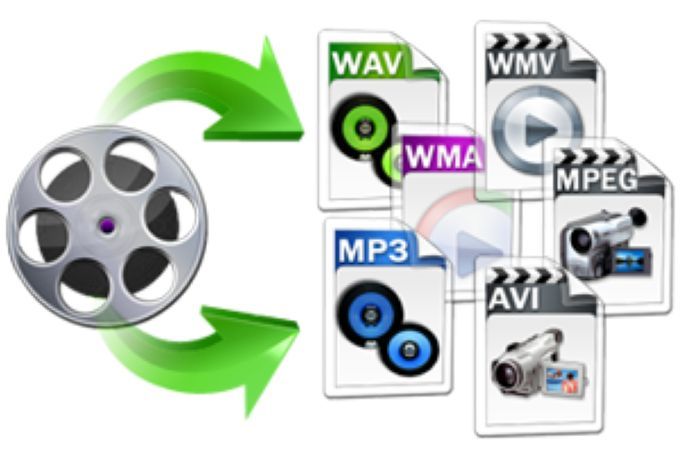
Online Convert. Much more than a video format converter
If you are looking for a tool to convert your audio or video files, Online-Convert It's probably one of the best in its class. It's free and can help you convert beyond video file formats to almost any large file format.
Video-Converter. Convert video online
Video-Converter is a video conversion service that allows you to convert video files from one format to another without having to buy expensive software. All or almost all video formats are supported. In all, easily convert more than 300 formats including the most popular: Avi, Mpeg, mov, flv, mkv, etc. This site converts video files and allows you to change the format, resolution or size of videos directly in your browser. Free with files up to 4 GB.
Audio converters
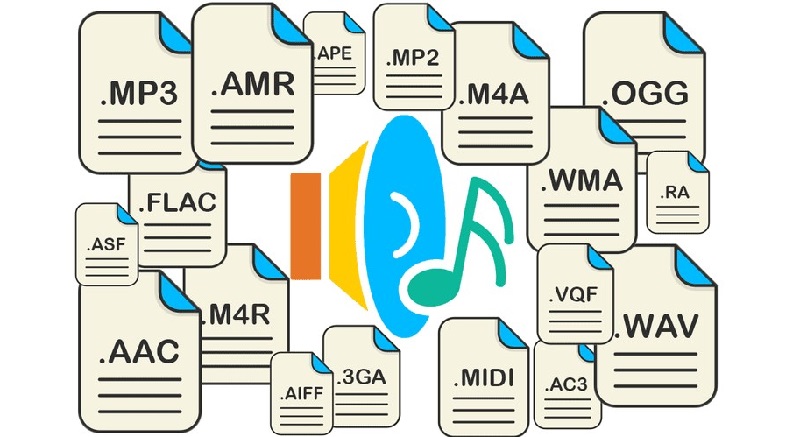
Switch. One of the best known software to convert audio files
Switch is a software to download for Mac or PC that has a solid reputation. It is one of the most stable and comprehensive multiformat audio file converters. Another advantage is that it is very easy to use. You can use it to convert M4A to MP3, MP3 to WAV and many other formats. Switch also converts video to audio. In addition to the format change, the tool helps to standardise the output audio file. A reference.
Freemake Audio Converter. Another free MP3 audio converter
Freemake It is also one of the safe values when it comes to converting audio files. If you want to know how to convert different types of audio files to MP3, just go to this site. You drag and drop your audio file into the placeholder and all you have to do is choose the desired output format. Freemake Audio Converter can convert audio files and clips between more than fifty formats. You will be able to convert clips and music to MP3, WMA, WAV, FLAC. The tool also makes it possible to extract the sound from the videos.
That's it for this one. suite of useful tools for file conversion, help me to complete it by offering your own converters in the comments.

 English
CleverPDF is another free tool that, as the name suggests, is used to process PDF files. I highly recommend it. Thank you Fidel for this valuable list.
Great article guide on file conversion tools. Thank you very much!