Last updated on 12 May 2026
It is difficult nowadays to consider a course in front of an assembly or during a training session without having prepared slides or a presentation to accompany your speech. Here are nine tools to create original online presentations other than PowerPoint or Keynote.
Microsoft and Apple's two products outrageously dominate the market boosted by the fact that they are present in the Office office suite for the former and in all macs for the latter. In both cases, they are excellent tools that have matured and make it possible to create excellent presentations. Perhaps their only real flaw lies in their complexity. Just look at the number of books offered in bookstores to learn how to use them well to be convinced.
Here are 9 alternatives to PowerPoint, less heavy, easier to use and … cheaper too.
Table of Contents
Prezi
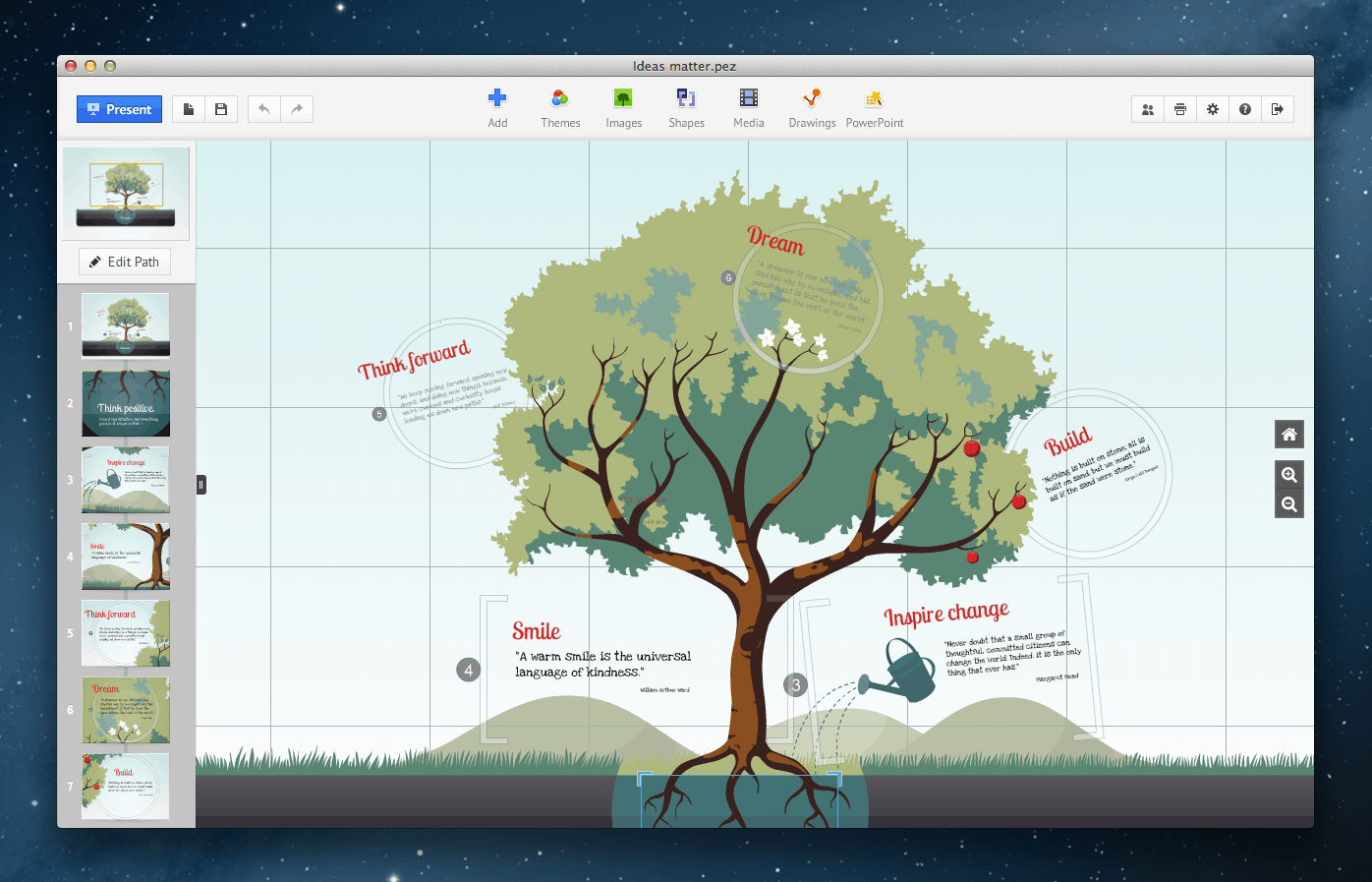
He is the big challenger. Prezi has revolutionized the way slides are designed and made. By combining animations, zoom effects and dynamic transitions, Prezi is a way that is ultimately simple enough to create an original punchy presentation that will surprise your audience. Handling is facilitated by provided templates that you just need to adapt to your own needs. Prezi offers several paid versions, but keeps a free version with some limitations, but fully exploitable.
Link: Prezi
Slides
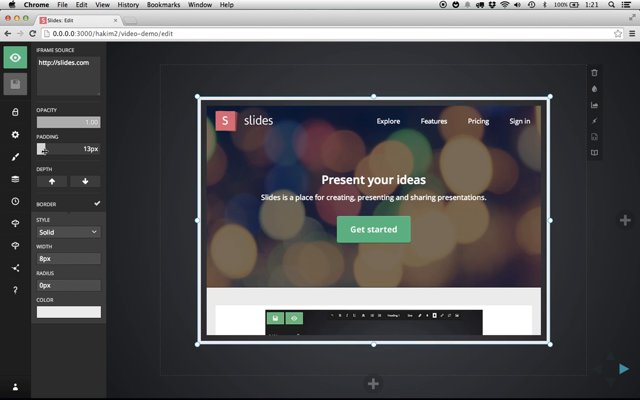
Slides is a particularly elegant presentation tool which juggles with html5 to create clean and remarkable presentations in every sense of the word. You will play very easily with fonts, shapes, colors and transitions for unique presentations. The grip is quite fast. Ergonomics has been studied to make it easier for you. No hidden function at the bottom of a drop-down menu, on Slides all tools are just a click away in a handy side menu bar. Slides offers a free version for public presentations.
Link: Slides
Zoho Show
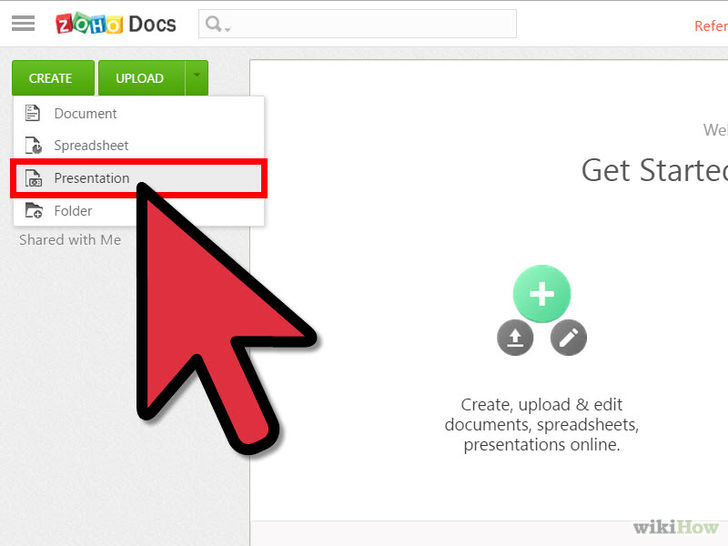
Zoho Show is part of the Office Suite Zoho Online. If you are a PowerPoint user, you will not be disoriented by Zoho Show. The resemblance is troubling in many ways, but the use here is simpler. Zoho also offers a very practical function: the possibility of broadcasting a presentation. You can thus present slides remotely and in real time through the web. Zoho Show is free
Link: Zoho Show
Visme
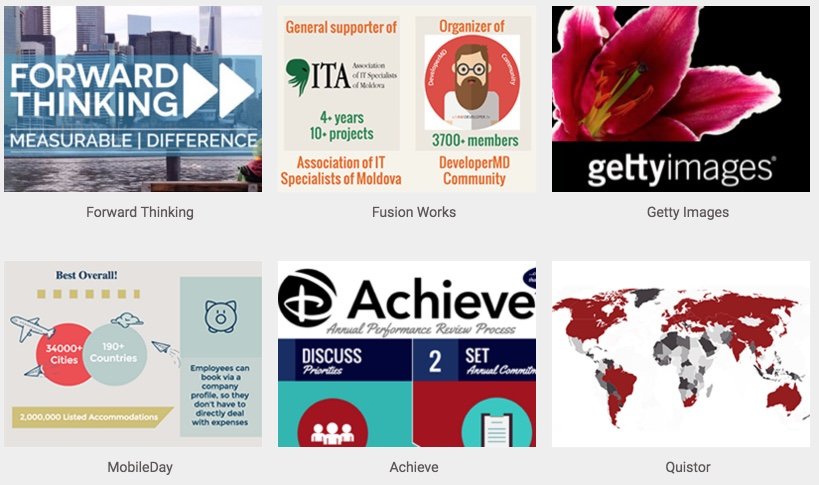
Visme is a real ultra-complete online graphic studio that allows to easily create presentations, infographics, reports or graphs. Probably one of the best tools of the kind.
He was already part of the 10 online tools to create infographics which I presented here. It also has its place in this list of tools that can be used as an alternative to PowerPoint. Payman Taei the founder of Visme Do not stop improving this real Swiss knife of graphic design that will allow you to give a real boost to your slides and presentations. One of my favorite tools.
Link: Visme
Google Slides
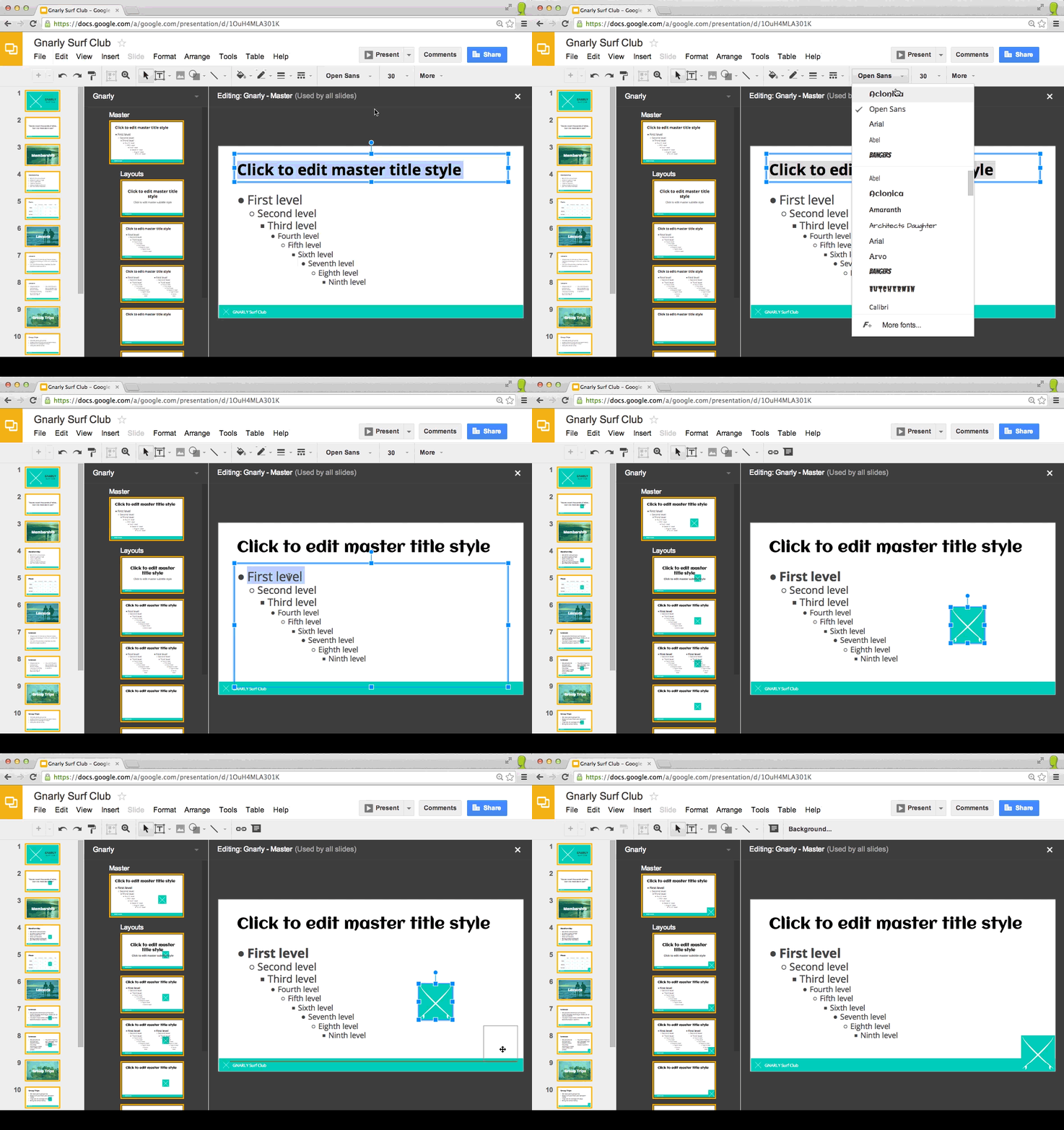
Google’s tool could not have been omitted from that list. Google Slides is one of the components of Google Apps handy for simple and fast on-the-fly creations. Google’s ‘leg’ is the user experience that can be found here with a tool that is very easy to use and can be used in collaborative mode. Just start by choosing one of the models offered by Google and then customize it according to your needs.
Link: Google Slides
Swipe
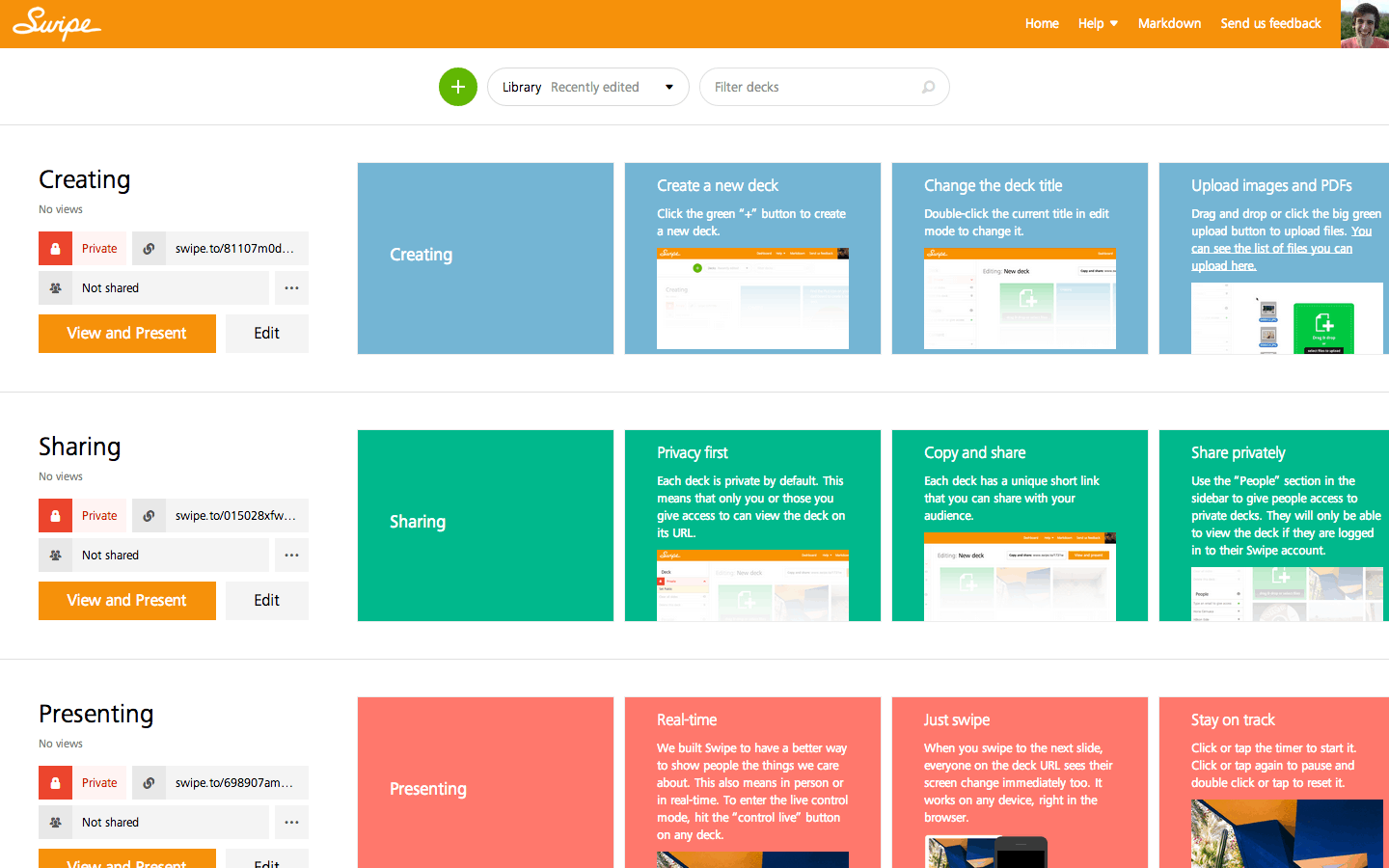
A tool to discover. Swipe allows you to create slides very easily with a drag and drop system of elements that you want to add to your slides. Then simply choose a background color, add text to it and the trick is played. Swipe is also extremely practical and allows you to add questions or surveys to punctuate your presentation and get a live feedback from your learners. Swipe is free.
Link: Swipe
Canva

Canva is an online graphic design studio Very popular. A well-deserved success, it allows everyone, whether you are a graphic designer or not, to very easily create images of any type; banners, posters, postcards, etc. Canva here on Tools TICE. In its hundreds of ready-to-use templates, Canva also offers templates for creating slides. Nothing absolutely unbelievable, but more than enough to create a simple and professional presentation in just a few minutes. Canva is free unless you use paid illustrations from the tool’s internal image bank.
Link: Canva
Evernote
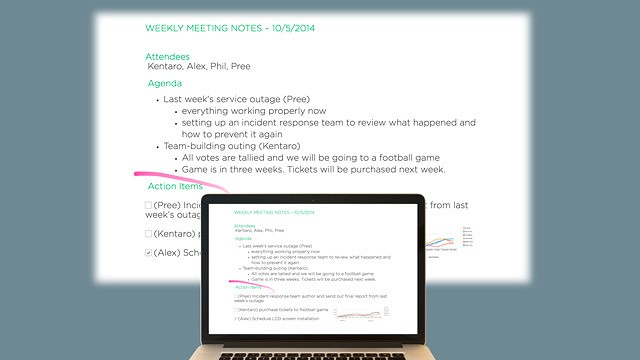
If you are looking for a simple solution to create a presentation, you should also think about Evernote. Evernote allows you to remember all your notes, files, images, links and more. Evernote’s Elephant Memory is a reference on the web. In its pro version, Evernote allows you to create presentations on the fly with your notes. You select one or more notes, Evernote will automatically create a table of contents. All you have to do is click on the presentation mode and Evernote will display them in full screen mode. No transition effect or animation to the program, but in this Evernote mode will transform the small arrow of your mouse into a kind of laser pointer to allow you to show this or that point in a slide. Practical.
Link: Evernote
SlideBean
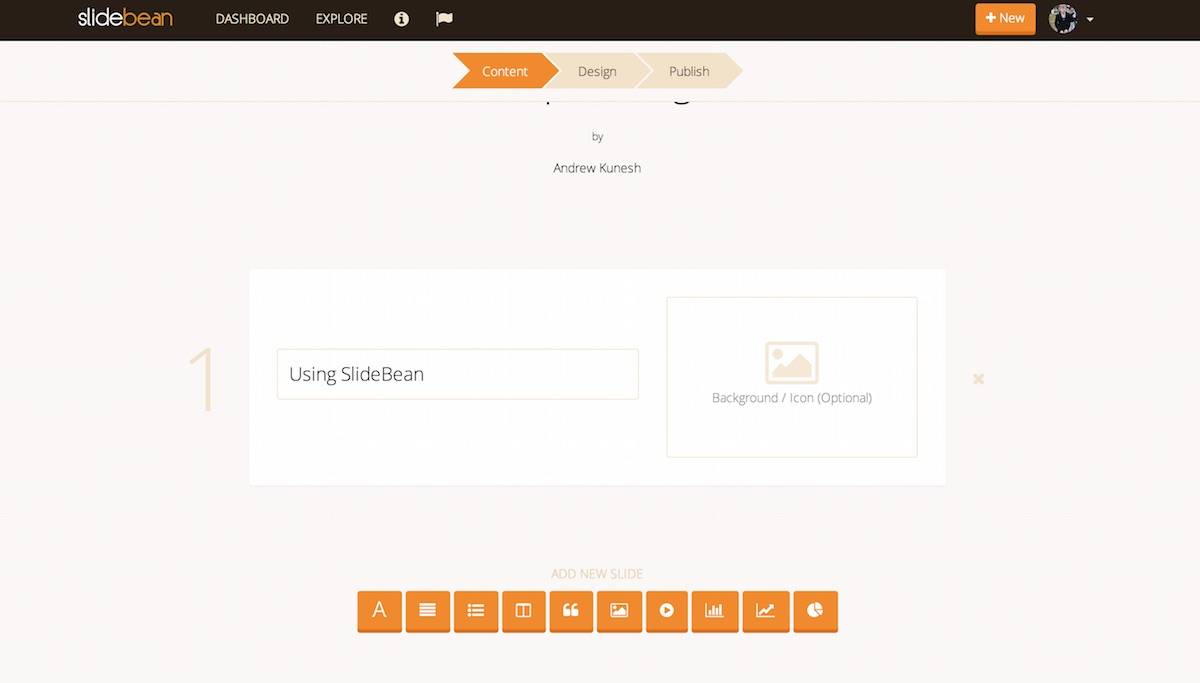
The palm of simplicity probably goes to SlideBean. It is indeed difficult to make it much simpler to create a presentation that has a certain look. SlideBean allows you to focus on the content of your presentation, the site will take care of the formatting. When you create a new presentation in SlideBean all you need to do is gather the texts, photos and videos you want to include. Then you choose a theme and SlideBean will automatically create the presentation from A to Z for you. SlideBean will ask you a little less than 5 euros per month to use its services.
Link: Slidebean
 English
Hello and a big thank you for this sharing that I look forward to and discover with great interest.
Just one remark about PREZI: its COLLABORATIVE aspect. My students work in groups on a theme – they distribute the tasks – each one goes to a computer and ALL intervene on the same Prezi = very interactive, small icons show the action of each one. That's great ..
Hello,
Keynote is not included with Macs: you have to download it for a fee.
Another alternative to Powerpoint is to use the LaTeX language and the Beamer class, which allows very sober computer-assisted presentations. The only constraint is to familiarise yourself with this language, but you can just as easily retrieve a file and adapt it to your needs, especially since there are a number of tutorials (especially in French).
Ah: it is completely free and free.
Frederic
Thank you very much Frédéric for your two additional alternatives that have many advantages.
A small addition, Slides.com is the online editor of reveal.js, a presentation framework in HTML5+CSS.
It is possible to fork the project on github, it is simple thanks to the examples to make an elaborate presentation, just by coding with his ten fingers.
My girlfriend used it regularly for her presentations during her master’s degree, she continues to use it to present her portfolio on a tablet during job interviews.
As it is web-based, it is compatible on all decent browsers, online and offline.
I will also add Swaay, developed by Microsoft, which makes it possible to create very nice online presentations. The ergonomics are a bit surprising at first, but the search for royalty-free online images to illustrate the presentation is interesting.
Hello,
I wanted to add an alternative to Prezi called Sozi. You provide him with an SVG image and then as for Prezi, you frame each slide for your presentation. Next, the sotie file is in HTML, which allows it to be used on any computer with a browser or to be inserted on a website.
Example:
– I am preparing a presentation via Mindmapping software (vym, freemind, freeplane…)
– I export everything in svg
– If necessary I add elements with inkscape (Sozi accepts layers)
– I make all my slides in less than 10 minutes with Sozi directly on my working document. (huge time saving)
Everything is free, free and multi-platform (like all the software I mention)
http://sozi.baierouge.fr/
cordially
Hello,
Google Slides also works collaboratively.
And here too students can work in this mode. In person and at a distance, of course.
What about Sozi? Cheap at all and free in addition to being free. He really deserves our attention.
http://sozi.baierouge.fr/pages/10-about-fr.html
I tested Prezi the other day and I was not convinced. This is probably linked to the interface with the high school network (still …), but it is very gadgetic so that ultimately it cannot showcase a lot of content (and it is impossible to create sound pads like I do with keynote for example).
I often think that the time spent on these damn presentations could be better invested elsewhere (because we must not forget the real physical blockages, only its failure, fuzzy image etc … of real life EducNat without Retina filter!)
Good morning to all of you.
As a business school speaker, I am looking for a tool to make my interventions more lively for my students. While searching on the Internet, I came across http://www.slivr.io a presentation platform that seems to meet all my criteria. I signed up for their beta programme to test the tool before it was released. I can't wait to see what it's like to share my impressions with you.
Keynote is included in any Mac purchased since 2014 🙂
Thank you very much for this list of online tools which has proven to be very useful to me.
After testing the ones I did not know I have a preference for Slides with a very simple grip, a very intuitive design and a very nice final document.
@Fred02840 Keynote is included and free in Macs.
for me the main advantage of Keynote is that its document can be exported in different formats.
I wanted to test Bunkr. No more! The site is closed on March 31, 2017 and joins Synthesio.
Some comments:
– Fred02840, Laria, Keynote is free and must be downloaded in macOS and iOS versions (no need to clutter the hard drive unnecessarily if the user does not need it)
– I would add to this beautiful list OnlyOffice (Lettonian) which offers a very complete online suite that works quite well (it is possible to import graphics from Powerpoint while Google Slide transforms them into images!). OnlyOffice has recently been integrated into the remarkable French collaborative platform talkspirit.com!
The association europea-champions.org encourages the use of European digital tools, Emmanuel we would be delighted if you could specify for chain of your excellent software reviews the European origin of software (🇪🇺).
Thank you!
* for EVERY one of your excellent reviews
Hello,
I am VERY surprised not to see LibreOffice Impress here, which (source Framasoft) "makes it possible to compose slideshows that integrate (or not) elements of the other software of the LibreOffice suite. It has a normal mode for composition, a plan mode and a notes mode for annotating presentations to serve as a support for the speaker. It has drawing tools and diagrams, 2D and 3D effects to bring style to the final production.’
Moreover, the LibreOffice suite is, as its name suggests, FREE (and free), available for Windows, Mac and Linux.
There is even a portable version if you prefer not to have to install it ‘hard’ on your computer or if you want to be able to run it from a USB stick, regardless of the computer you are working on.
Finally, to return to Impress, although it already has many templates, a simple search in a decent search engine will make it possible to find a host of others and, probably among them, the one that will correspond to the user’s expectations.
Have a good day,
Hello and thank you for the article
My favorite tool is CANVA, but sometimes I use GitMind (https://gitmind.com/en/)
Good morning. Thank you for this list, but it still lacks Genial.ly, a must.
Agree also on the importance of citing Libre Office Impress, which has the merit of being free open source.
Sincerely.
The premium version of Canva is free for teachers.