Last updated on 18 May 2026
You have found the perfect video for your course. Five well-constructed minutes, exactly on the notion you are explaining. The problem: the room will not have a connection on D-Day, or you want to integrate it directly into your slideshow without depending on the network.
Download a YouTube video, Sounds simple. And it can be, if you know the right tools. Because the landscape has changed a lot. Services that I recommended two years ago have disappeared, become paid, or have turned into pages overloaded with misleading ads where you have to click three times in the right place not to download anything instead.
This article was completely revised in May 2026. The tools presented here have been tested. They're working.
Before we begin, a useful clarification : Downloading a YouTube video for classroom use remains a legal grey area. This is not a reason to panic, but it is a reason to understand what you are doing, and to know the legal alternatives that exist. I come back to that later.
Table of Contents
4k Video Downloader+ Download YouTube videos and playlists
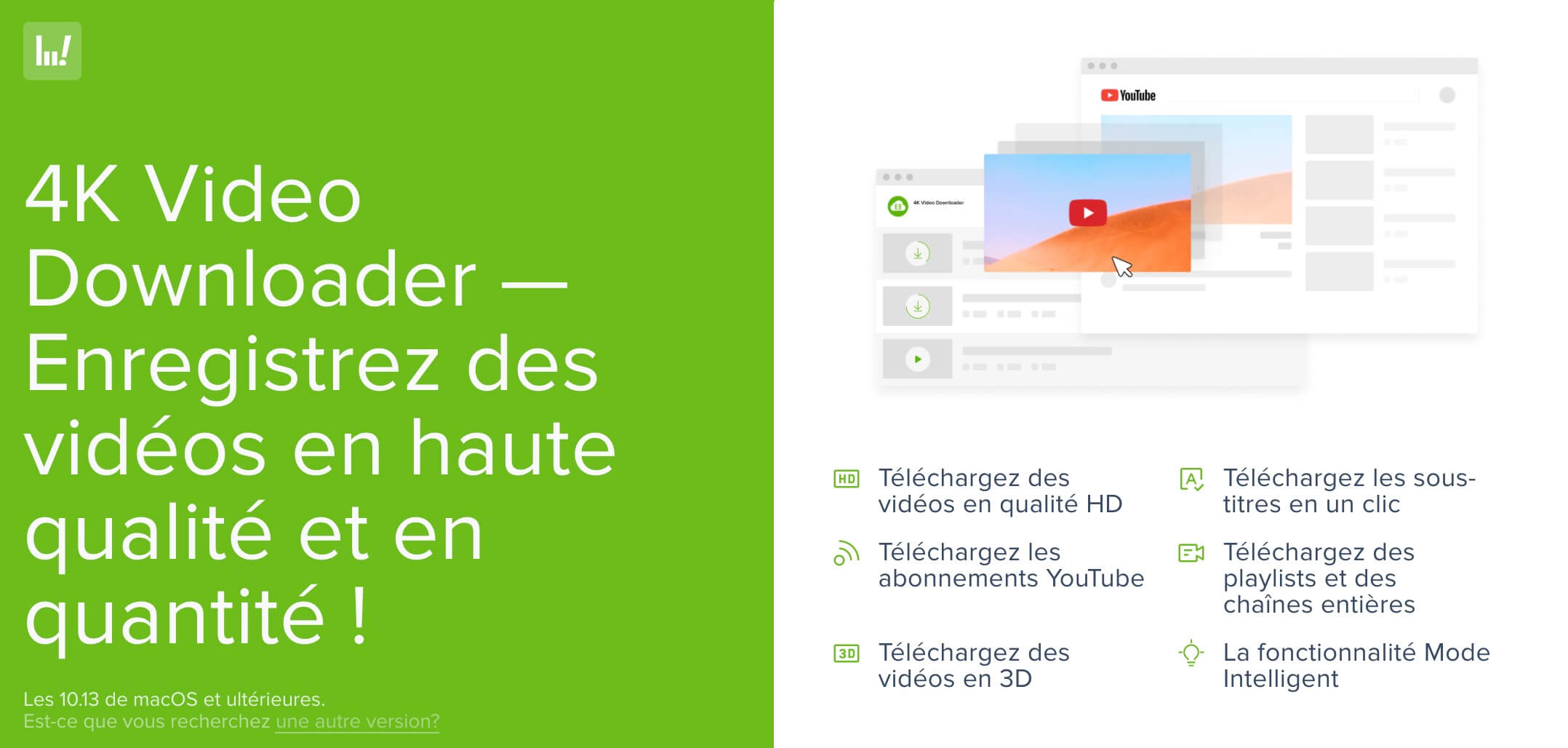
4k Video Downloader+ is one of the best options available to download videos from YouTube to your computer. You can also download YouTube playlists whole.
A complete software that works with most video storage services and allows to download private videos not only from YouTube, but also from Facebook, Vimeo, Bilibili and many other sites with each time the maximum quality offered by the video. The tool also supports services such as YouTube Shorts, Gaming or Kids.
Thanks to 4k Video Downloader+, you will very simply be able to recover and keep on your computer the videos or audio sequences you want. You will not have to return to these sites to re-read them.
The tool also integrates a very complete interface with a built-in browser. Practical. 4k Video Downloader+ is very easy to use. The app allows you to record videos in FLV, MP4, MKV or 3GP. You will be able to consult them on your mobile or on a tablet.
Link: 4K Video Downloader+
Download YouTube videos and audio with SurFast Video Downloader
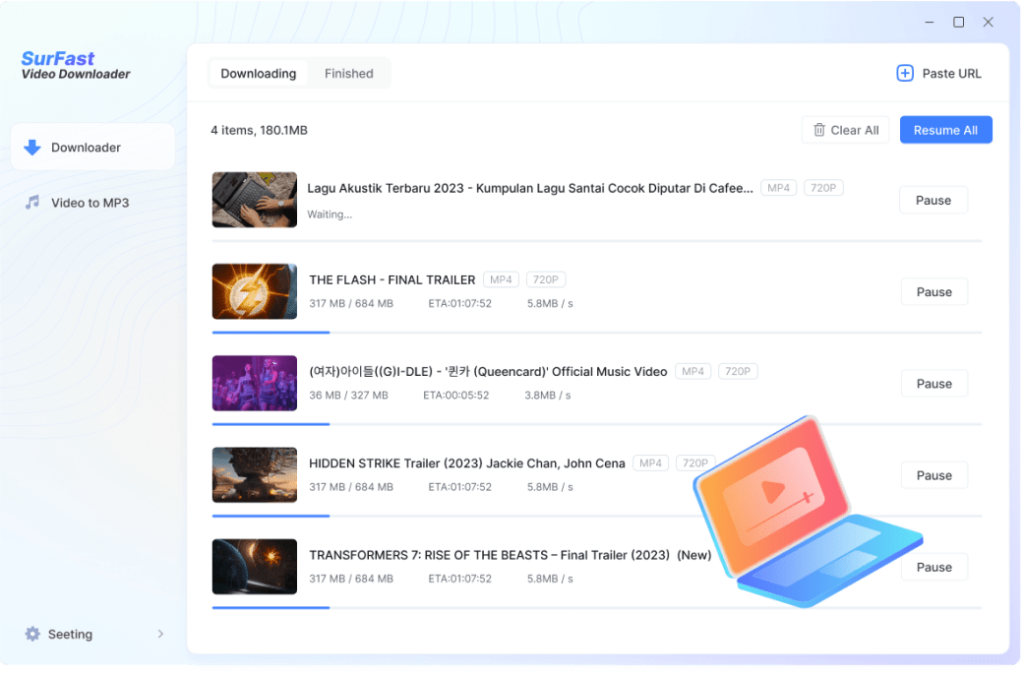
SurFast Video Downloader is a very complete YouTube video downloader. Much more than just a quick and easy-to-use download tool, this software allows you to retrieve YouTube videos, YouTube playlists, and YouTube music in the blink of an eye.
It allows you to download YouTube videos in the highest quality, up to 8K resolution, in MP4 or WebM formats. But that is not all. You can also directly extract audio from videos into MP3 files, for offline listening on any device. Its batch download feature greatly simplifies the recovery of complete YouTube playlists or multiple videos at once, saving you from repetitive manipulations and prolonged waiting times. In addition to YouTube, SurFast Video Downloader is capable of downloading videos and audio from over 1000 sites, including Instagram, TikTok, Twitter, Twitch, Facebook, and many others.
Link: Surfast Video Downloader
Freemake. Another good tool to download videos from YouTube

Freemake He, too, does the required work quite well. You can recover the full video or only the audio track. The tool works in several video hosting platforms. The most advanced options are reserved for paying users but the free version is more than enough for most needs.You have nothing to download, nothing to install on your computer. Everything is done directly from the website of the application from a simple browser.
To this list let's add a whole new tool. It is a SnapDownloader that allows you to download videos from Youtube but also from more than a thousand other sites and services, including all social networks. The ultimate tool for downloading videos from the web.
An option for the more adventurous: yt-dlp
If you are not afraid of the command line or if you have a colleague who knows a little about it (a lot), yt-dlp is the technical reference tool. Open source, free, updated very regularly, it adapts to changes in YouTube faster than any other service. This is the tool that developers and power users use.
It does not have a native graphical interface, which can be off-putting. But there are visual interfaces that make it accessible without touching the terminal, such as yt-dlp-gui on Windows.
This is not a solution for everyone. But if you are looking for something really reliable in the long run, this is it.
If you are on the Firefox browser, you can also look at the Firefox add-ons. Here are three. 3 extensions for Firefox that do the job of recovering a video online without reluctance.
Cobalt Tools: Always useful, but more for YouTube
Cobalt Tools still deserves a mention, because it is one of the few really clean download tools: no advertising, no account, no software to install, open source. You paste the URL, you download.
But let us be honest about the current situation: Since mid-2025, YouTube has tightened its technical restrictions to the point of regularly blocking the service. Cobalt works, then no longer works, then works again. The team behind the project does what it can, but it is a structurally unbalanced tug of war between a volunteer project and the world’s largest video platform.
In short, for YouTube: unreliable on a daily basis. For the rest – TikTok, Instagram, Vimeo, SoundCloud, and around 30 other platforms – it remains excellent.
If you have already read our article on Cobalt Tools, the situation has changed since then. We keep it in mind for other platforms, but we must turn elsewhere for YouTube.
A word on pedagogical use
Download a YouTube video to stream in class remains in a legal grey area. The French pedagogical exception tolerates it for use strictly in the classroom, in front of your students if it is used for strictly pedagogical purposes. On the other hand, sharing the video, editing it or putting it on an ENT without access control is another matter.
One last thing. If you use an extract in class, remember to mention it to your students: author, source, license if you know her. This is not just good legal practice. It is also a concrete way to teach digital literacy and respect for intellectual property.
Before downloading, check if the resource already exists within a legal framework. Lumni the educational offer of French public audiovisual (France Télévisions, INA, Arte, Radio France, TV5Monde) offers thousands of videos organised by level and discipline, downloadable for offline use, free of charge. Often, what you are looking for is already there.
What I would do for you
The landscape has changed, and it will continue to change. YouTube is tightening its restrictions, tools are closing, others are emerging. This is the reality of the matter.
For 2026, the advice I can give you: start with 4K Video Downloader+ if you want something stable and unsurprising. Take a look at Cobalt Tools if you need to retrieve content from other platforms. And think first about Lumni before downloading. You will often find what you are looking for, without asking questions.
To test, then. But with discernment.

 English
Thank you very much for the download links other than the standards that saturate 🙂
In this period of coronavirus being able to download the videos recommended by teachers to work offline is very pleasant.
Very good continuation (take care of yourself 😉 )
A former multimedia designer, mother of two middle school students.
thanks for moms overwhelmed with little ones at home who really don't know which sites to turn to so they can download rhymes etc. and watch them offline
Xtreme Download Manager is free and powerful, it integrates with the web browser and can download all types of files.
Thank you for this article and everyone you published in 2020.
One could add a fourth that I have been using myself for several years: Video Download Helper