Last updated on 12 May 2026
How to project or share a Youtube video in a clean interface without ads and distractions? The YouTube site offers an interface designed to keep the visitor as long as possible with many requests. This is the case, for example, with related videos that harm concentration and promote zapping.
Here is a list updated in September 2023 of six tools that will allow you to watch or share a Youtube video with your students in a suitable interface.
Be careful, none of these tools are used to download Youtube videos. This would constitute an infringement of the terms of use of the platform and possibly an infringement of the copyright of the creator of the video. Note that these tools may not fully block all ads, including those embedded in the videos themselves.
Table of Contents
Digiview. The solution to watch YouTube videos without distractions from La Digitale
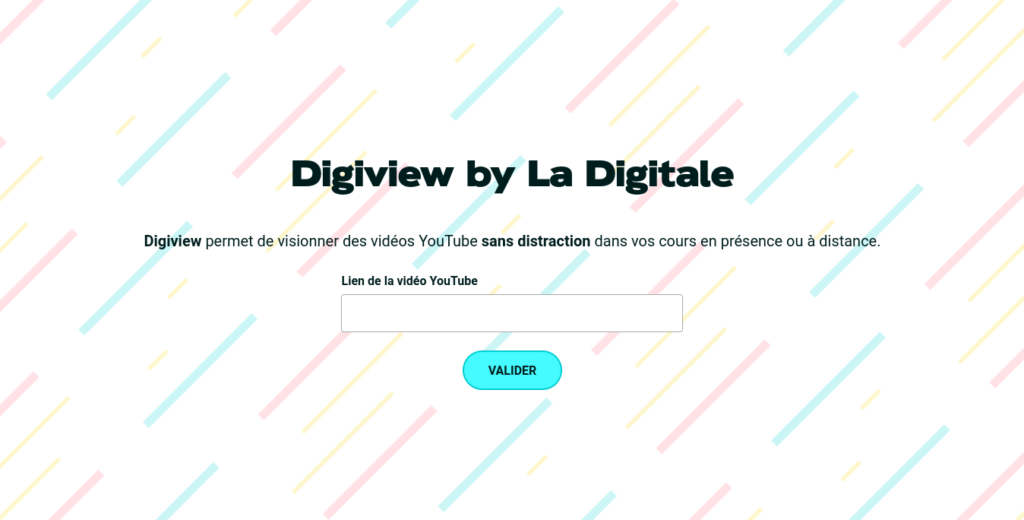
If there is only one left, retain Digiview. One of the multiple utilities proposed by the Digital, the great free and solidarity toolkit carried out by Emmanuel ZIMMERT. Digiview lets you watch YouTube videos without distraction in your classes in presence or remotely.
Simply fill in the URL of the video on YouTube. Digiview immediately displays a preview. You can indicate a title, a description and even choose a thumbnail to illustrate it. Digiview also offers the possibility of retaining only one passage of the video. To do this, you must indicate start and end in the proposed timeline. Then all that remains is to validate and Digiview will provide you with a single url to watch your clean video.
SafeShare.tv. Share YouTube videos and just videos

Safeshare.tv is one of the best known resources to offer a Youtube video in a concentration-specific environment. This tool makes it possible to share a video and just the video. Simply copy the URL of the video you want to share and the tool will provide you with a clean version as soon as possible.
By creating an account, you can even set aside playlists with multiple videos. A simple click is then enough to share your video on social networks, by email via a unique URL or via a QR Code provided. Note that SafeShare.tv works with both Youtube and the Vimeo platform.
WatchKin. A YouTube video player that eliminates unnecessary distractions

Watchkin is simple to understand and simple to use. Simply copy and paste the URL into the search box and you will be directed to a clean page to view your video. No distraction of any kind will come to the attention of the viewer.
The tool also offers an integrated search engine to find videos directly from the platform. A filter limits the results to videos suitable for all audiences. Watchkin is free.
Minimal YouTube. YouTube without distractions on Chrome
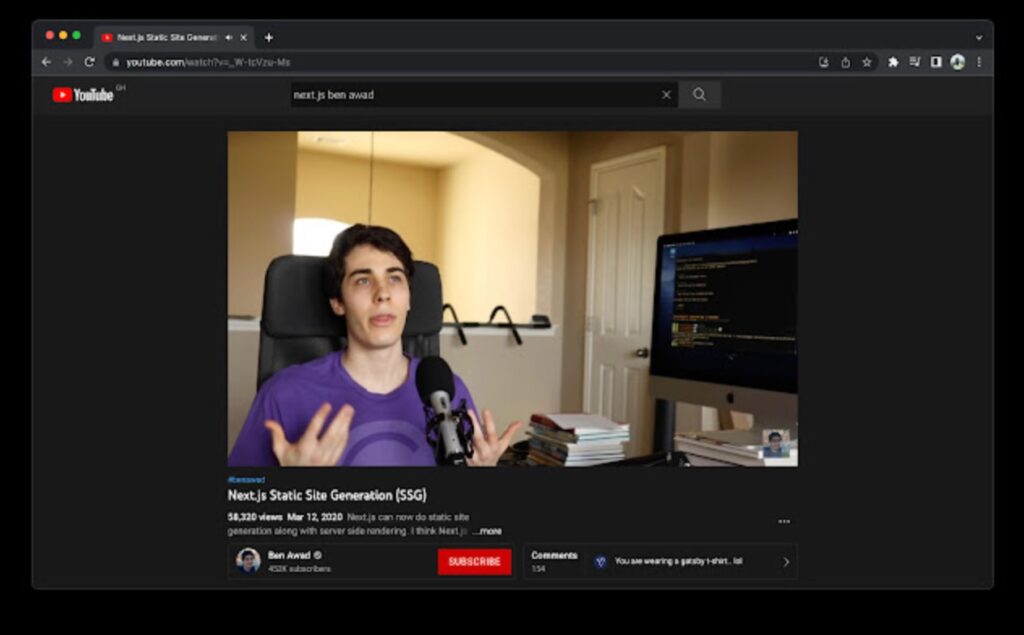
Minimal YouTube bears his name well. It allows you to consult YouTube with the minimum necessary. This Chrome browser extension replaces YouTube’s user interface with a minimalist design that does not contain any recommendations, short videos or distractions.
ViewSync. A good alternative to ViewPure
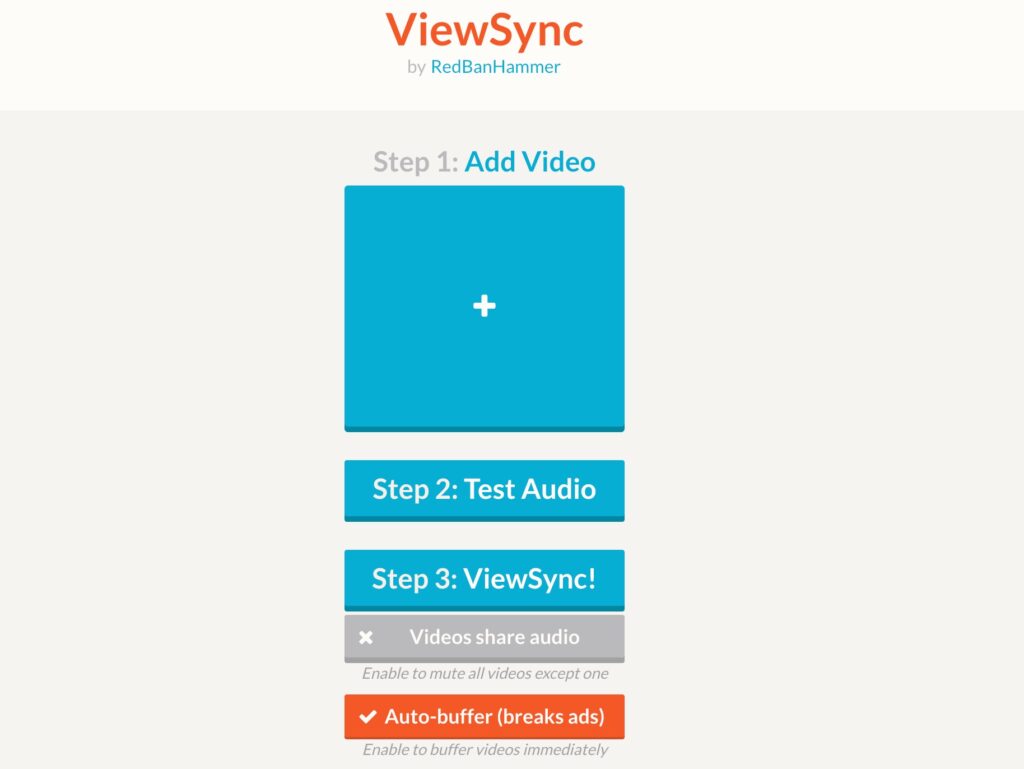
ViewSync is a great resource for viewing YouTube videos without ads or distractions. This is arguably the best alternative to the late ViewPure, which has not been available for some time.
ViewSync is a multiple YouTube viewer. Just give him the Url of the videos you want to group together and he will immediately offer you a personalised Url where the videos will be displayed side by side. But you can also use it to watch only one video by getting rid of all distractions.
DF YouTube. A Chrome extension to keep only the bulk of YouTube
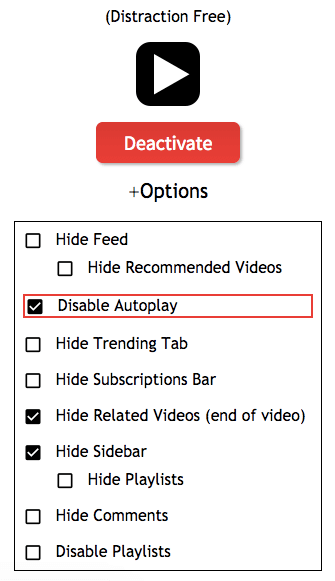
If you are using the Chrome browser, DF YouTube is a simple and clever solution to get rid of the useless in the interface of the YouTube platform. This is an extension of Chrome that once installed will simply erase the distractions on YouTube. You are on YouTube but you only see the videos. In the settings of the extension you can choose what you want to keep or not. Malin.
If you liked this article, you may also be interested in this free tool that allows you to separate music from voice in a song.

 English
8 Responses
[…] present on these consumer sites? Safeshare TV offers a solution that allows you to share the YouTube video that interests you and just the […]
[…] is an online service that is a real boon for all teachers. It allows you to use YouTube videos with your students and only […]
[…] you can also take a look at this other page which lists simple tools for watching and sharing YouTube videos without ads and without […]
[…] Read also: Tools to watch YouTube videos online without ads or distractions. […]
[…] 5 tools to watch and share YouTube videos without ads and distractions September 3, 2020 […]
[…] one of the best. The icing on the cake, VideoAnt is free and ad-free. I l will even remove advertising from YouTube videos when you are going to import them into its player. A Little More Not […]
[…] working with videos. It allows you to create and save bookmarks to your favorite videos on YouTube. To be even more precise, Bookmark it allows you to create shortcuts to one or more […]
[…] Source: 6 tools to watch and share YouTube videos without ads and distractions - … Tools […]