Last updated on 26 January 2026
We no longer count the tools that make it possible to make online a chronological frieze or arrows of time. It is true that this visual representation of important facts or events on a time scale is particularly effective in reporting on an evolution or process, it shows the chronological order in which the events took place. Chronological friezes are also easier to remember than a list of data.
I propose you an up-to-date list of all online tools to develop a chronological frize for your courses, publications or presentations. It will be updated regularly with my watch and … your contributions.
Timelines, chronological frieze, … timelines, but what are we talking about?
Table of Contents
What is a chronological frieze
This is a table showing the chronological sequence of events, the dictionary included in my Antidote Correction Software. The term is generally translated as “timeline” in English.
A chronological frieze is therefore a linear representation of events positioned on a line representing a period of time. This visualization associates events with their position over time along a graduated scale. We are not very far from the idea of chronology.
Wikipedia brings a nuance, however: “The time line presents a single event over a period, while the chronological frieze makes it possible to work on the simultaneity of phenomena. In other words, it graphically overlaps several events of the same period”.
So much for a few basic elements, but let's move on to practice. How to create chronological friezes online? Here is a first list of tools for making timelines or timeline friezes. Most of them allow the result to be graphically integrated into a website or blog.
Why make a chronological frieze?
This is a great way to organise information and events chronologically. It can be used to follow the story of a person, place, thing or idea. A timeline can also be a useful tool for project planning and management.
What easy-to-use software to create your own timeline
It is true that there is no shortage of resources in this area. Here is a first list, as complete as possible, of the sites and tools that make it possible to design them. Most of these services are free of charge. Some do not even need your registration to be used. So, get started and create your own chronological frieze.
TimeLine Knigthlab
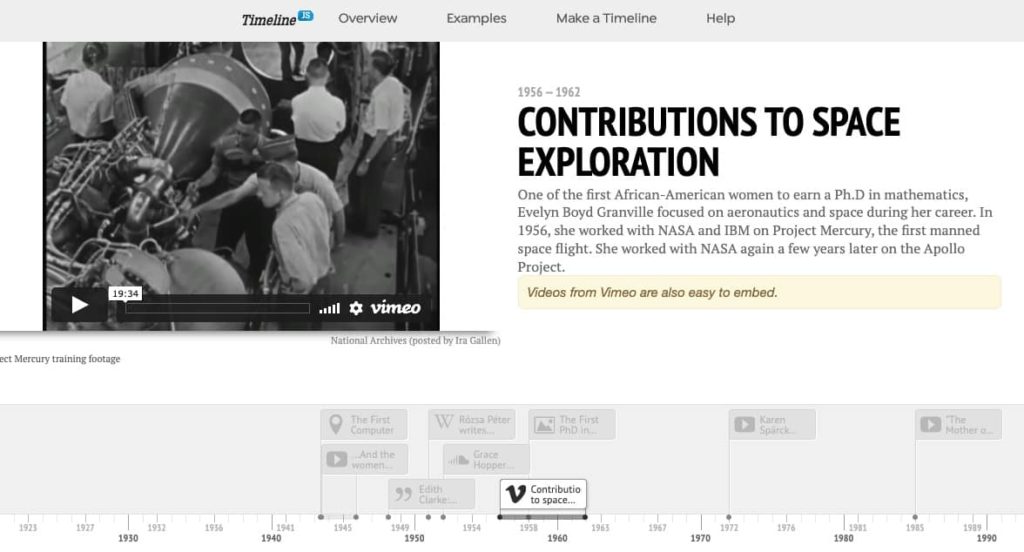
To all credit, this excellent generator of chronological friezes comes out of the innovation department of a major American university working on new exploration and visualization tools with journalists. As a result, the Timeline tool is regularly used by major international media such as CNN, Time or even closer to us the newspaper Le Monde to visualise a news story. Timeline works from an Excel sheet template where all your data will have to be imported. A click later, you get a timeline to look at online or embed on a site or blog. One of the best.
Link: Timeline
Frisechronos
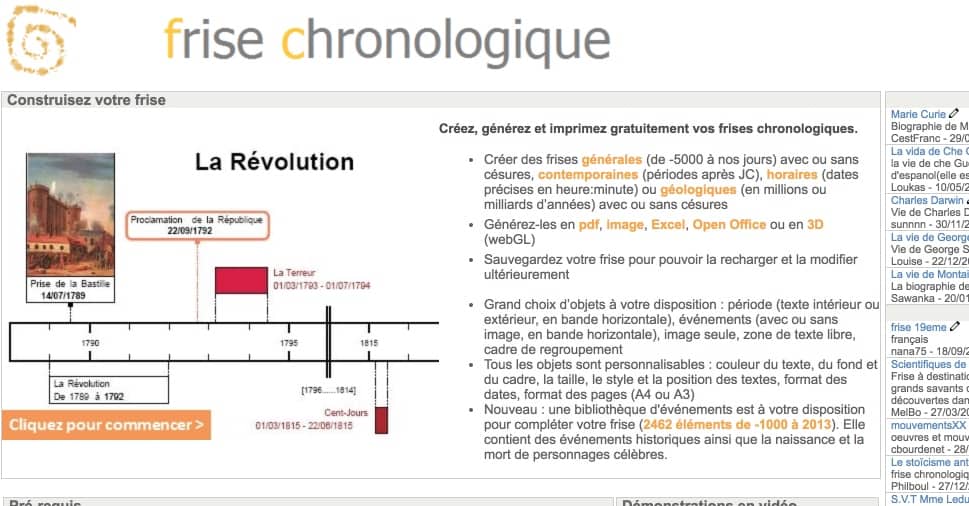
French and completely free, Frisechronos is another tool available that provides good and loyal services to teachers who have been using it with their students for quite some time now. The site allows you to design, generate and print your chronological friezes for free with important dates or events. Everything is easily customizable and to help you get started, Frisechronos also offers ready-to-use virgin friezes on many topics. Thousands and thousands of friezes have already been generated with the tool that can serve as a source of inspiration for you. Export your timeline in pdf, jpg, Excel or Open Office format. You will also be able to transform your friezes into 3D.
Link: Frisechronos
Time Graphics
One more timeline creation tool who does wonders. The instructions for use are simple enough to facilitate quick handling. Everything is done from a system of insertion points. With one click, you will see a circular menu that allows you to choose the type of content you want to add to your chronological friezes. The choice is vast. You can add text, a photo, a video, a map, but also make a histogram, an interactive spreadsheet. The graphic rendering is of good quality. TimeGraphics excels in its frieze export options. You will be able to download your productions in most useful formats. It is up to you to choose the desired file format: JSON, XML, Excel, docX or PNG. You can also get a code to insert your frieze on a site.
Link: Time Graphics
Tiki - Toki
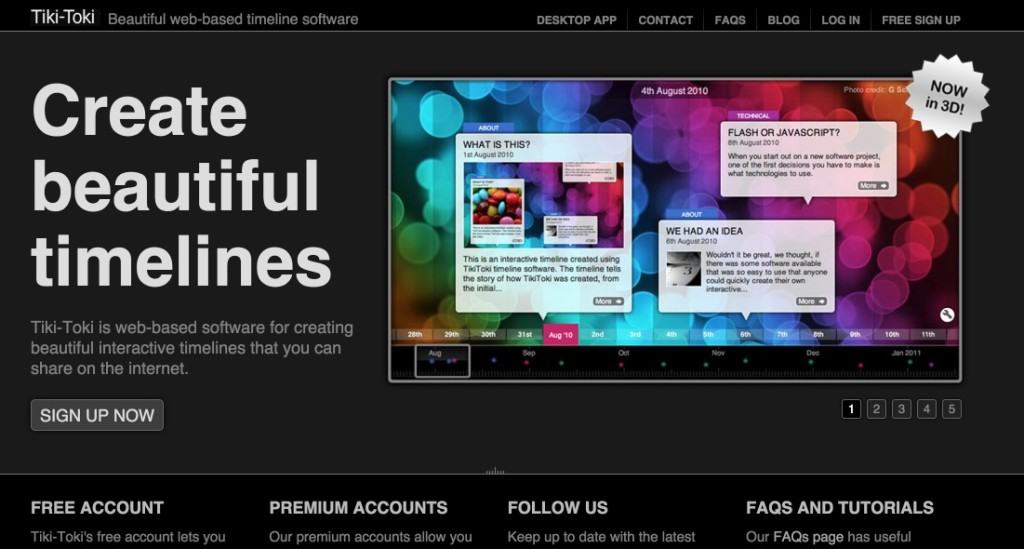
Tiki-Toki is one of my favorite tools. It's really great to get friezes chronological slamming. The tool stands out from the competition with simply superb renderings. The tool offers a range of customizable templates or templates that you can easily adapt to your own infographic idea. Small peculiarity, a feature to get a timeline in 3D. Once you have entered your data, you will be able to switch from one model to another and thus test the rendering with a single click.
Link: Tiki - Toki
Preceden
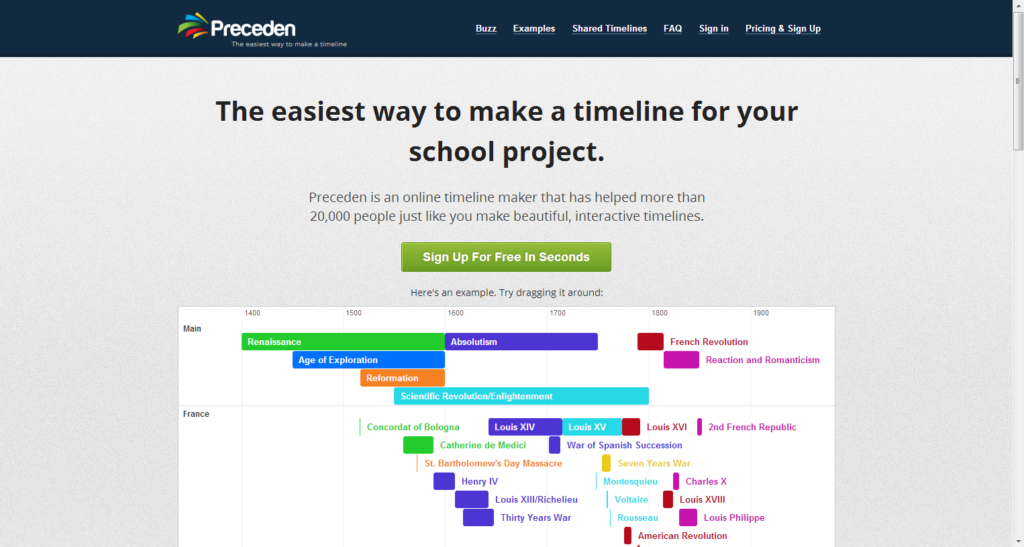
Preceden, which recently bought TimeGlider, another rather old tool in the same field, offers a solution with fewer multimedia options than the tools we have just seen. To his credit a certain simplicity to realize timelines without frills.
Link: Preceden
TimeToast
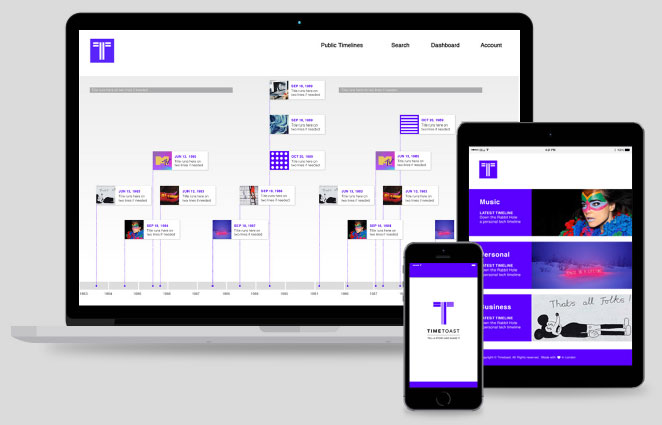
I like the simplicity of handling TimeToast. The tool can be placed in the hands of a group of students who will be able to use it without difficulty. TimeToast creates a timeline on which you will be able to place events that will appear via bubbles with texts and photos. A zoom system allows you to contract or dilate time. You can add events or multiple date ranges. Simply choose on the horizontal line where to install your markers. Each point in your timeline can be illustrated with an image and completed with links opening to web pages or videos. Simple and effective.
Link: TimeToast
LucidChart

LucidChart is a professional and powerful software that allows you to create complex diagrams, among other things. The tool also offers the possibility to create beautiful timelines from its software or online version. A serious tool that leaves little room for multimedia enrichment, but the result is up to its reputation.
Link: LuidChart
Office Timeline
How to make a chronological frieze on Powerpoint? This is Office Timeline. An original solution because it can interact directly with Microsoft’s software. The platform offers several simple but effective models of time scale types. The use is clear. Each template is accompanied by a tutorial. Customization, positioning of texts, date formats, is done directly from PowerPoint.
Link: Office Timeline
StoryMaps
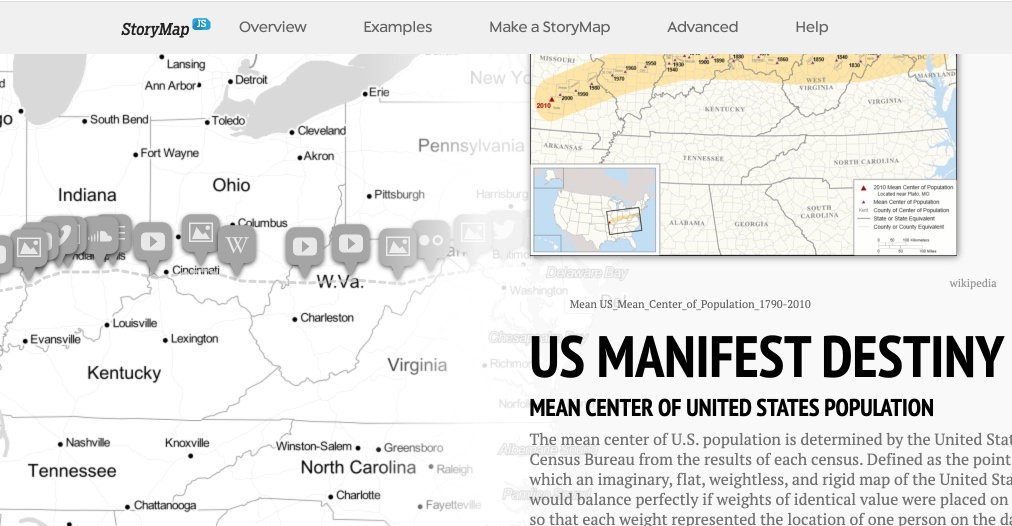
Storymaps also uses maps to create timelines in which the geographic factor is an important element. The KnightLab, which we were talking about earlier, was created with quality in mind. StoryMaps is very simple to use. All you have to do is look for the different step points on the map and then attach a kind of slide to them. It can be text, photos, links, sounds, videos … The result is amazing. You will find dozens of examples on the app’s website that can inspire you.
Link: StoryMaps
eStory
eStory plays simplicity. This free tool allows you to create a simple chronological frieze without frills. The impossibility of inserting videos or other multimedia elements other than images will be regretted. Remains a good tool to put in all hands even the least expert for a good initiation to storytelling via a timeline.
Link: eStory
Genially
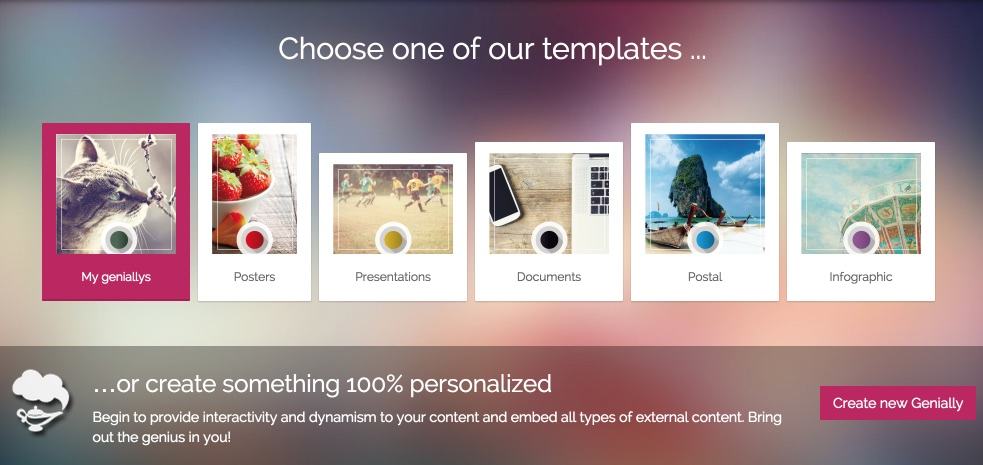
Genially is one of the online graphic studios that make it possible to realize any type of visual from models created by professional graphic designers. You will have at your disposal a beautiful series of “templates” of . timelines It's up to you to customize them and define text box, text color, page format with your data and images. The use is playful. The rendering is always impeccable to get a chronological frieze to print.
Link: Genially
Canva for Education
Canva is also an online graphic studio. The number of models to be adapted offered by this platform is considerable. When goes is the leader in this field and it is felt in the quality of the "templates" at your disposal as well as by the bank of images and icons of all kinds free of rights that you can integrate into your chronological friezes. Cherry on the cake, Canva for Education is free for all teachers.
Link: Canva Pro
Other useful resources on timelines
Of Timeline Templates Signed by Microsoft to use directly in Office.
A little story timelines with our Canadian friends in alloprof
and a great and incredible World Art History, all major periods, from antiquity to the present day, in chronological friezes by the New York MET.
Citéco, the city of the economy and currency of the Banque de France, offers on its website a magnificent interactive frieze that makes it possible to discover everything Economic Thought from Aristotle to the present day.
For fun, play online with the big dates of history with the data in Wikipedia. Wikitrivia displays maps with major historical events, it is up to you to put them in order in a chronological frieze. It is less simple than it seems.
To follow. Thank you for helping me complete and update this list of tools.
 English
Hello,
Thank you for this list. I would add the timeline tool at h5p.org (https://h5p.org/timeline). Very easy to use and easily integrated into any LMS (Canva, Moodle …) and WordPress.
Sincerely
Xavier
Hello,
I am looking for a site or software to create a timeline with these criteria:
– from -5000 to the present day
– to be able to set an unlimited number of events
– the length of an event is proportional to its duration
– and EVERYWHERE: a "zoom" system. As on Google maps: we see the main cities and if we zoom, we see the city in detail, and if we zoom again, we see the name of each street …
I would like the same on a chronological frieze: be able to define the main events, and define secondary events that are only displayed if zoomed in.
Thank you for your help!
Thank you so much for everything you do.