Last updated on 10 June 2026
Create a mind map remains an excellent way toOrganize your thoughts and ideas. They are easy to create and allow you to organise your thoughts visually. Find in this article a selection of online sites and services that allow you to create mind maps for your students or for yourself.
Table of Contents
What is a mindmap?
Mind maps have been around for centuries. Some call them mind maps. Other heuristic maps. Still other concept maps or for those that English does not reject “Mindmaps”.
Whatever you name them, creating mind maps is an effective way to get a visual representation of the different parts of a concept.
For Wikipedia : “It is a scheme, supposed to reflect the functioning of thought, which makes it possible to visually represent and follow the associative path of thought. They make it possible to highlight the links between a concept or idea and the information associated with it”.
Why use mind maps at school?
There are many uses in schools. They will allow you to help organise a course visually or to visualise a complex concept. They can be used to:
- Brainstorming
- Order your ideas
- Learn and make learn a lesson
- Carry out classifications
- Identify important elements in a mass of data
Mind maps as a tool for memorization
Mindmaps also make it possible to present the courses and the notions to be learned in a format that is more easily memorized (and more attractive too).
As several studies have shown, mind maps use a number of triggers that make card components easier to remember and recall than plain text. In addition, mind maps make it possible to connect and enrich existing knowledge with new information.
How can mental maps be used to better learn and retain information?
Mind maps are an effective tool to improve learning and the memorization of concepts and information. The great advantage of mindmaps is that they use a visual and organised approach to represent complex ideas.

When creating a mind map, you can organise the information in a logical and clear way. Feel free to add and use images, colours, keywords and diagrams to represent concepts and links between them. Mind maps also make it possible to highlight the key points of a topic, making it easier to memorise and remember information better.
Mind maps can easily be edited and updated, and provide a comprehensive view of all information. Another big asset, mind maps can often be created as a group or as a team. This makes it a valuable tool for thinking and designing together.
What are the main online mind mapping tools to create mind maps
Here is a list of the main tools and services in
Mindmeister. A must-have for mental mapping

Mindmeister arises as a leader in commercial tools for making mental maps online. It is fully integrated with your web browser, no download required and no updates to install. Whether you work on Windows, Mac OS or Linux, you can always access your mind map directly from your browser.
Modern and complete, Mindmeister offers all the functions needed to create quality maps. The free version is limited to three mindmaps. An education subscription is offered at a cost of just EUR 2 per month.
Mindomo. One of the best tools to create mind maps

Mindomo is another great classic that has offered the ability to generate different types of mind maps for more than fifteen years. It has mobile versions and tools that facilitate the presentation of the created maps, with special prizes for teachers and schools. Probably one of the best mind mapping software on this list. Practically, students do not need an email to be able to connect.
Mind42. A mind map generator in your browser

Mind42 is a free online mind map software. Mind42 offers you software that runs in your browser to create your mindmaps. Easy to use to create to-do lists, brainstorm ideas, present a lesson plan, etc. Mind42 is completely free.
Coggle. A collaborative mind map editor

Coggle Mind Map makes beautiful mind maps including a large bank of free icons to brighten up your creations. Its strong point lies in the possibility of making a card with several. The work is done smoothly and in real time. Coogle Mind Map is paid on subscription, but a free version is offered and allows you to make three maps without restrictions.
Plectica. A new generation tool for making all types of mind maps online

Plectica is a tool for creating mind maps and diagrams of which I have already said a lot of good in a previous article. I have not changed my mind. Plectica is one of the professional tools for creating and working with mind maps.
Each mind map created by Plectica can be shared via a dedicated URL. The tool makes it possible to share only in reading or to open up the possibility for the recipient to edit and intervene on the content. Practical.
Cmaps tools. Design and work on multi-mental maps

Cmaps is a free mind map tool developed by the Florida Institute of Technology. It is widely used in the world of education by students, teachers and professionals to create interactive and collaborative … mental maps. Among the many functionalities offered by the tool is that of encouraging and facilitating group work.
Many people can work together in real time to add images, ideas, comments and links between different concepts. The tool also tracks changes to the mind map and restores earlier versions if necessary.
Miro. A pro tool for team mindmaps

Miro is an online collaborative work tool for, among other things, project management. It can also be used to make mind maps. The tool offers many features to facilitate the creation of mind maps, including predefined mind map templates and customisation options to add colors, images and icons.
Users can work together in real time on mind maps. A chat and comment system is there to facilitate exchanges. Rather reserved for the business world, Miro offers a Teacher and Student Education Version completely free of charge.
Stemic. Creation of concept maps

100% made in France, the Stemic Solution offers to help you visualize complex situations with a tool that is very easy to tame. Stemic presents itself as a visual intelligence tool that helps understanding and therefore decision-making. A tool for creating a concept map, Stemic is ideal for illustrating all sorts of complex situations such as steps in a process or interactions between actors.
GitMind. Make mind maps online to several
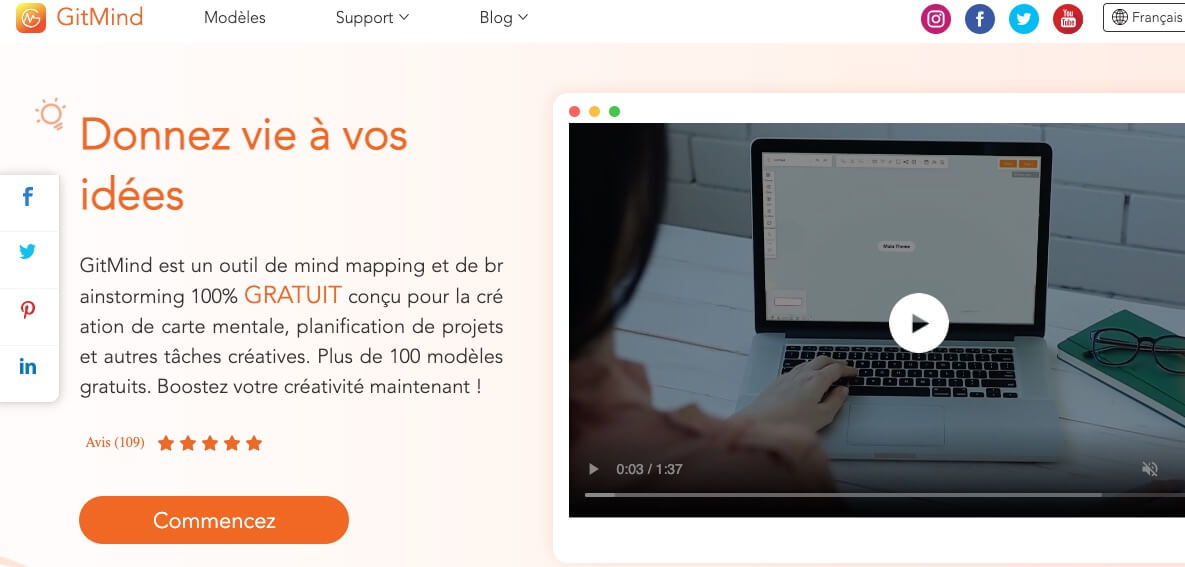
GitMid It's a nice surprise. Very easy to use, this online tool offers a modern and pleasant interface for quality renderings. In its many assets I retain a bank of models not to start from a leaky sheet, an extension for Chrome and the possibility of making cards to several. Another not insignificant feature, GitmInd is in French and it is completely free.
Bubbl.us. A simple and fast mindmap generator

Bubbl.us is very simple to handle and use. Alone or in combination, it offers a stripped-down but efficient interface that allows you to focus on what matters most: the content. As with many other tools on this list, a free version allows you to test the tool to a limited extent. Paid plans start at around €2 per month for education.
Maps of Mind. A kind of Trello for mindmaps

Maps of Minds offers a mind map generator that offers advanced customization features. A serious tool for creating complex mind maps alone or in groups. The platform offers you to create "infoboxes" instead of the usual nodes.
These "boxes" can integrate several text fields, task lists or comments. A professional solution for complex needs.
GoConqr MindMaps. A serious tool for complex mindmaps

GoConqr is a tool that wins to be known. His mind map editor is very complete. The end use is quite simple.
This will allow you to link multimedia content to your cards through a system of pins. Notes, images, videos, links will complement and enrich your representation.
The platform also provides an extensive collection of user-created maps that can serve as inspiration. The tool offers a fairly full free version.
MindMap Ninja. A 100 Mind Map Generator% online and 100% free

MindMap Ninja is a simple creative tool. a little too simple even. This may be enough for a basic mind map. It has the advantage of operating online and being completely free. I am a little less fond of advertising that is a little too present to my liking.
Diagrams.net. Mental maps online or locally
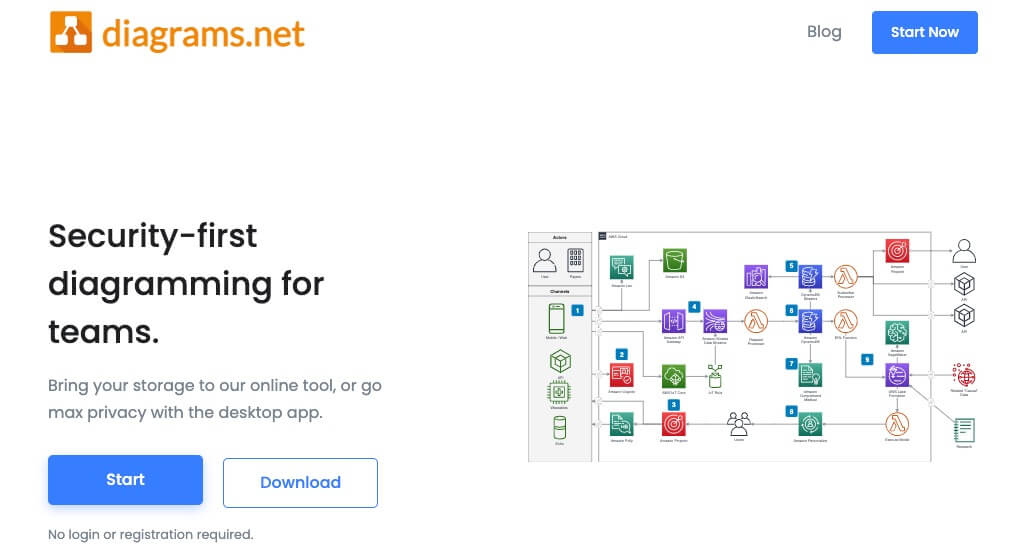
Diagrams is a free tool that gives you the choice to make your maps online or directly on your computer desktop locally by downloading the application. A tool that is respectful of your data. A big advantage compared to other solutions, Diagram can be used online without even having to register on the site.
Ideal for creating any kind of mind maps like a gantt chart for example. Alone or with others.
Popplet. Mind maps on the web or on an iPad

Popplet is a mind map generator that works on the web but also and especially on an iPad type tablet. Multimedia elements (text, images, videos, links) can be inserted, which can then be linked to create a mind map. Ultra simple graphical interface and ergonomics.
The first card is free. It will then cost you 2€ per month.
DrawExpress. Mind maps directly from your tablet

DrawExpress It also allows you to create maps directly from your tablet. The experience is very pleasant and intuitive thanks to careful ergonomics. You do this while tapping your finger on the screen.
Do not worry about the uninsured contour of the shapes you draw with your finger, DrawExpress will automatically translate them into perfect arrows, links and geometric figures. If you want to use a application in mobility, this app works on iOs and Android.
Simplemind. A multiplatform application for computer, tablet and laptop

Simplemind is a complete application for rich mind maps that can integrate many multimedia elements. This is an application that runs on Mac and PC but also offers variations for iOs or Android mobile devices.
The software is very powerful. You can make multiple Mind Maps on a single page. Horizontal, vertical, top-down and automatic list layout … Almost unlimited page size and number of items. The app offers a free version that is largely sufficient for many uses.
Freemind. Free and free software for all
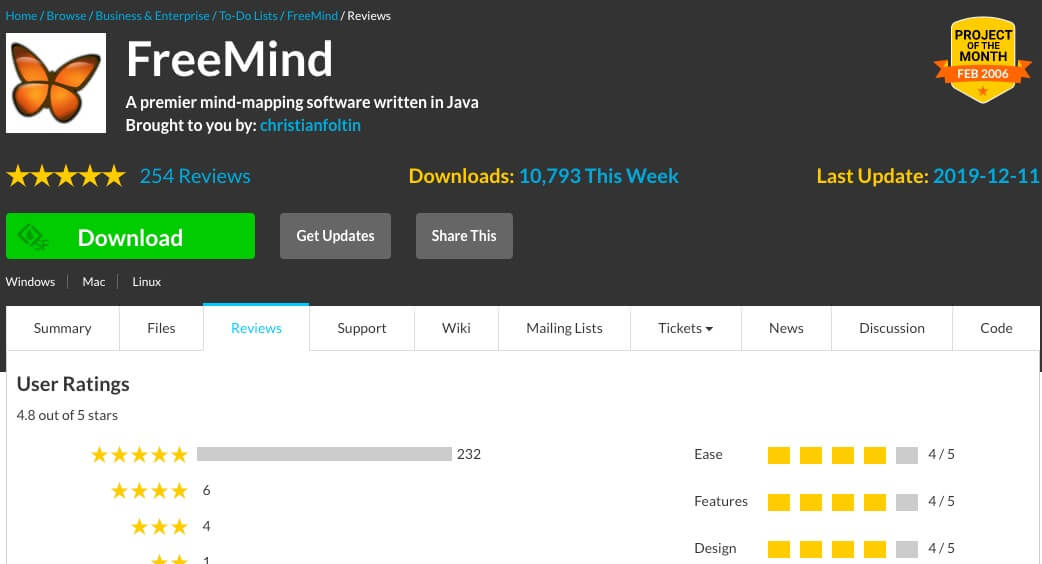
Freemind is also a software to download. Well-known to many teachers, it makes it possible to create heuristic maps (or Mind Map) to illustrate or represent the semantic connections between different ideas. Written in Java, it is available under the GNU GPL license.
Also try another software born from the source code of Freemind, Freeplane. Freeplane is significantly improving the Freemind project and is experiencing deserved rapid development.
Flowchart. Create a mind map from a text

Flowchart is a tool that allows you to make mind maps on the fly while you write. It is minimalist but quite amazing. The screen is divided in two. On one side a word processor, on the other your mind map that will take shape as you write.
MindMup. Create, publish and share mind maps

MindMup is a tool for Create mind maps as a team. It has the advantage of being Free and Open Source. The service doesn't pay off mine at first, but it does offer the essential functions of any good Mind Mapping tool. It even has some advantages over much heavier solutions.
FramindMap. Software, free and free to create mind maps

FramindMap It is part of the Framasoft galaxy. A guarantee of a free tool available to the entire educational community. Free, free, non-intrusive and largely sufficient basic functions for most school uses. FramindMap relies technically on the free software WiseMapping, an excellent mindmapping tool which I had the opportunity to present here some time ago.
—
So much for this list. Help me keep it up to date. If you know and use sites or apps to create mind maps that aren't listed here, tell me in the comments.
Read also on the website dedicated to Collaborative Tools : 5 tools for collaborative mindmapping.
 English
Hello
Freeplane, opensource, is one of the most comprehensive mindmapping applications. Exists on all OS. It is a freemind fork, much more elaborate.
Mindnode is excellent for formatting cards and sharing them. I use it on the small screen of an SE iPhone, to end up with very large cards. It is paid by subscription.
Hello, there is also a free version of Xmind
https://www.xmind.net/fr/download/
Hello
There is Freemind for making mind maps. It must be downloaded to the PC and has the advantage of operating without the internet. I like, use and make use of plectica.
Hello to ToolsTicians
For my part, I like ‘The Brain’ quite well, as a teacher told us in college. Sometimes I also use it as a professional presentation. The free version is enough for me.
Hello, thank you for all this information!
There is also Cmaptools, which has the advantage of allowing links to be characterised. This enriches both the map produced (the links between the words take on a meaning) and the reflection on the creation of the map which then becomes a conceptual map.
interesting but should they not be classified according to certain efficiency criteria?
I personally use XMIN 8 and XMIND 11 (free version) not listed in your inventory
I prepare my courses with and edit factsheets for learners (adult training)
My criteria:
1-Ease of implementations in free version
2-ability to generate PDF in free version
3- Ability to maintain clickable internet links in PDF export
4- Ability to create all types of diagrams
Using Xmind by habit, I create my diagrams with XMIND 8 but I turn them into PDF with XMIND 11 (less pleasant for creation) which also has the ability to maintain internet links
It's up to everyone to see what's right for them
JP MAZERY
Thank you very much for this work! This is very useful.
Forget my remark about coogle I zapped in this long list
thank you for the job
GUY